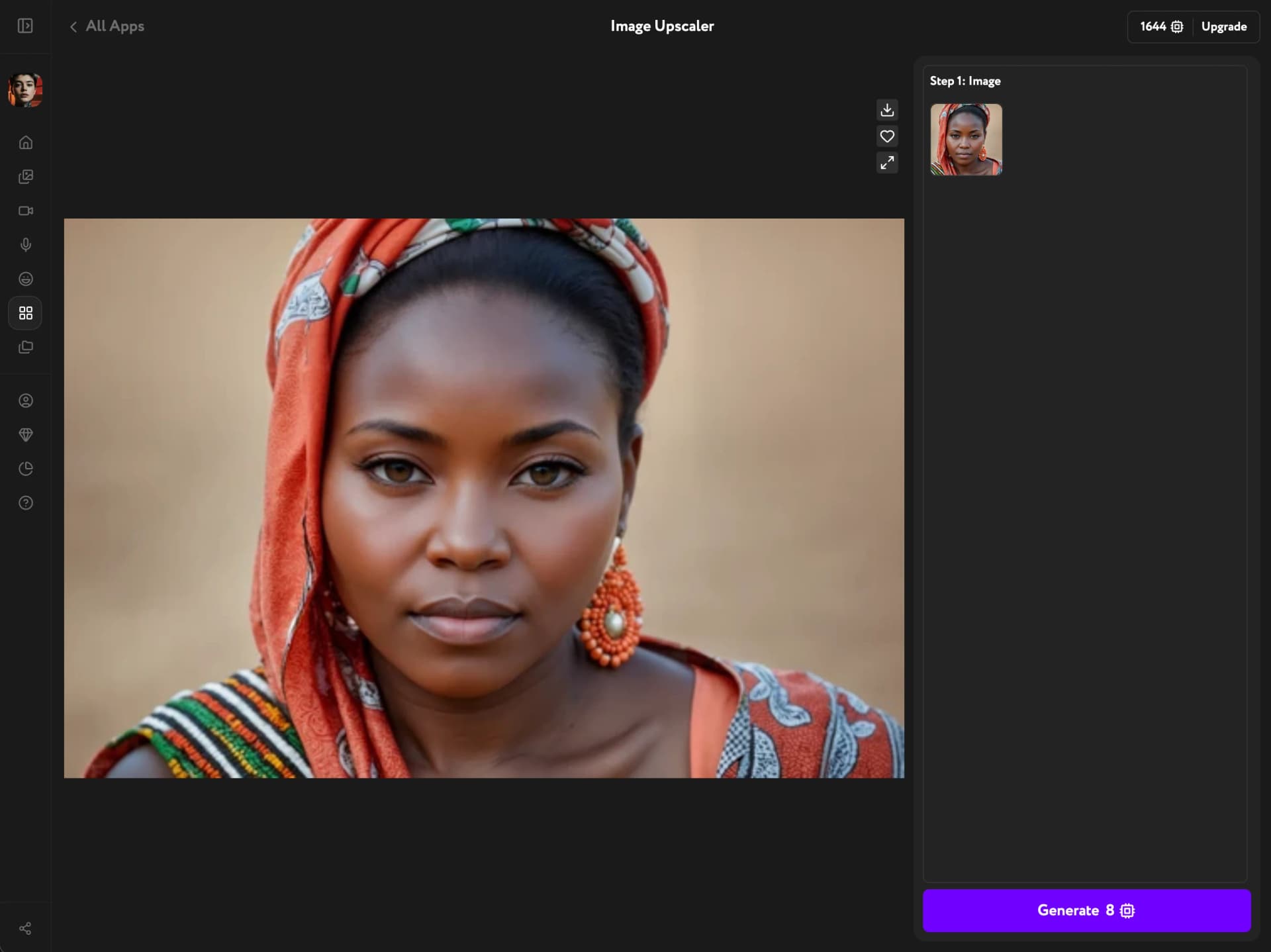
Image Upscaler improves the resolution of AI-generated or uploaded images in Workroom without re-prompting or reshooting. It corrects over-smooth skin, synthetic textures, and waxy gradients. The result is a larger file with restored natural detail, ready for print or large-format use.
Open Image Upscaler
Open Apps from the sidebar and click Image Upscaler.
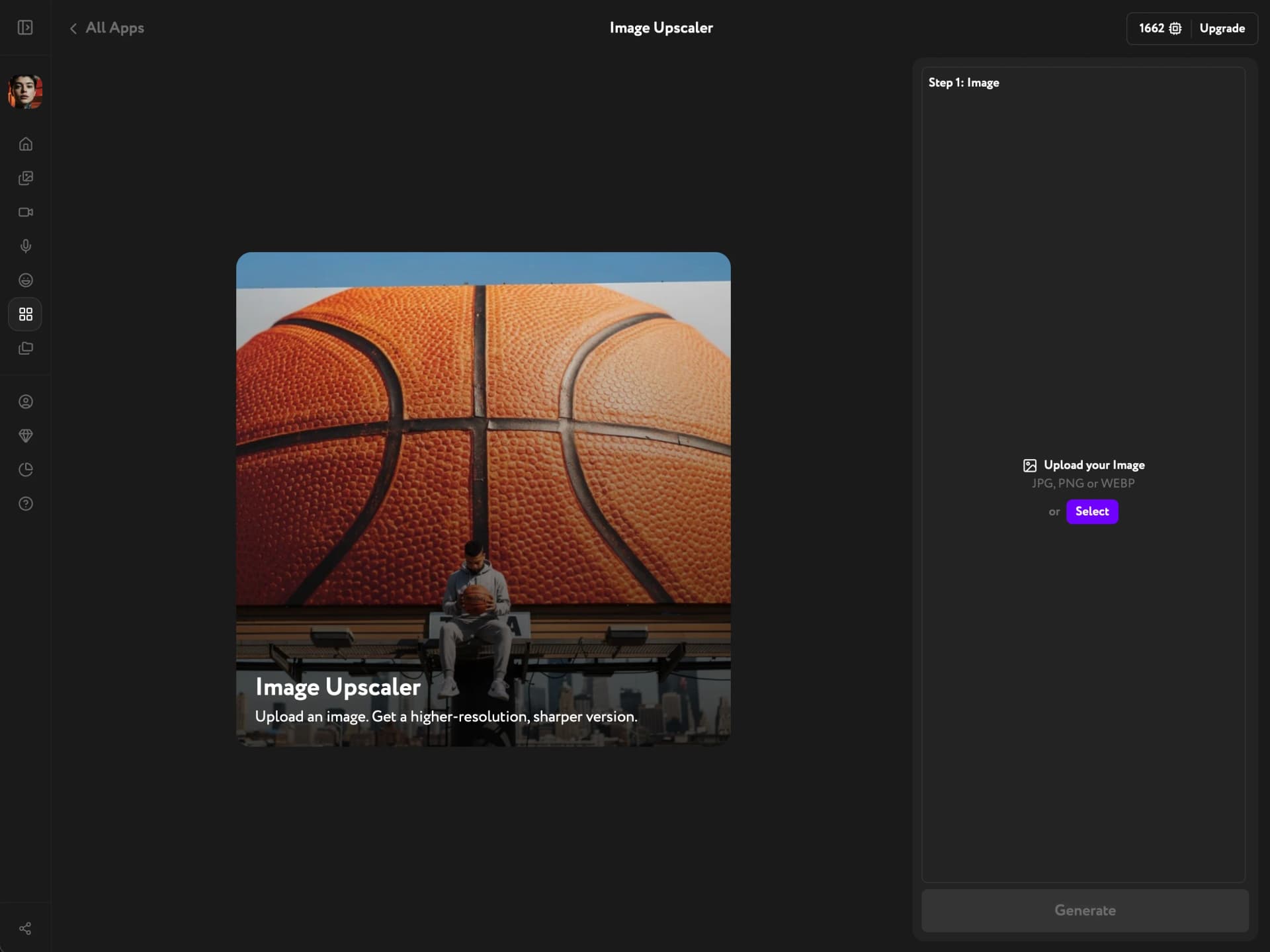
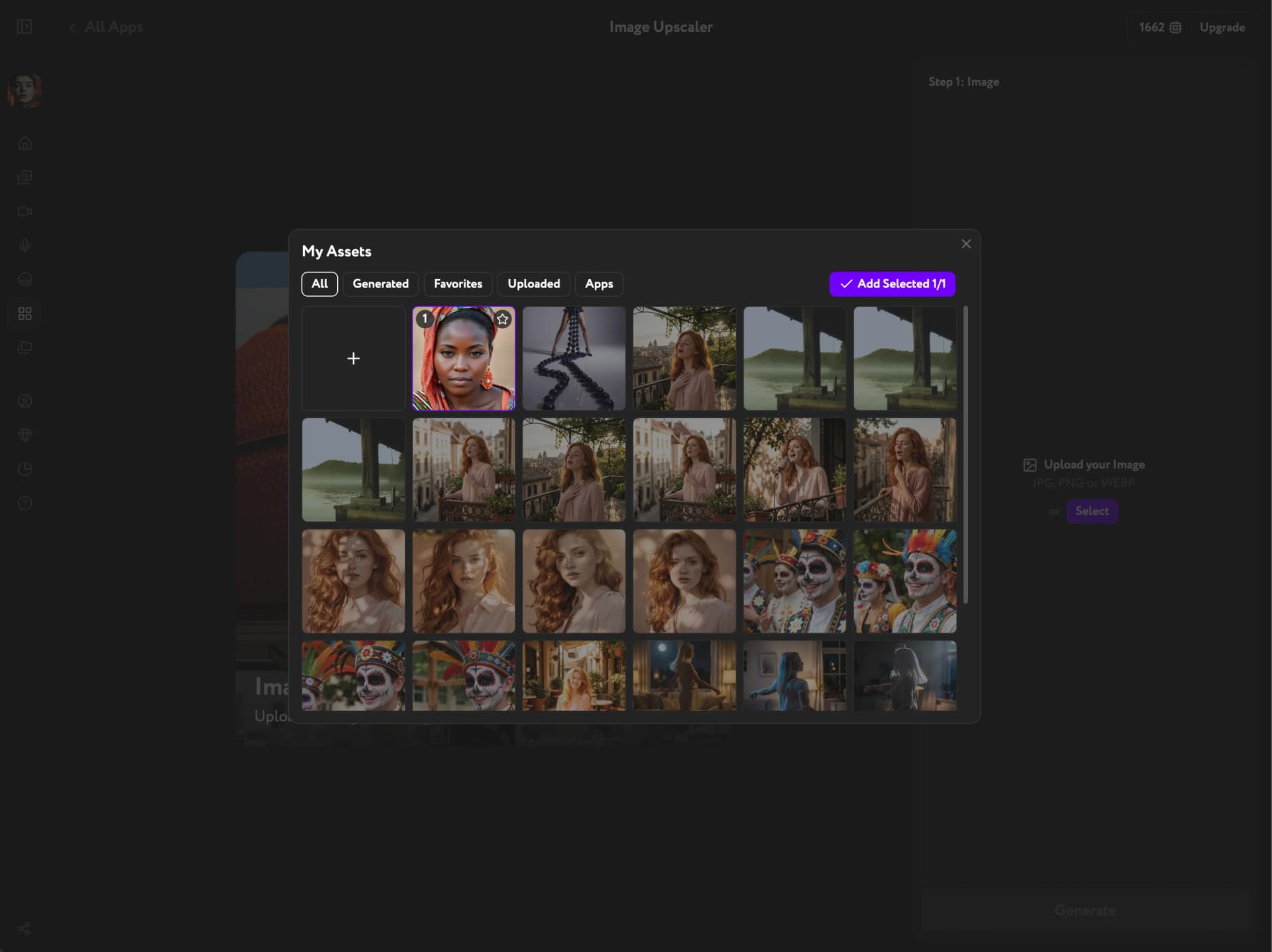
Select your image
Click Open My Assets and pick an image from the panel. Browse Generated, Uploaded, Favorites, or Apps content. Click the image to select it, then confirm.
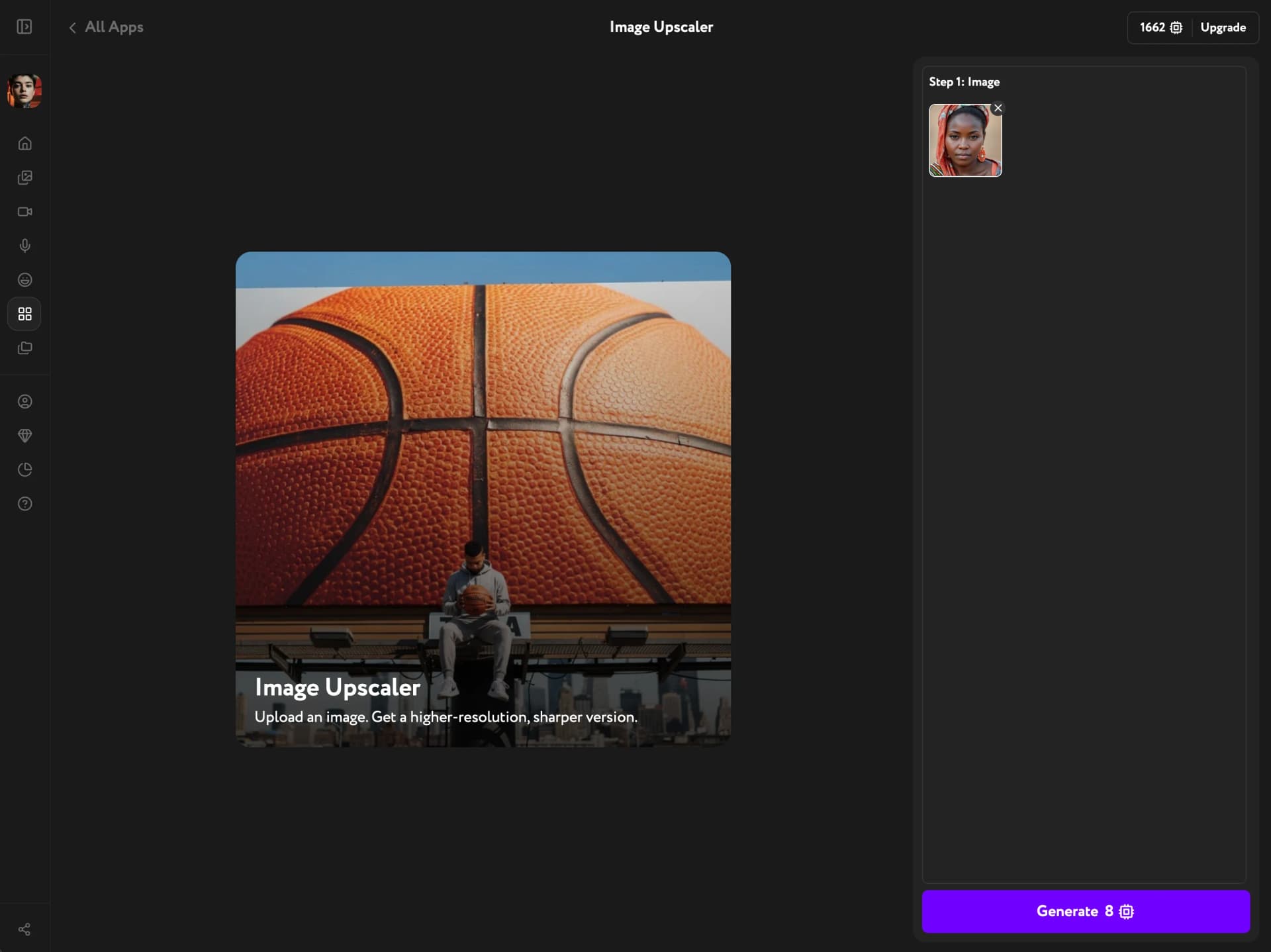
Generate the enhancement
Click Generate. No sliders, no model selection — the AI determines the right enhancement for your image automatically.
Download or save the result
The enhanced image appears at full size. Use the action buttons to download it directly or save it to your Workroom library for use in other tools.