
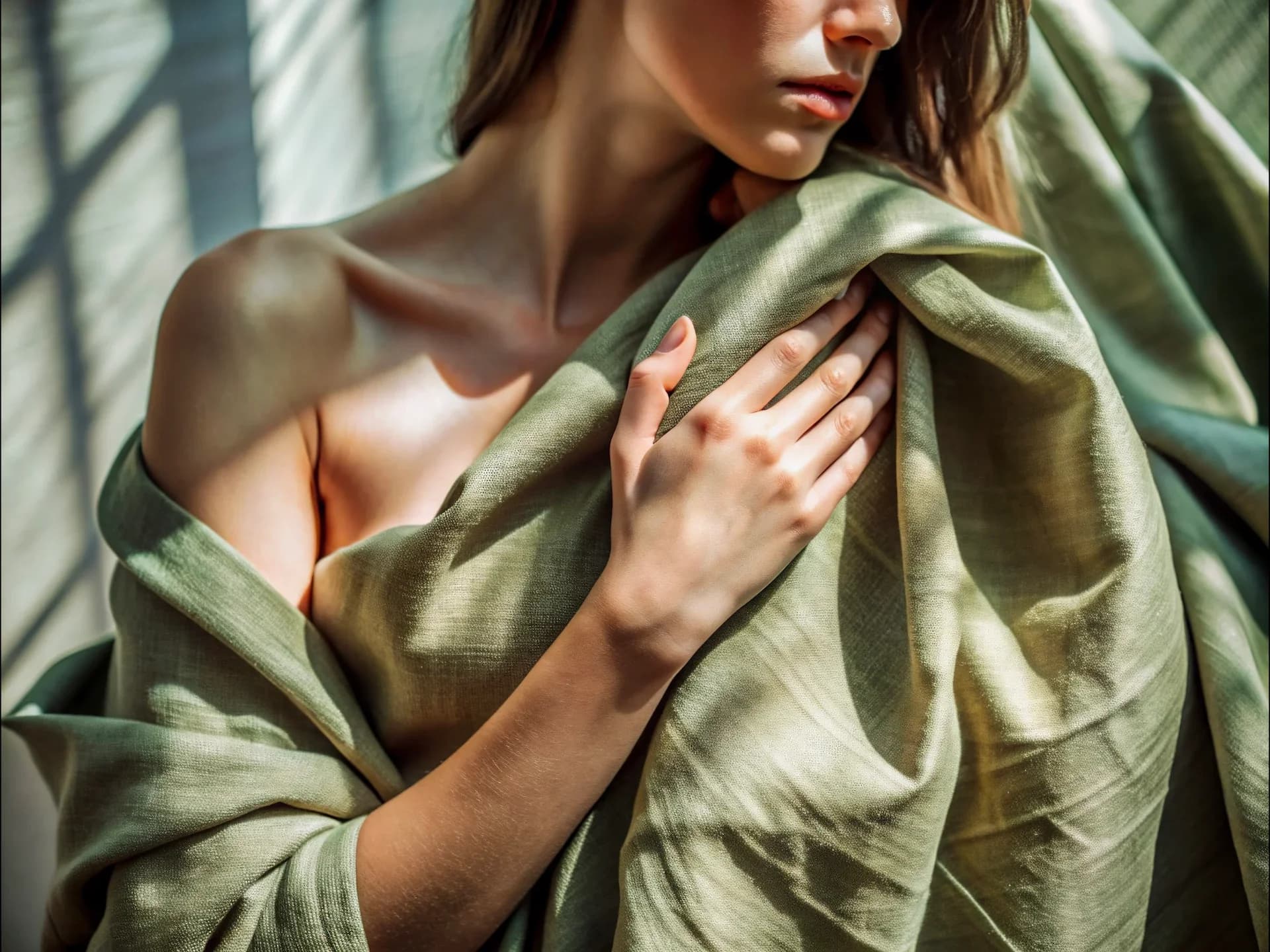
AI Stock Image Generator
Your Photo, Reshot as Stock
Upload a photo you like but can't use. You get the same scene shot again as a stock image — new faces, no logos, no stray text.
Same scene, new faces, clean frame

Keep the scene you already like
The setting, the action, and the mood of your photo carry over. No need to describe the shot in words — the photo is the brief.
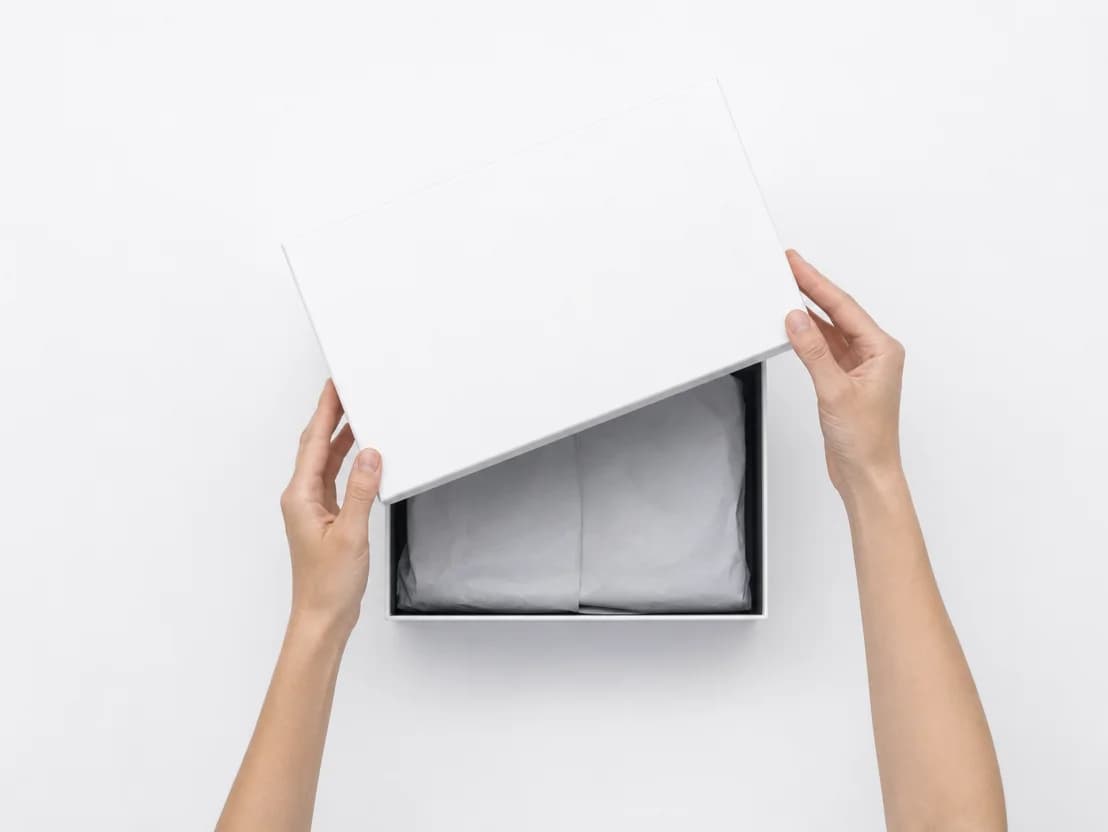
New faces, not the ones you shot
People in the result come out with different faces, styled the way stock photography looks.
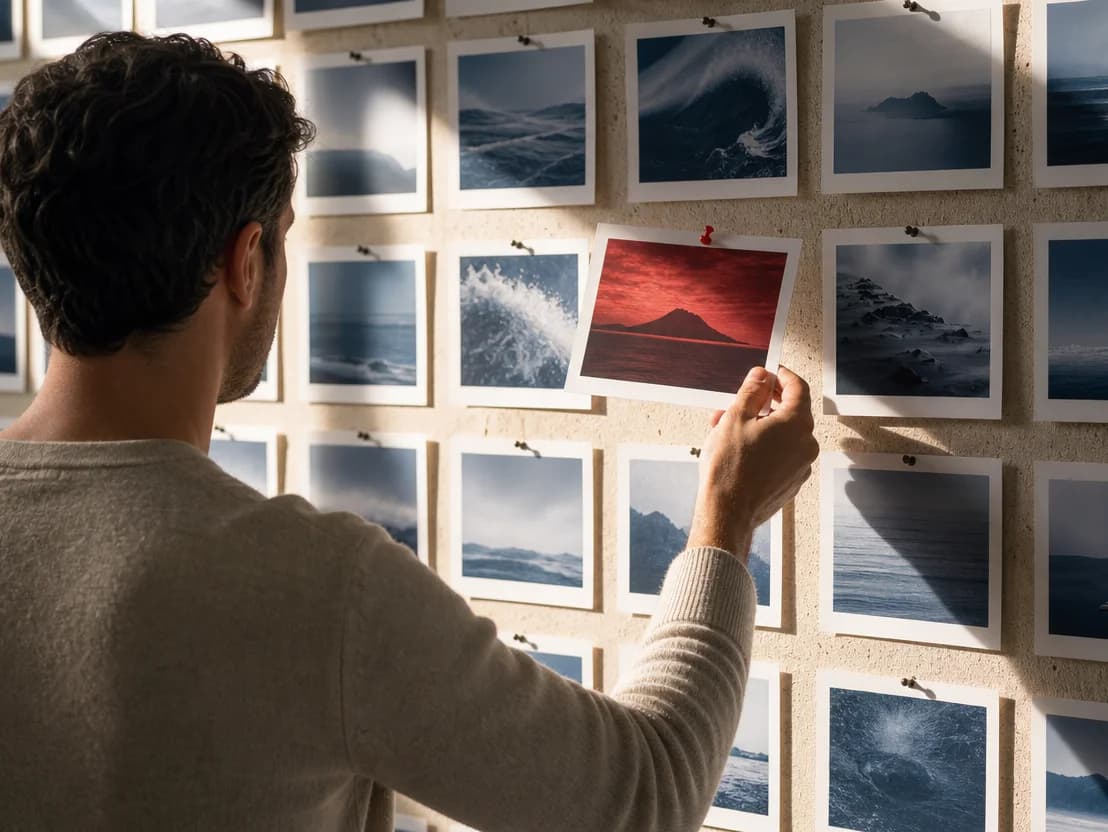
Clean frames you can put in front of a client
Logos on the mug, a brand on the hoodie, garbled letters on a sign — removed from the new frame, not left for you to retouch.
Key Features
Photo-as-brief reshoot, fresh faces, stock-ready direction, logo and text removal
Your photo becomes the brief
The app describes your photo in words — subject, setting, action, light — and generates a new image from that description. Nothing is painted over your original, so you get a fresh shot, not an edit.
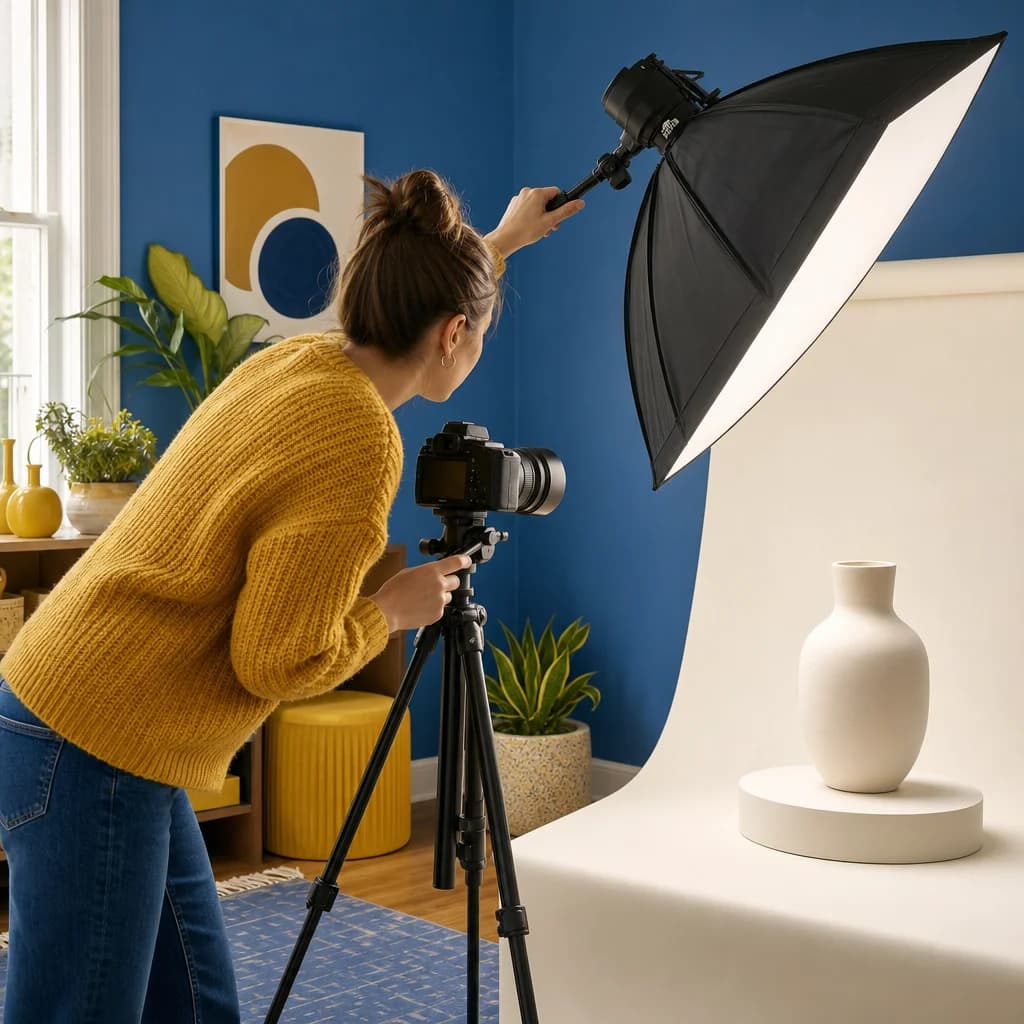
Stock look out of the box
Believable people, honest light, a composition with room for a headline. No settings to tune, no photography vocabulary to write.

Brands, logos, and text removed
Trademarks, brand marks, and readable signage make an image unusable in ads. They stay out of the new frame from the start.

How it works
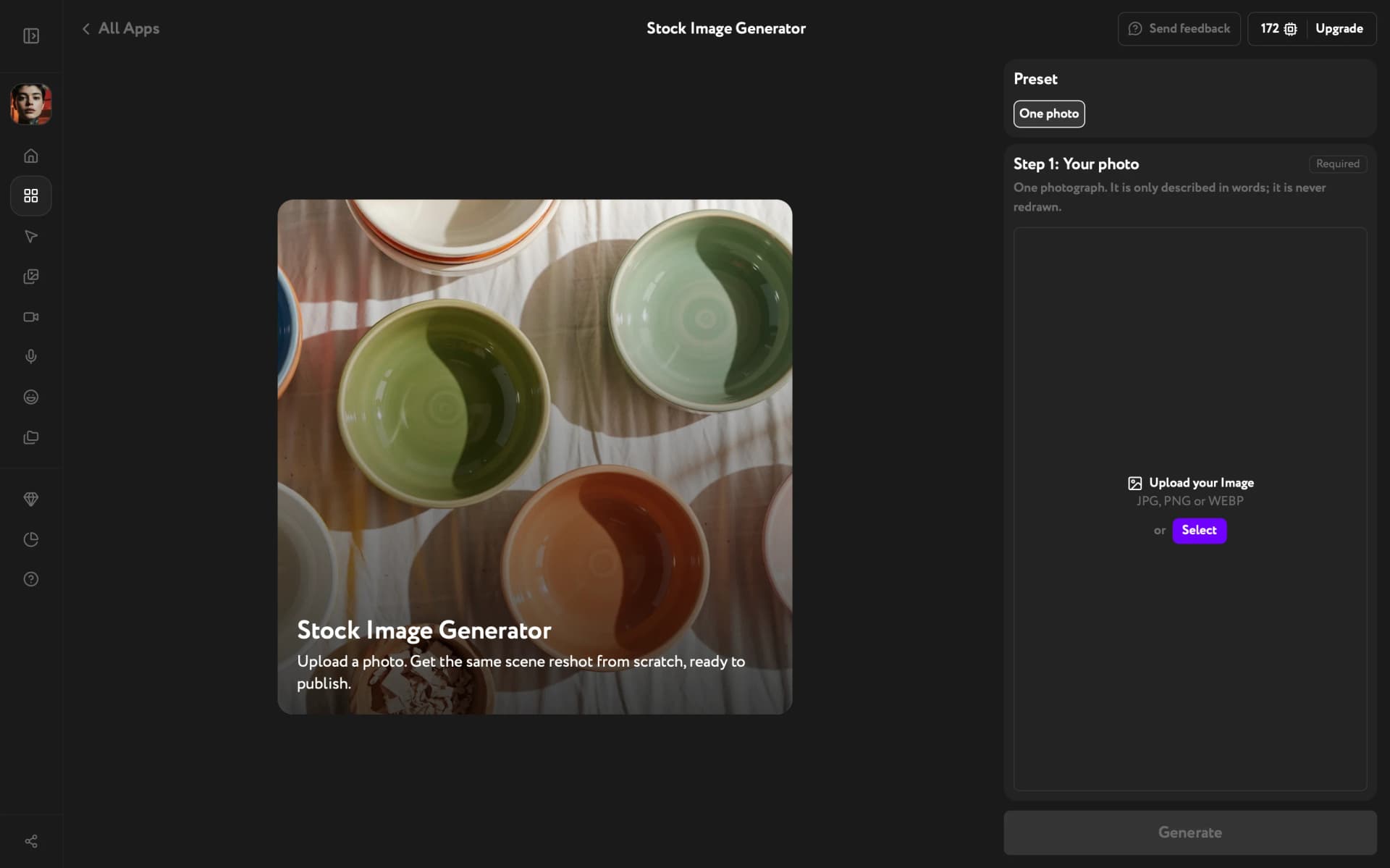

Stock images without the stock library
Bring a photo of the scene you need and get it back as a clean stock frame.
Try other apps
More tools to speed up your creative workflow.