
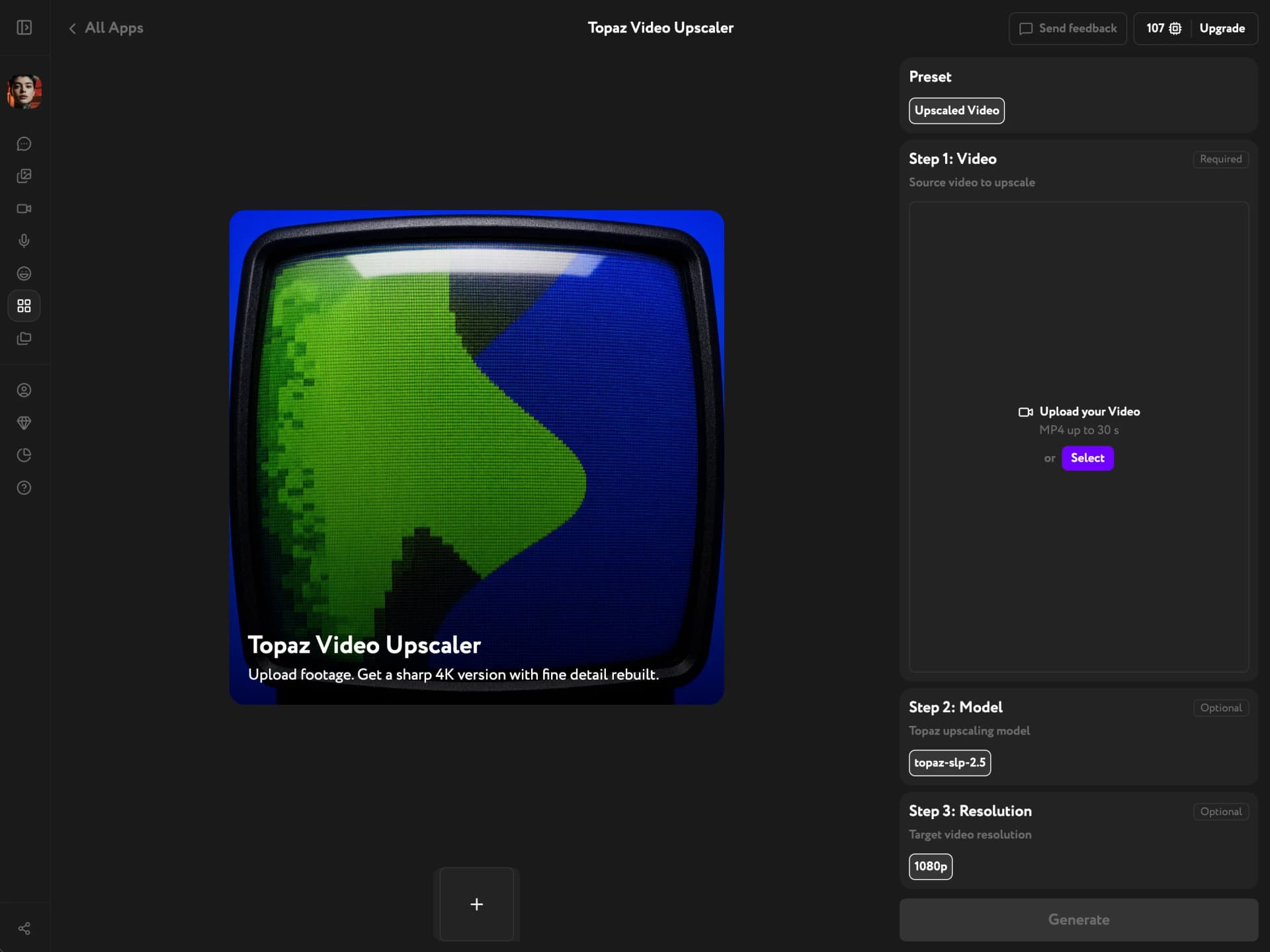
Topaz Video Upscaler
Three Models, One Clip, Up to 4K
Run Topaz's upscaling models — Proteus 4, Starlight Precise 2.5, and Astra 2 — on any MP4, up to 4K. Pick the model that matches your footage instead of trusting a hidden preset, and pay only for the videos you upscale.
True 4K, and the detail to fill it
You decide how much gets invented
Some upscalers only sharpen what is already in the frame; others redraw it from scratch. Here that is your call rather than a hidden default — restore the shot exactly as filmed, rebuild detail the source never captured, or push past it into a look.

Sharp in motion, not just on a still
Upscaling runs frame by frame across the whole video, so detail holds while the shot moves. Output goes up to 4K — the resolution where soft footage usually falls apart on a large screen.
Upscale inside your pipeline
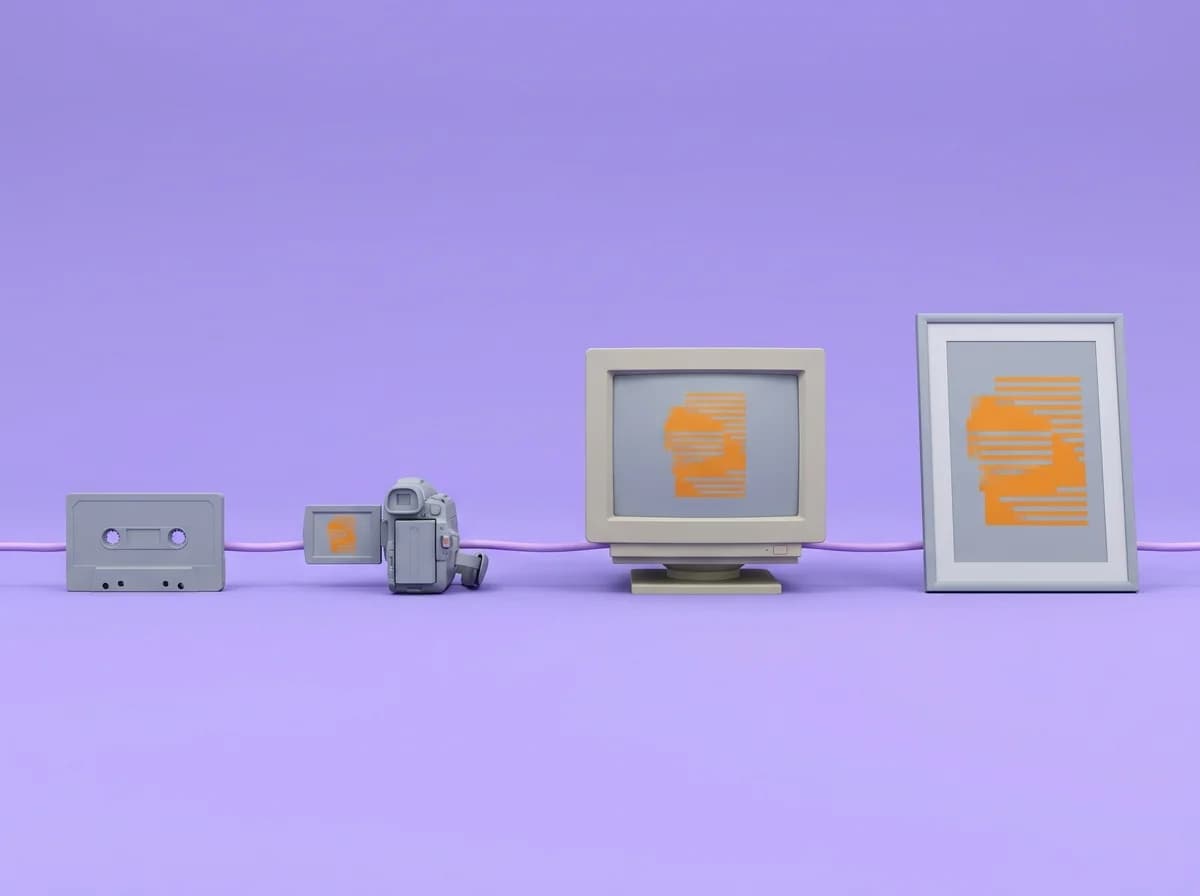
Generate a video, swap a face, add sound, then upscale the finished result — all in one place. Nothing to install, no export and re-import between tools.
Key Features
Faithful restoration, generative detail recovery, stylized enhancement, output up to 4K
Proteus 4 — keep the frame honest
Proteus clears compression artifacts and sharpens what is already in the shot without inventing anything new. Faces stay recognizable and text stays true, which makes it the right first pass for interviews, product shots, and camera footage. It is also the lightest of the three models to run.
Starlight Precise 2.5 — rebuild what was never there
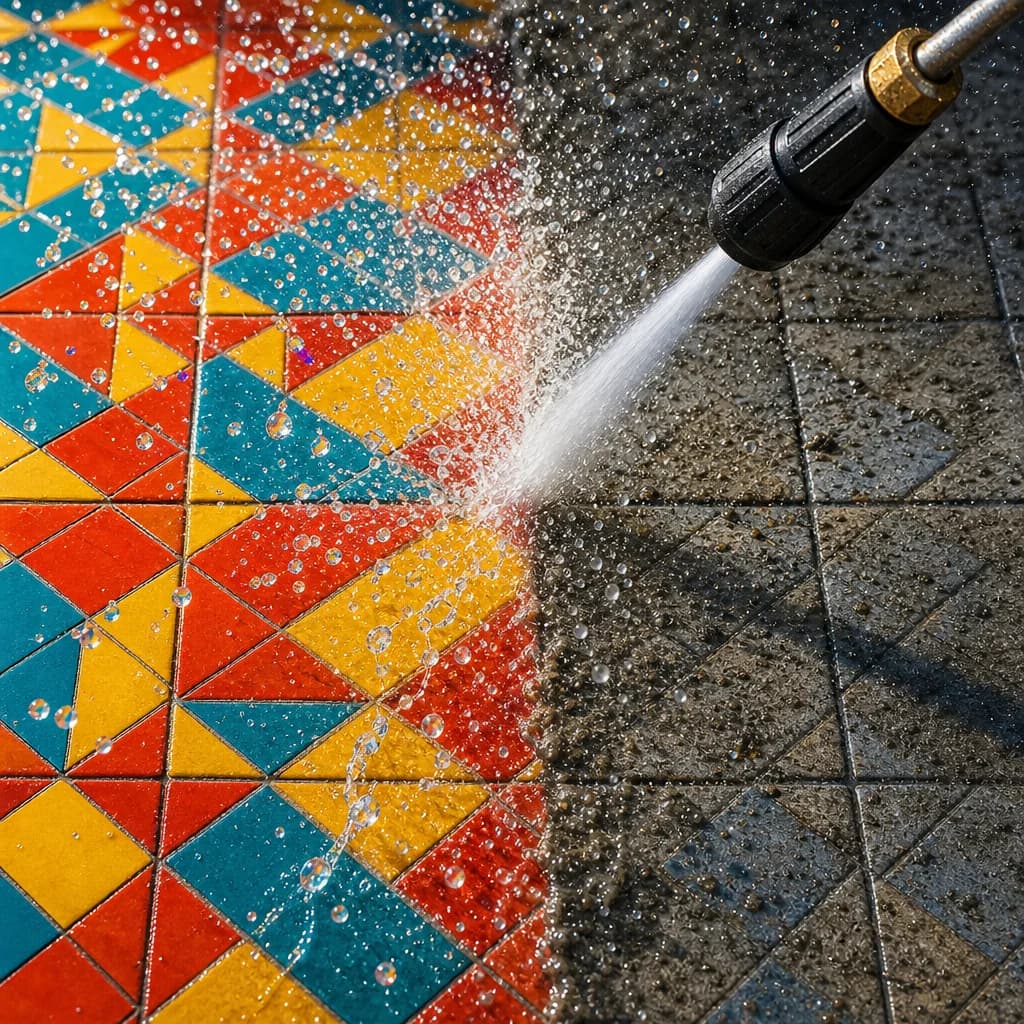
Starlight is a diffusion model that reconstructs detail the source never captured: individual hair strands, skin texture, fabric weave, the edges of small type. It is the model to reach for when a video is soft or heavily compressed and there is simply nothing left to sharpen.
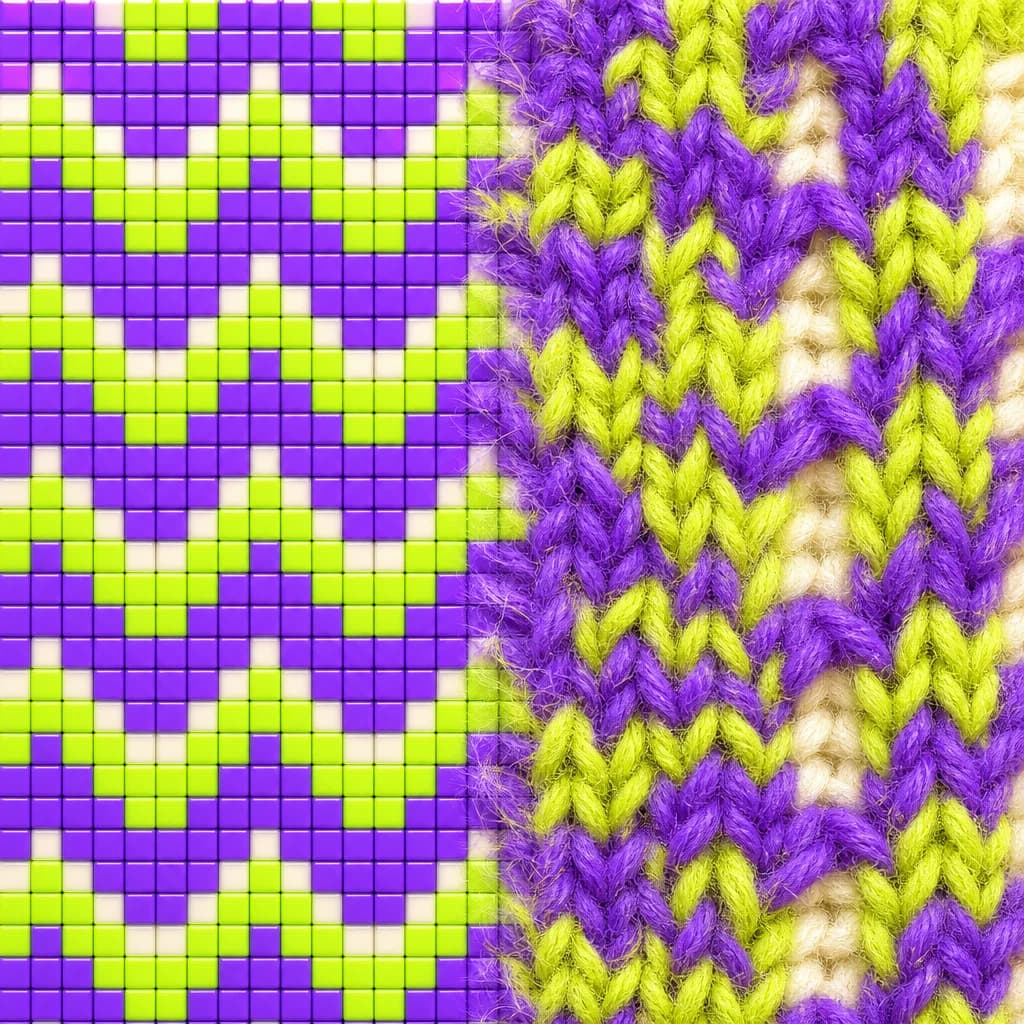
Astra 2 — go past the source
Astra is the most aggressive of the three. Instead of restoring the original frame it adds new texture and detail, turning the upscale into a creative interpretation of your video. Use it when you are after a look rather than a faithful copy.
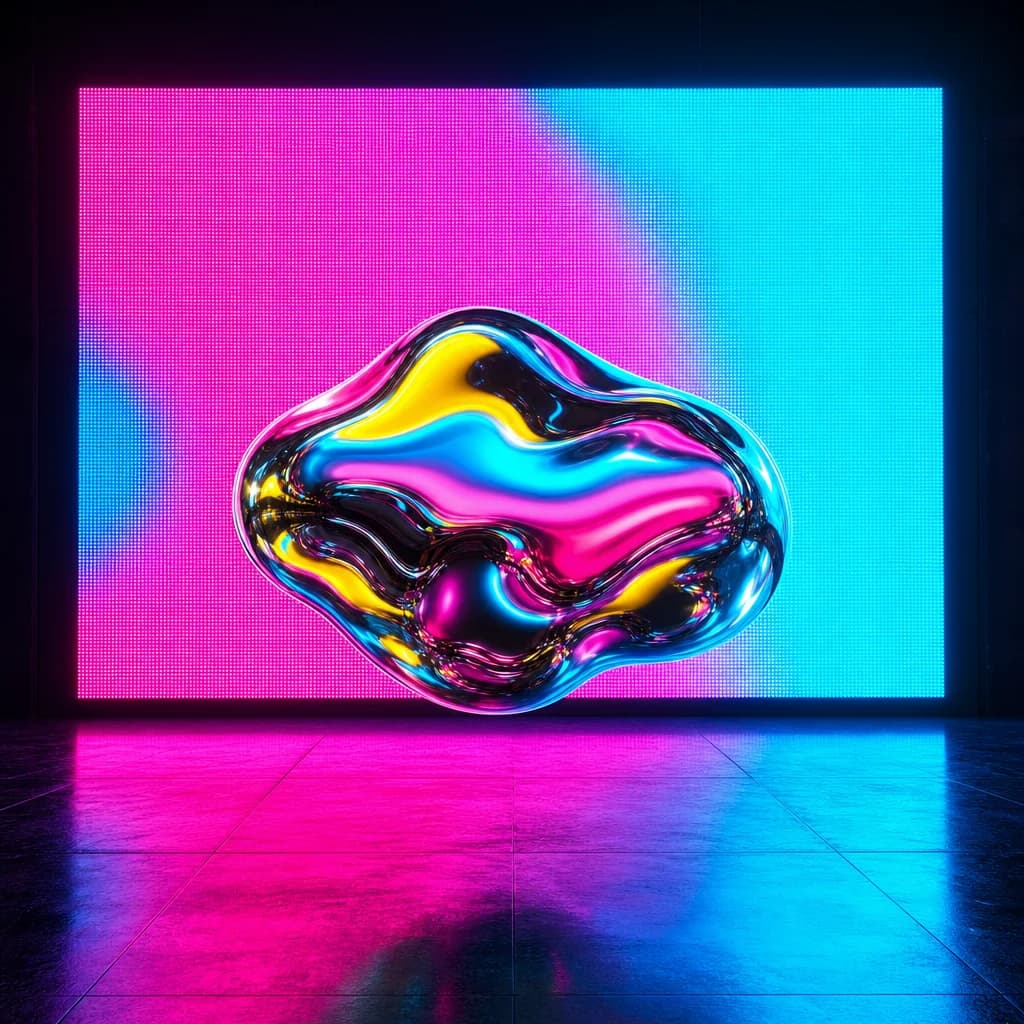
Resolution up to 4K
Set the target to 720p, 1080p, 1440p, or 4K. Choose 4K when the video will play full screen or on a large display; 1080p covers social and web. The cost appears on the Generate button before you commit.

Which model for which footage
| Criterion | Proteus 4 | Starlight Precise 2.5 | Astra 2 |
|---|---|---|---|
| Best for | Camera footage, interviews, product | AI-generated, heavily compressed | Stylized, hyper-detailed looks |
| Approach | Restores what was filmed | Rebuilds detail never captured | Invents new texture |
| Faces & text | Stay exactly as filmed | May redraw on close-ups | Reinterpreted |
| Detail recovery | |||
| Faithfulness | |||
| Relative cost | |||
| Max resolution | 4K | 4K | 4K |
Find out what your footage actually had in it
Pick a model, pick a resolution, and see the video at full size.
Try other apps
More tools to speed up your creative workflow.