

AI Video Upscaler
Sharper Footage, Higher Resolution
Upload a video and get a sharper, higher-resolution version — up to 1440p. Fixes the soft, low-res look AI generation leaves behind, with no settings to tune.
Sharper, cleaner, ready to publish
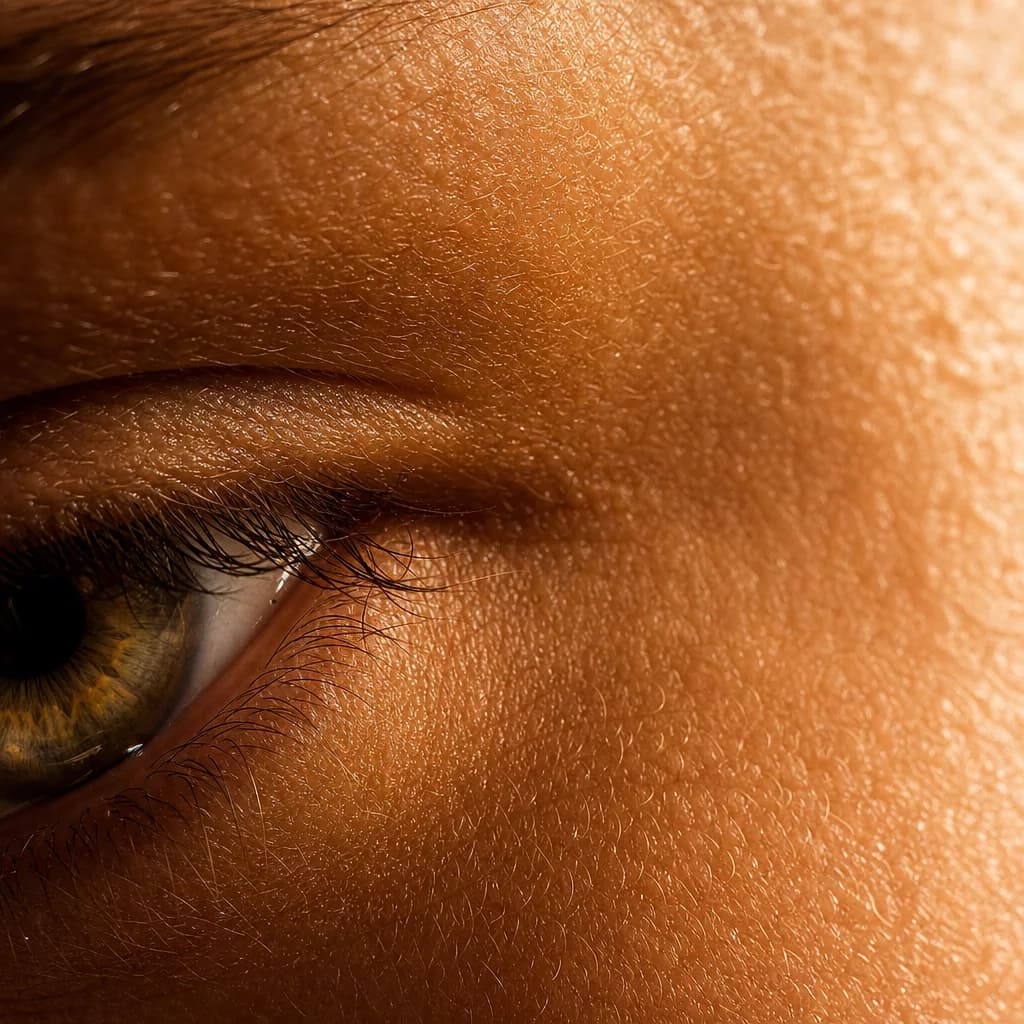
Brings back lost detail
AI-generated and compressed video often comes out soft — blurred edges, mushy texture, washed-out faces. Upscale reconstructs the fine detail instead of just stretching pixels, so the footage looks captured, not rendered.
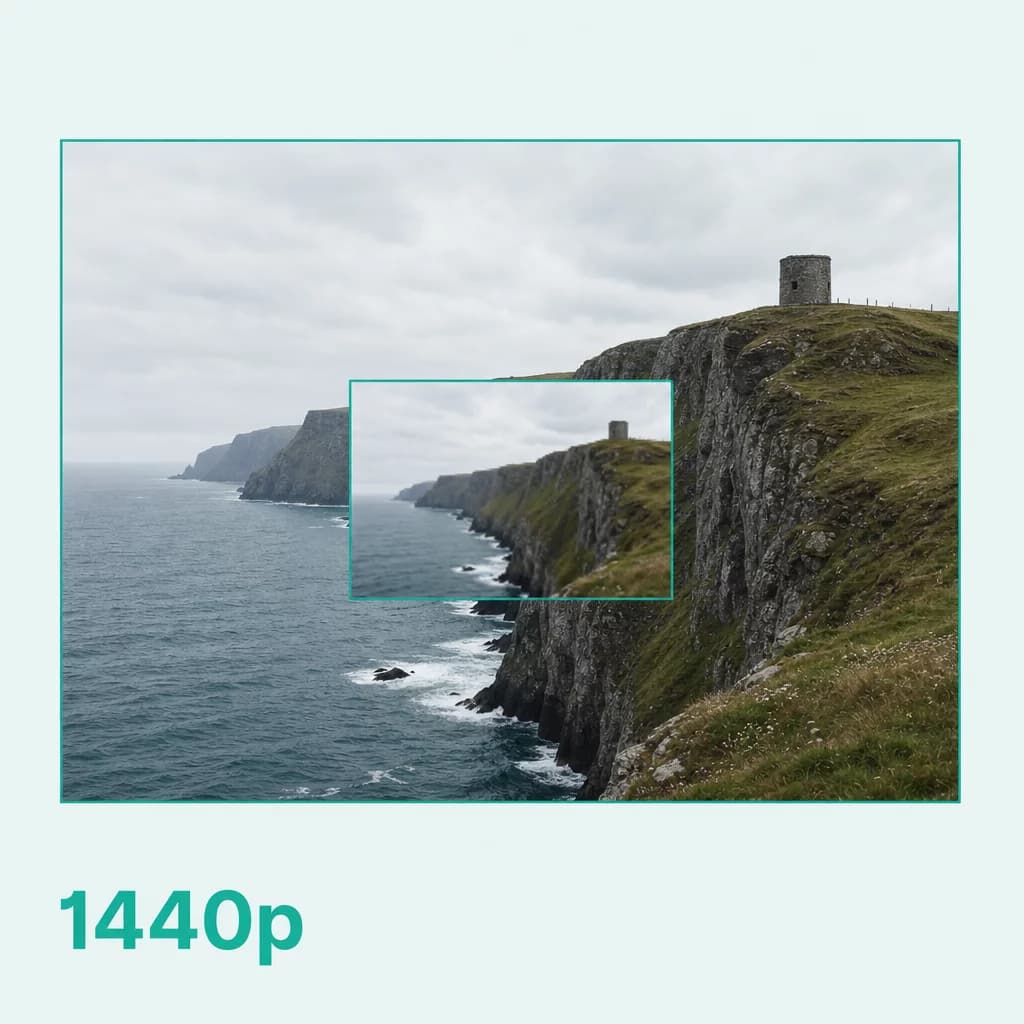
Higher resolution on demand
Choose your target — 720p, 1080p, or 1440p — and the AI rebuilds the frame at that resolution. Small previews become clips that hold up full-screen, on social, or on a big display.

One step inside your workflow
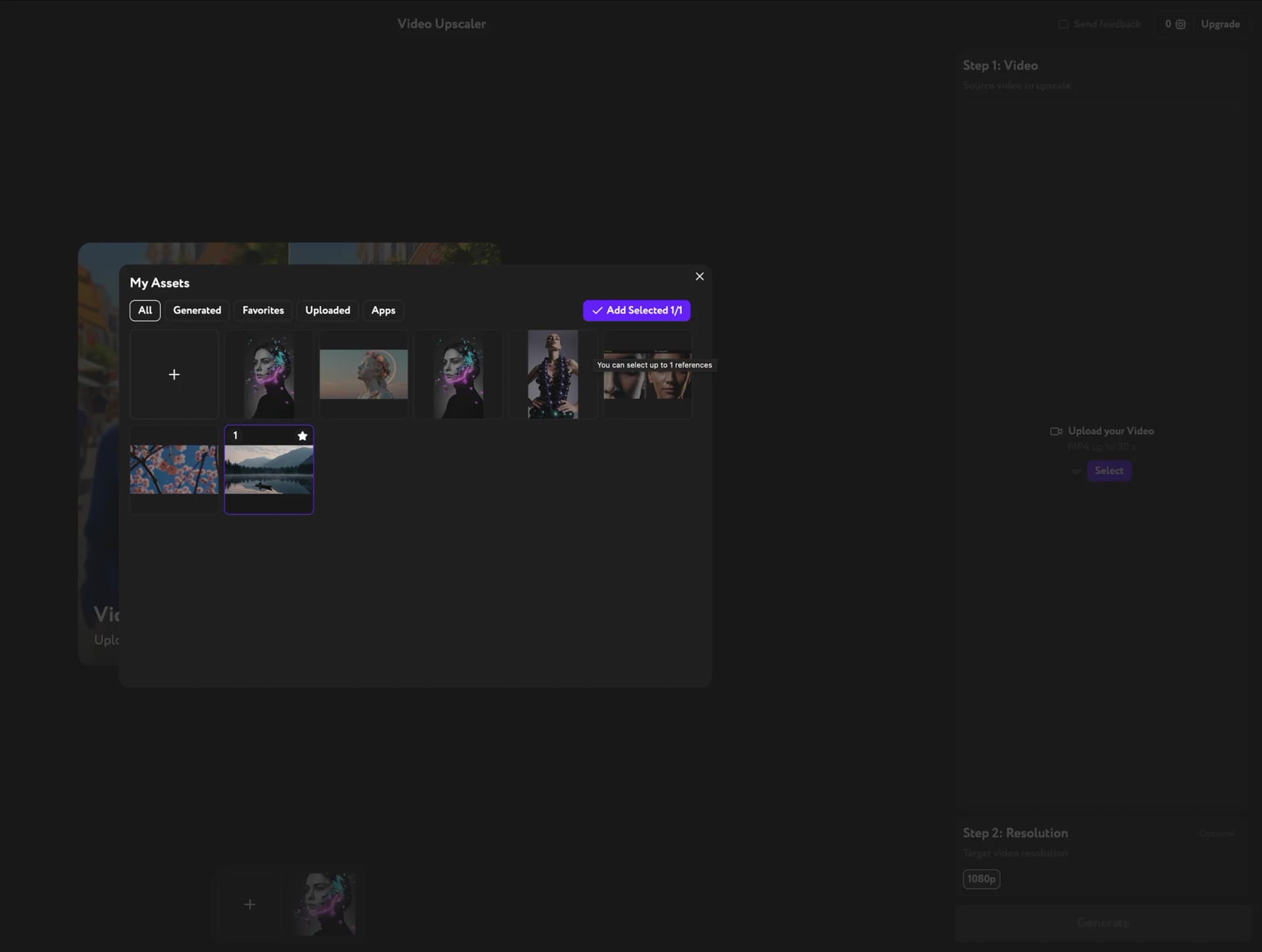
No separate app, no export and re-import. Generate a clip in Workroom, upscale it right there, and keep moving to lipsync, edit, or publish without leaving the pipeline.
Key Features
Frame-by-frame detail recovery, target resolution control, one-click processing
Frame-by-frame detail recovery
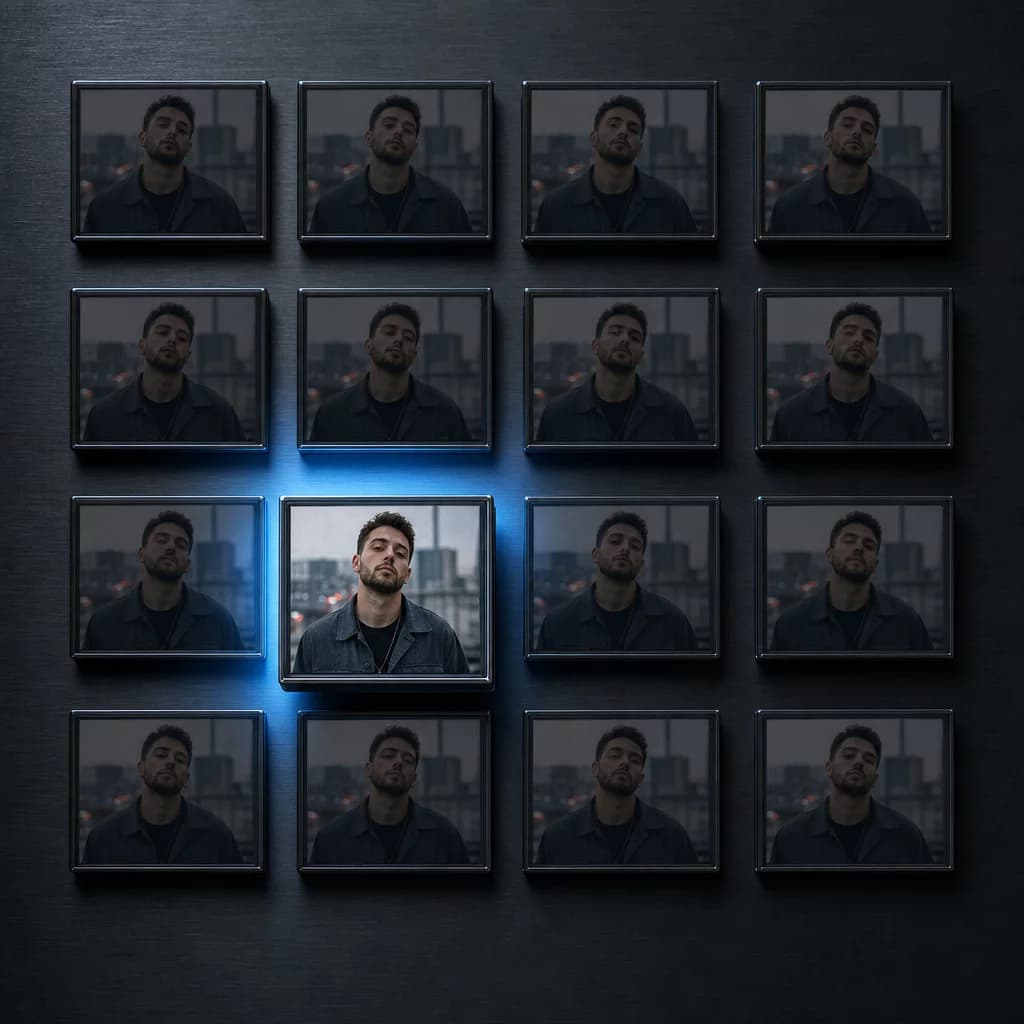
The model enhances every frame individually — sharpening edges, restoring texture, and cleaning up compression artifacts. The result stays consistent across the whole clip, not just on still frames.
Pick your output resolution
Set the target to 720p, 1080p, or 1440p depending on where the video is going. The AI rebuilds detail to match the resolution you choose — no manual scaling, no guesswork.

Built for AI-generated video
Generative video tends to look soft and low-res straight out of the model. Upscale is tuned to fix exactly that — recovering crispness and detail so your generated clips look finished.

How it works

Make every clip ready for the big screen
Upscale once. Publish anywhere — social, web, broadcast.
Try other apps
More tools to speed up your creative workflow.