
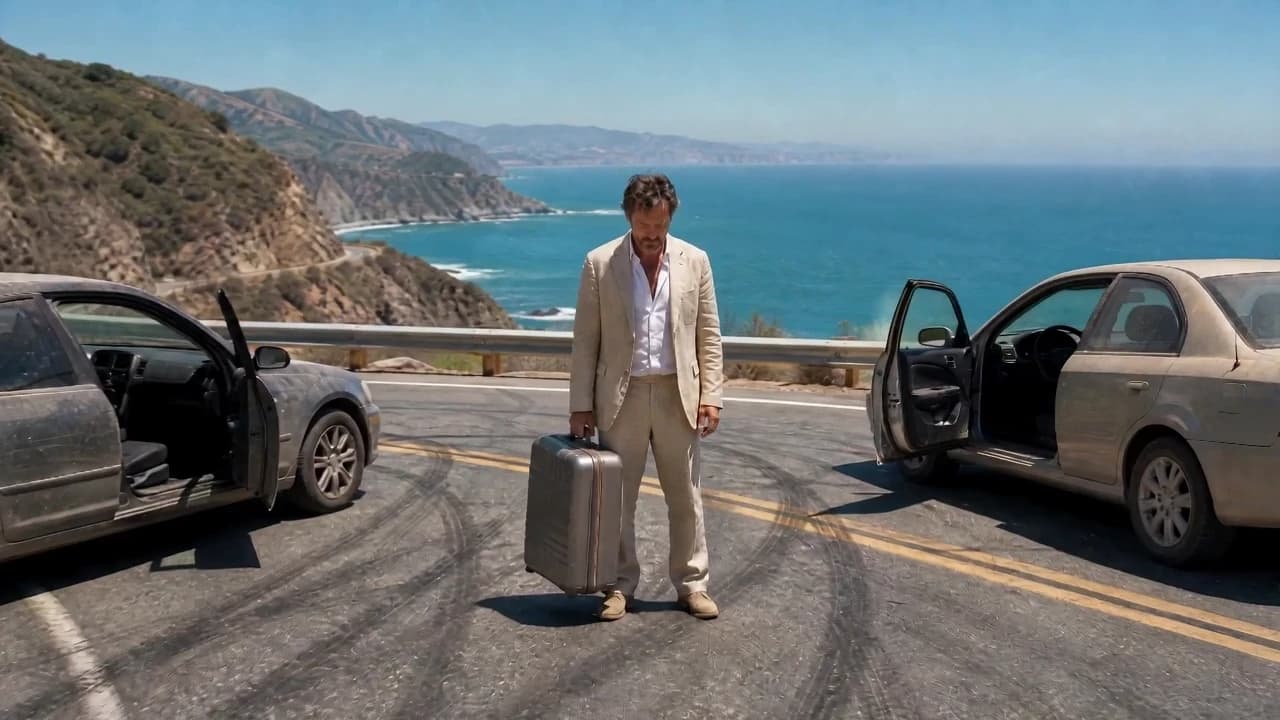
AI Arc Shot Generator
A Cinematic Camera Move From One Image
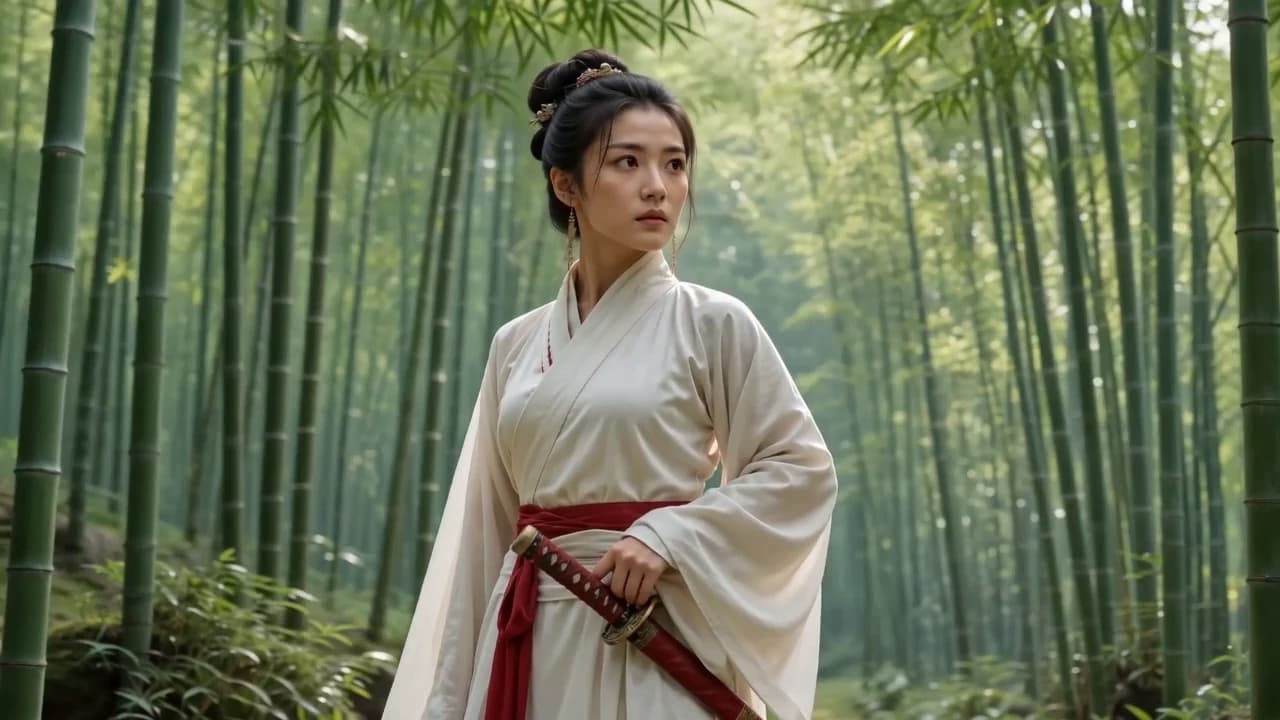
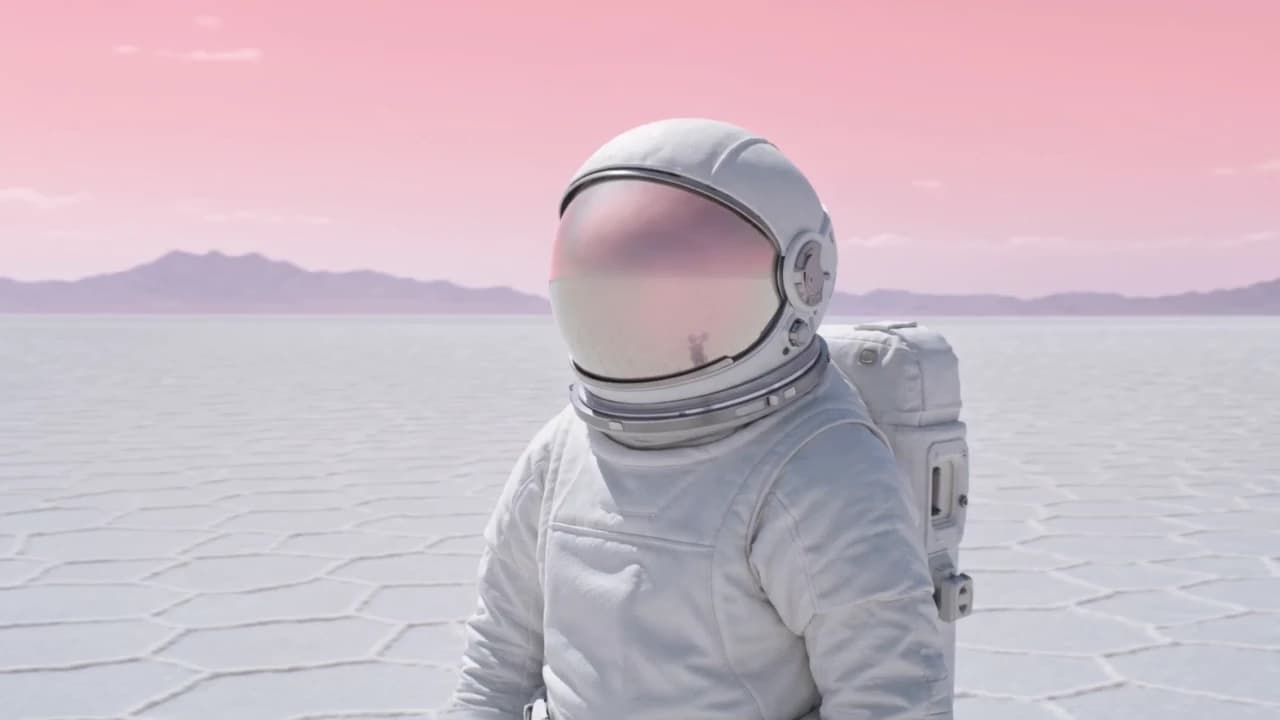
The camera moves around your subject, smoothly taking the shot from one angle to another. It's built into a ready-made preset: add an image, describe what happens in the scene, and generate — no camera path to write into a prompt.
More depth, more motion, more cinema
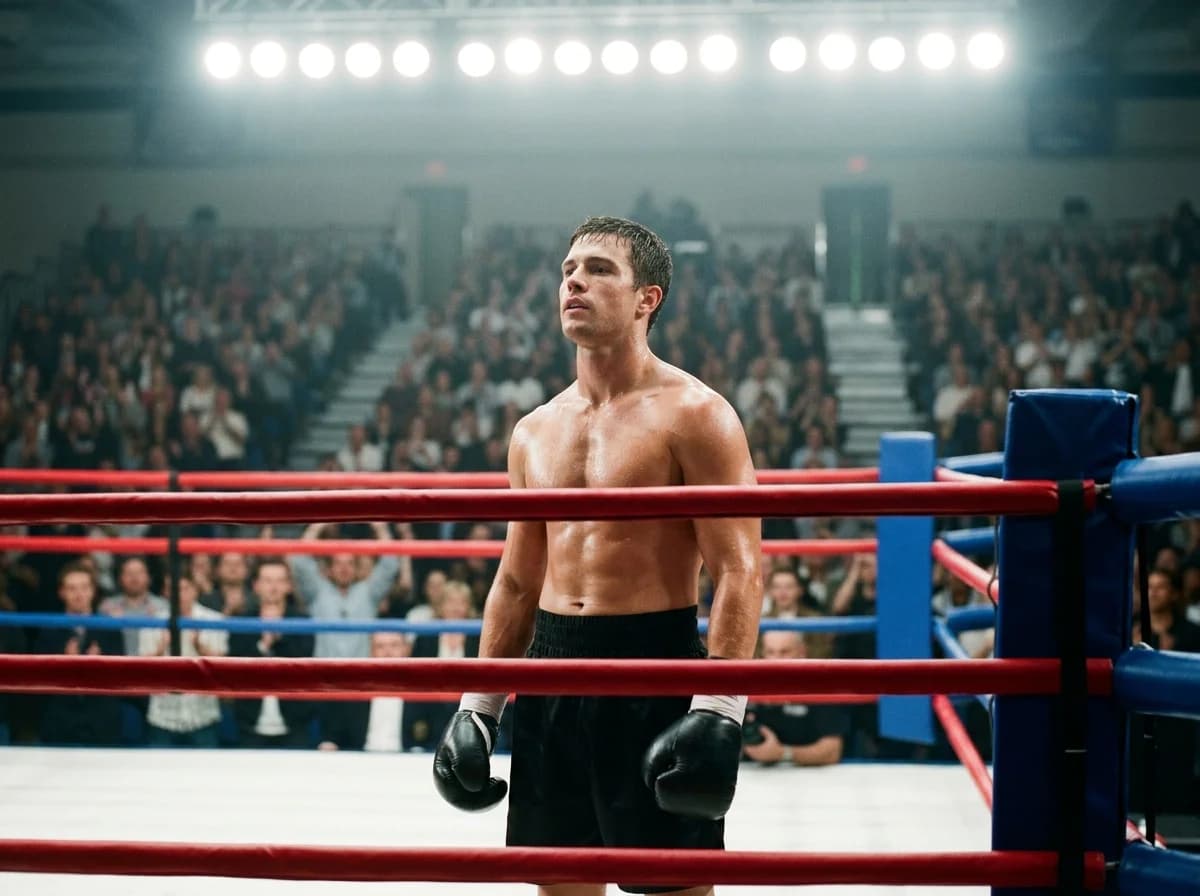
No complex prompt for one move
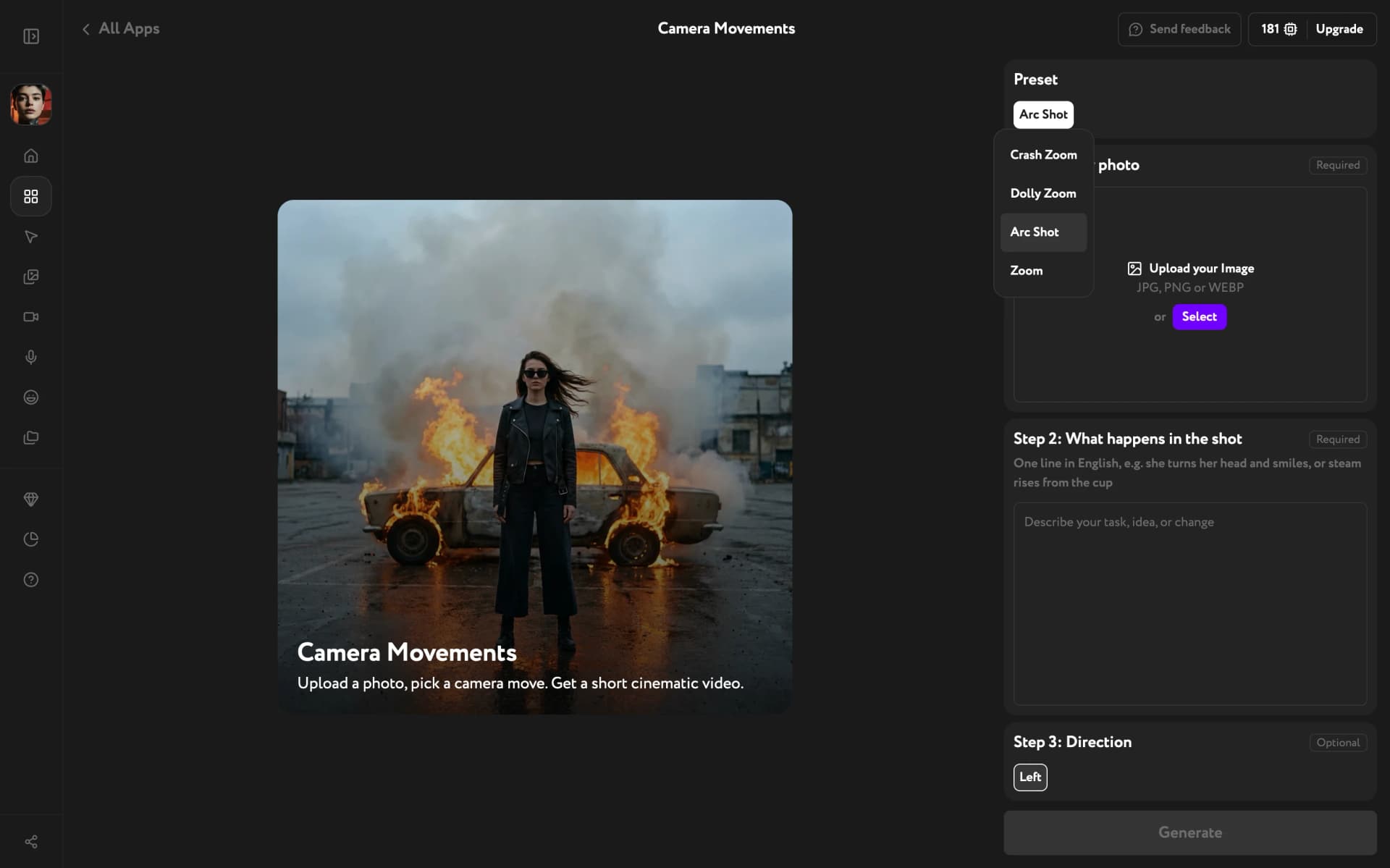
Getting an arc out of a prompt means spelling out the camera path by hand and hoping it lands. Here the move is already built in: pick Arc Shot, add your scene, generate.
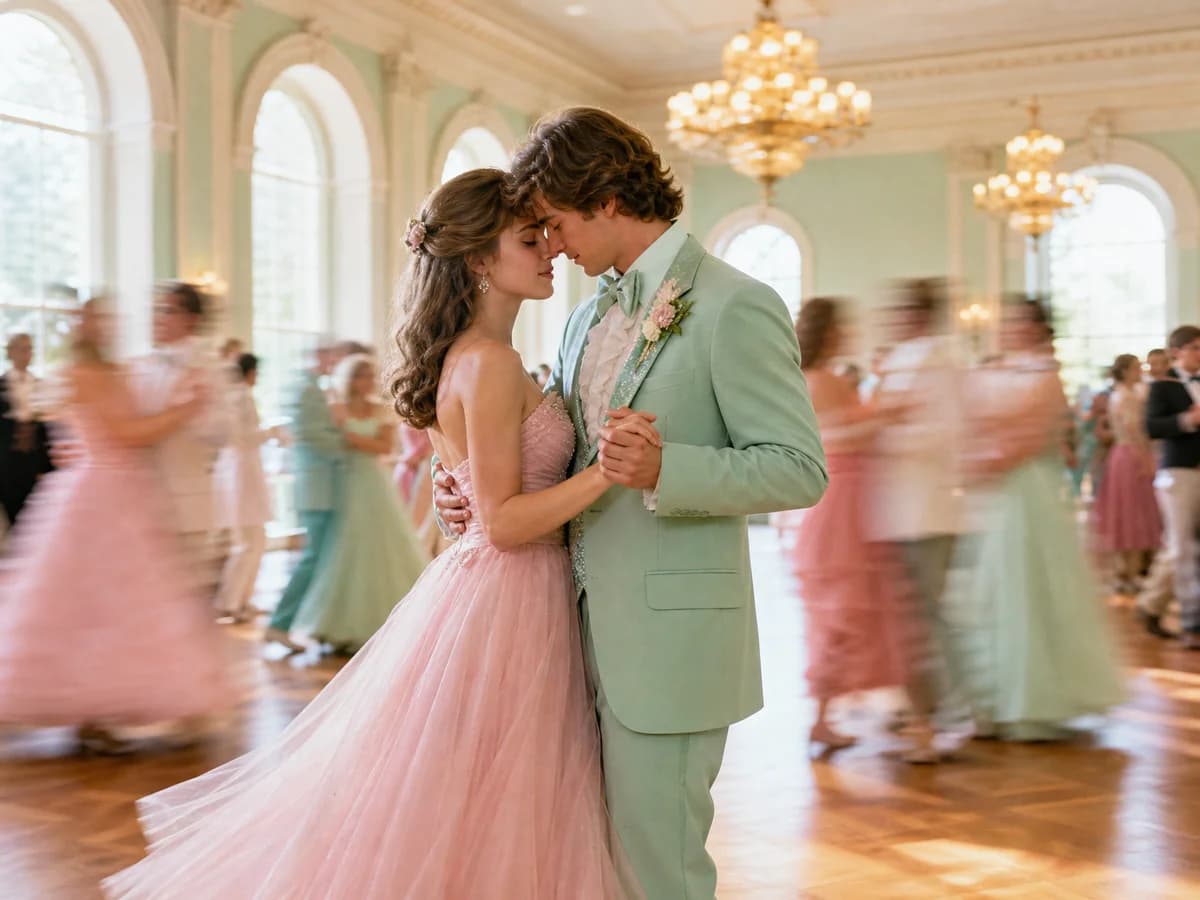
Your subject stays consistent
When the angle changes, subjects tend to drift — that's the part you normally have to watch yourself. The preset keeps your character or object consistent from the first angle to the last.
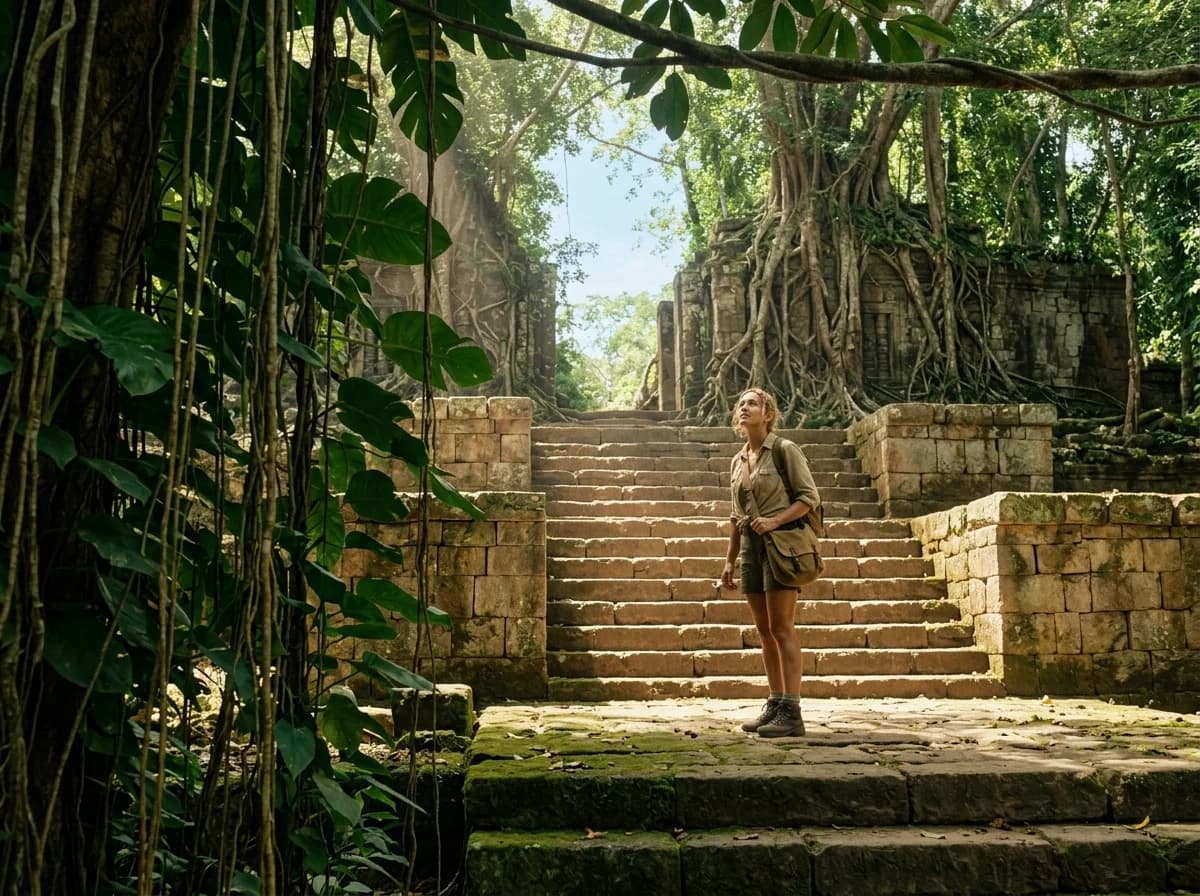
Every side of the subject
The camera travels around your subject and shows it from all sides, so a flat image turns into a scene with depth and movement — a shot that feels like it came from a film.
Key Features
Scene details in plain English, left or right direction, a full set of camera moves in one app
Describe the scene, not the camera
Write one line about what happens in the frame — the character's emotion, an action, a detail: she turns her head and smiles, steam rises from the cup. The action plays out while the camera moves around it.
Left or right, one switch
Choose which way the camera travels around your subject. Follow a glance, match the flow of your edit, or run the same image both ways and cut between them.

One app, a set of camera moves
Arc Shot lives in Camera Movements next to Crash Zoom, Dolly Zoom and Zoom. Keep the same image, switch the preset, and generate a different move.
How it works
Generate like a pro
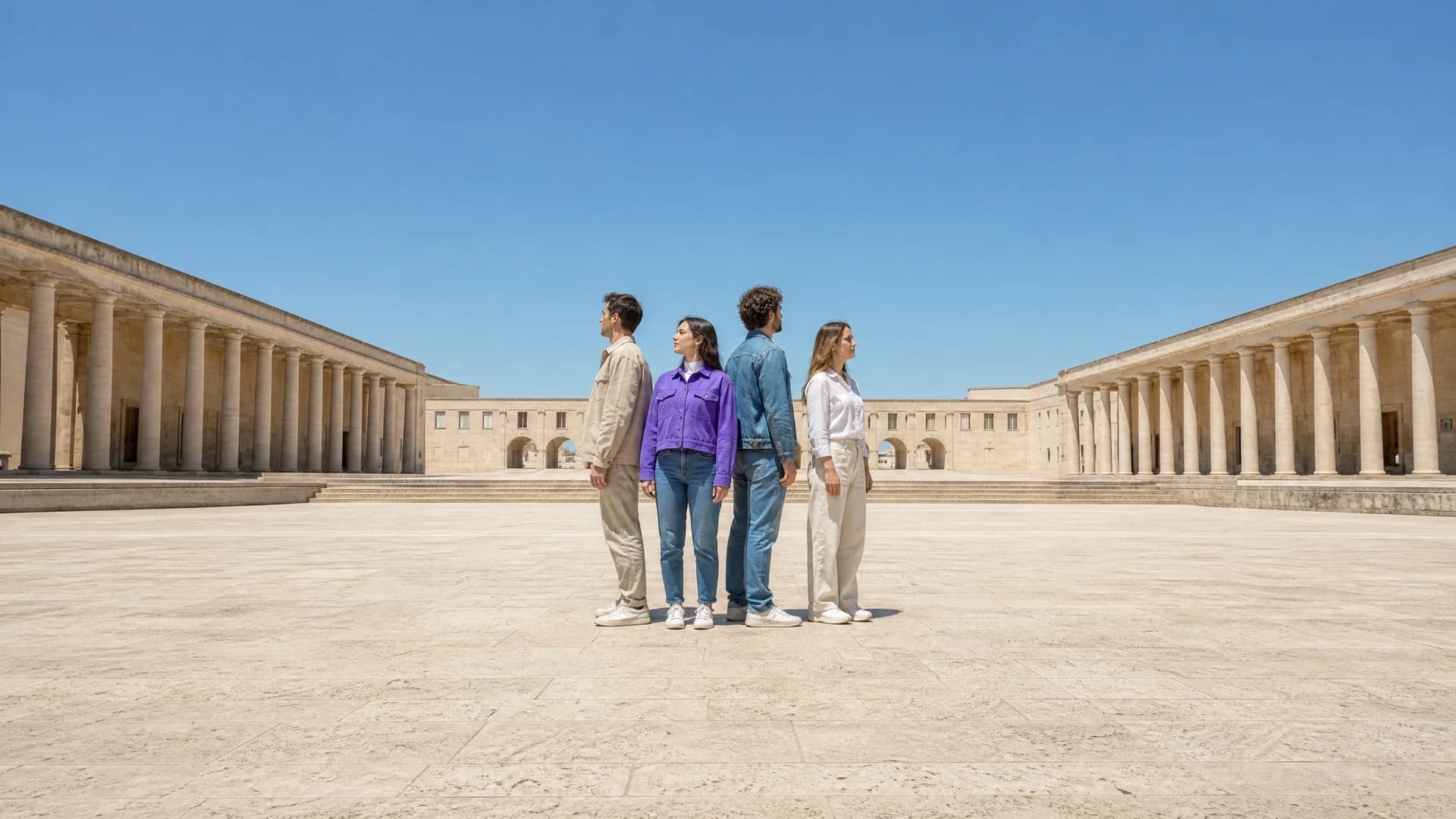
One image, one line about the scene — and a finished arc shot, no camera path to write.
Try other apps
More tools to speed up your creative workflow.