
Add Sound to Any Video
Yours, Downloaded, or Generated Elsewhere
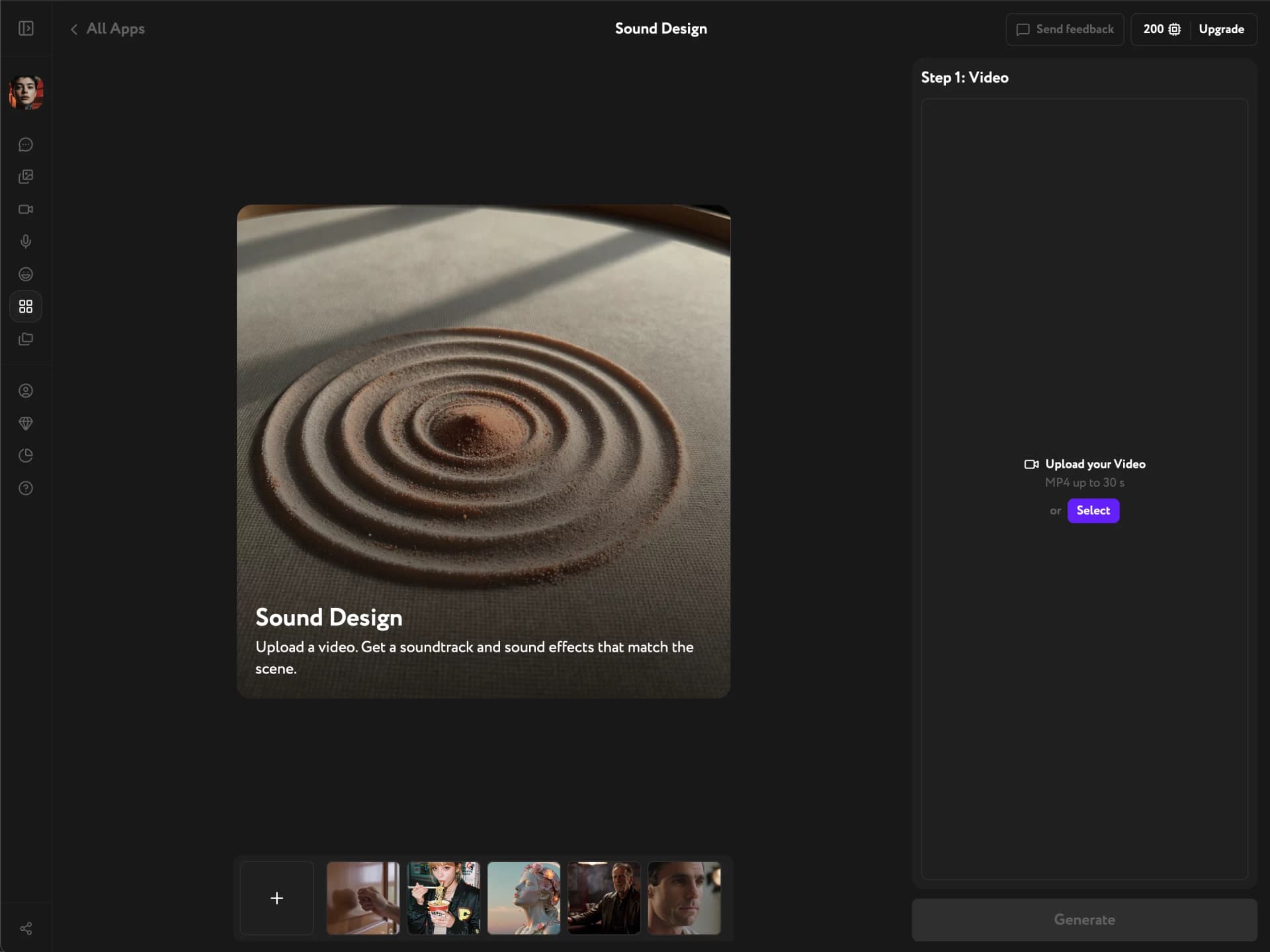
Upload any video — filmed, downloaded, or exported from another tool — and get the soundtrack or sound effects it needs, automatically. No prompt, no audio library, no manual sync.
Any video, fully scored
Works on any video, not just what you generate here
Bring footage from anywhere — your camera roll, a download, stock, or a clip made with another tool. Sound Design turns it into a fully scored video, whether the original came with sound or none at all.
Picks the right sound for the scene
Sound Design analyzes the video and decides what it needs — ambient music for a quiet, actionless moment, or precise sound effects when something on screen should make noise. No manual mixing, no guessing which one fits.
The AI reads the scene for you
There's nothing to describe and nothing to search for. Drop in a video and the AI reads what's happening on screen — a glass shattering, footsteps, wind, a crowd cheering — and builds the audio to match.
Key Features
Scene-matched sound effects, automatic soundtrack, any video source
Scene-aware sound effects
The AI reads the action in your video — glass tapping, fabric rustling, wood creaking — and generates matching foley automatically, synced to what's on screen.
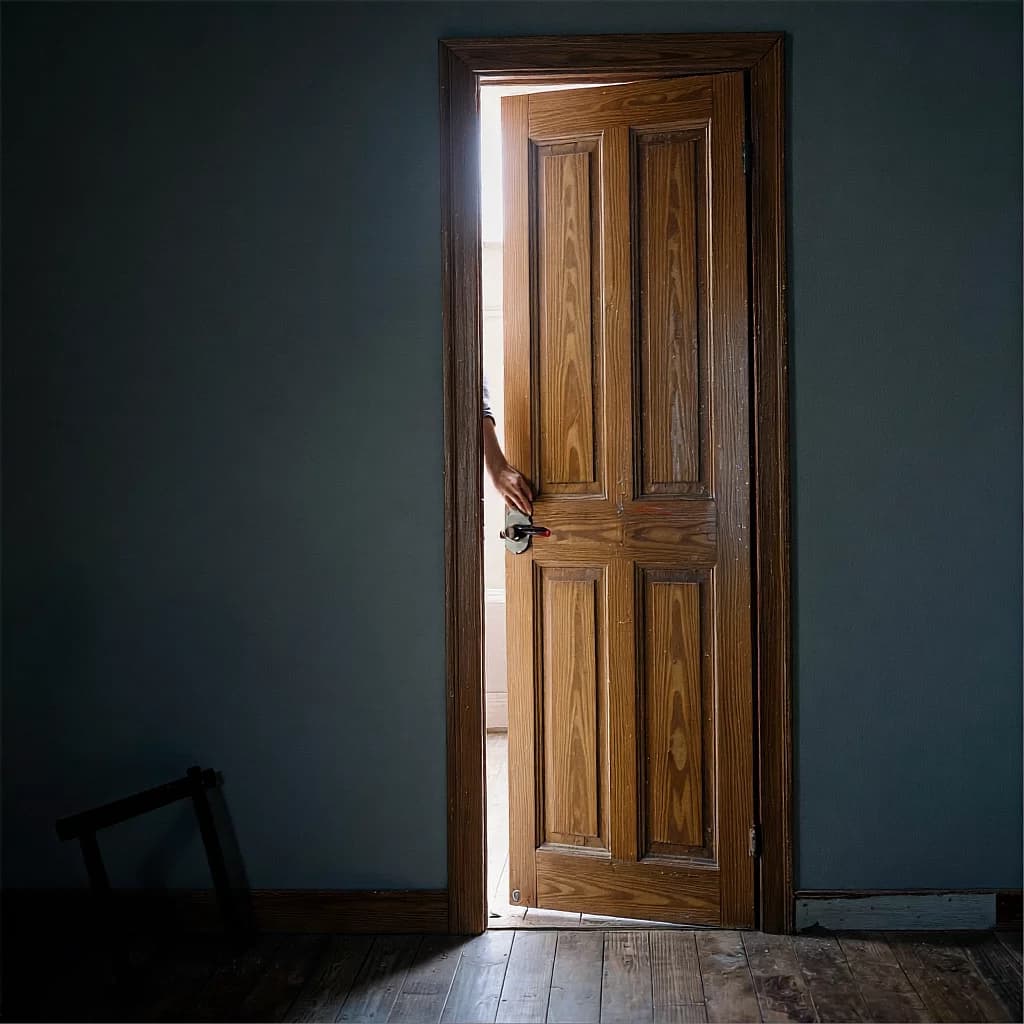
Mood music for quiet scenes
When a video has no explicit action — a static shot, a calm moment — Sound Design composes an ambient score that fits the mood instead of forcing in sound effects. No separate music tool, no licensing search.

Handles footage from anywhere, any era
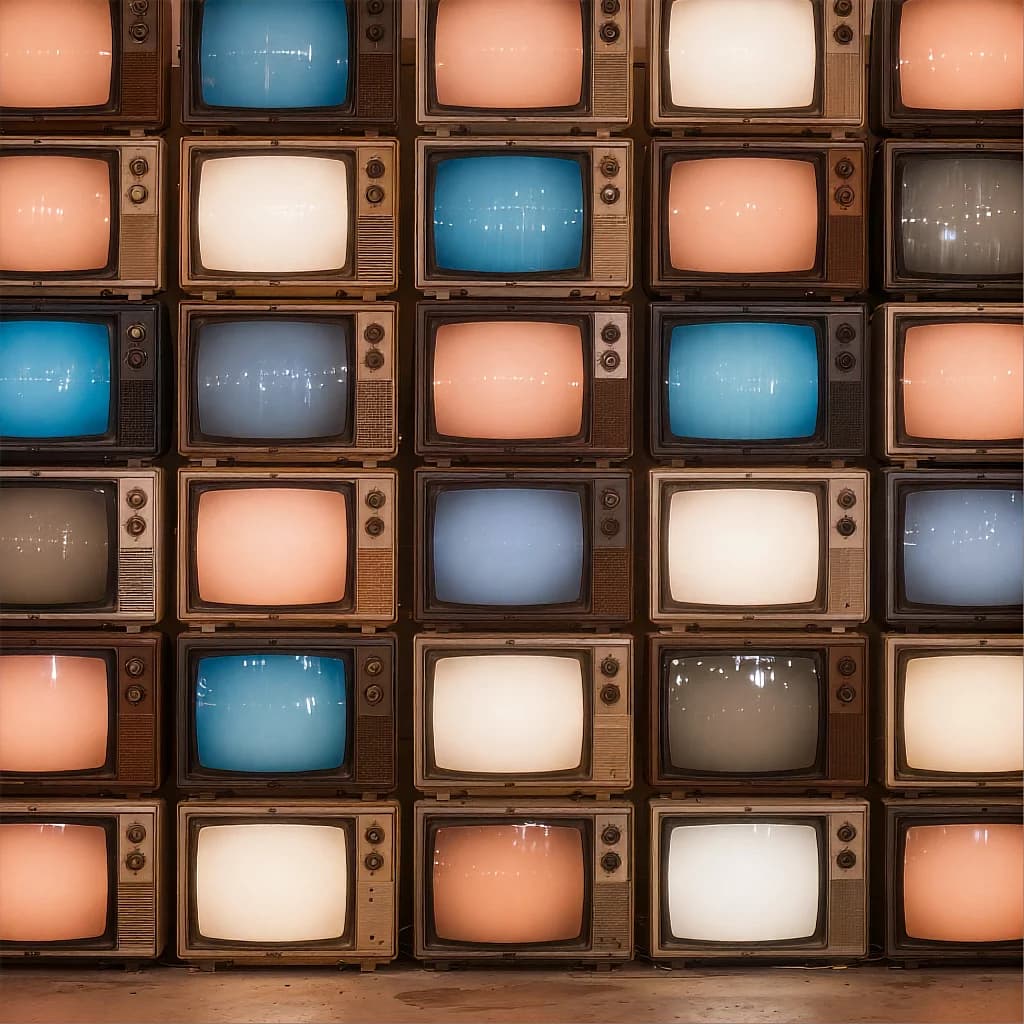
Old camcorder tape, a phone clip from years ago, something downloaded off the web — resolution, format, and vintage don't matter. If it's an MP4 up to 30 seconds, Sound Design scores it.
How it works
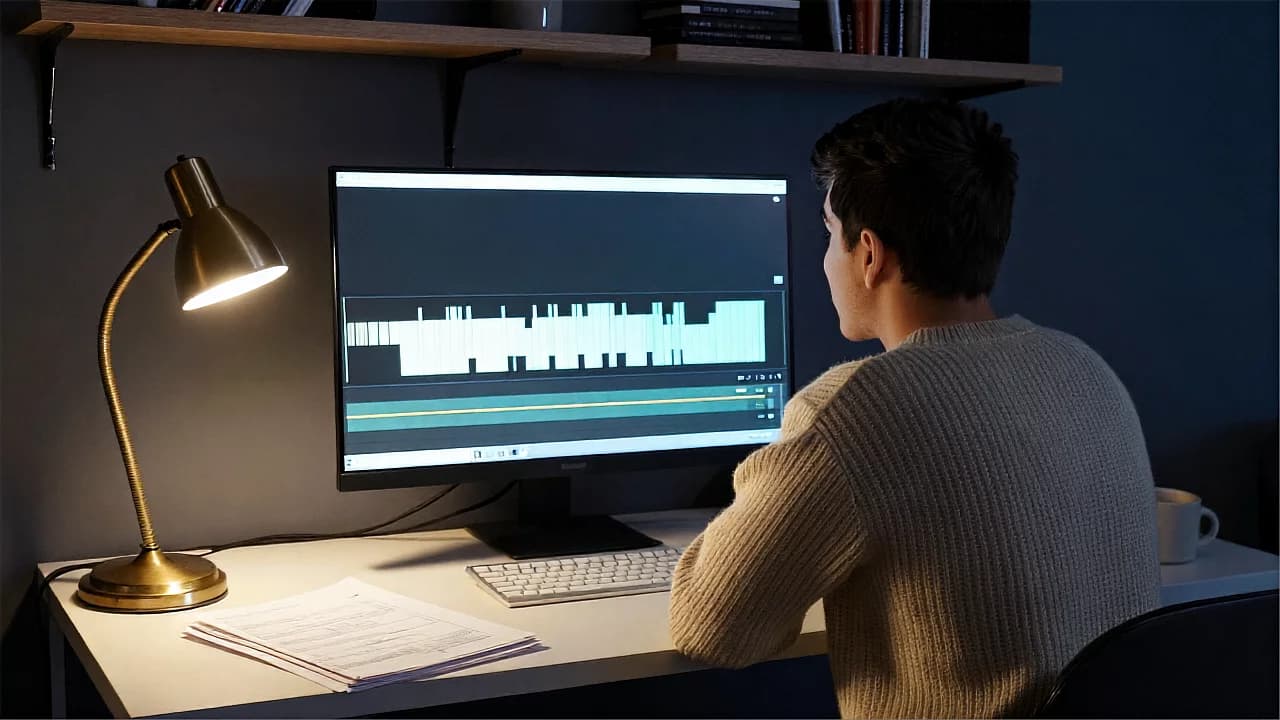
Score your next video in one click
Upload, generate, done — the right sound, picked for the scene.
Try other apps
More tools to speed up your creative workflow.