
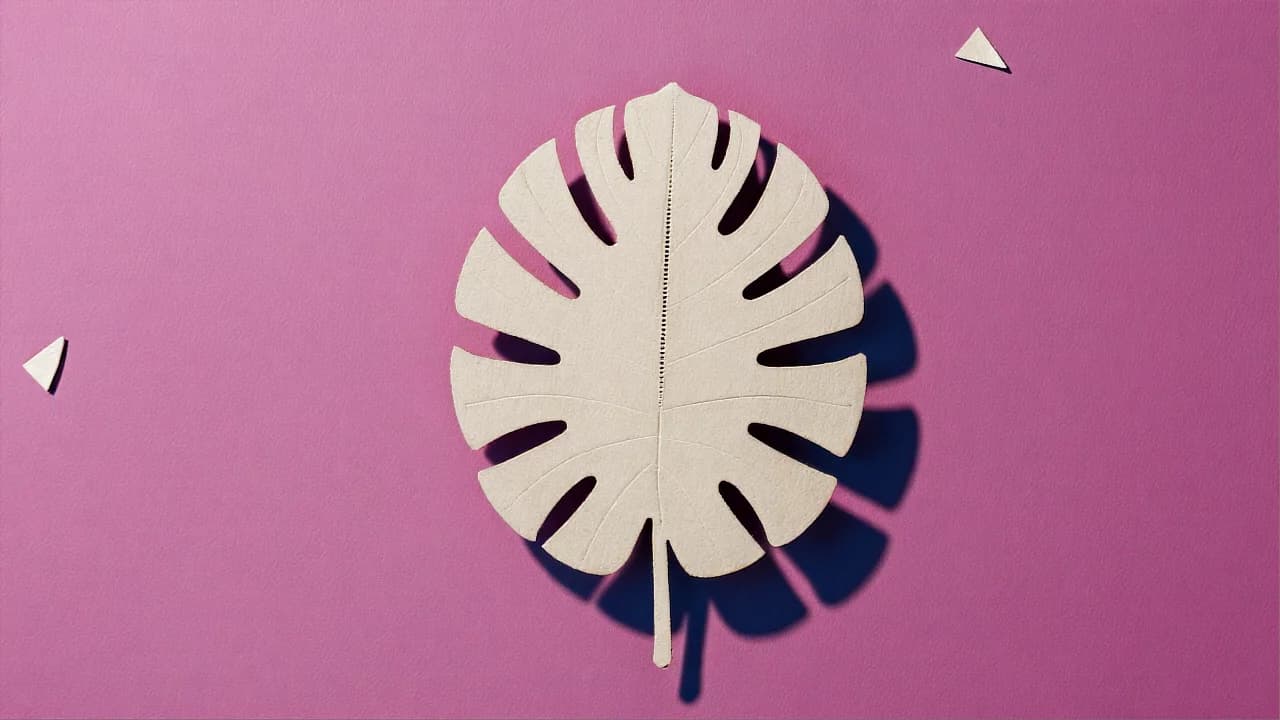
AI Background Remover
Transparent PNG in One Click
Upload an image, hit Generate, get a transparent PNG back at full resolution. No brushes, no thresholds, no watermark.
One button, full-size result
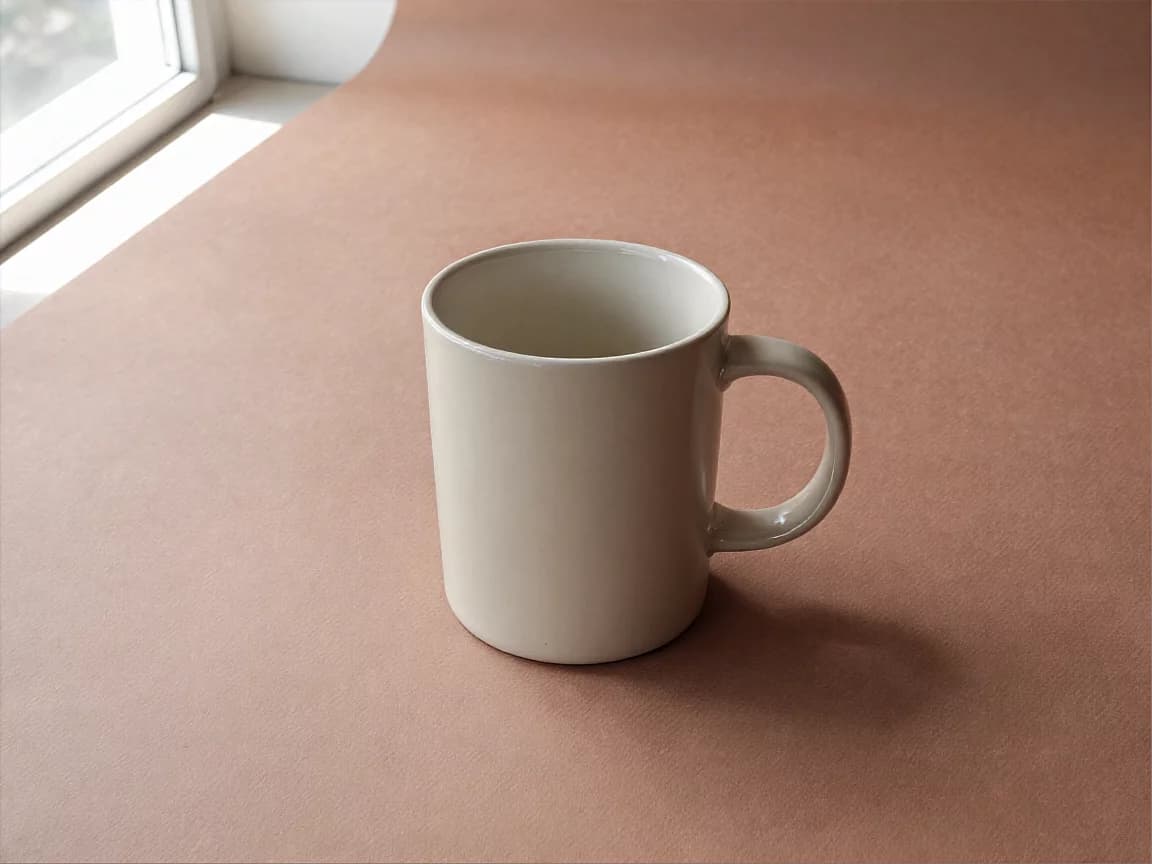
Nothing to set up
No brush, no tolerance slider, no model to pick. Drop the image in, press Generate, and the cutout is back in seconds.
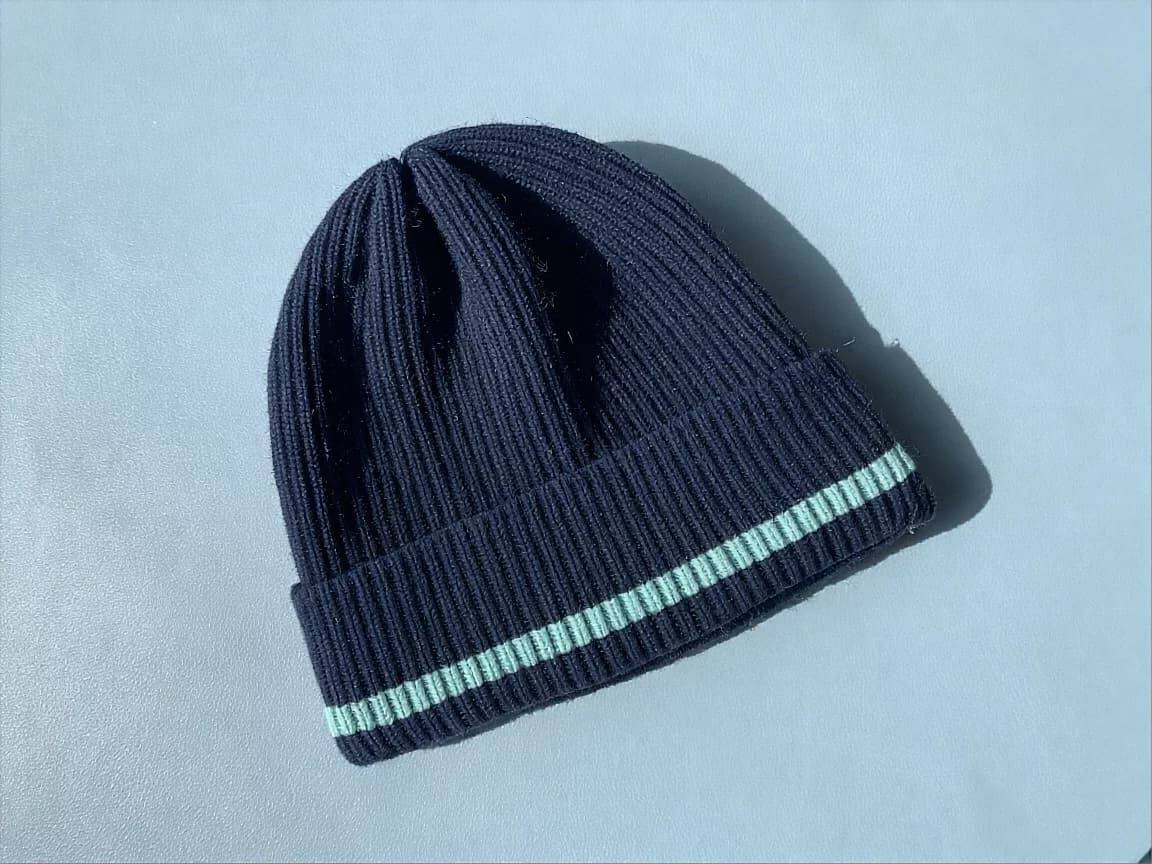
Full resolution, no watermark
The PNG comes back at exactly the size you uploaded — no shrunken preview, no watermark across the corner. Same pixels, minus the background.
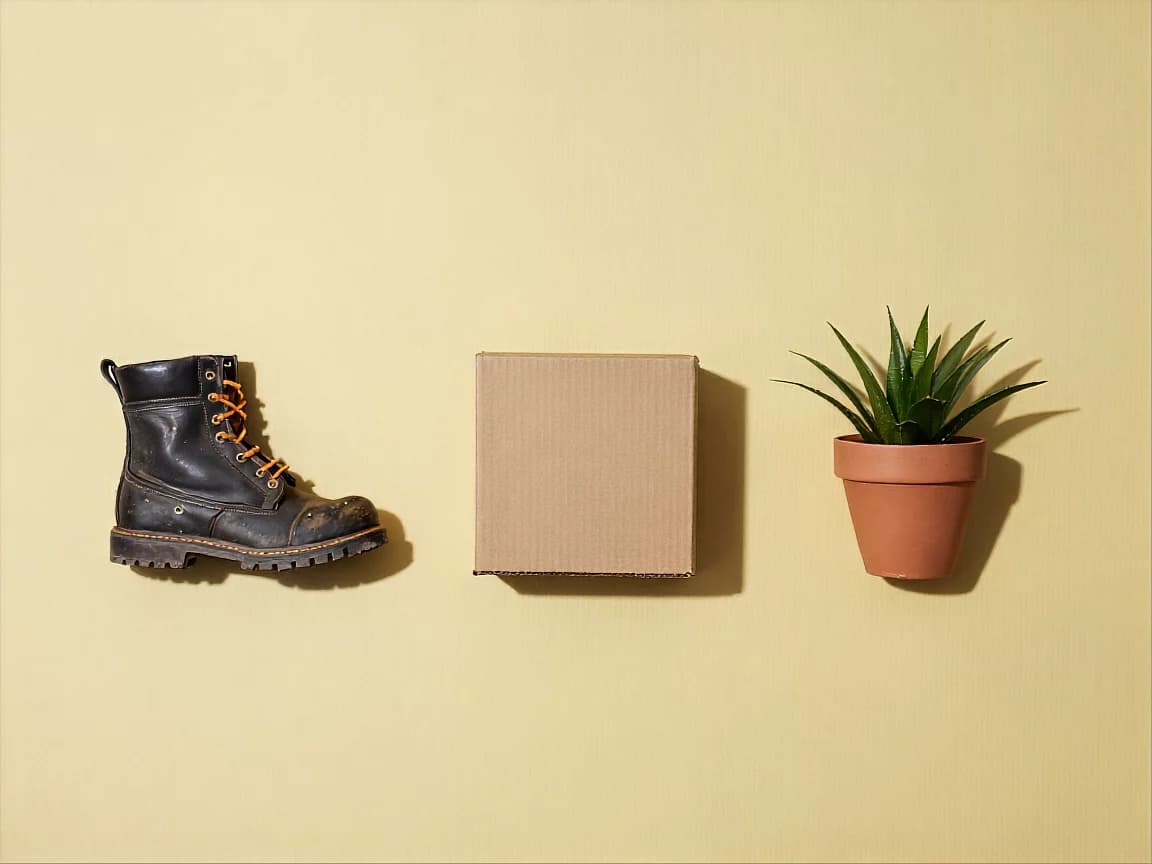
Nothing left to trim
The edge comes back clean — no grey fringe, no leftover halo of the old background, no white rectangle hiding under the subject. Place the file and move on.
Key Features
True alpha channel, catalog-ready product shots, clean full-body figures
A transparent PNG, not a white box
The result carries a real alpha channel, so the background is genuinely gone rather than painted white. Drop the file onto any color, photo, or layout and the edge blends instead of showing a pale rectangle.
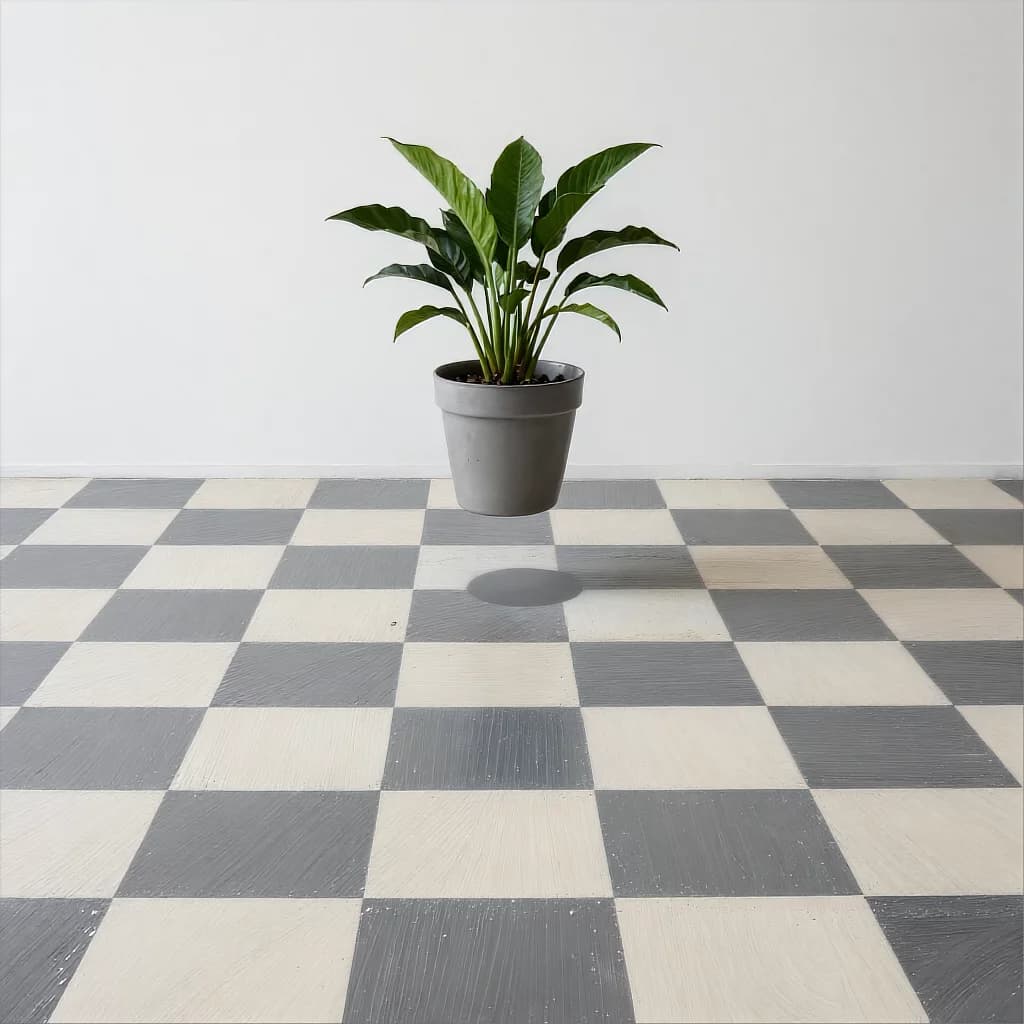
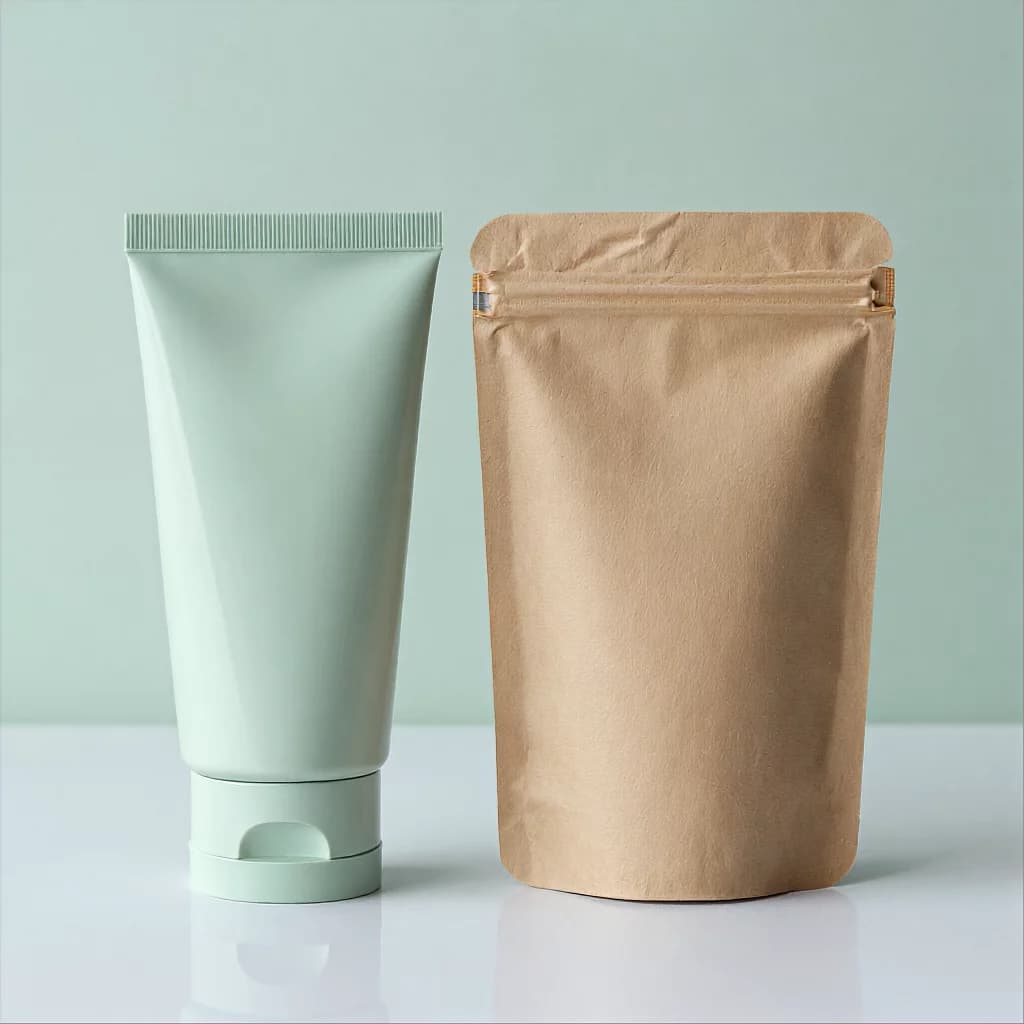
Product shots ready for the catalog
Shoot on whatever surface you have — a desk, a windowsill, the floor — then strip it away. Packaging, boxes, and labels keep their edges, so the same shot works on a marketplace white background or inside a branded scene.
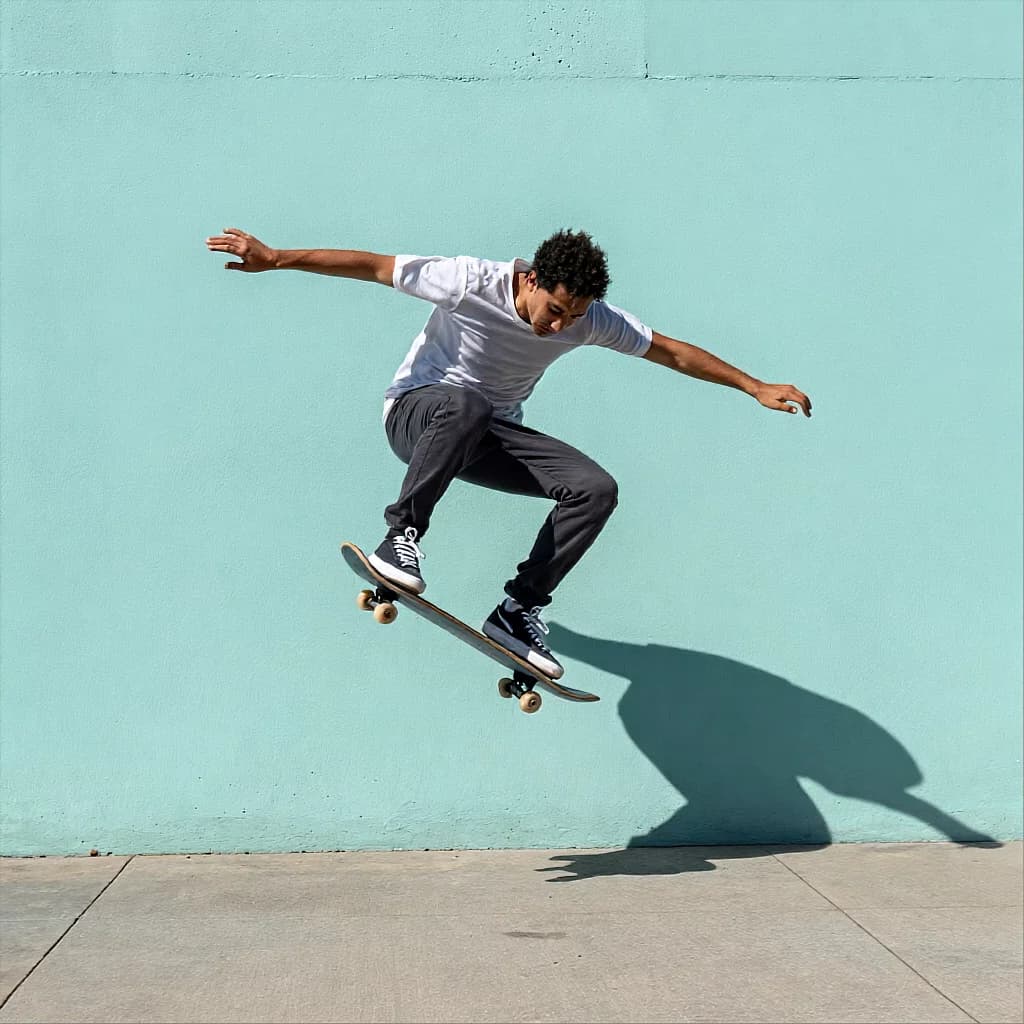
Whole figures, cut in one piece
A full-body shot comes out intact — the gap between an arm and a torso, the space under a raised knee, the outline of a jacket. No stray patches of the old street left clinging to the silhouette.
Try other apps
More tools to speed up your creative workflow.