
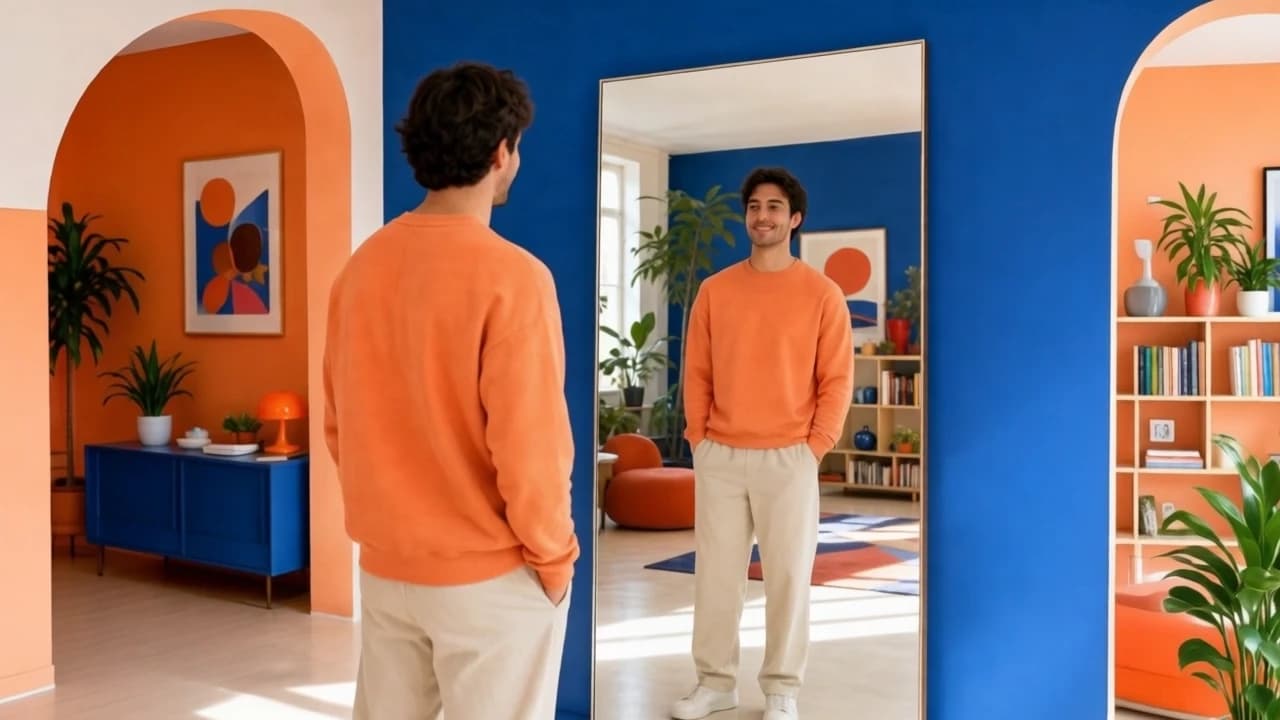
AI Video Face Swap
One Photo, Any Clip
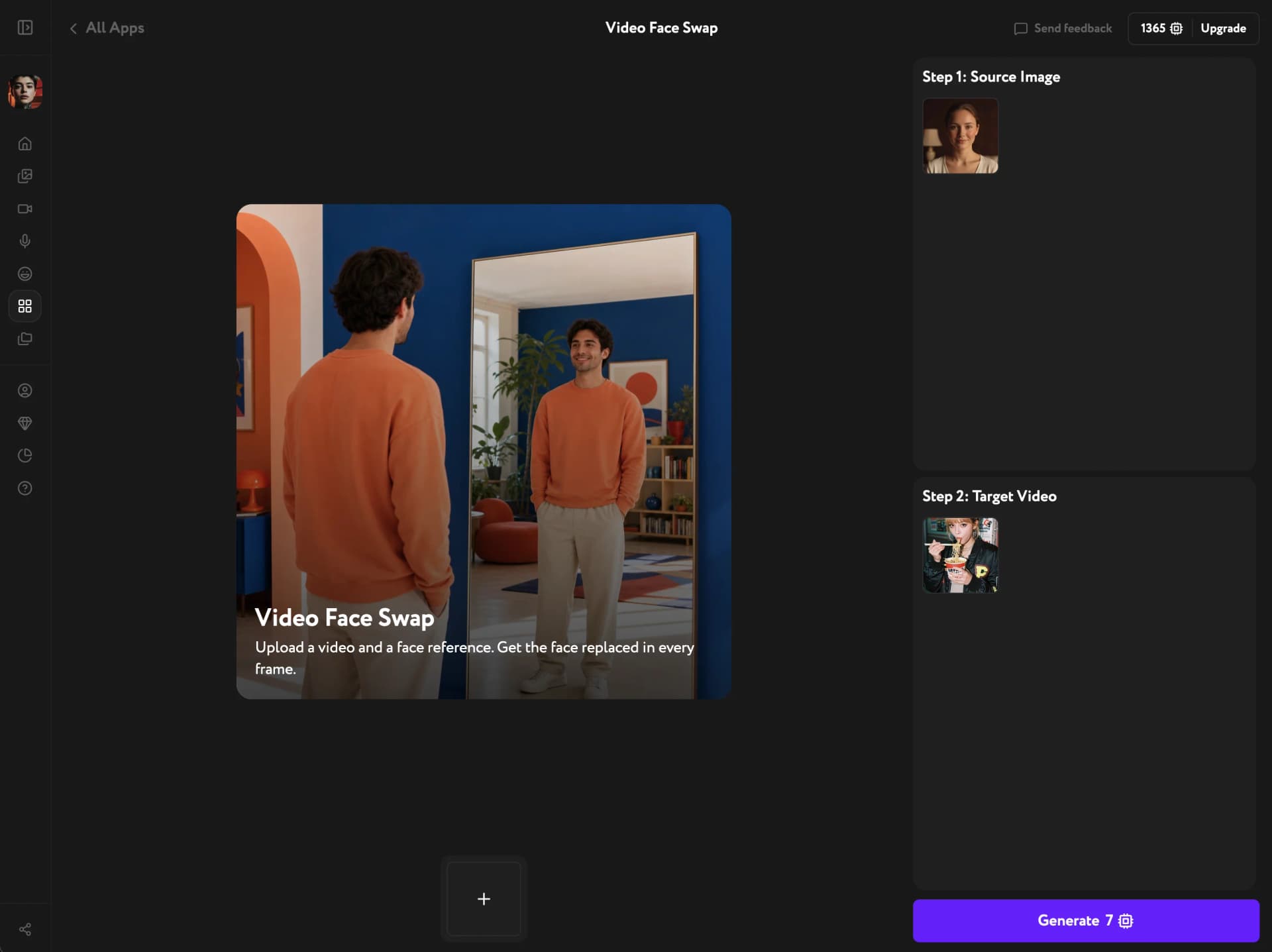
Drop in a single face photo and a target video — the AI transfers the face natively, keeping the source hairstyle, head shape, and proportions. No pasted mask, no frame-to-frame flicker, consistent from the first shot to the last.
Natural, consistent, locked to the source

A native swap, not a pasted mask
The face is transferred natively, not stitched on top. The source hairstyle, head shape, and facial proportions stay intact, blending into the target's lighting and expression instead of floating over it.
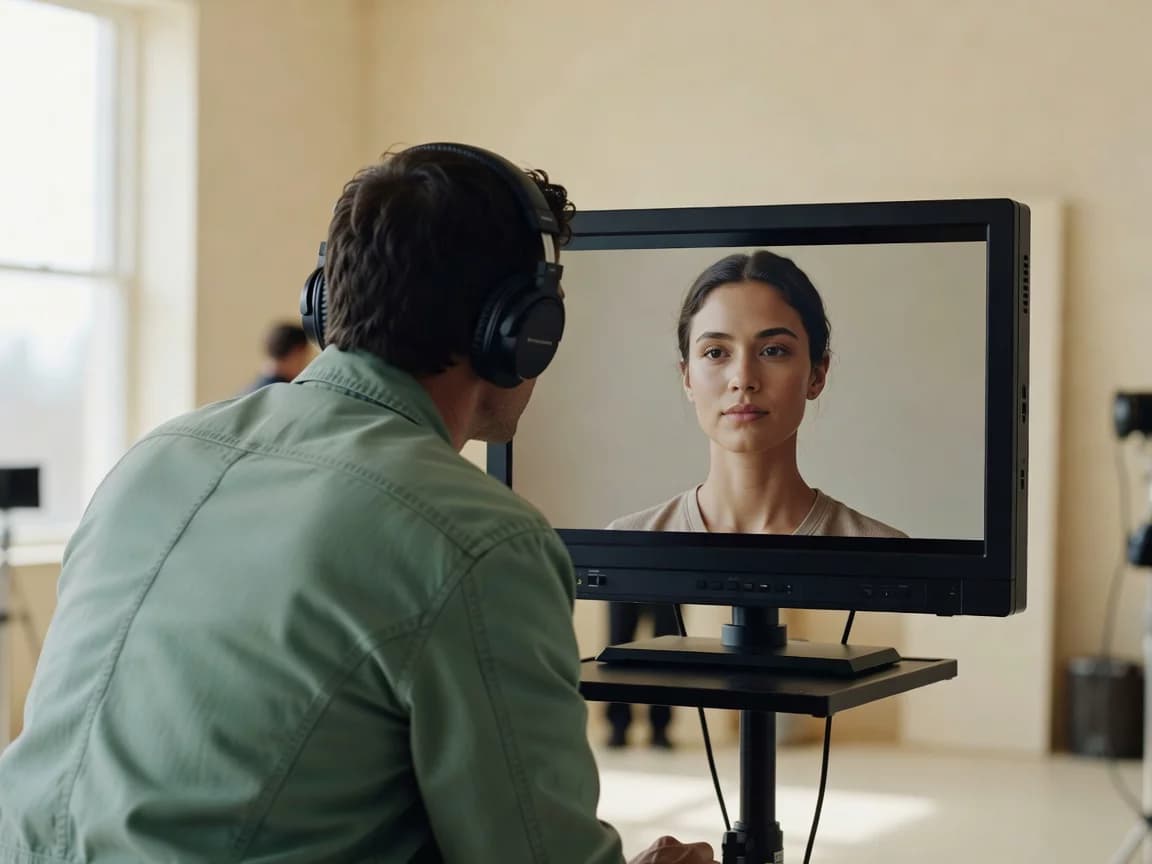
Identity holds across the whole clip
The same face every frame — no drifting, no swapping between cuts, no flicker as the subject moves. Identity stays locked from the opening frame to the end of the clip.
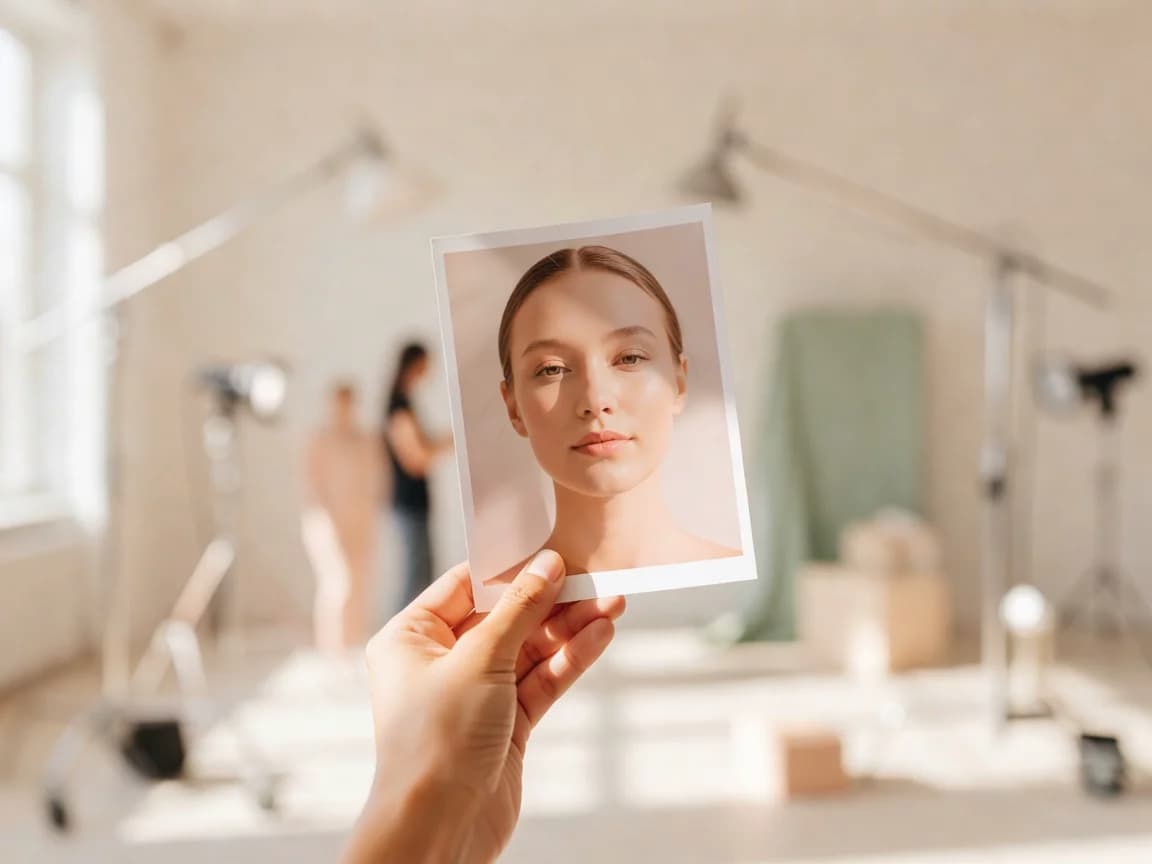
One source photo is enough
No training, no dozens of angles. A single clear photo of the face is all the model needs to map it onto your target video.
Key Features
Native face transfer, frame-to-frame identity lock, expression and lighting match
Native face transfer
The face goes on natively — hairstyle, head shape, and proportions come straight from your source photo. The result reads as one person, not a face layered over someone else.
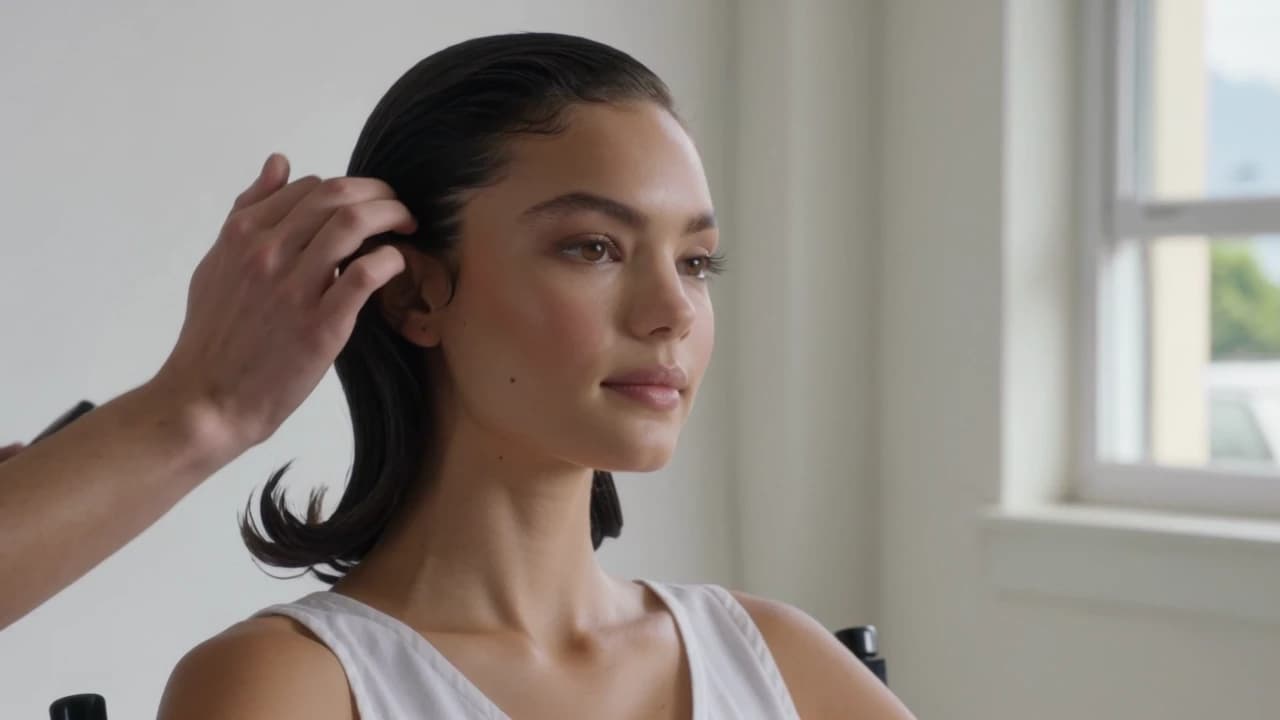
Frame-consistent identity
The model tracks the face through motion and expression, keeping the same identity in every frame. No jitter between cuts, no warping as the subject turns or speaks.
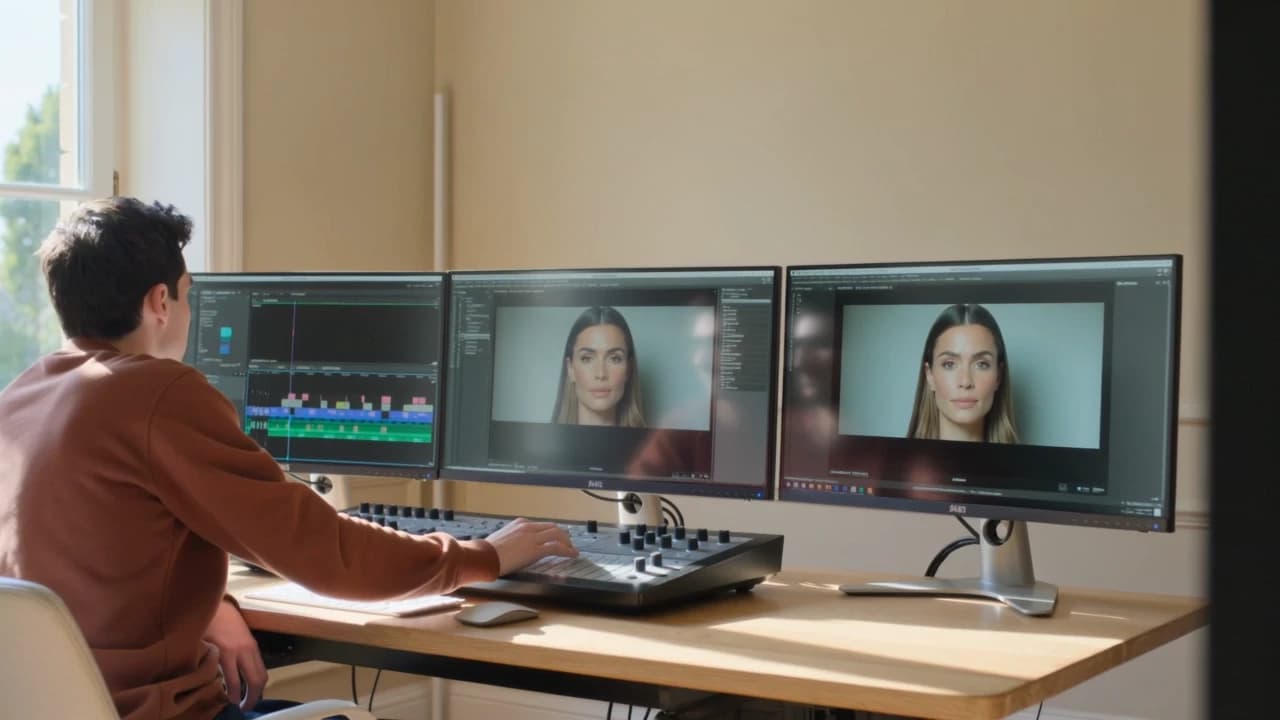
Matches expression and lighting
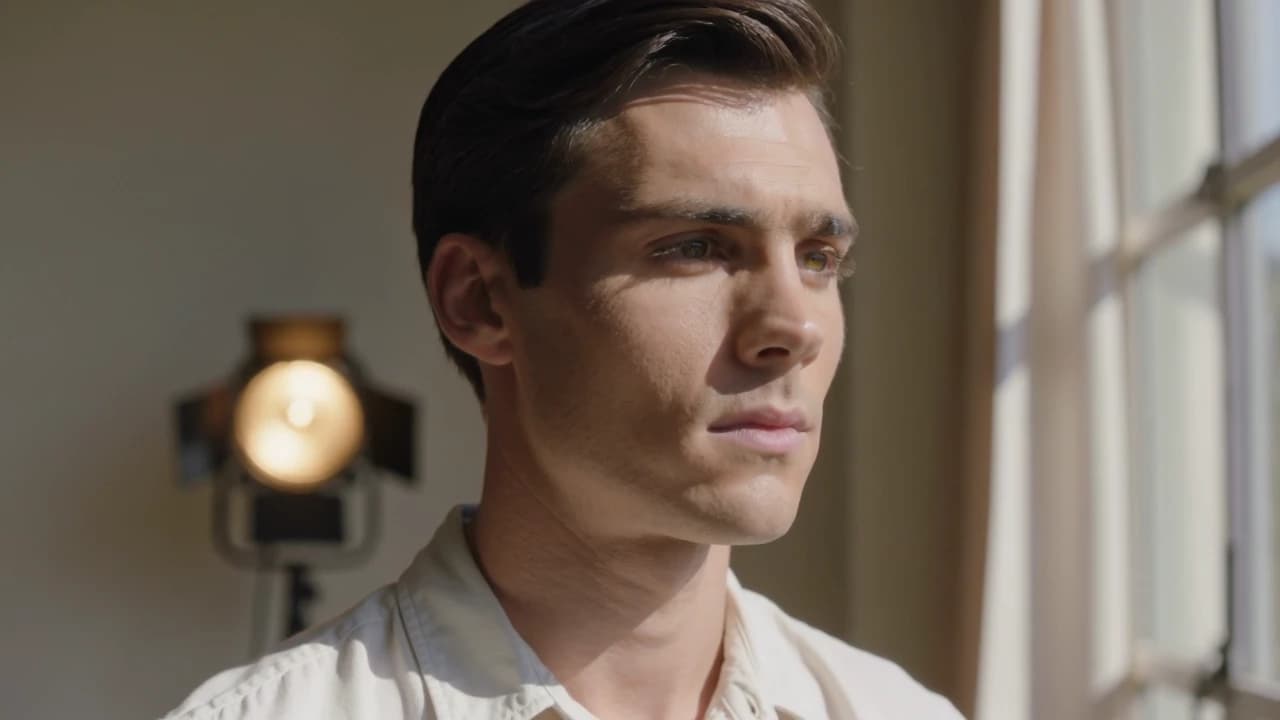
The swapped face adopts the target's expressions, mouth movement, and lighting, so it sits naturally in the scene instead of looking pasted in under different light.
How it works
Try other apps
More tools to speed up your creative workflow.