
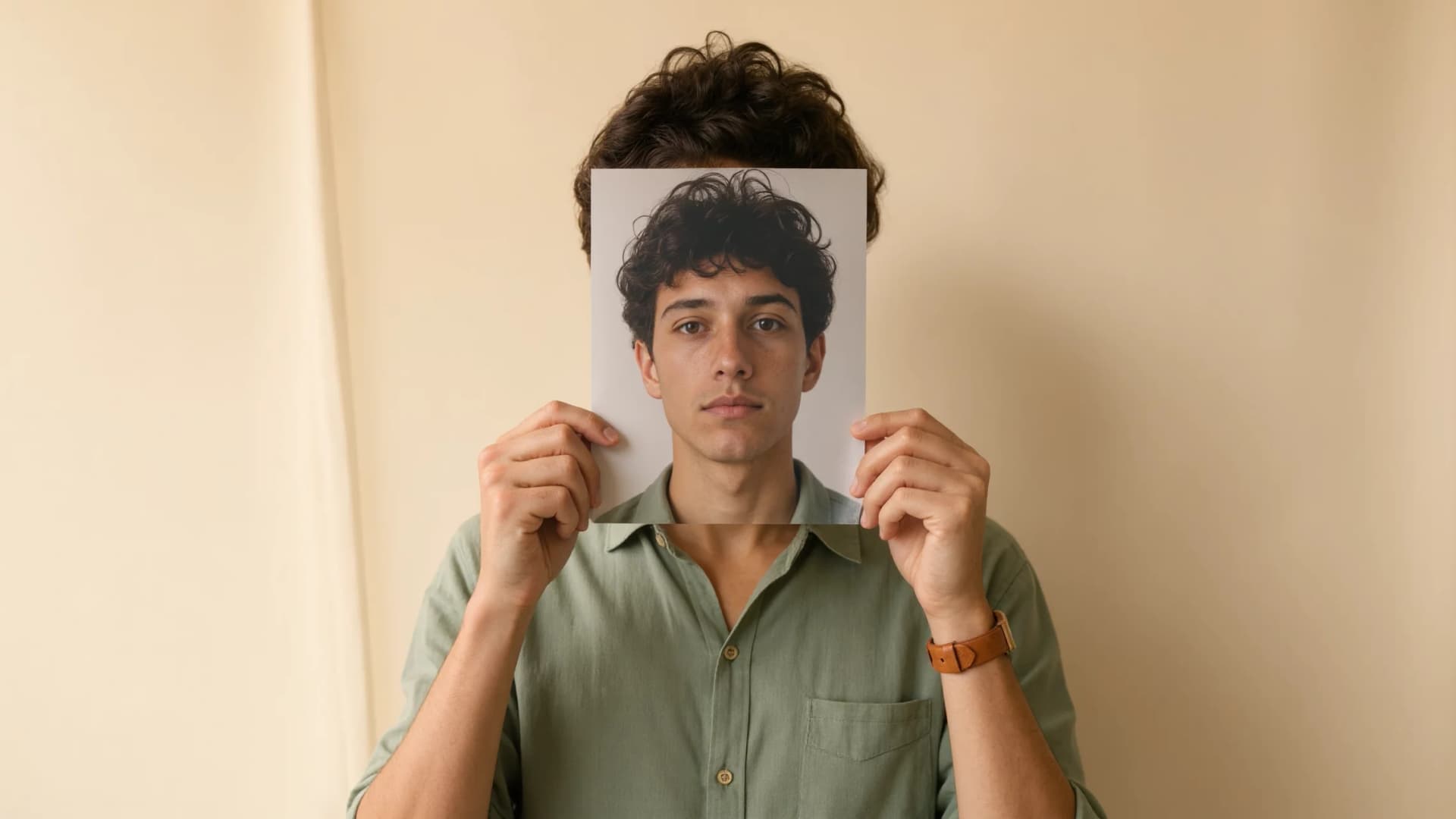
AI Image Face Swap
Native, Not a Cutout
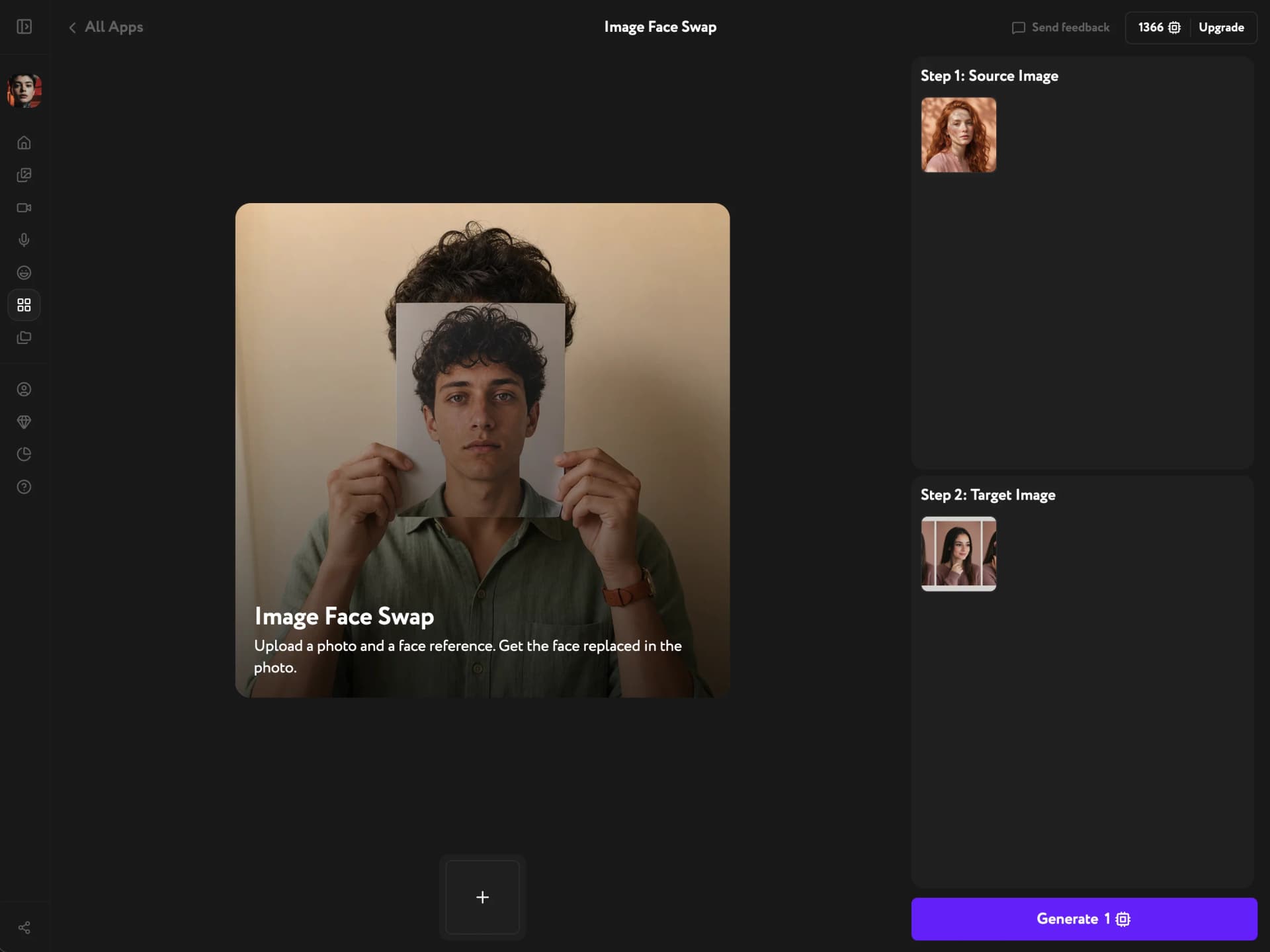
Drop in a face and a target photo — the model rebuilds the face into the new shot, matching its light, angle, and skin. It keeps the original hairstyle and head proportions, so the result reads as one person, not a pasted-on mask.
Believable faces, no visible seam
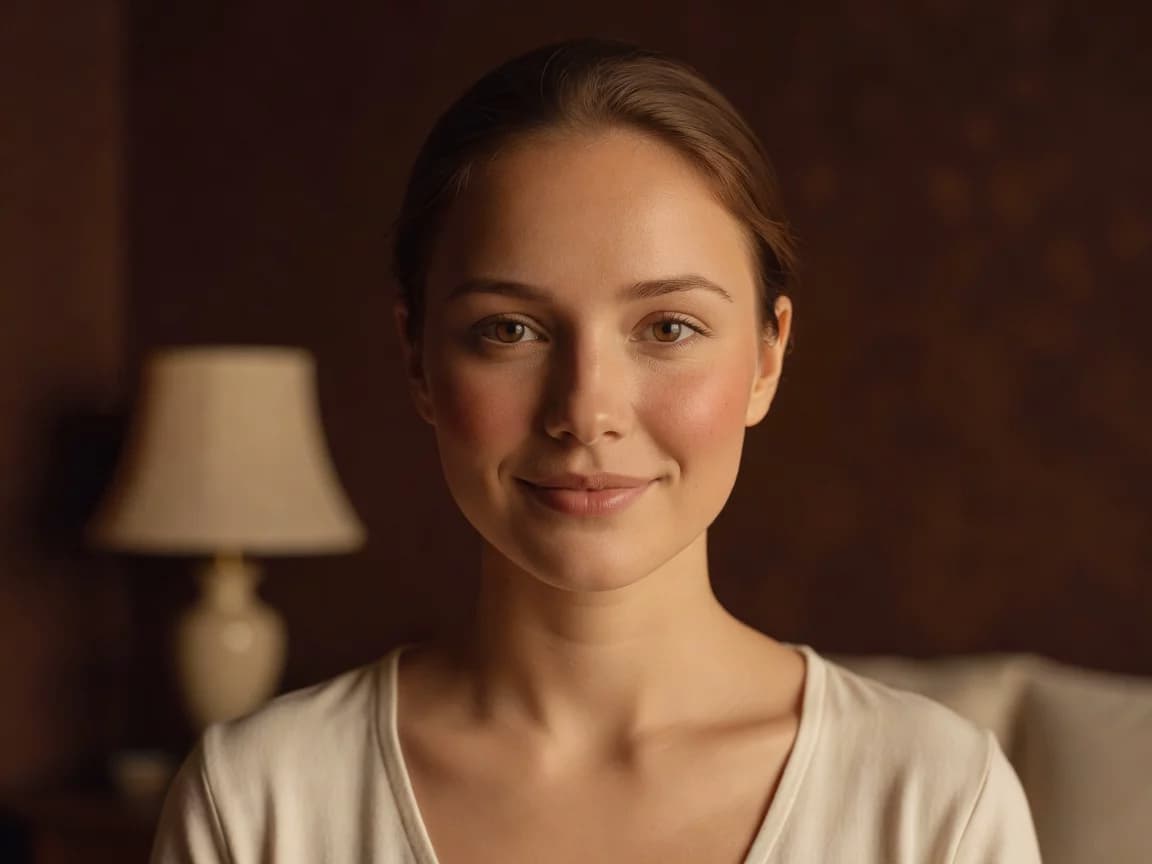
A real blend, not a paste
Most face swaps drop a flat cutout over the photo — wrong light, hard edges, a mask that floats. This one rebuilds the face into the scene: matched lighting, skin tone, and grain, so there's no seam to spot.
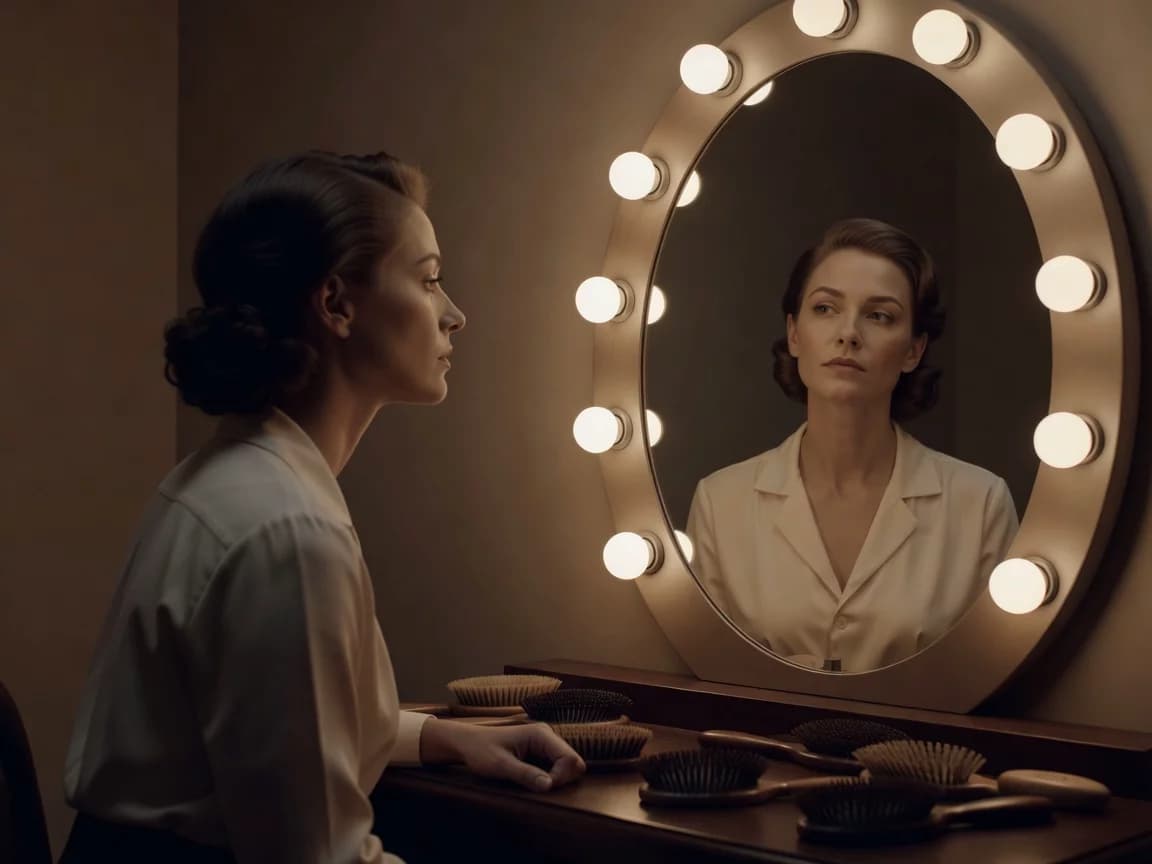
Keeps the hair and proportions
The new face is fitted to the original head — same hairstyle, same jawline, same head-to-face ratio. Nothing gets stretched or shrunk, so the person still looks like a person, not a swapped-on head.
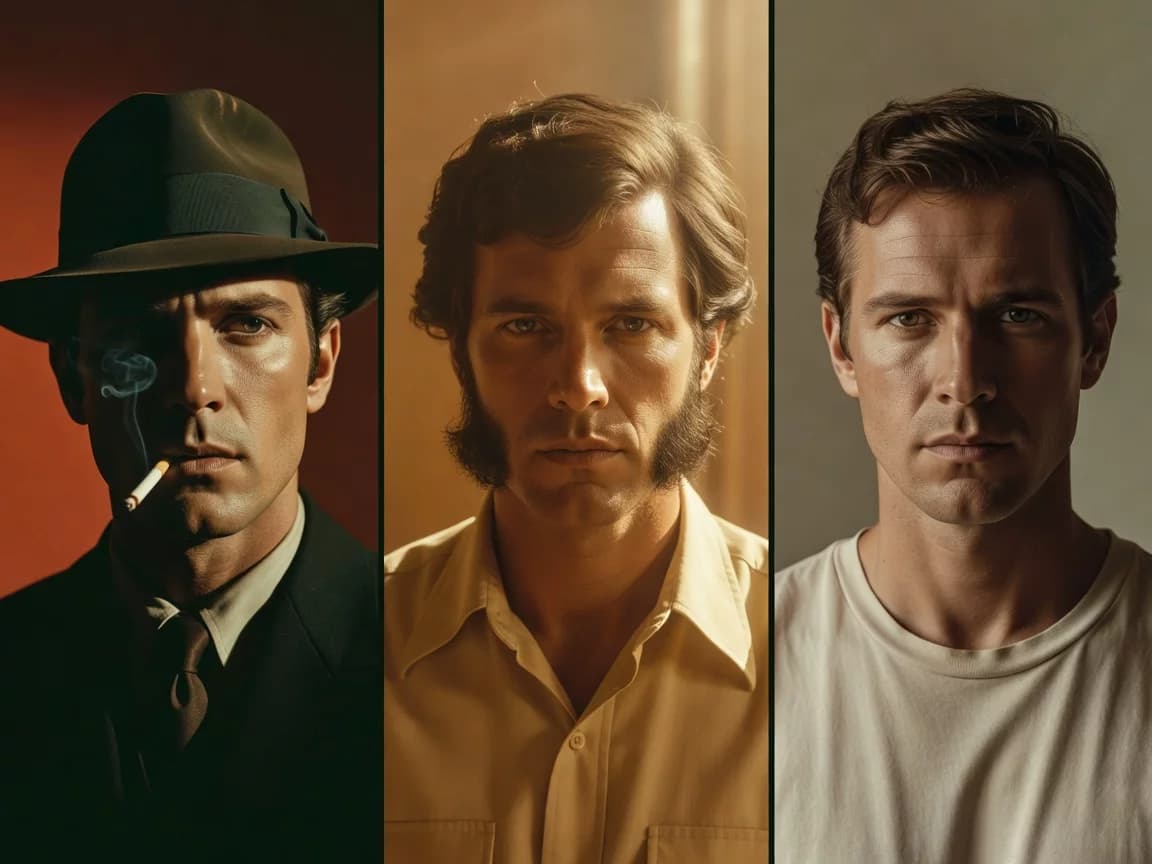
One step inside your workflow
No round-trip to a separate app. Swap the face right where you generate and edit — then upscale, restyle, or animate it without ever exporting the file.
Key Features
Scene-matched lighting, hairstyle and proportion lock, photoreal output on any image
Scene-aware relighting
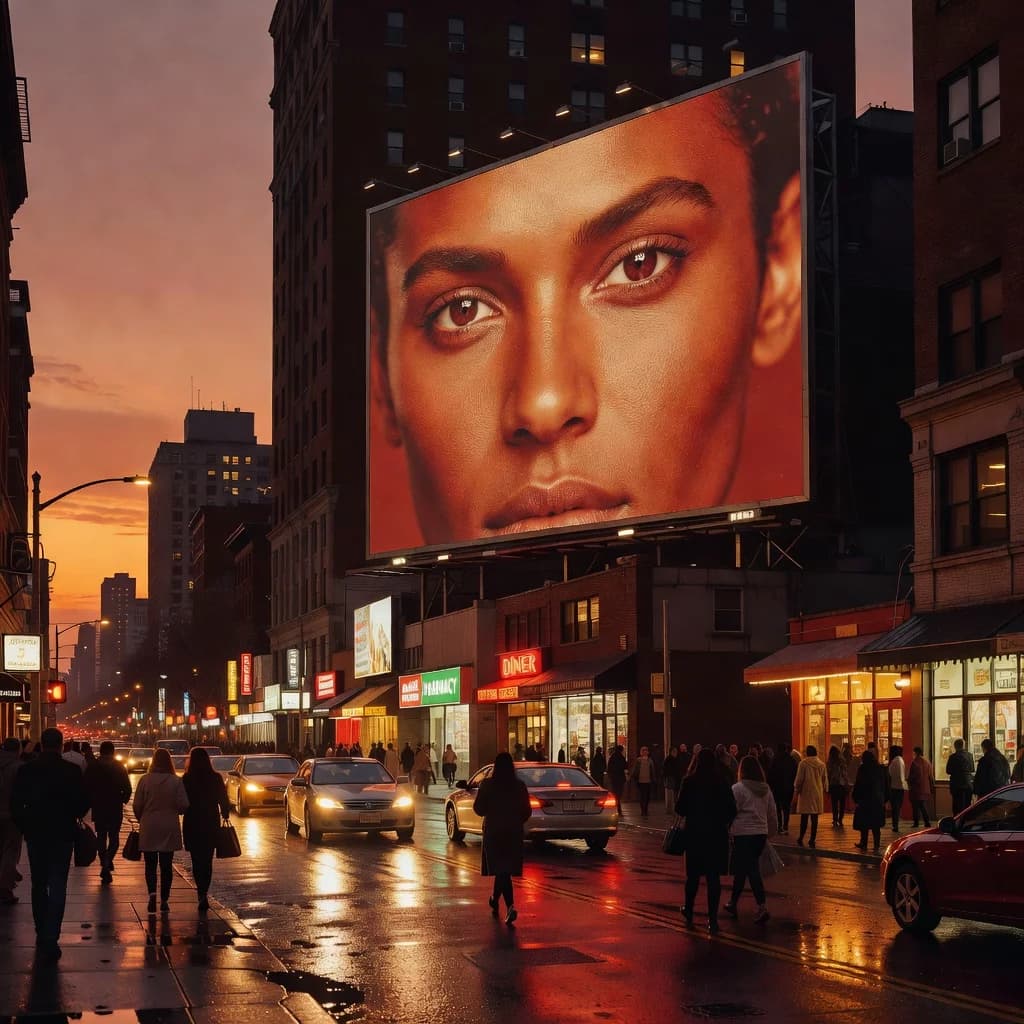
The face inherits the target photo's light direction, color temperature, and shadow falloff. A face shot in flat studio light lands convincingly in warm sunset or hard noon — no manual dodge-and-burn.
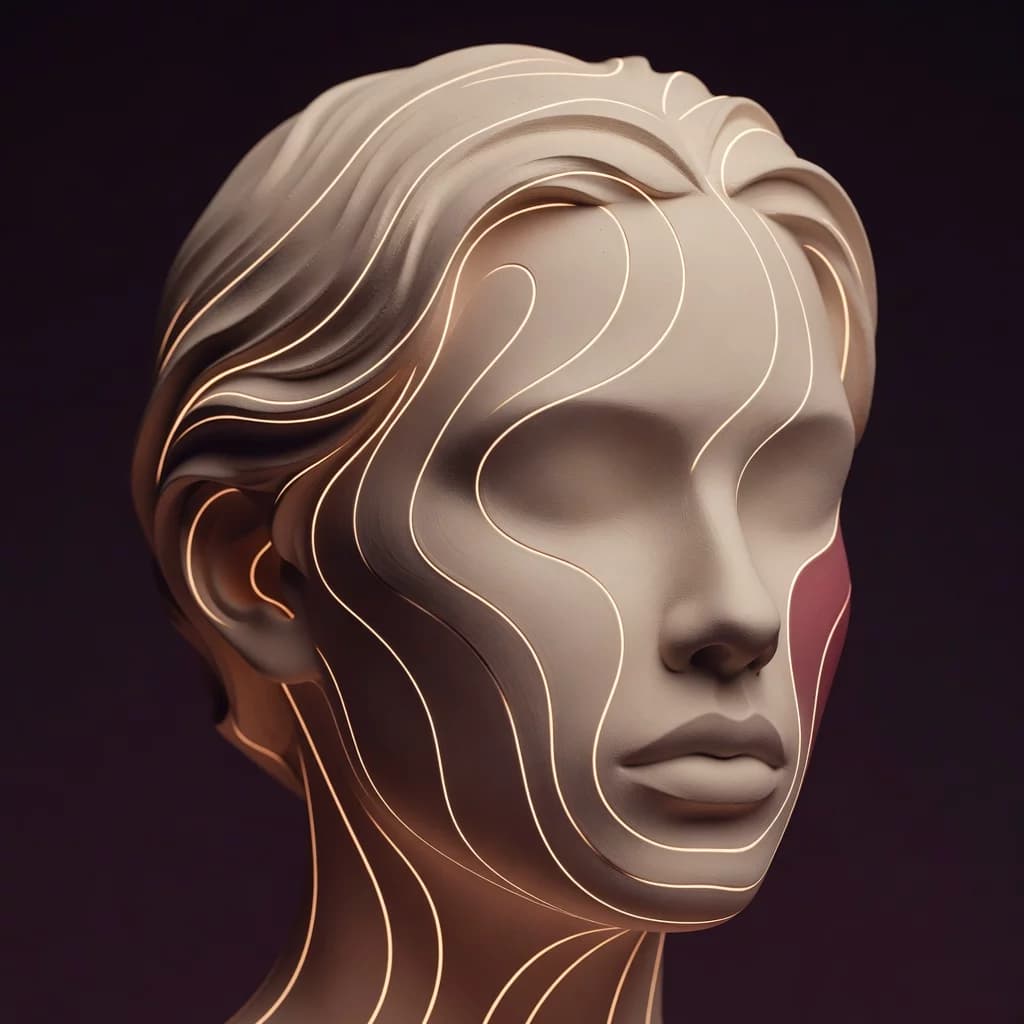
Hairstyle and proportion lock
The swap respects the original head's silhouette and the geometry of the face it replaces. Hairline, head tilt, and facial proportions stay intact, which is what kills the usual “wrong head on the body” tell.
Photoreal on any source
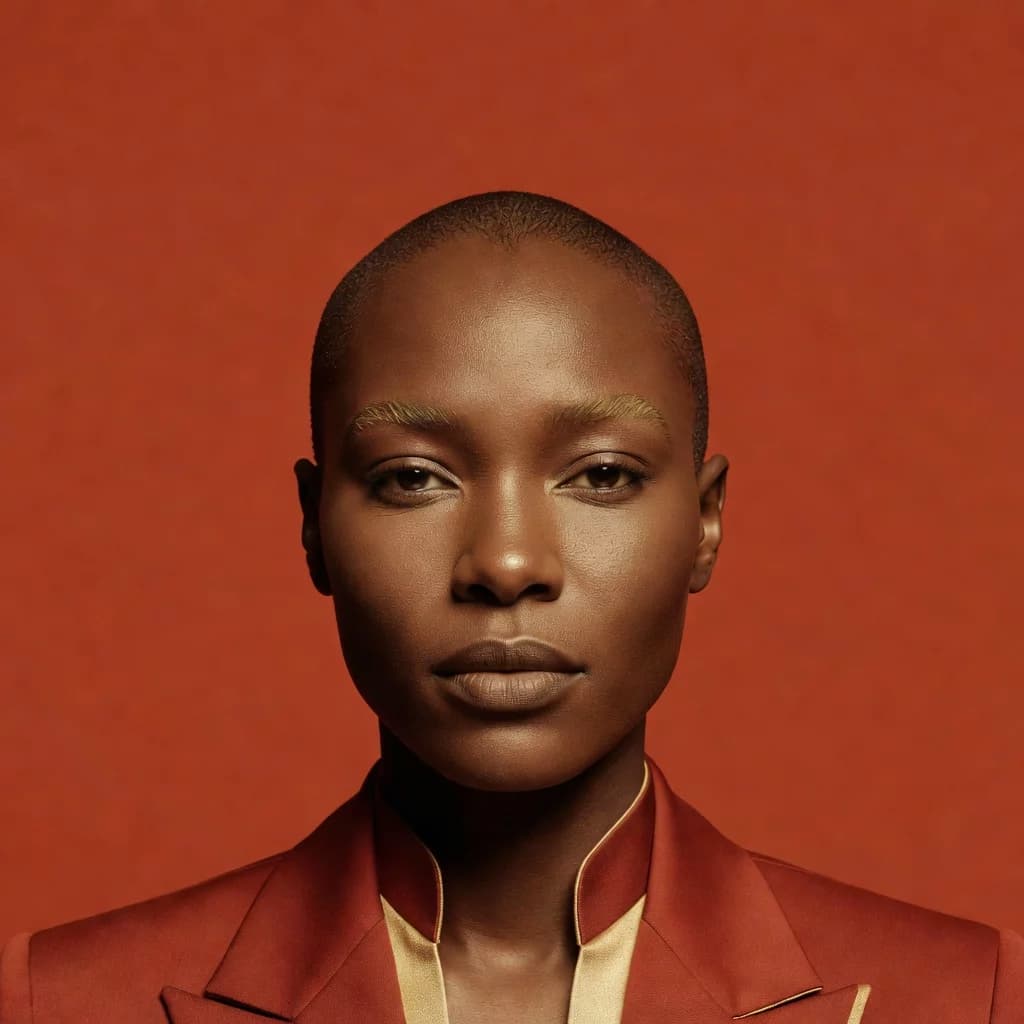
Works on AI-generated images, real photos, and product or campaign shots alike. Skin texture, pores, and micro-shadows carry over, so the output holds up at full size and in print.
How it works
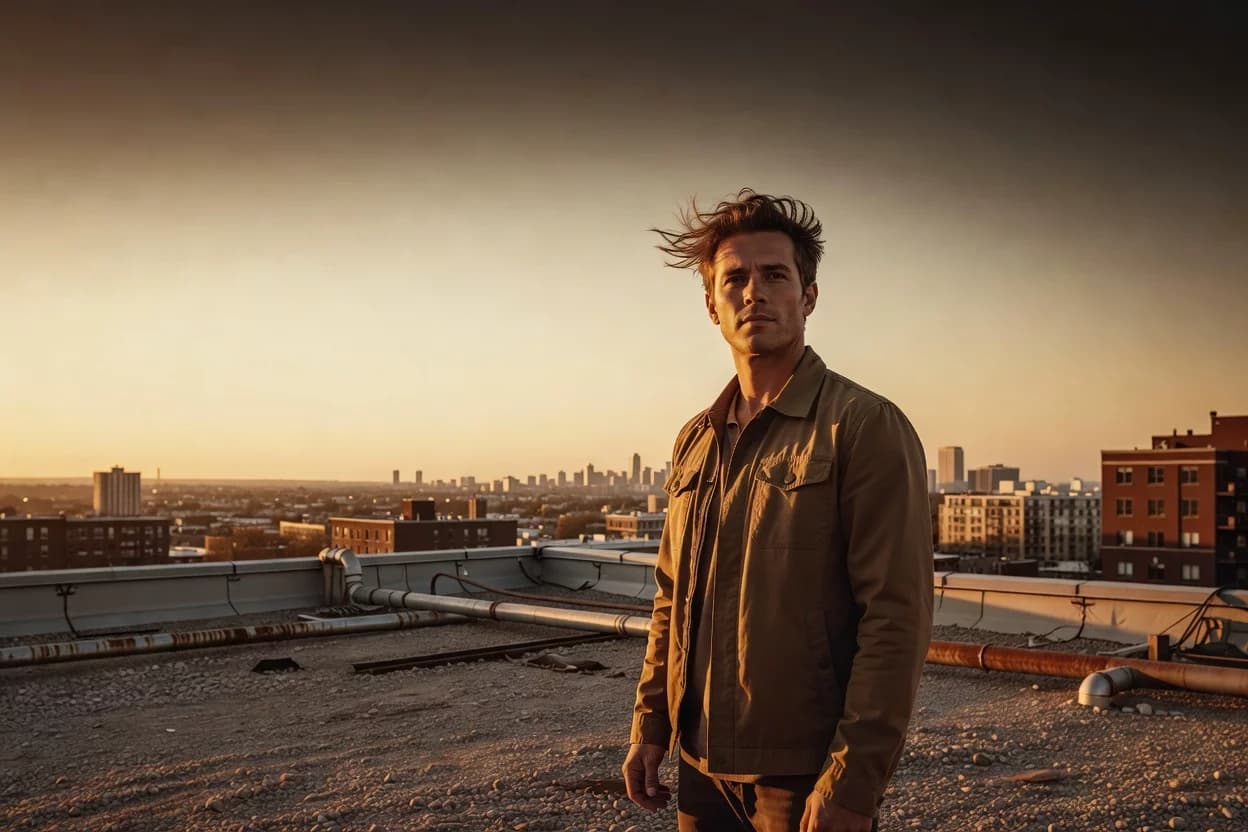
Put any face in any shot
Native, seam-free face swap that keeps the hair and proportions — free to try in Workroom.
Try other apps
More tools to speed up your creative workflow.