

Borrow a Color Grade
From Any Reference
Drop in a reference whose look you love — a film still, a neon night, a moody painting — and Workroom washes your scene in its color mood. No grading skills, no LUTs, no plugins.
Cinematic color, borrowed from any frame
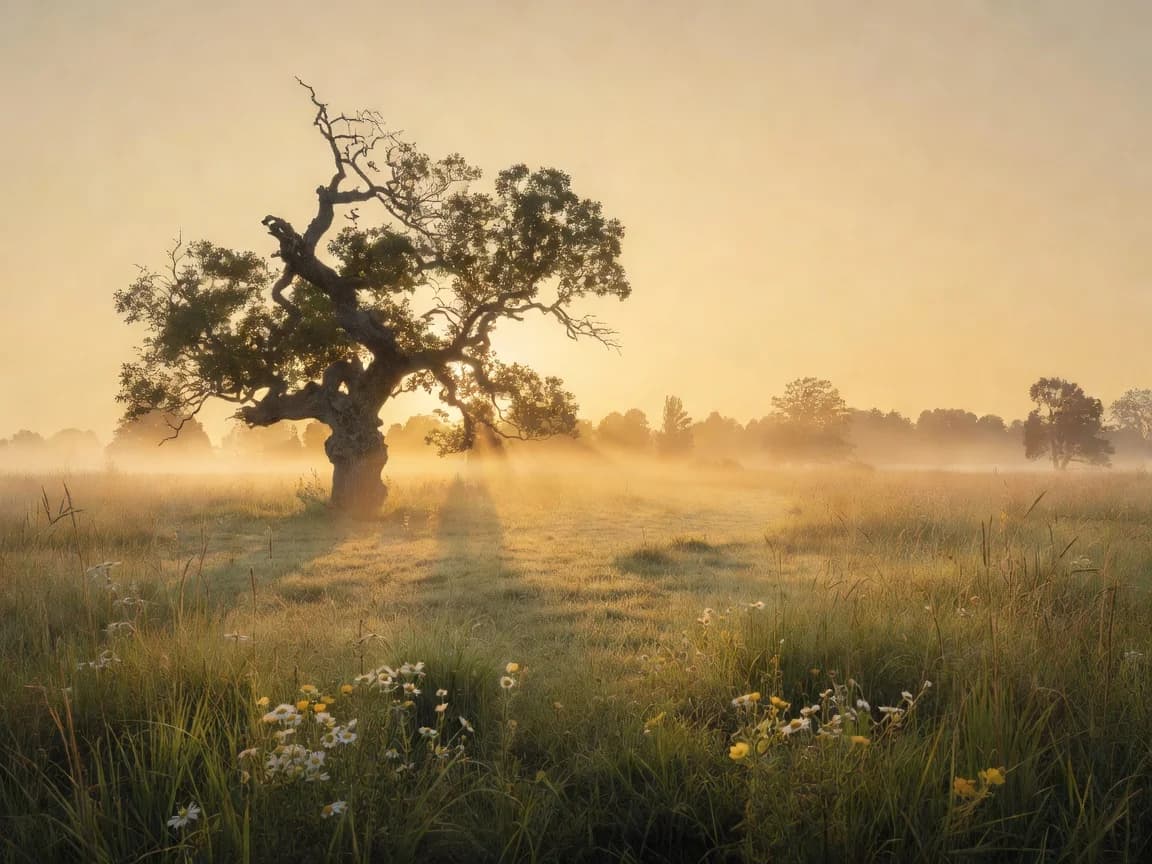
Built for atmospheric shots
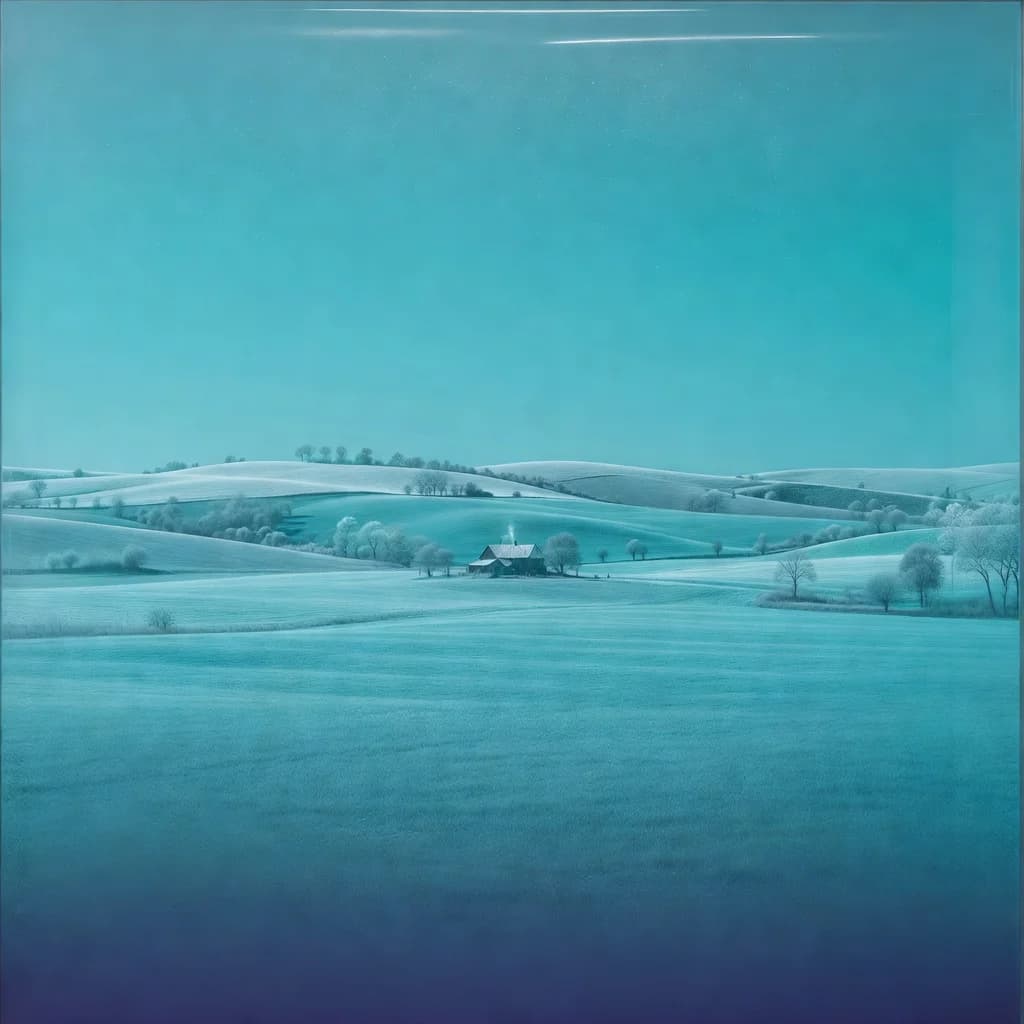
Color Grading shines on scenes — landscapes, cityscapes, interiors, still life. Give a neutral shot a moody teal dusk or a warm golden haze, the way a colorist grades a film.
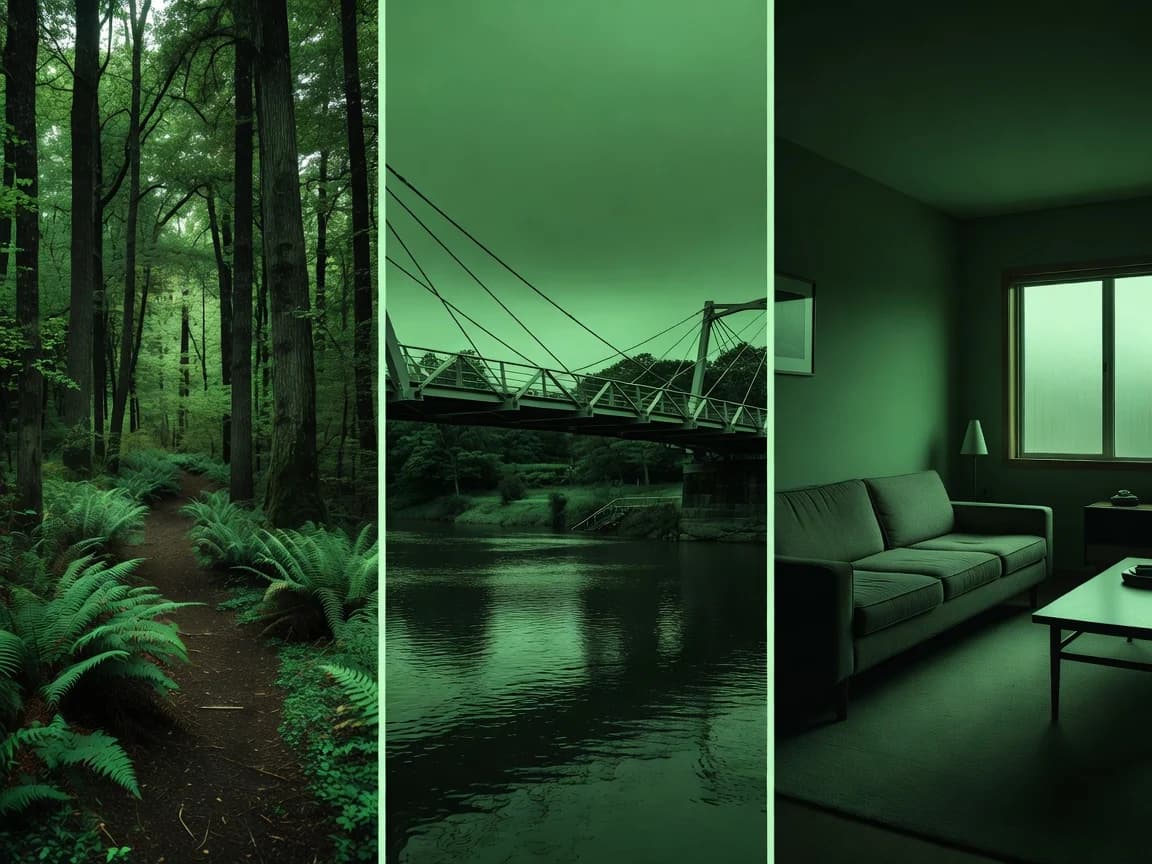
One look across a whole series
Apply the same reference to a set of shots and they all land in one color world — same mood, same atmosphere. A feed, a story, or a sequence that feels graded by one hand.
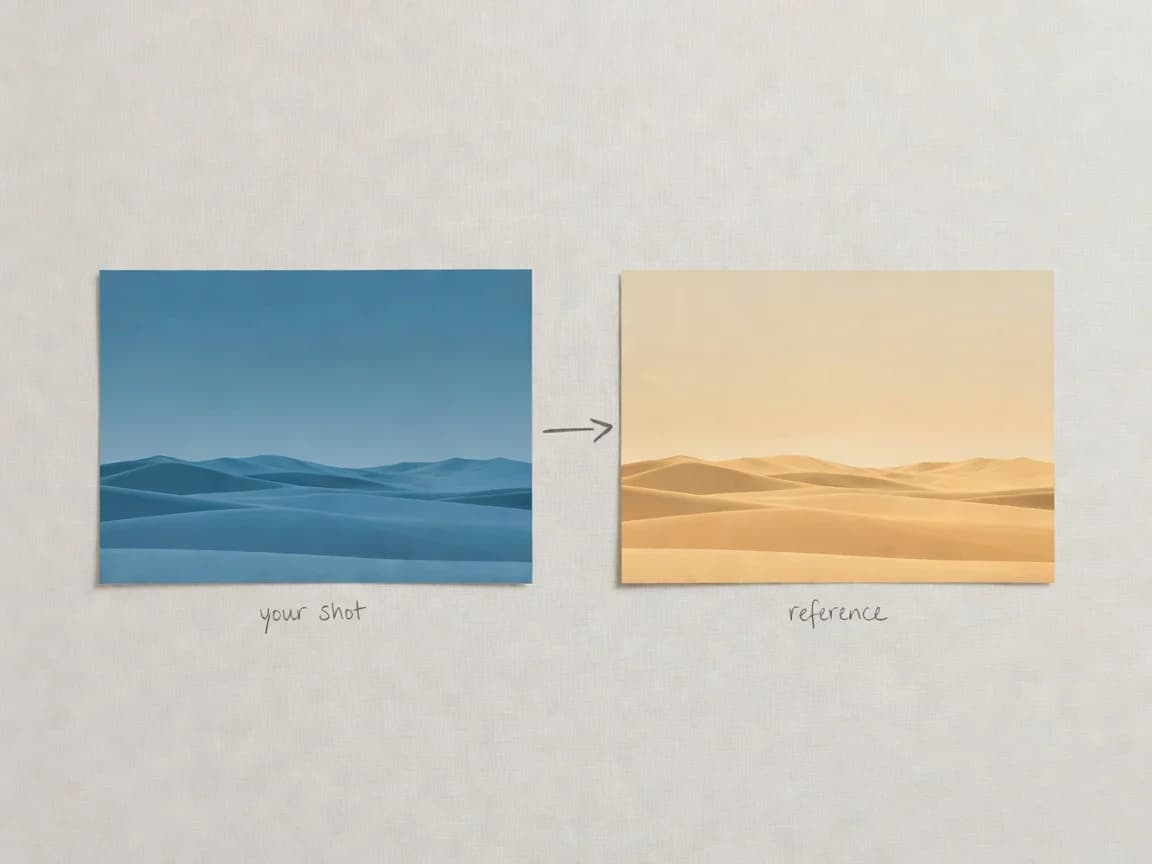
Zero setup, just two uploads
No LUTs, no sliders, no color theory. Drop in your scene and the reference whose mood you want — Workroom blends the look in seconds.
Key Features
Mood from any reference, atmospheric grading, full production pipeline
Pull a mood from any reference
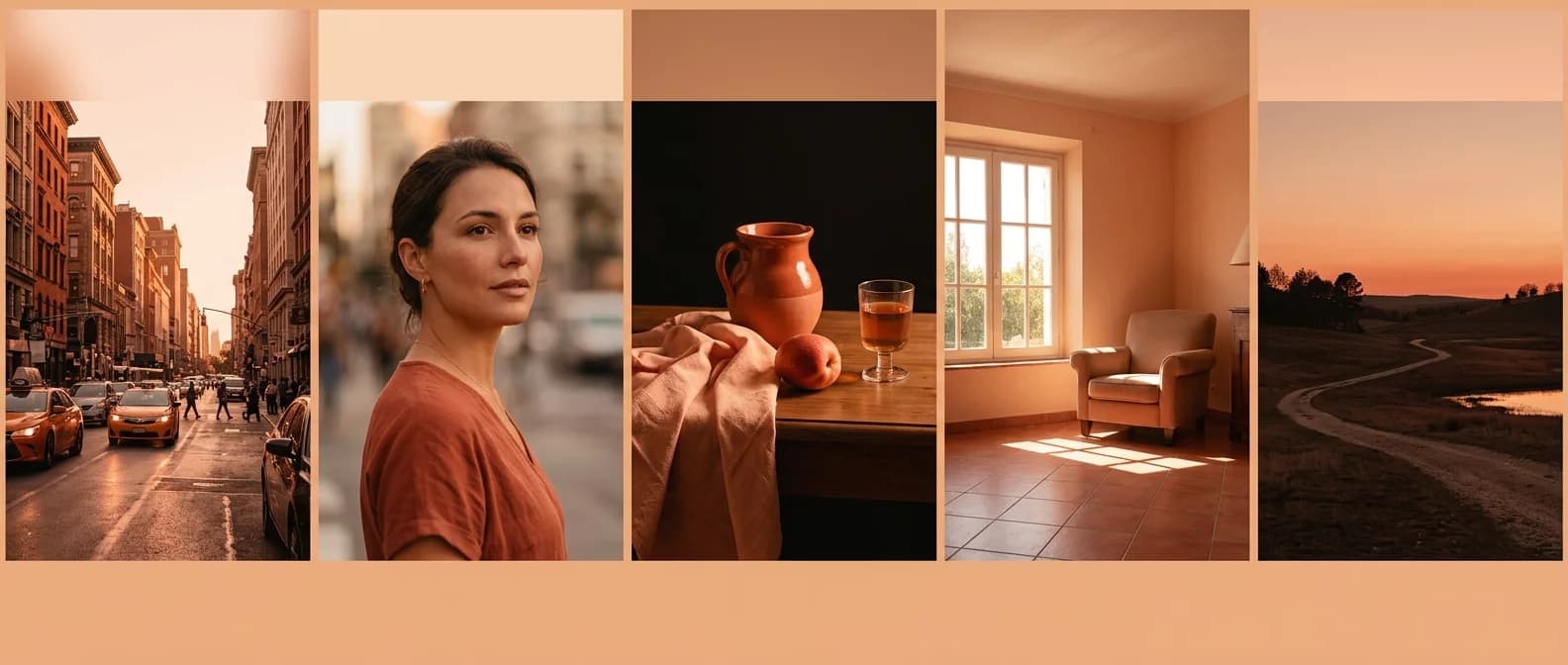
A film still, a neon sign, an oil painting, a sunset — anything with a strong, distinctive look becomes your grade. The more monochromatic and decisive the reference, the cleaner the transfer.
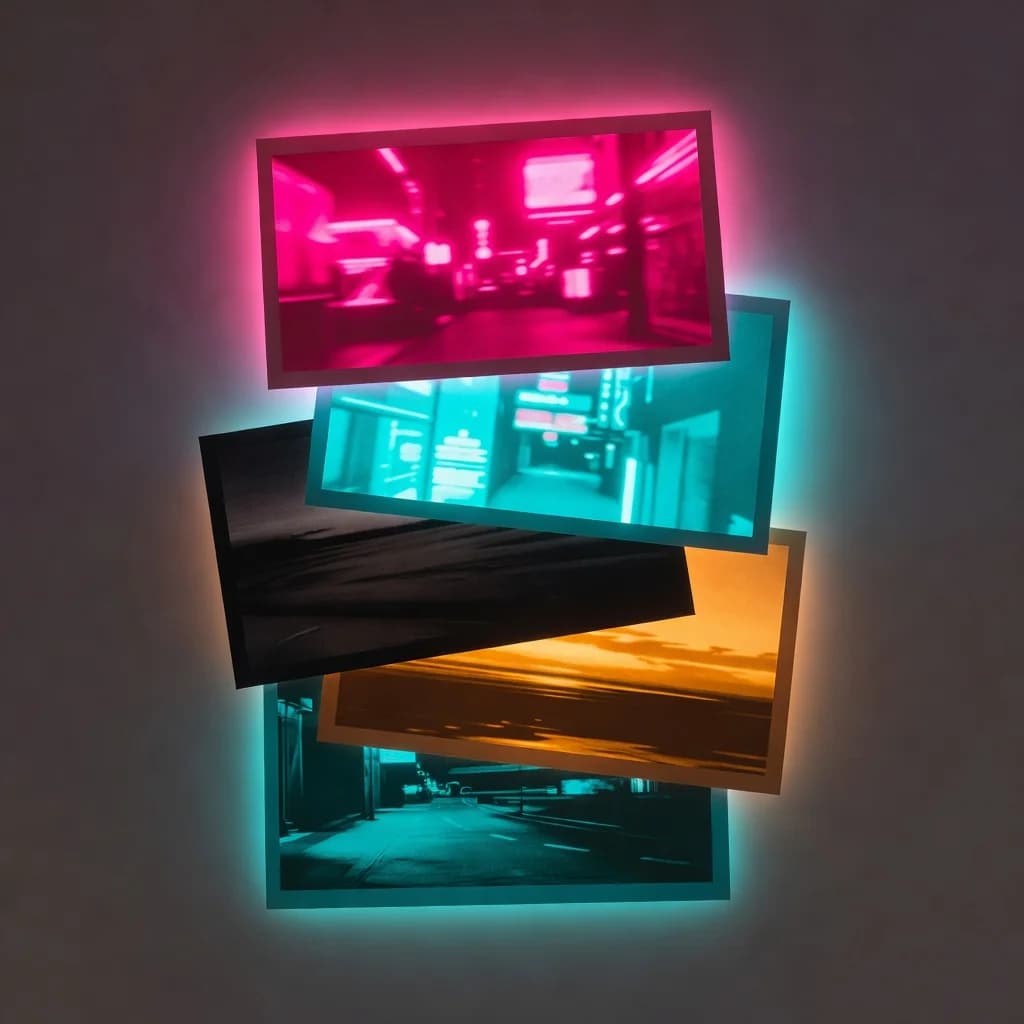
A color wash, not a repaint
Color Grading wraps your whole frame in the reference's palette — like shooting your scene through the same colored light. It keeps your composition intact and lays the mood on top, rather than repainting object by object.
From grade to full production
A graded image is just the start. Animate it in Video Generation, sharpen it in Upscale, or add a voiceover in Voice Generation — Color Grading plugs straight into the rest of the Workroom pipeline.

How it works
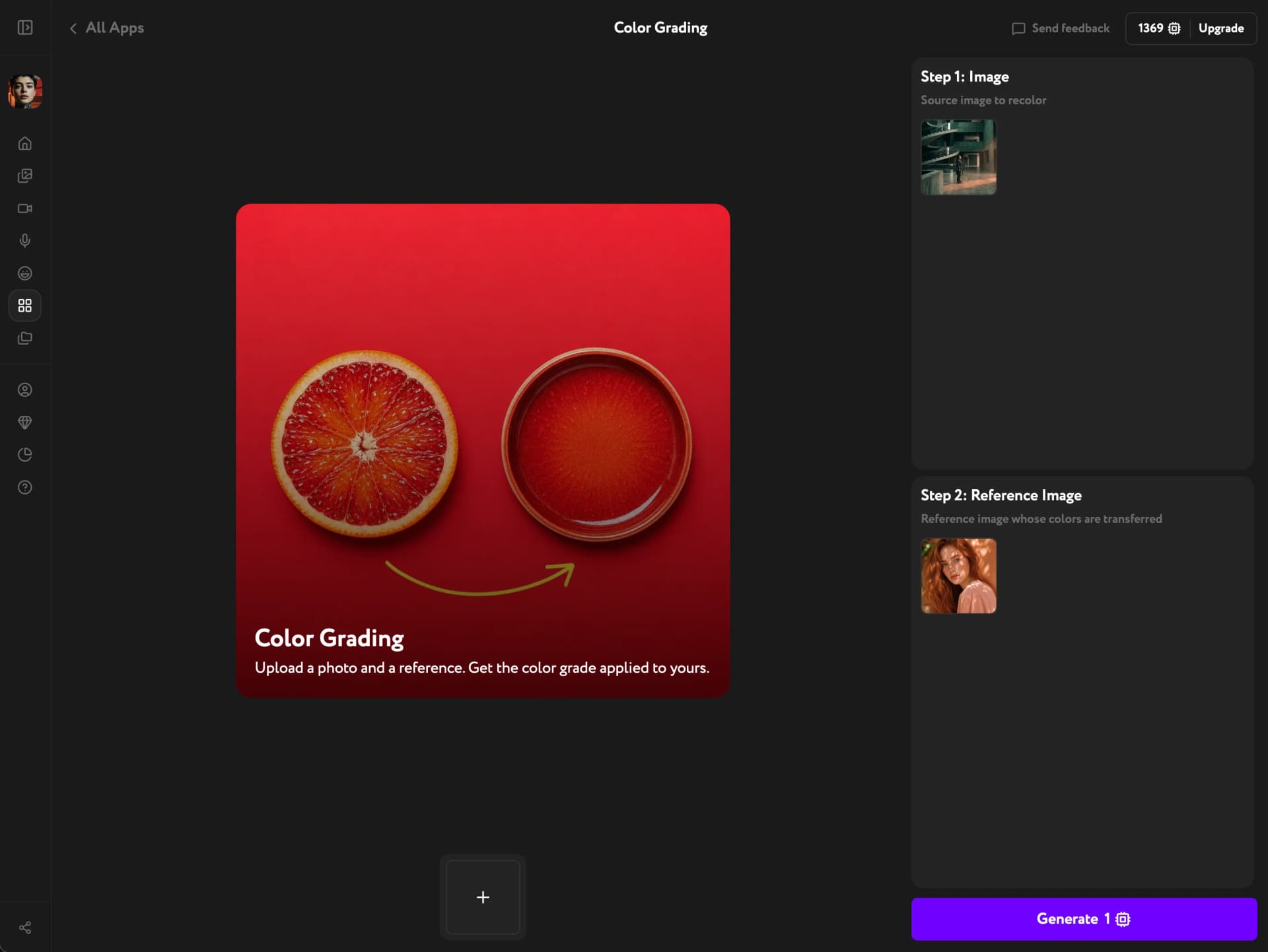
Grade your scene in seconds
Upload a shot, drop in a reference, and borrow its color mood — no grading skills required.
Try other apps
More tools to speed up your creative workflow.