

Video Background Changer
One Edited Frame, a Whole New Scene
Change the background of any video without a green screen or a reshoot. Edit one frame, and the whole take moves into the new scene — or export a clean mask of the person for your own composite.
New scene, same performance
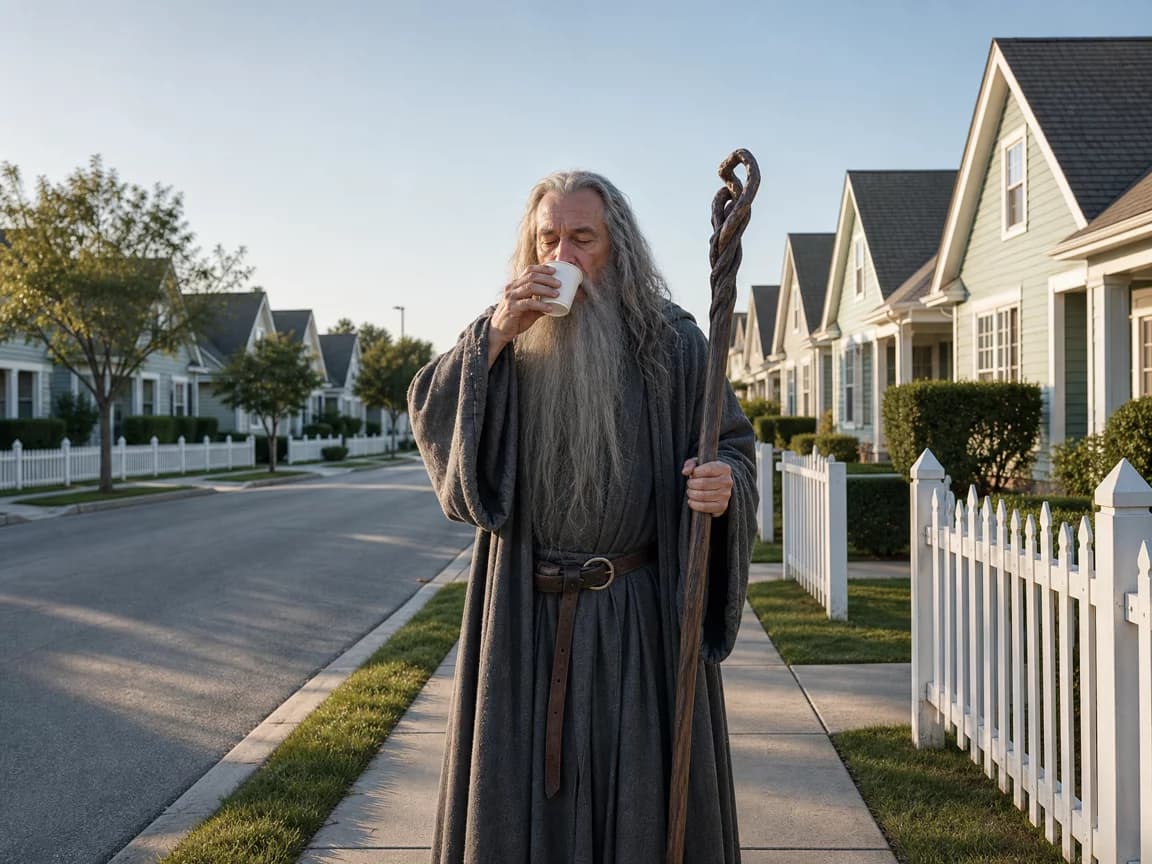
No green screen, no reshoot
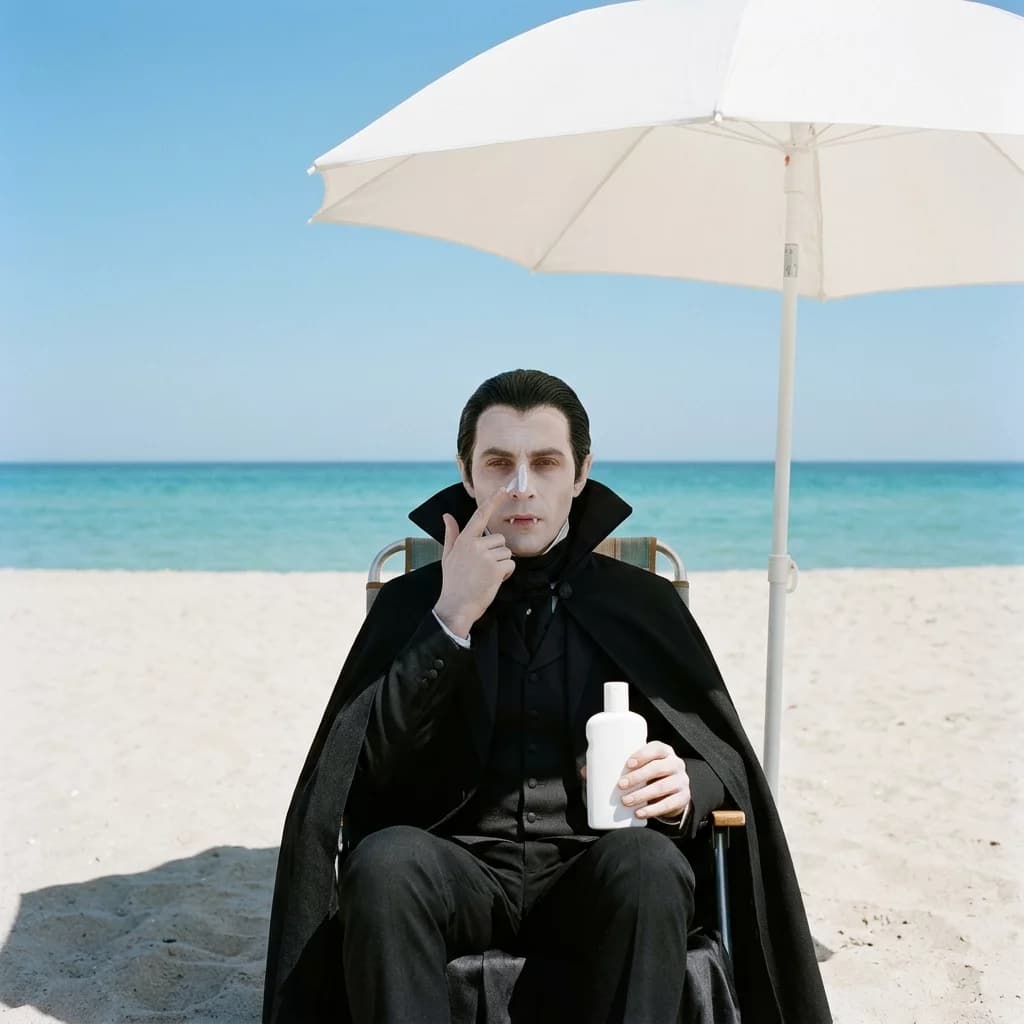
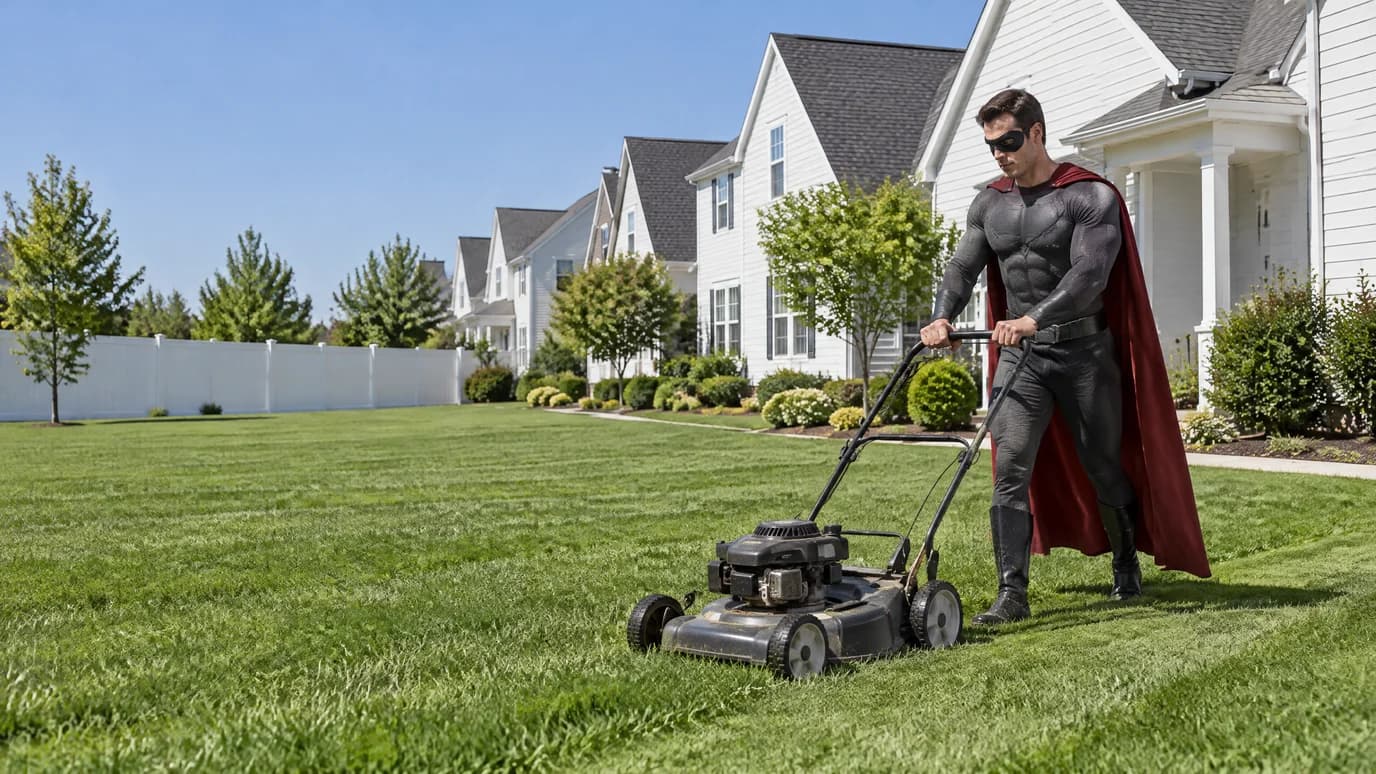
Film wherever you were and move the take later. The person's movement and timing stay as shot — only the world around them changes.
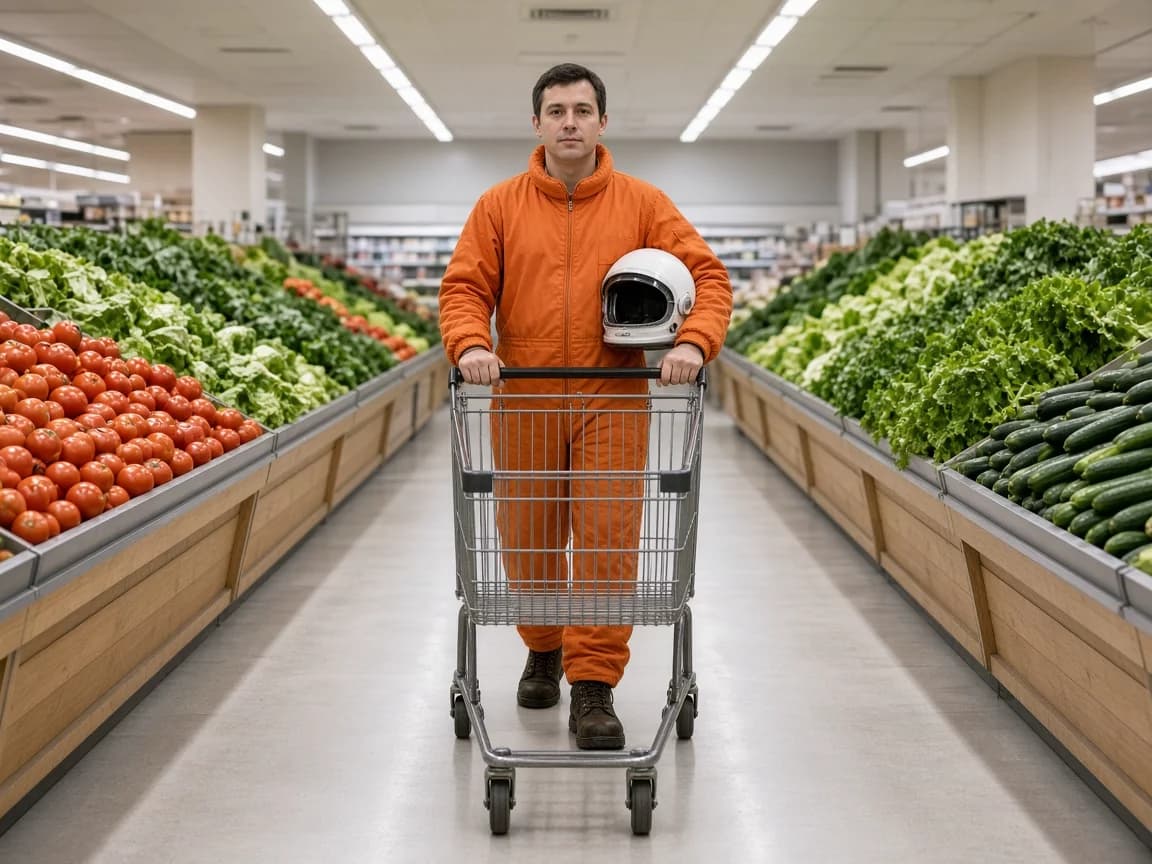
The scene looks the way you made it
The new background follows the frame you edited, not a guess from a text prompt. Set the location and mood in a single image, and the clip follows it.
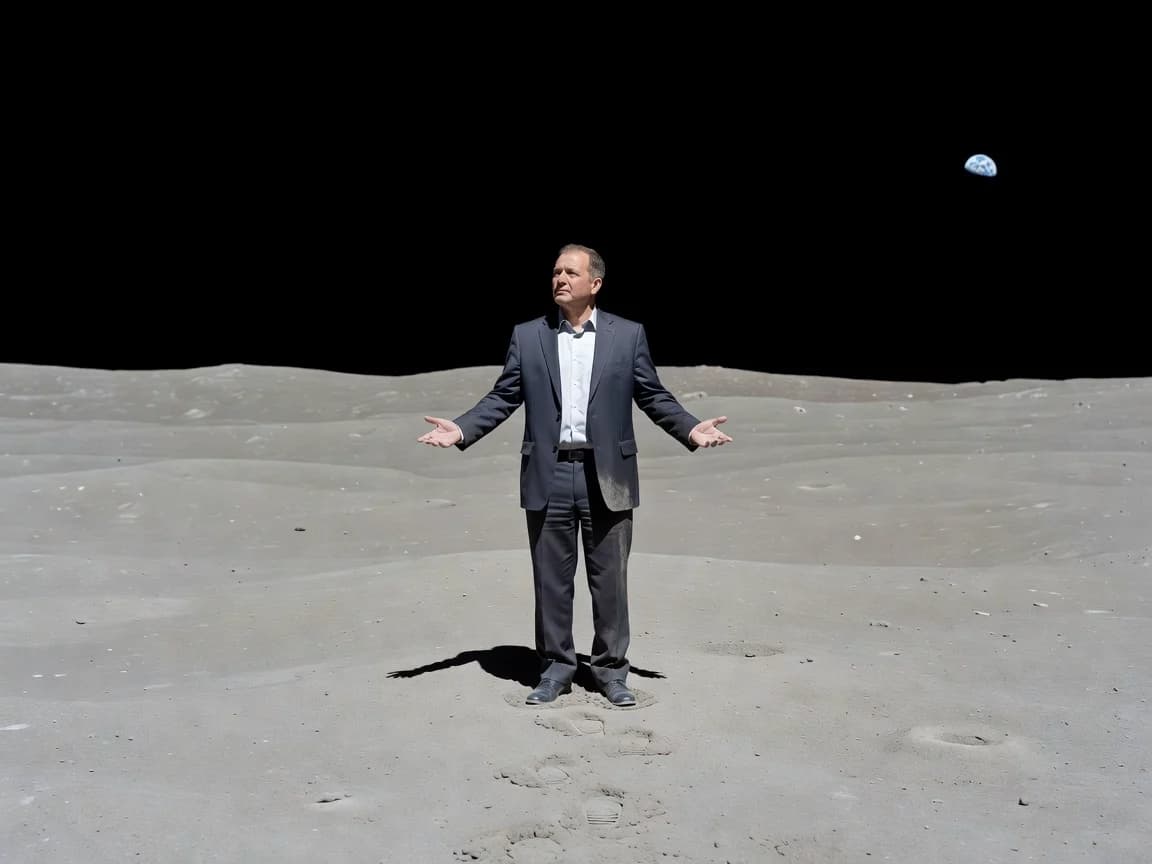
Ready for your own edit
Prefer to composite it yourself? Mask Video returns a black-and-white matte of the person that drops into your editing software as a track matte.
Key Features
Frame-guided scene swap, clean person mattes, the take left as filmed
Edited Video — one frame steers the whole clip
Upload your clip, then a frame from it with the background already replaced. The app carries that new scene through the whole video.
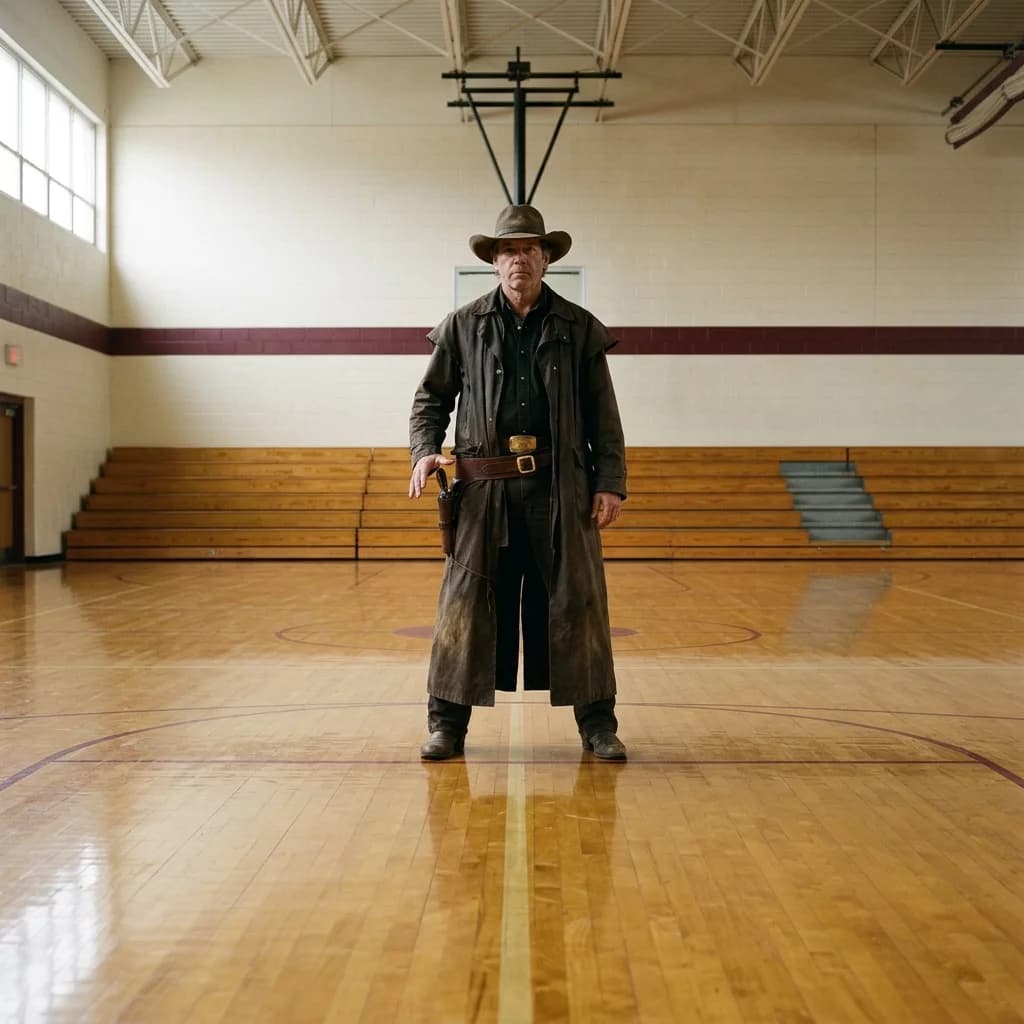
Mask Video — a clean matte of the person
Switch the preset to Mask Video and upload just the clip. You get a black-and-white mask of the person at the clip's original resolution, ready for compositing, color work or effects.

The performance stays as filmed
Only the world around the person changes. Pose, gestures and every movement come from your original take, so the new clip drops into your edit where the old one was.
How it works
Try other apps
More tools to speed up your creative workflow.