Image Generation — Workroom's AI image studio — produces a batch of images from a single text prompt. Write what you want, set the ratio, and hit Generate. The whole process takes under a minute.
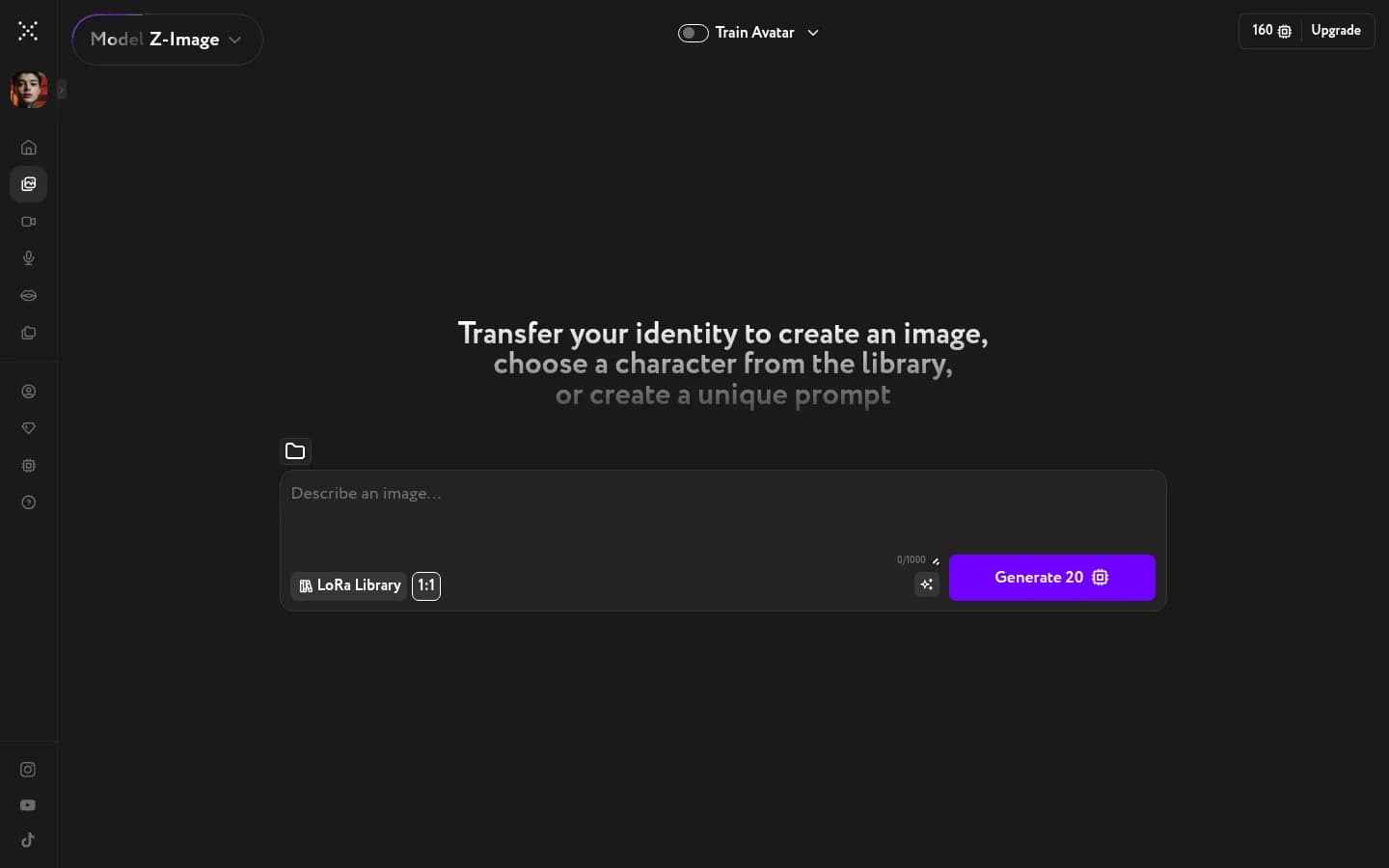
Choose a model
Write your prompt
Click the prompt area and describe the image you want. Be specific about the subject, setting, and mood — the more precise your description, the closer the result will be to what you have in mind. You have up to 1000 characters.
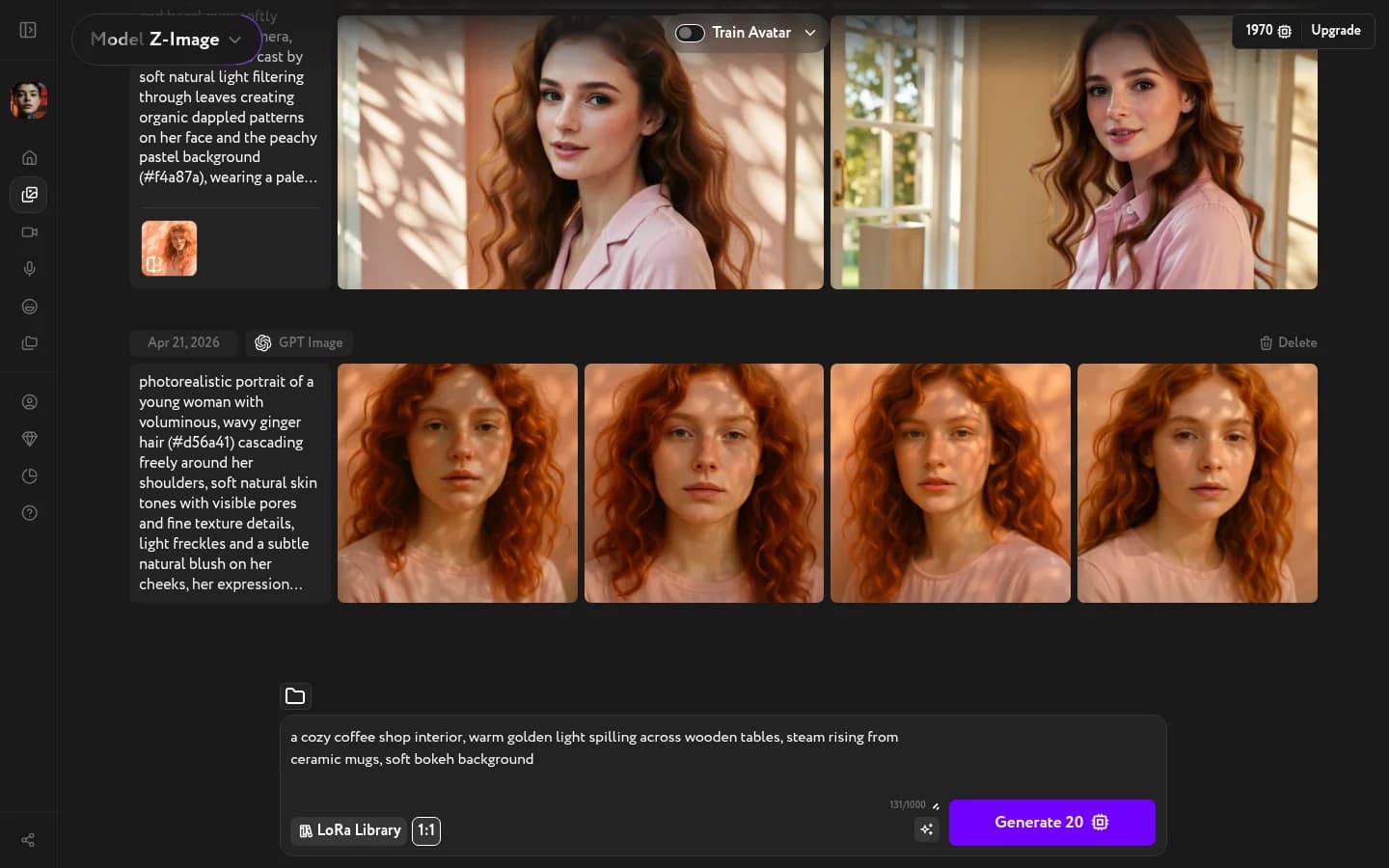
Set the aspect ratio
Click the ratio button next to the prompt area (shows 1:1 by default) and pick the format that fits your use case.
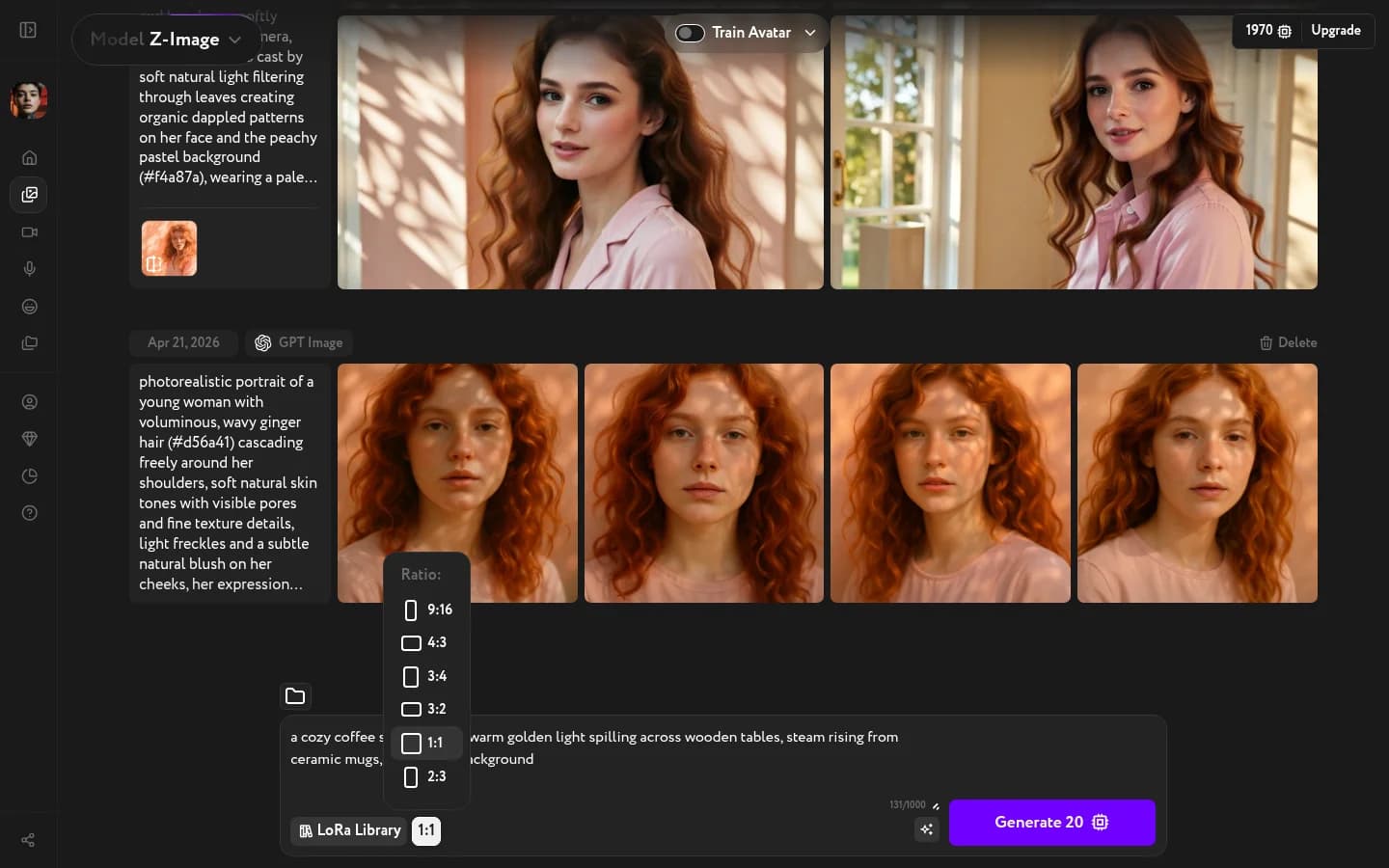
Common choices: 1:1 for social posts, 16:9 for banners and thumbnails, 9:16 for Reels and Stories, 4:3 for presentations.
Generate and download
Click Generate. Workroom generates images in parallel — you'll see a progress ring on each one as they load.
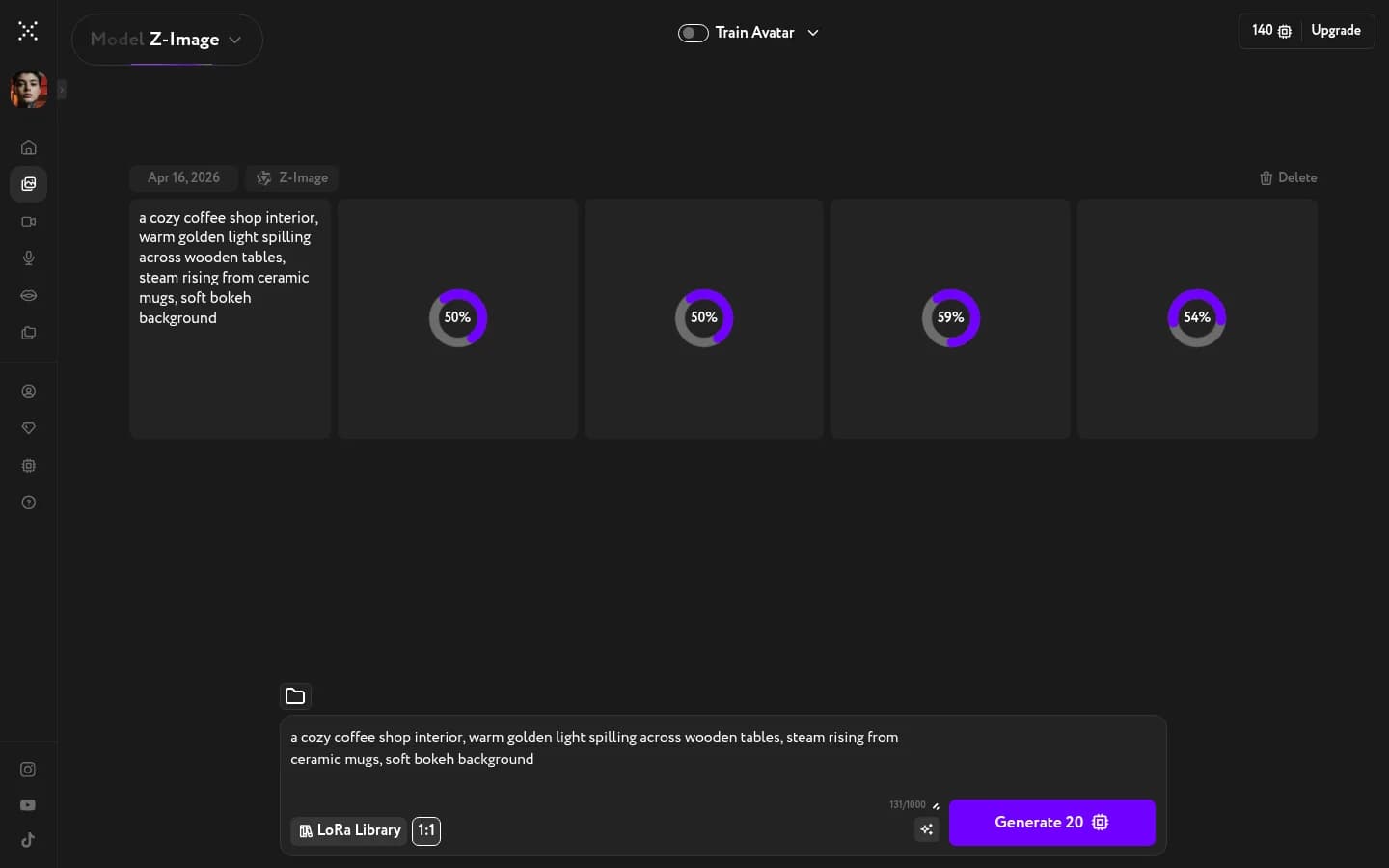
Once done, hover over any image to reveal the action icons. Download saves it to your device, Favorite pins it for later, Upscale increases the resolution, and Edit Camera Angle regenerates the image from a different viewpoint. The Create Video button sends the image to Video Generation as a start frame.