Workroom is an AI workspace for video, image, and voice generation. To make your first video, open Video Generation, write what you want to see, and press Generate.
Open Video Generation
Click Video in the left sidebar. The editor opens with LTX 2.3 selected by default. You can open the model list to browse alternatives — each model description shows what it works best for.
Describe your video
Type your text-to-video prompt in the box at the bottom of the editor. Be specific about style and mood. In this example we used "A wooden rowing boat drifts slowly through a foggy mountain lake at dawn, the still water reflecting pine trees and pale gray sky."
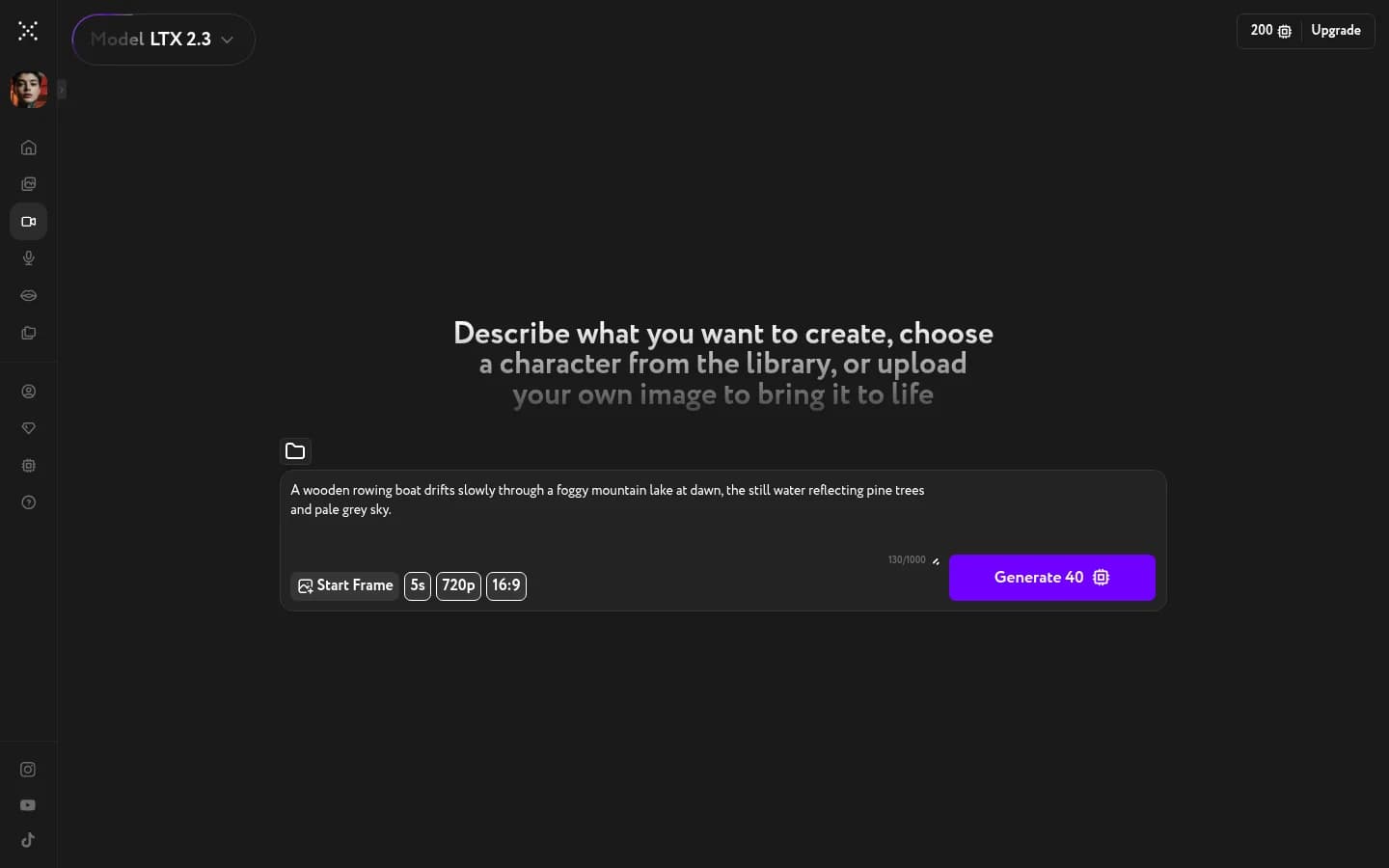
The defaults — 5 seconds, 720p, 16:9 — work for a first generation.
Press Generate
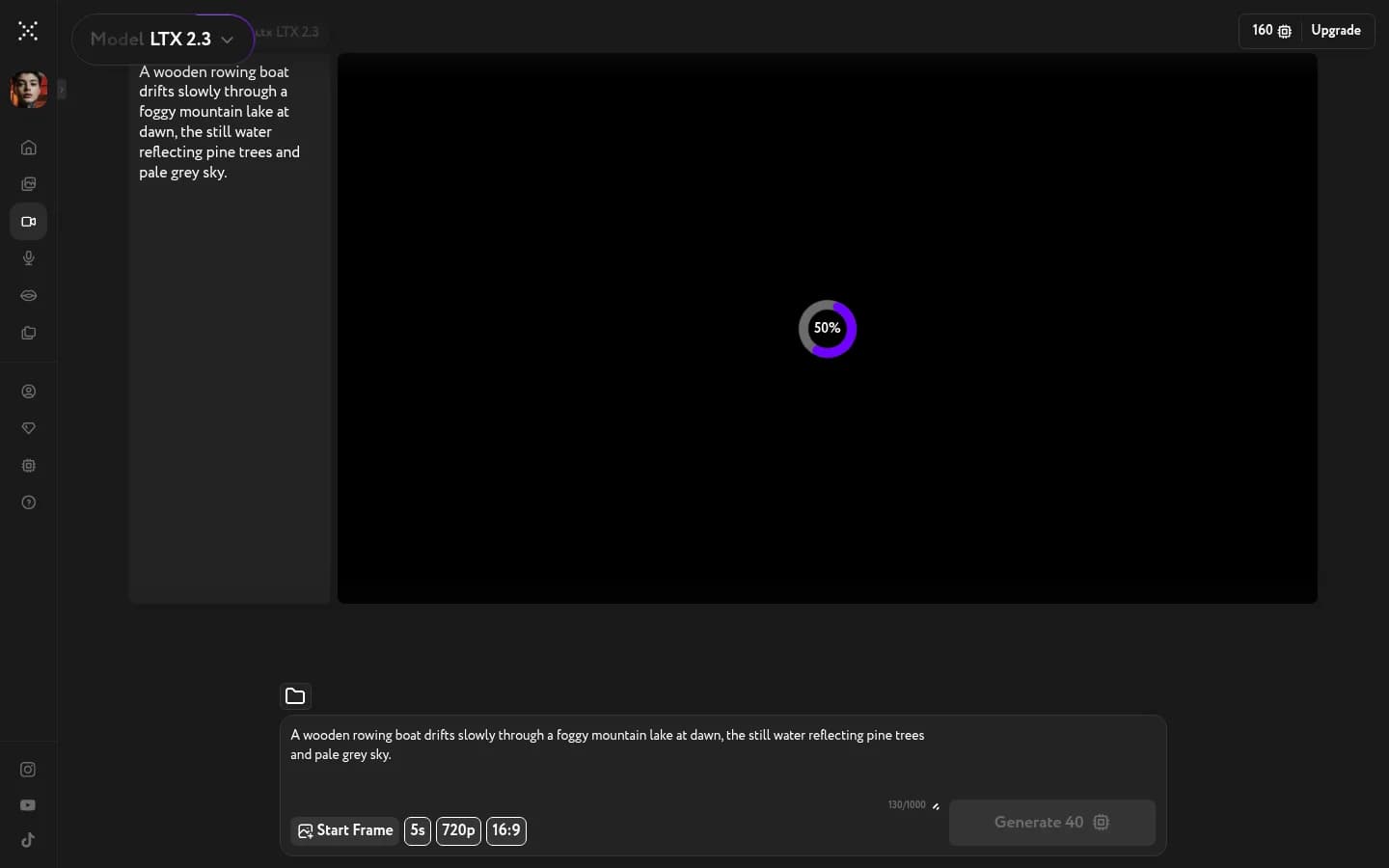
The Generate button shows the cost — 5 credits for a five-second video at 720p. Press it. Credits come off your balance right away, and a progress ring appears.
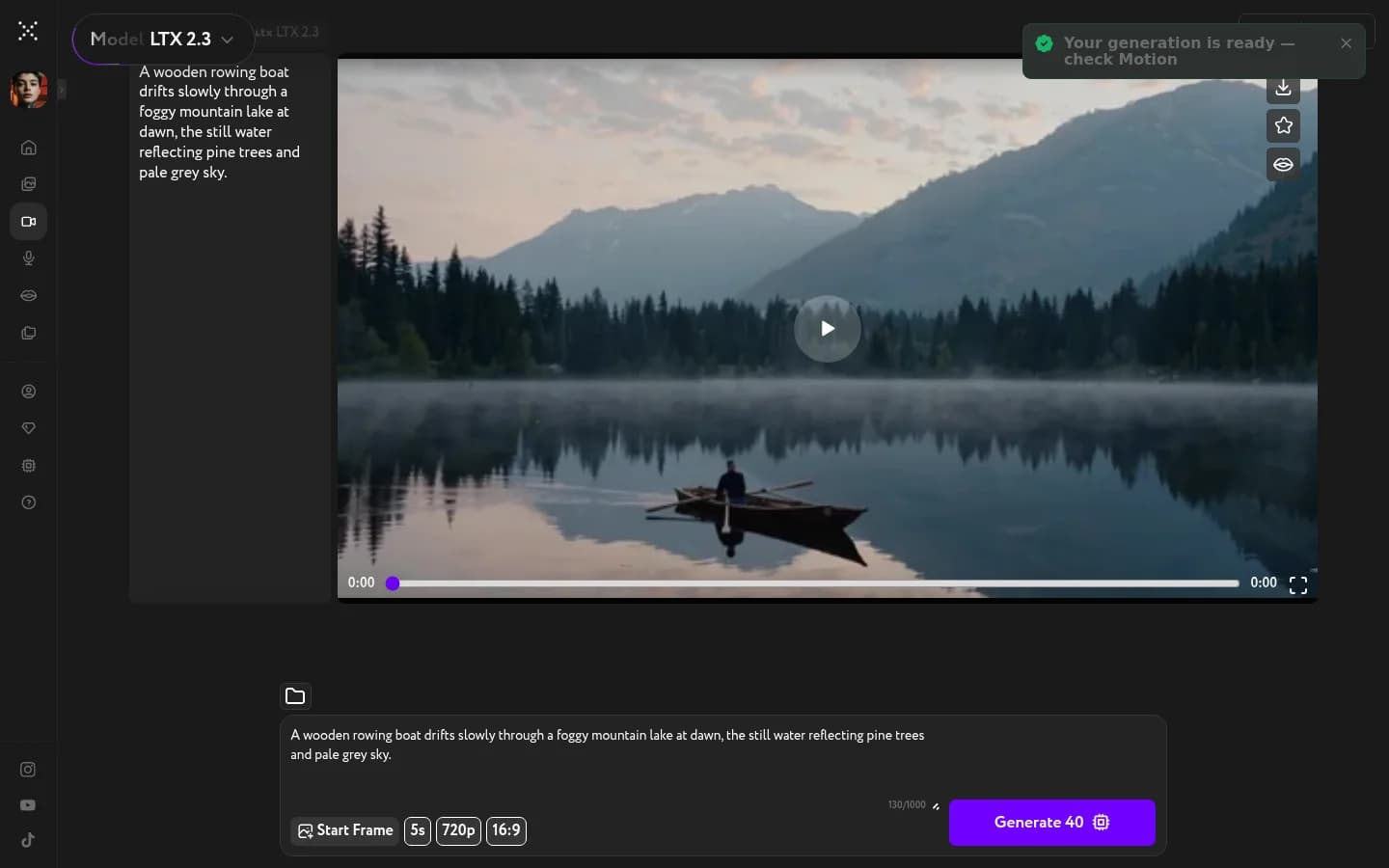
Your video is ready
LTX 2.3 typically takes two to six minutes for a five-second video. When it finishes, the player fills with your result and a green "Your generation is ready — check Motion" toast appears in the corner. Hit play, download, favorite it, or send it to Lip Sync.