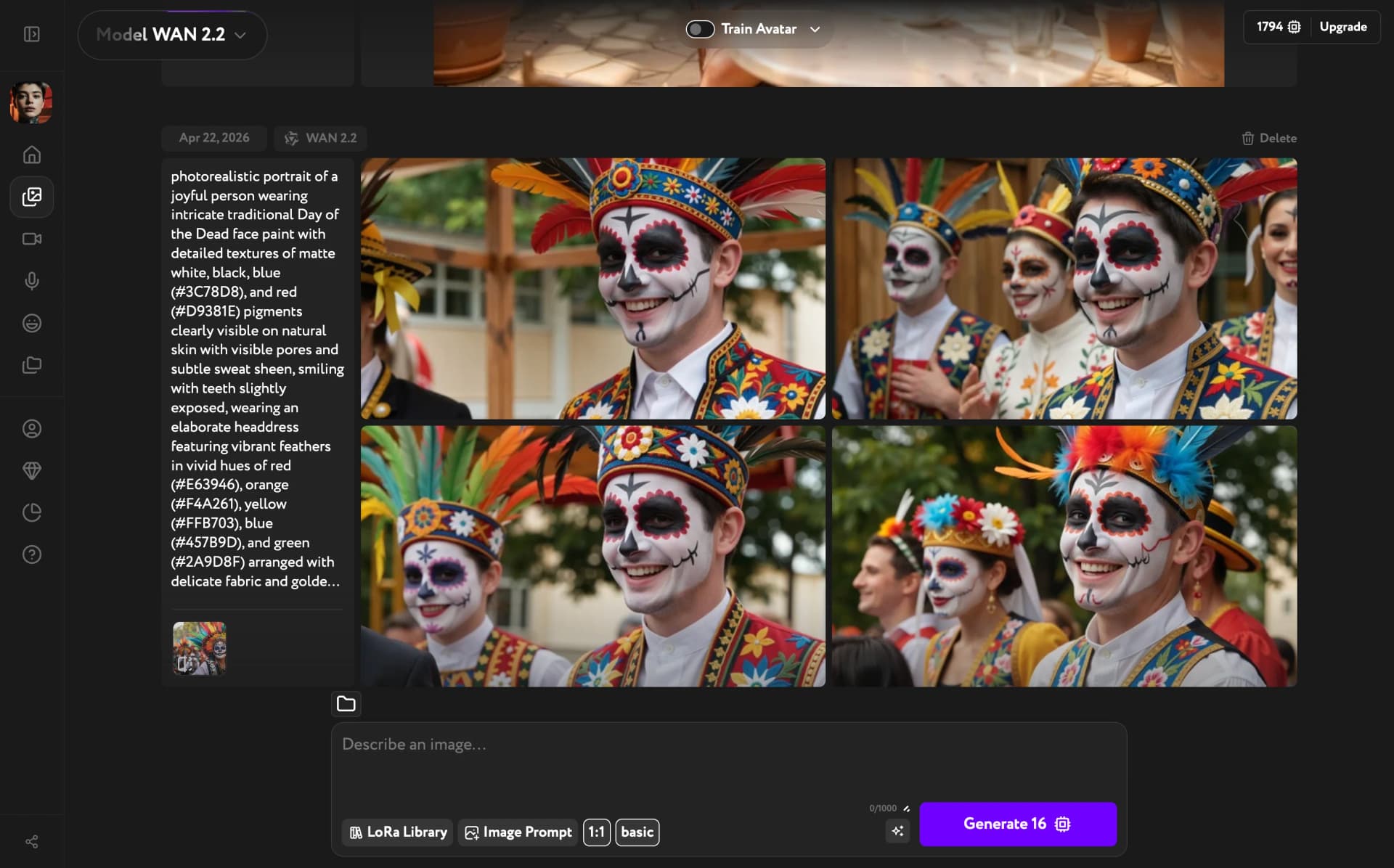
Image Prompt was a WAN 2.2 feature in Image Generation. You selected an image, Workroom analyzed it and filled the prompt field with a description, and you edited that prompt to generate a new image closely resembling the original — same composition, mood, and style.
When an image was set as Image Prompt, the aspect ratio locked automatically from the reference image. It could not be changed manually while Image Prompt was active.
Select WAN 2.2
You switched to WAN 2.2 from the model selector. The prompt bar then showed Image Prompt alongside LoRA Library, a quality selector, and the ratio selector.
Set the Image Prompt
Clicking Image Prompt opened the panel. You browsed your previous generations across the All, Favorites, and Uploaded tabs and clicked an image to select it. Upload brought in an external image.
Once selected, Workroom generated a text description of the image and added it to the prompt field.
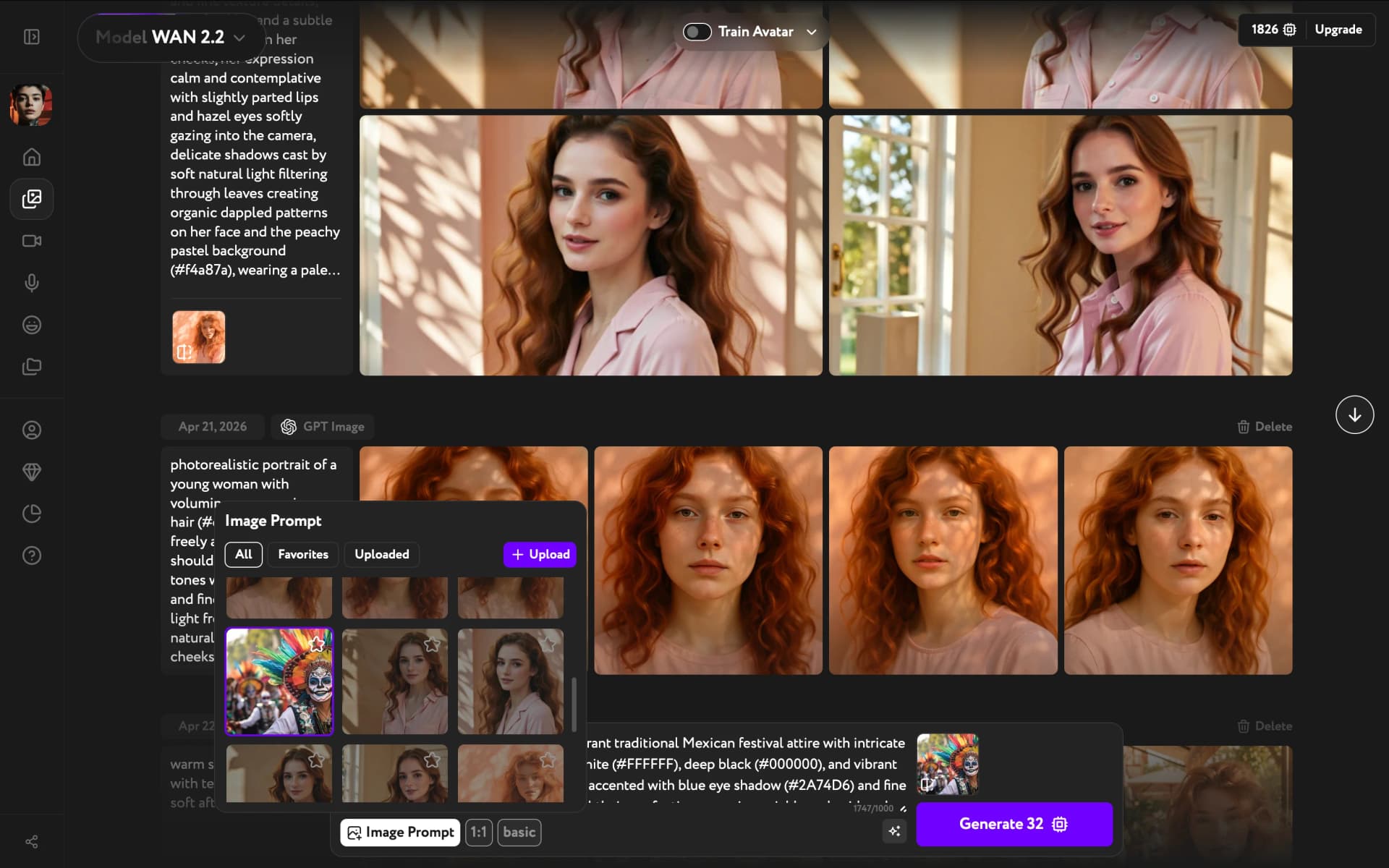
Edit the prompt and generate
You reviewed the auto-generated prompt and adjusted it — adding, removing, or rephrasing anything. The more specific the edits, the more the output differed from the original reference.
Clicking Generate produced results.