
AI image upscaling in Image Generation opens the Image Upscaler app with the image already loaded. The result appears in the app.
How to upscale
Hover over any generated image in Image Generation. A set of action icons appears — click the Upscale icon.
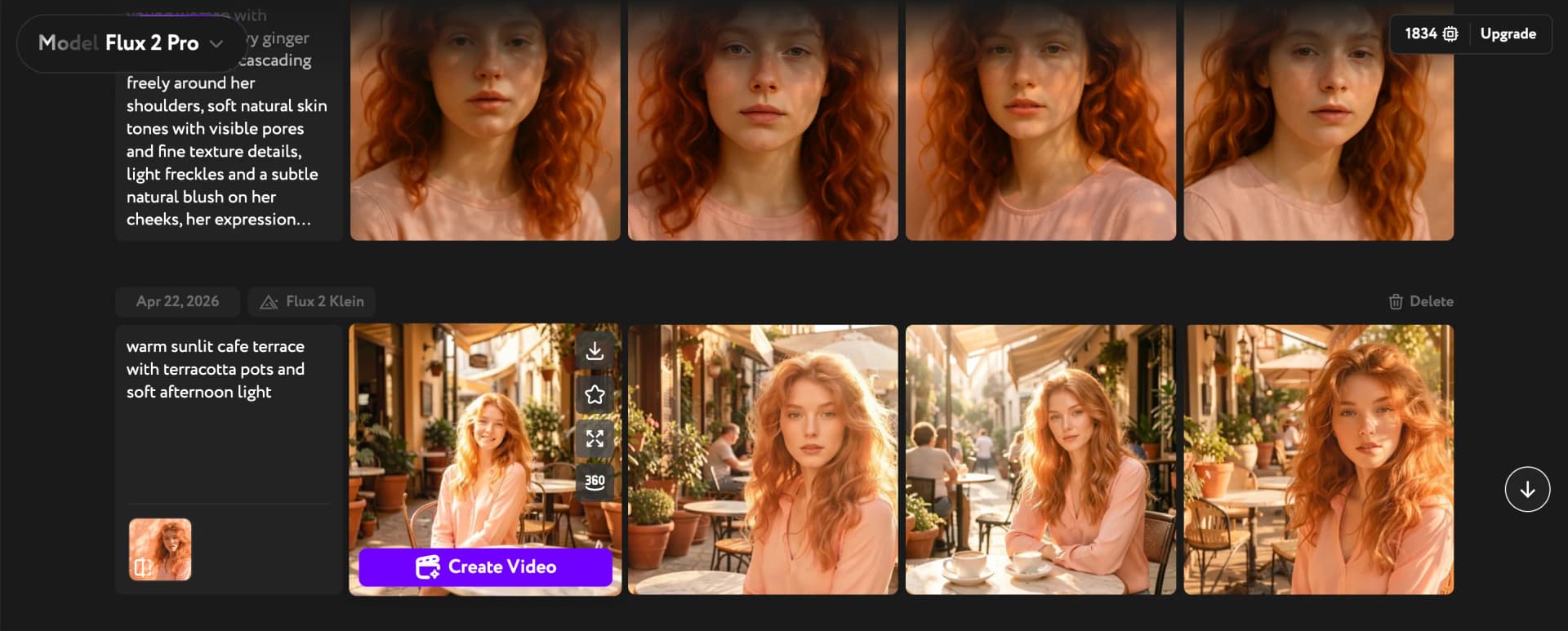
Workroom opens Image Upscaler with your image pre-loaded. Click Generate to run the enhancement. Once done, the upscaled image is ready to download or save to your library.
The original image stays in your Image Generation history — upscaling creates a separate copy at higher resolution.
For a full guide to Image Upscaler and all its options, see Enhance images with Image Upscaler. To see the full set of hover actions available on generated images, see Image result actions.