
Image Upscaler is Workroom's AI image upscaling tool — it improves the resolution of generated or uploaded images without re-prompting or reshooting. It corrects over-smooth skin, synthetic textures, and waxy gradients. The result is a larger file with restored natural detail, ready for print or large-format use.
Open Image Upscaler
Open Apps from the sidebar and click Image Upscaler.
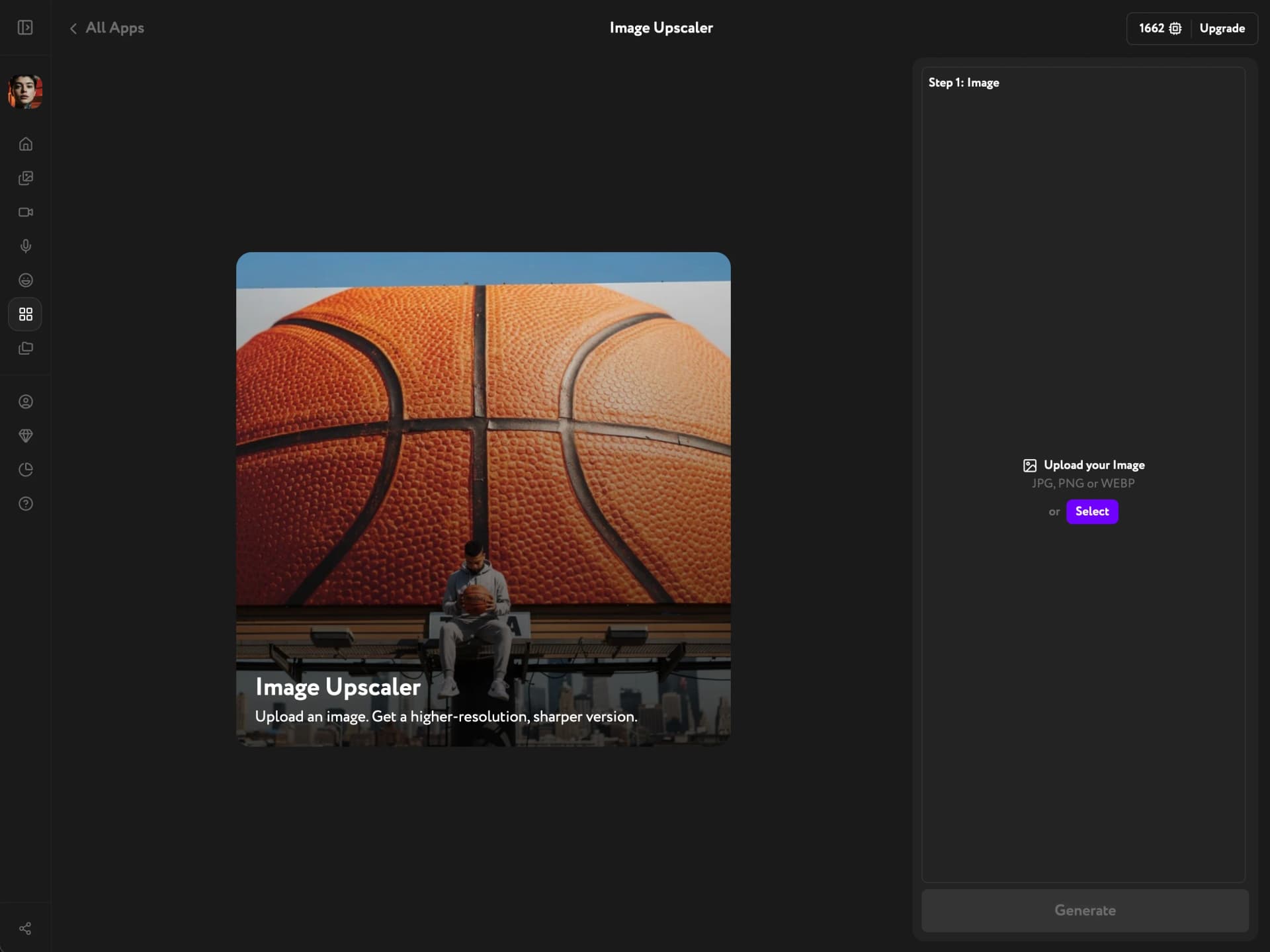
Select your image
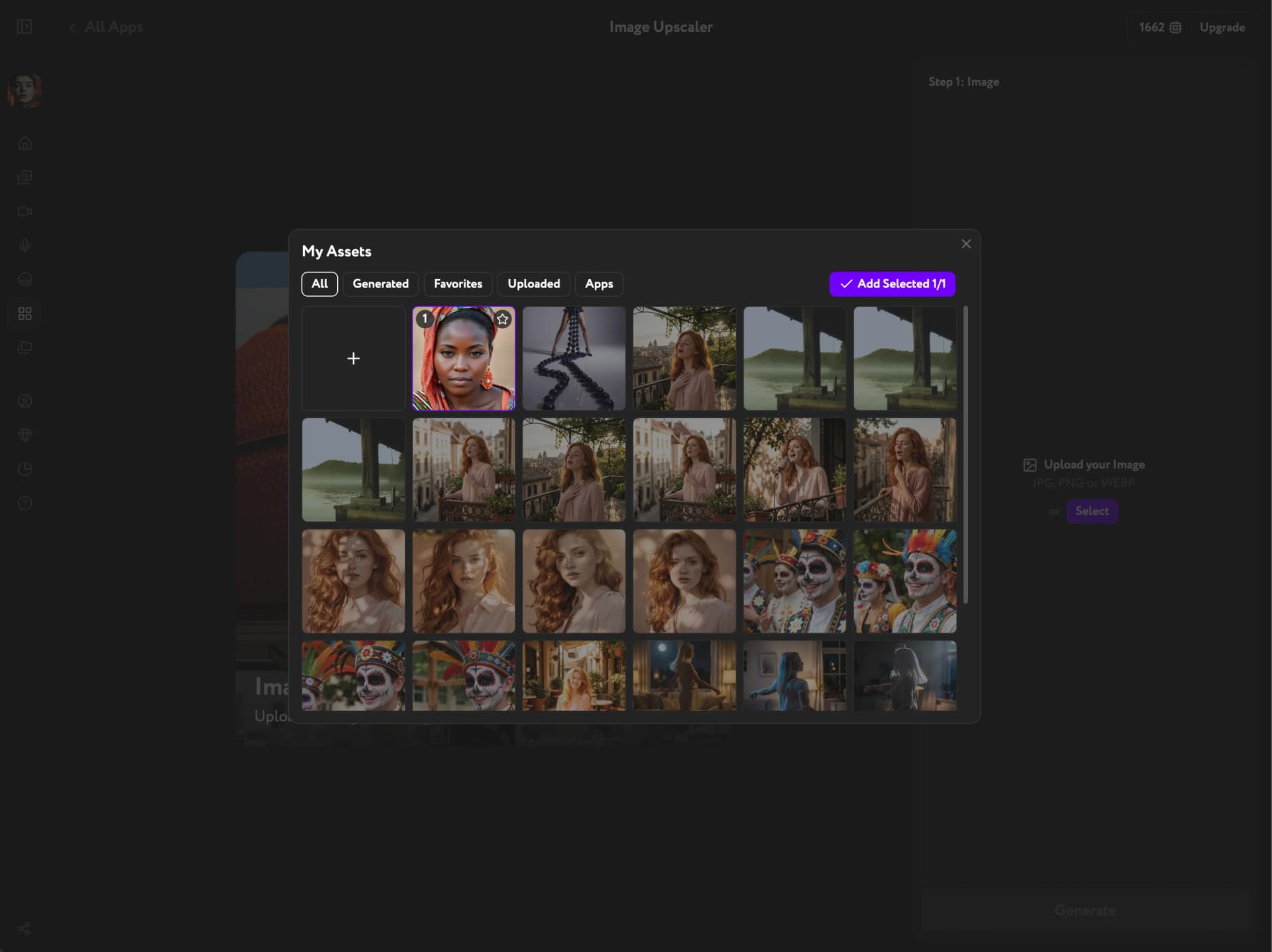
Click Open Assets and pick an image from the panel. Browse Generated, Uploaded, Favorites, or Apps content. Click the image to select it, then confirm.
You can upload any image — JPEG, PNG, or WebP — directly to Assets without generating it in Workroom first.
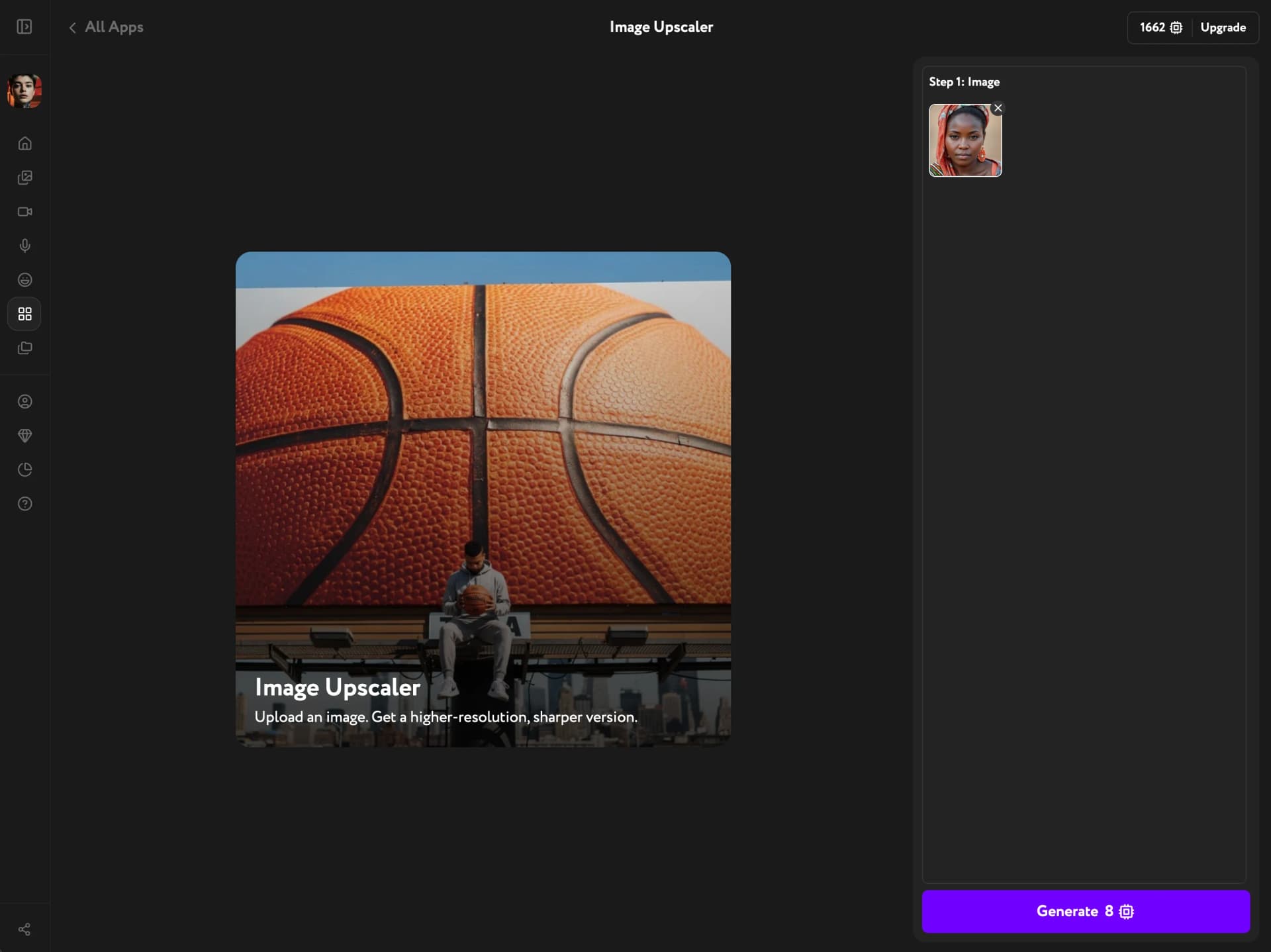
Generate the enhancement
Click Generate. The AI determines the right enhancement for your image.
Apps share a monthly pool of 5 free generations on the Free plan — once it's used, each run costs credits, with the exact cost shown on the Generate button.
Download or save the result
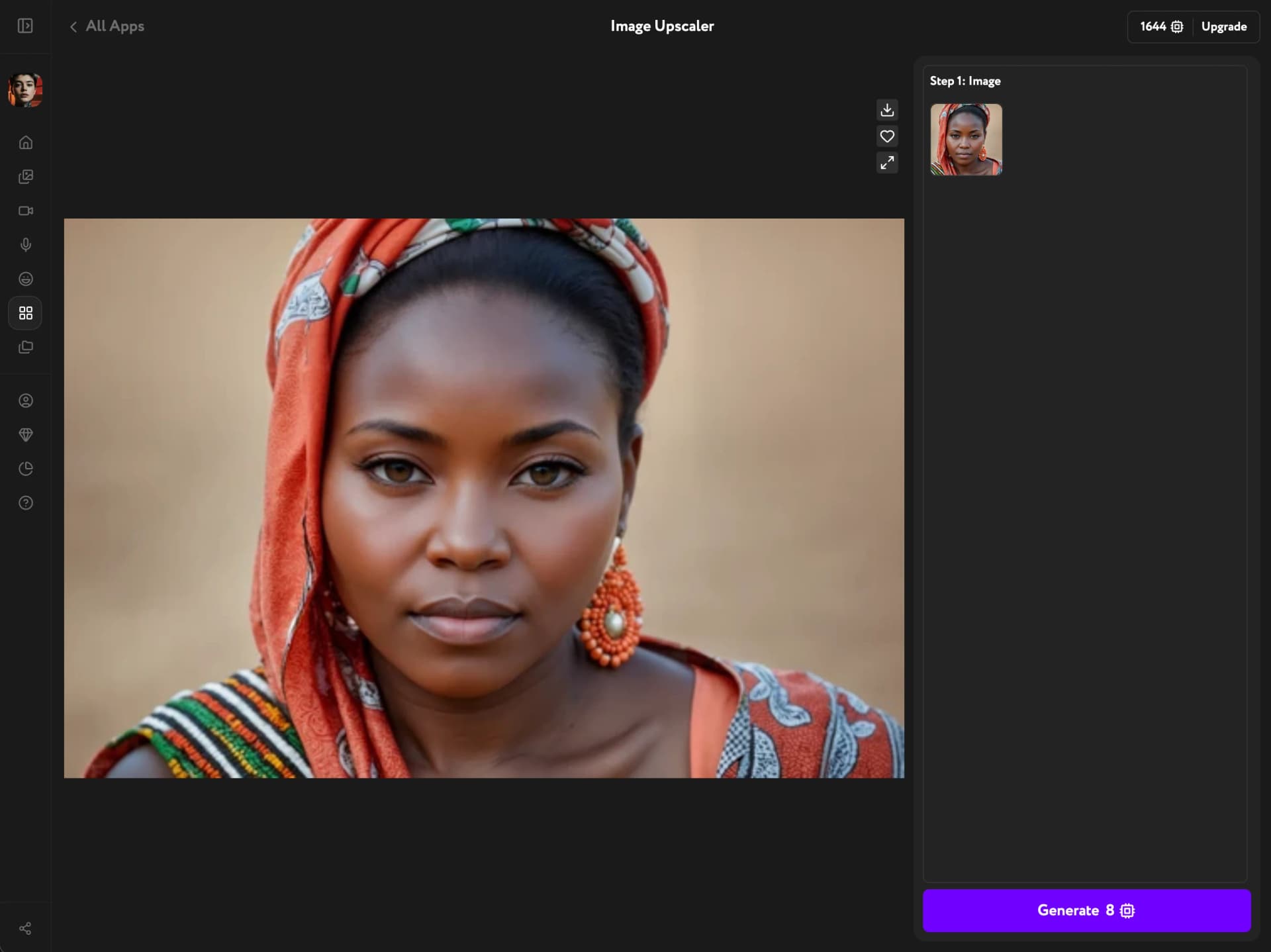
The enhanced image appears at full size. Use the action buttons to download it directly or save it to your Workroom library for use in other tools.
Upscaling creates a new image entry — the original stays untouched in your library.
To see other actions available on generated images, see Image result actions. To reframe your upscaled image from a different viewpoint, try Camera Angle Editor. Working with video instead? See Video Upscaler. To place an image over a new background, cut the subject out first with Background Remover. Or turn the upscaled photo into a short cinematic video with Crash Zoom. Have a photo you can't publish as is? Reshoot it as a stock image with Stock Image Generator.