
Crash Zoom is a preset in Camera Movements, part of Workroom's AI workspace for video, image, and voice generation. It takes a single photo and generates a 5-second video. The camera snaps into a fast, tight close-up on your subject — the same sudden push-in filmmakers use to jolt attention or land a reaction. One photo and one line of text, no footage, rig, or editing skills required.
Open Crash Zoom
Open Apps from the sidebar and click Camera Movements. The Crash Zoom preset is selected in the panel on the right, above the three input steps.
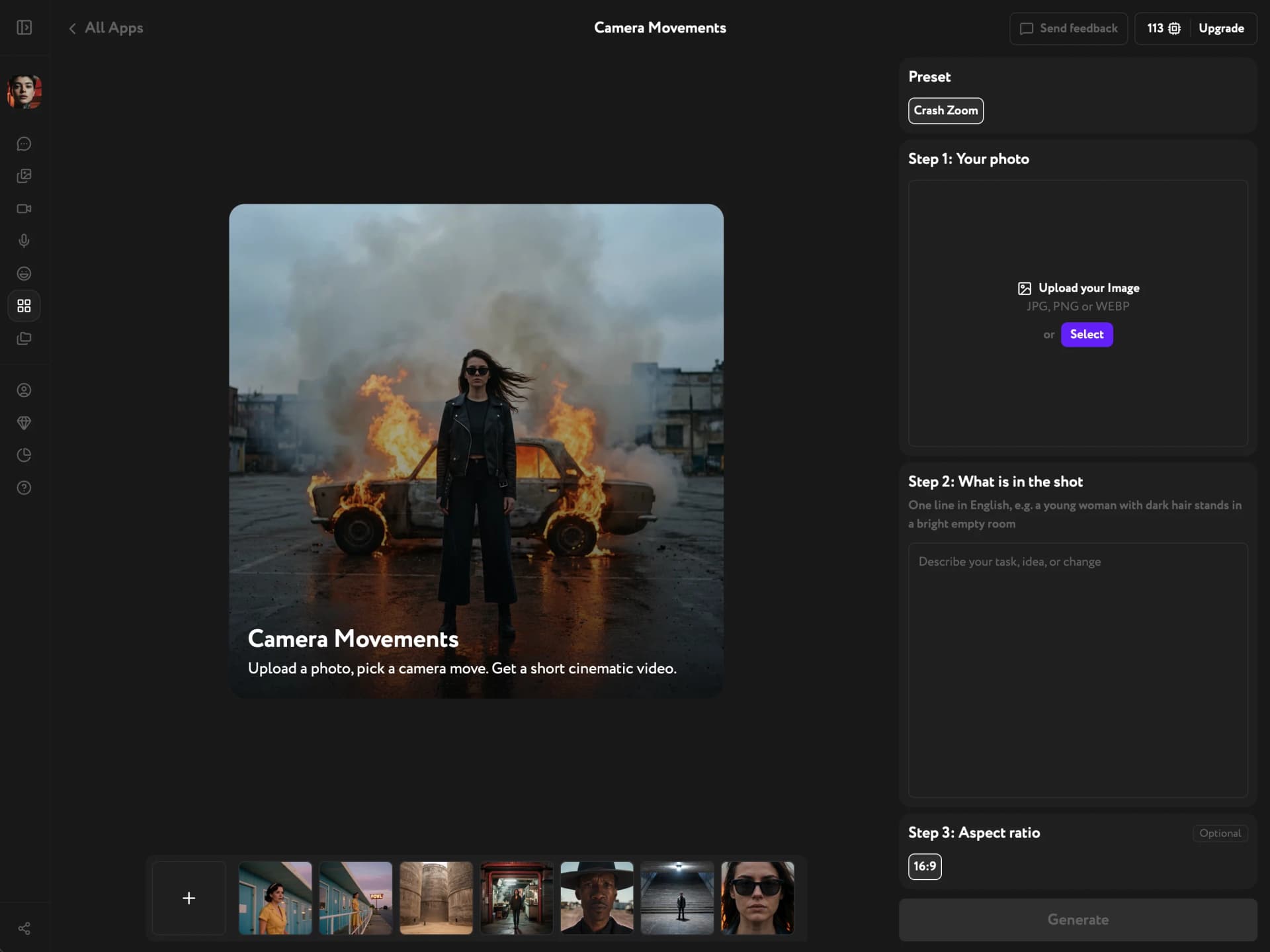
Add your photo
Under Step 1: Your photo, upload a JPG, PNG, or WEBP from your device. Or click Select to pick an image already in your Workroom library — anything you generated or uploaded earlier works. Photos with one clear main subject give the push-in a sharper snap. Wide or empty scenes — a landscape, an empty street — still work, but the rush-in reads softer since the camera has farther to fly.
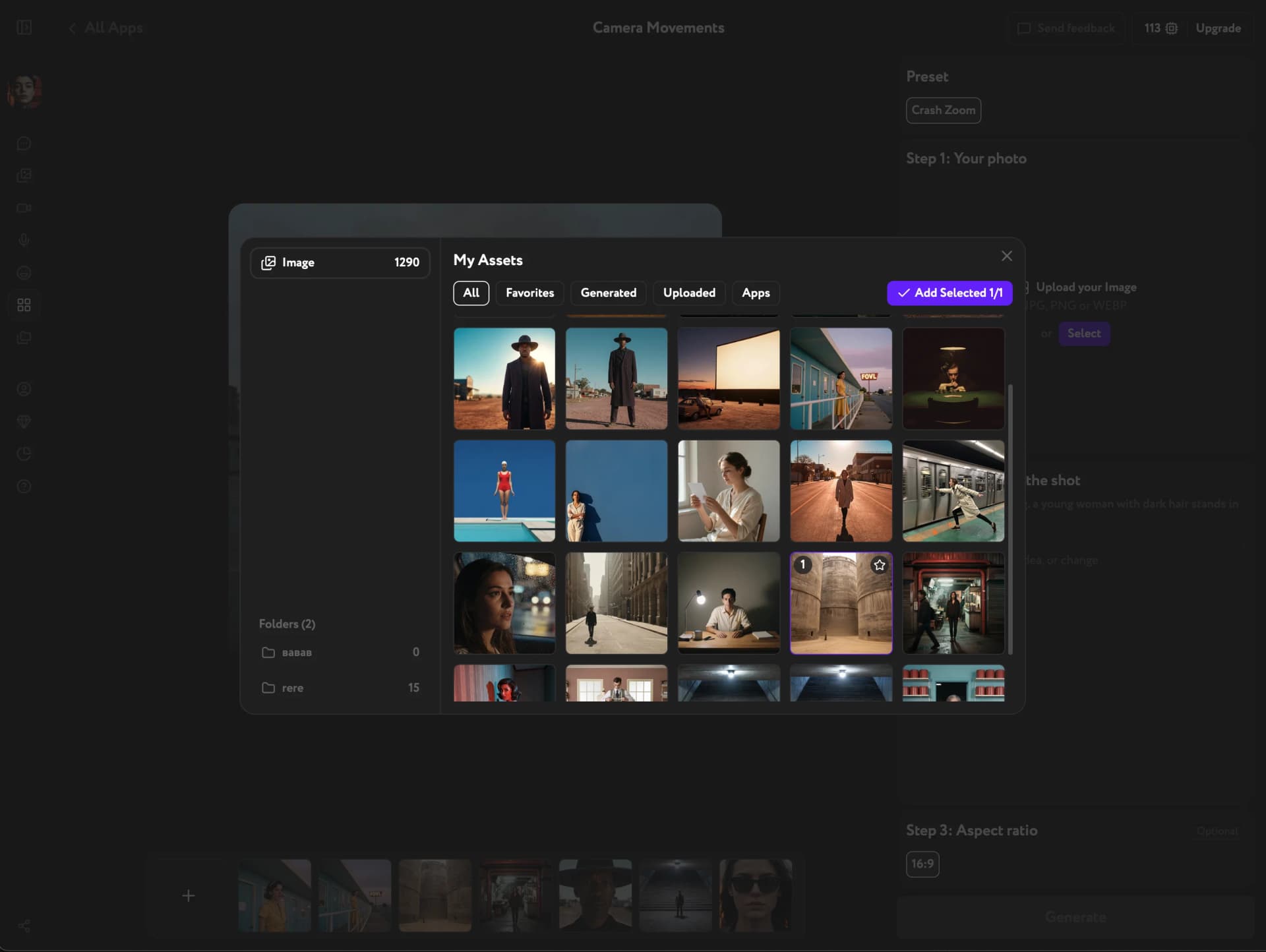
Describe the shot
Under Step 2: What is in the shot, write one line in English describing what's in the frame — the subject first, then where it is and what it looks like: "a young woman with dark hair stands in a bright empty room." Expression and posture are part of the description too — smiling, serious, eyes closed.
Keep the subject still. Small details are fine — a head turning toward the lens, an expression shifting from calm to surprise — but skip bigger actions like standing up, waving, or turning around: they either get dropped or work against the push-in and soften it. Don't describe the camera itself — no zoom, framing, or timing; that's already built into the preset.
The push-in lands on the main living subject in the photo by default. To aim it more precisely, name a part of or something on that subject — "the camera rushes into the locket around her neck" — rather than a separate object elsewhere in the frame, which the zoom won't pull toward even if you name it.
If your subject faces away from the camera in the photo, describe the turn ("he turns his head toward the lens") — the movement comes out smoother than leaving the shot description blank.
Generate the video
Under Step 3: Aspect ratio, keep the default 16:9 or pick one of the five available ratios — vertical for social feeds, square for grids. Then click Generate. The result is a 5-second, silent video you can play, download, or reuse in other Workroom tools.
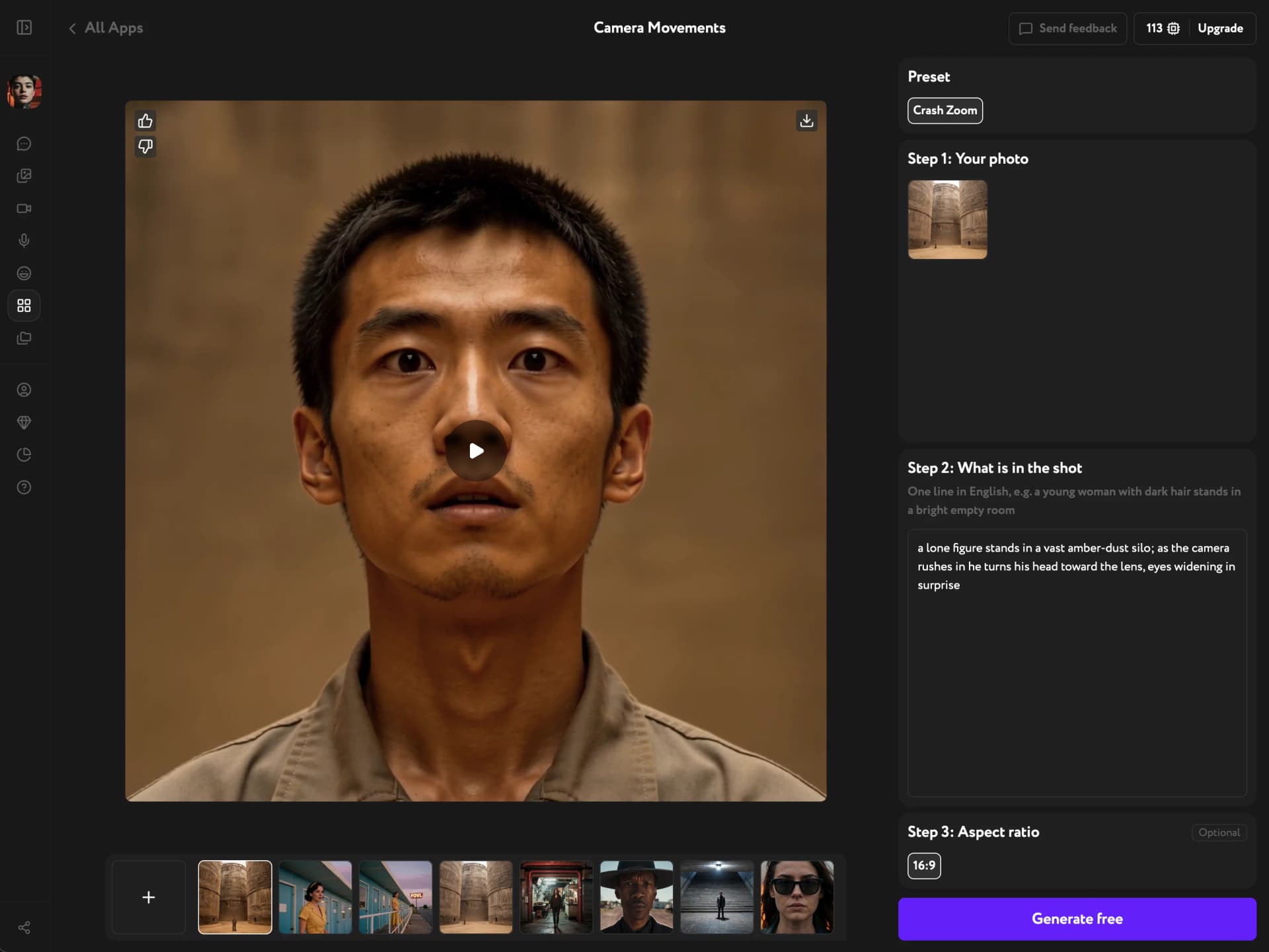
Each generation comes out a little different, even with the same photo and shot description. If the timing feels off, just generate again.
Troubleshooting
The camera cuts to the close-up instead of moving smoothly
This usually happens when the subject faces away from the camera in the source photo. Add the turn to your shot description — "as the camera rushes in, she turns her head toward the lens" — or use a photo where the subject already faces forward.
The zoom lands on the subject instead of the detail I named
The push-in only redirects to something on or part of the main living subject — a hand, a piece of jewelry, an object they're holding or wearing. A separate object elsewhere in the frame — a door in the background, an item on a nearby table — won't pull the zoom away from the subject. Rename the target to something attached to the subject, or let the push-in land on the subject by default.