
Dolly Zoom is a preset in Camera Movements, part of Workroom's AI workspace for video, image, and voice generation. It takes a single photo and generates a 5-second video with the effect Hitchcock's crew built for Vertigo in 1958. The camera pulls back while the lens zooms in, so your subject stays the same size in frame while the space behind them stretches and warps. One photo and one line of text, no footage, dolly track, or editing skills required.
Open Dolly Zoom
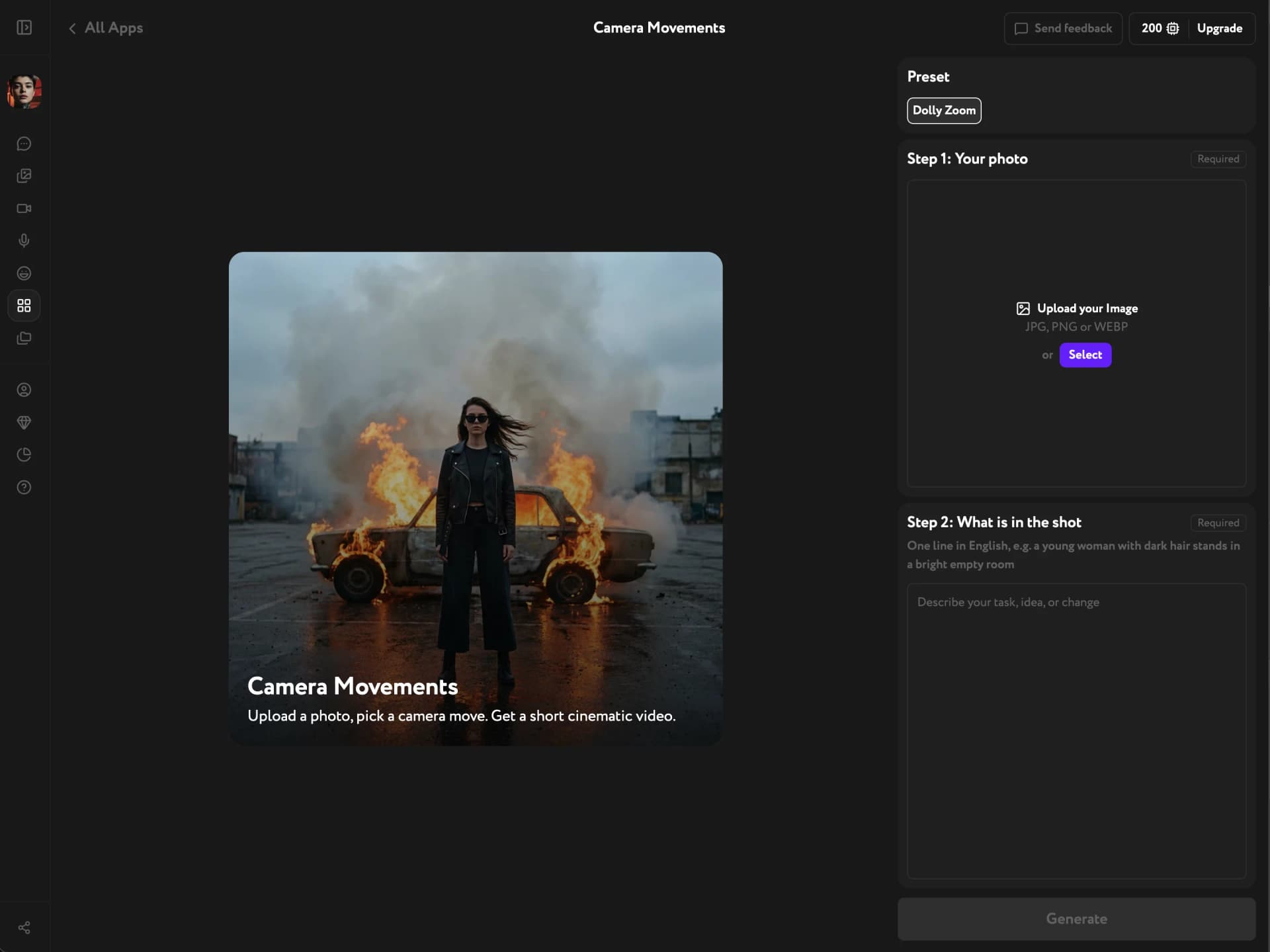
Open Apps from the sidebar and click Camera Movements. The Dolly Zoom preset is selected in the panel on the right, above the two input steps.
Add your photo
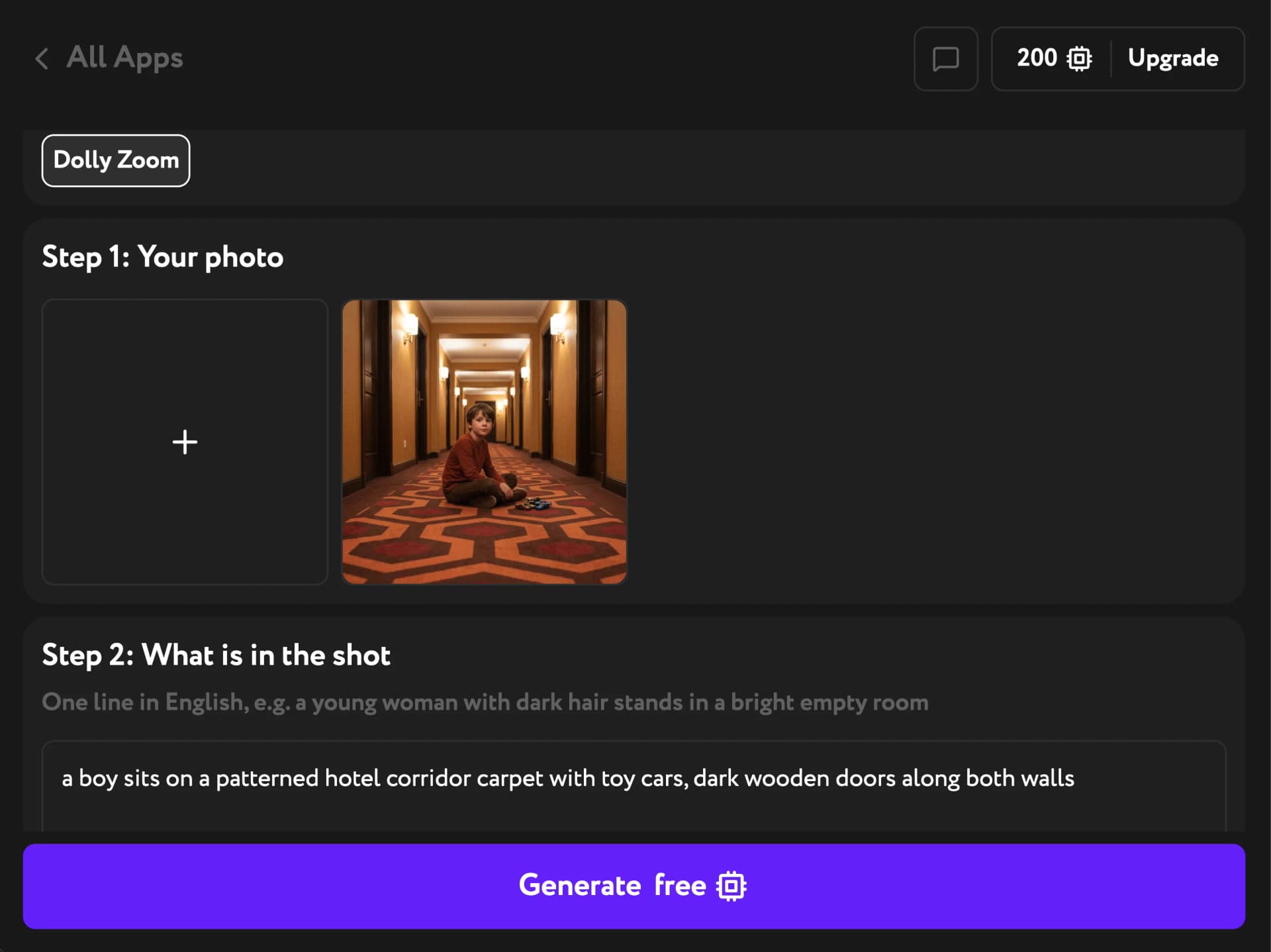
Under Step 1: Your photo, upload a JPG, PNG, or WEBP from your device. Or click Select to pick an image already in your Workroom library — anything you generated or uploaded earlier works.
Depth is what makes this effect read. The background is the part that stretches. A photo with real distance behind the subject — a corridor, a street, a room with a far wall — gives the move something to work with. A flat backdrop leaves less to bend.
Avoid backgrounds built from a repeating pattern that recedes to the center of the frame: a row of identical arches, a colonnade, a tunnel of matching doorways. The generator tends to read those as a passage and animate the walls themselves instead of changing the perspective.
Describe the shot
Under Step 2: What is in the shot, write one line in English describing what's in the frame — the subject first, then where it is and what it looks like: "a young woman with dark hair stands in a bright empty room."
Describe the scene, not the motion. Words like zooming, pulling back, or stretching fight the preset. The camera move is already built in, so the generator may add that motion on top and the effect comes out muddled. Stick to verbs of posture (sits, stands, leans) and words of place (behind her, along both walls). Keep the subject still for the same reason: the movement belongs to the camera.
Generate the video
Click Generate. There's no format setting to choose — the video comes out in the same aspect ratio as the photo you uploaded, so vertical stays vertical and widescreen stays wide.
The result is a 5-second, silent video you can play, download, or reuse in other Workroom tools.
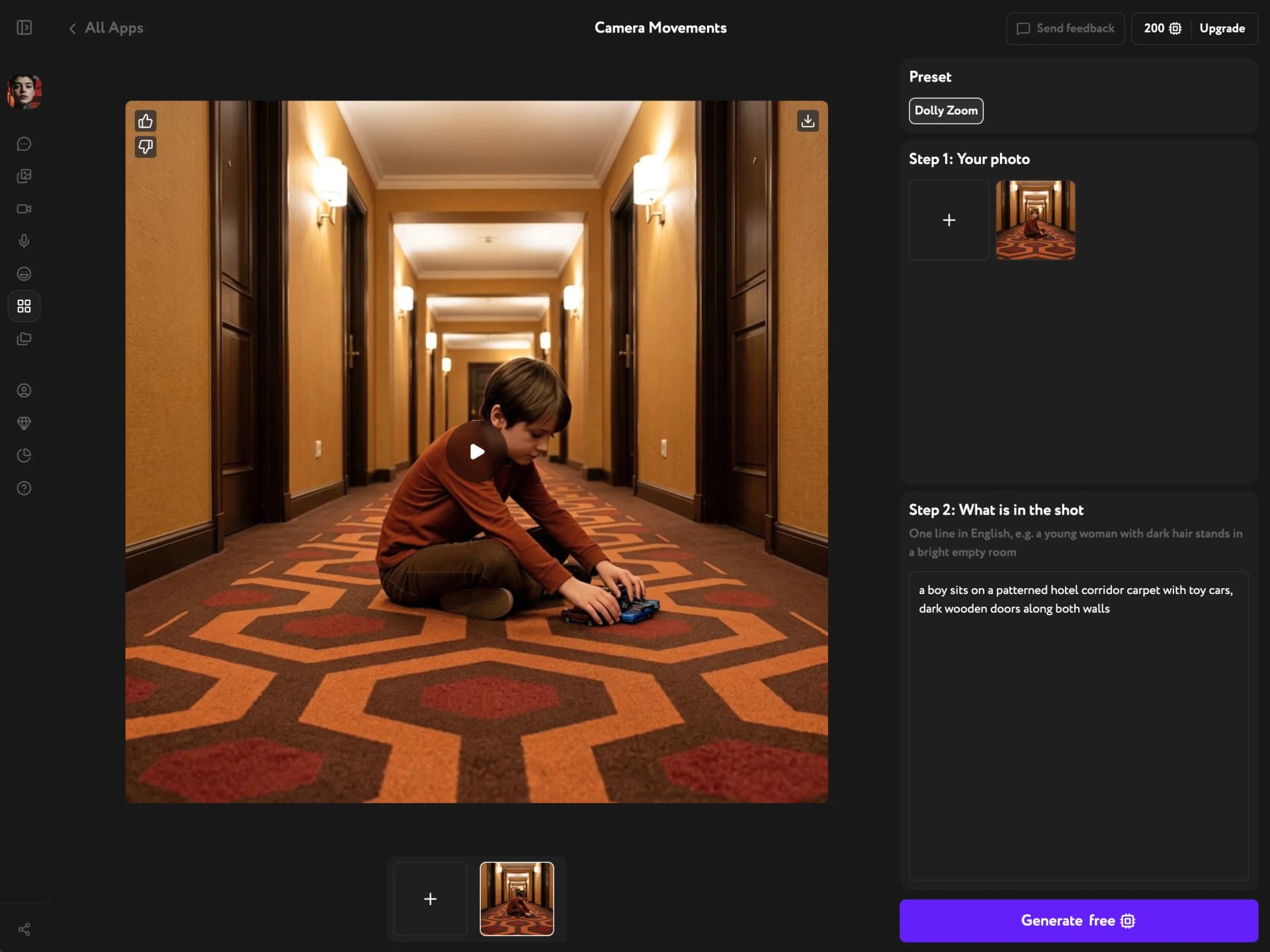
Each generation comes out a little different, even with the same photo and shot description. If the warp feels too strong or too subtle, just generate again.
Troubleshooting
The background slides around instead of stretching
The source photo is probably built on a repeating pattern that recedes to the center — nested archways, a colonnade, a corridor lined with identical doors. Use a photo where depth comes from several different objects at different distances instead: a subject up close, a building further back, a horizon behind that.
The video moves in a way I didn't expect
Check your shot description for motion words. The camera pulls back, zooming in, the walls stretch — the generator treats these as instructions and adds that movement to the preset's own. Rewrite the line as a plain description of what's in the frame.
The effect is barely visible
There isn't enough depth in the photo. A subject shot against a wall, a plain sky, or a shallow backdrop gives the perspective almost nothing to change. Pick a photo with visible distance behind the subject.