
Stock Image Generator is Workroom's AI app for turning a photo you can't publish into one you can. Upload a single photo. The app shoots the same scene again as a stock image — new faces, no brand marks, no readable text.
The app never edits your original. It describes the photo in words — subject, setting, action, light — and generates a new image from that description.
Open Stock Image Generator
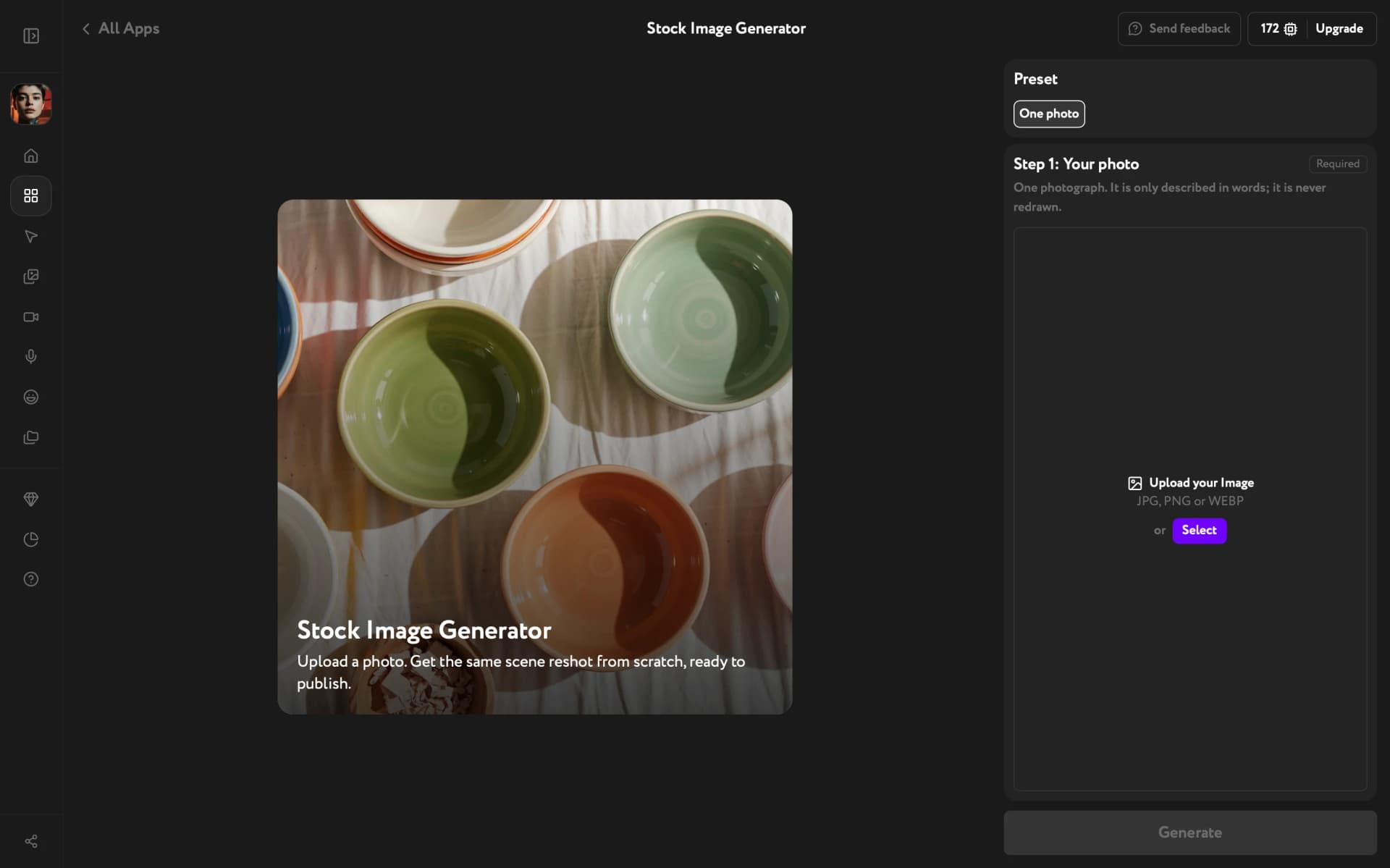
Open Apps from the sidebar and click Stock Image Generator. The One photo preset is already selected.
Add your photo
Add a JPG, PNG, or WEBP file under Step 1: Your photo. Or click Select to reuse an image already saved in Workroom. The app takes one photo per run.
Pick a photo that shows the scene clearly — who is in it, where they are, what they're doing. That's what carries over to the result.
Generate the image
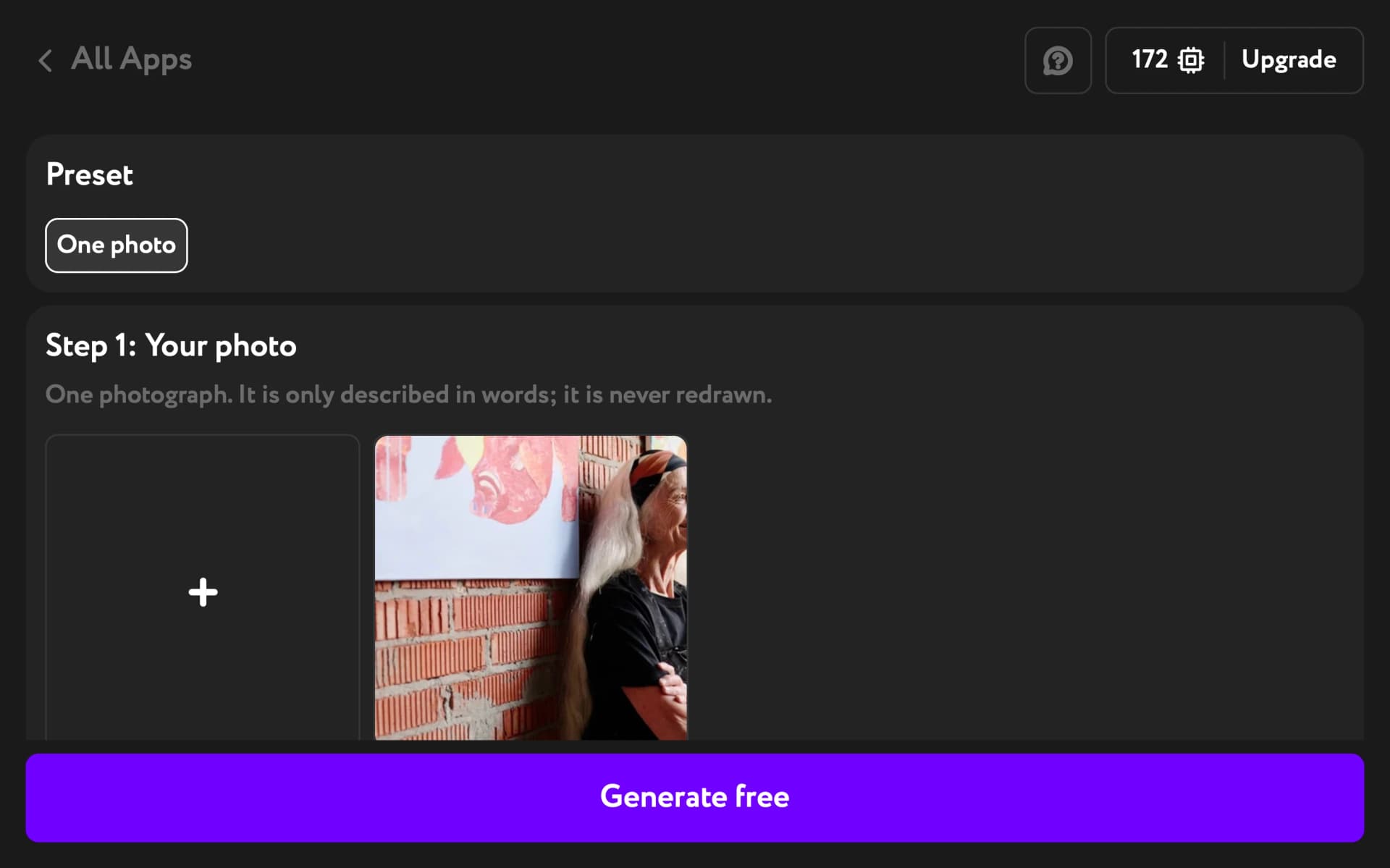
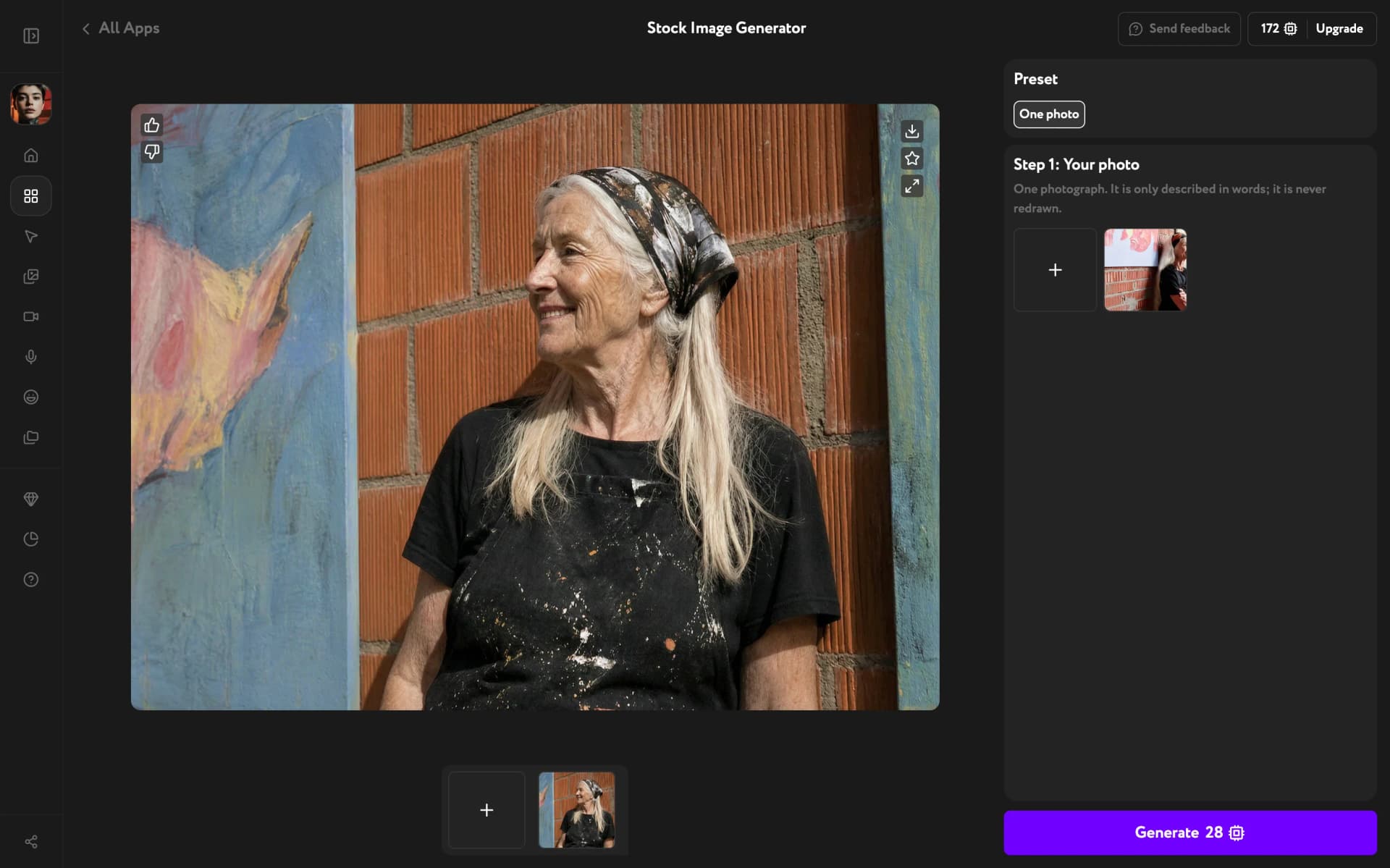
Click Generate. The result appears in the main area, oriented the same way as your photo — horizontal or vertical.
What stays and what changes
The scene carries over: the setting, what people are doing, the mood and light of the shot. People come back with different faces, and the frame is styled the way stock photography looks.
Brand marks, logos, and readable signage are removed during generation. Those are the usual reasons an image gets rejected for commercial work, so you don't have to retouch them out afterwards.
Troubleshooting
A logo or some text still appeared
Removal catches most cases, but it isn't an absolute guarantee. Click Generate again for a new take.
The result is horizontal, but my photo is vertical
The app reads the orientation from the image pixels and ignores the rotation flag phones save with a photo. If a phone shot looks upright in your gallery but comes out sideways, rotate it in any photo editor first. Save a copy and upload that instead.
The result doesn't match my photo exactly
That's by design. The app rebuilds the scene from a description instead of copying pixels, so faces and small details differ. If an important detail went missing, try a photo where that detail is larger and clearer in the frame.
I want to type a prompt or add several photos
The app works from one photo — there's no prompt field. To generate a stock-style image from a text description, use an image model in the image generator instead.