
Marketplace Cards is an AI app in Workroom that turns one product photo into multi-angle product photos for a marketplace listing. Pick an angle — front, side, back, top-down, detail or in use — and get a square catalog shot on a white studio background or on a scene you describe. Each run makes one angle, so you build the full set angle by angle.
Open Marketplace Cards
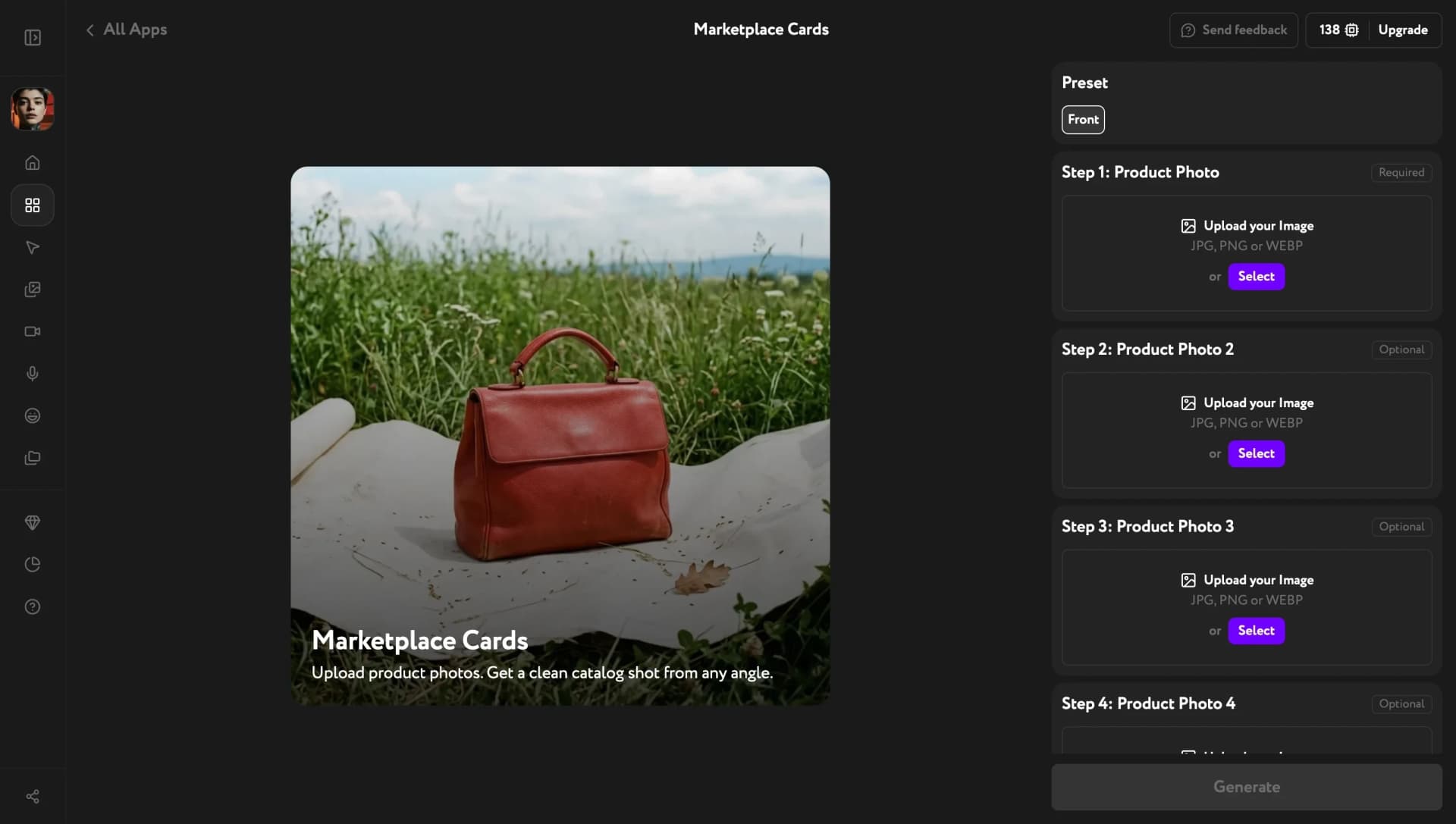
Open Apps from the sidebar and click Marketplace Cards. The settings panel on the right lists every input from Preset down to Resolution; only the first product photo is required.
Add your product photo and pick an angle
Under Step 1: Product Photo, upload a clear photo of your product — JPG, PNG or WEBP. Steps 2 through 5 are optional: add photos of the back, the other side or a close-up of the material to show what the first photo doesn't.
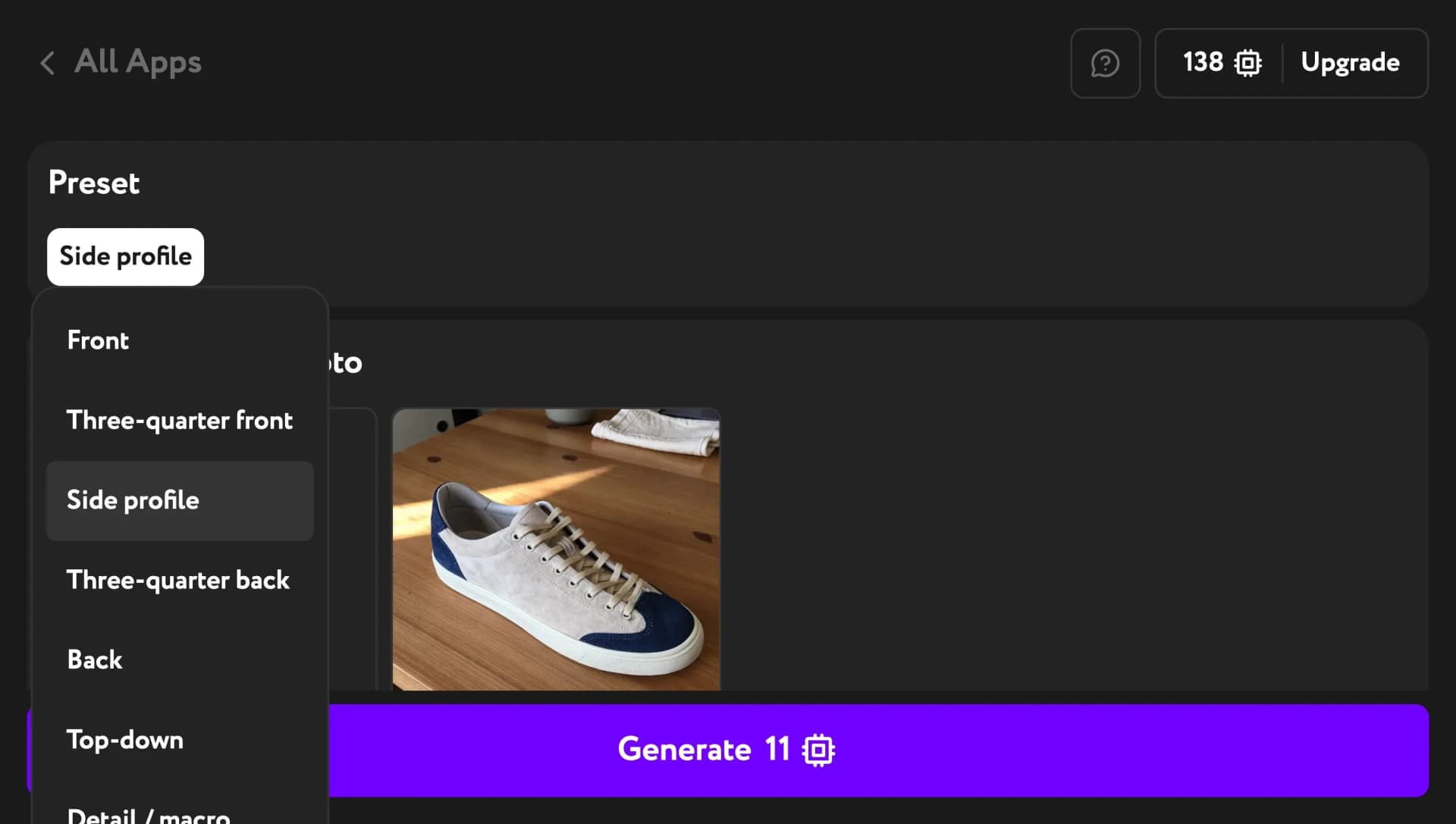
Then open Preset at the top of the panel and choose one of eight angles: Front, Three-quarter front, Side profile, Three-quarter back, Back, Top-down, Detail / macro or Lifestyle in use.
Describe the style and background
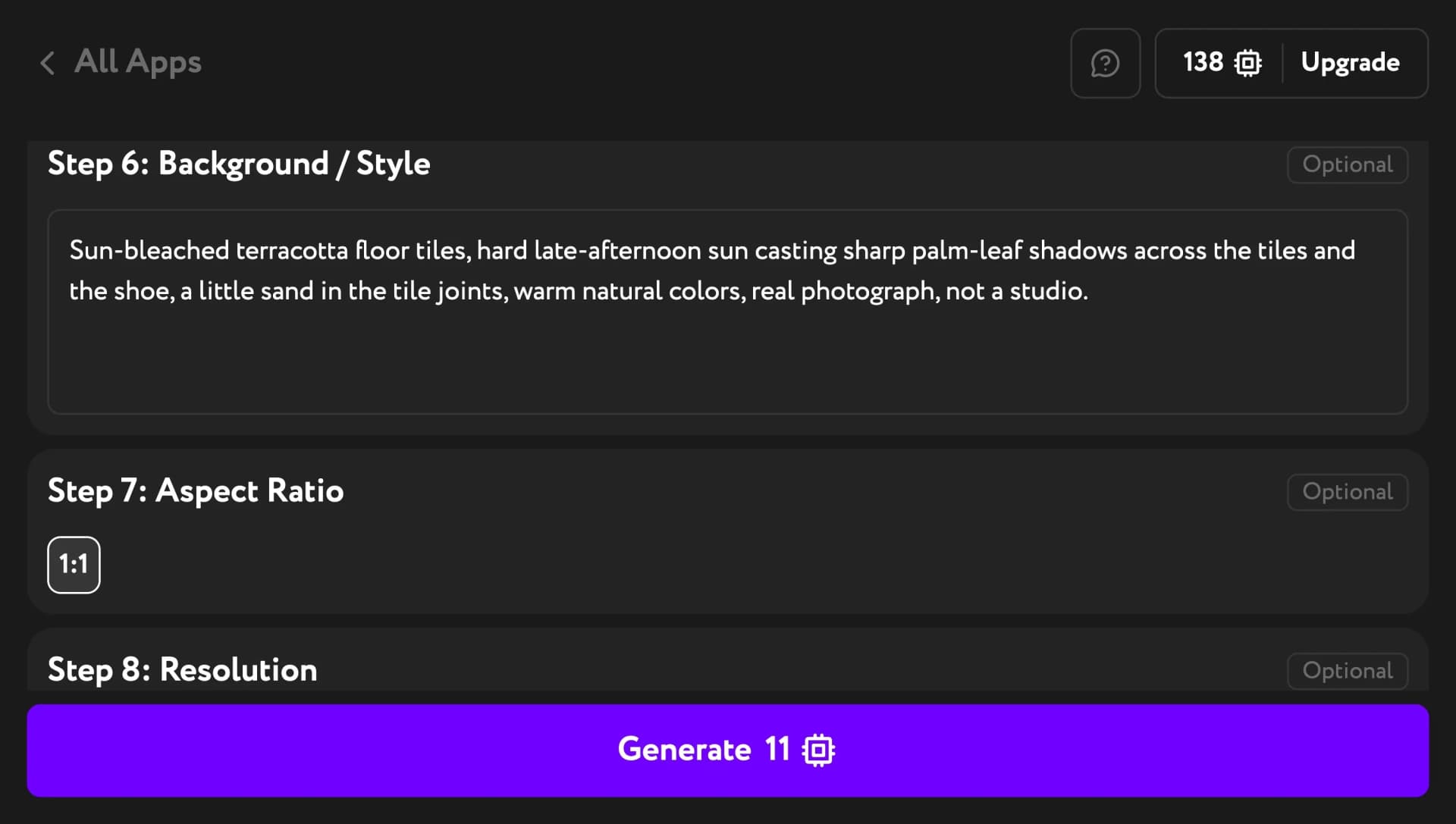
Step 6: Background / Style is pre-filled with a pure white seamless studio background, soft even light and no props — the usual look for a main listing image. Keep it as is, or replace it with your own scene in plain words, such as "sun-bleached terracotta tiles with palm-leaf shadows".
Step 7: Aspect Ratio is 1:1 and Step 8: Resolution is 2K.
Generate your product shot
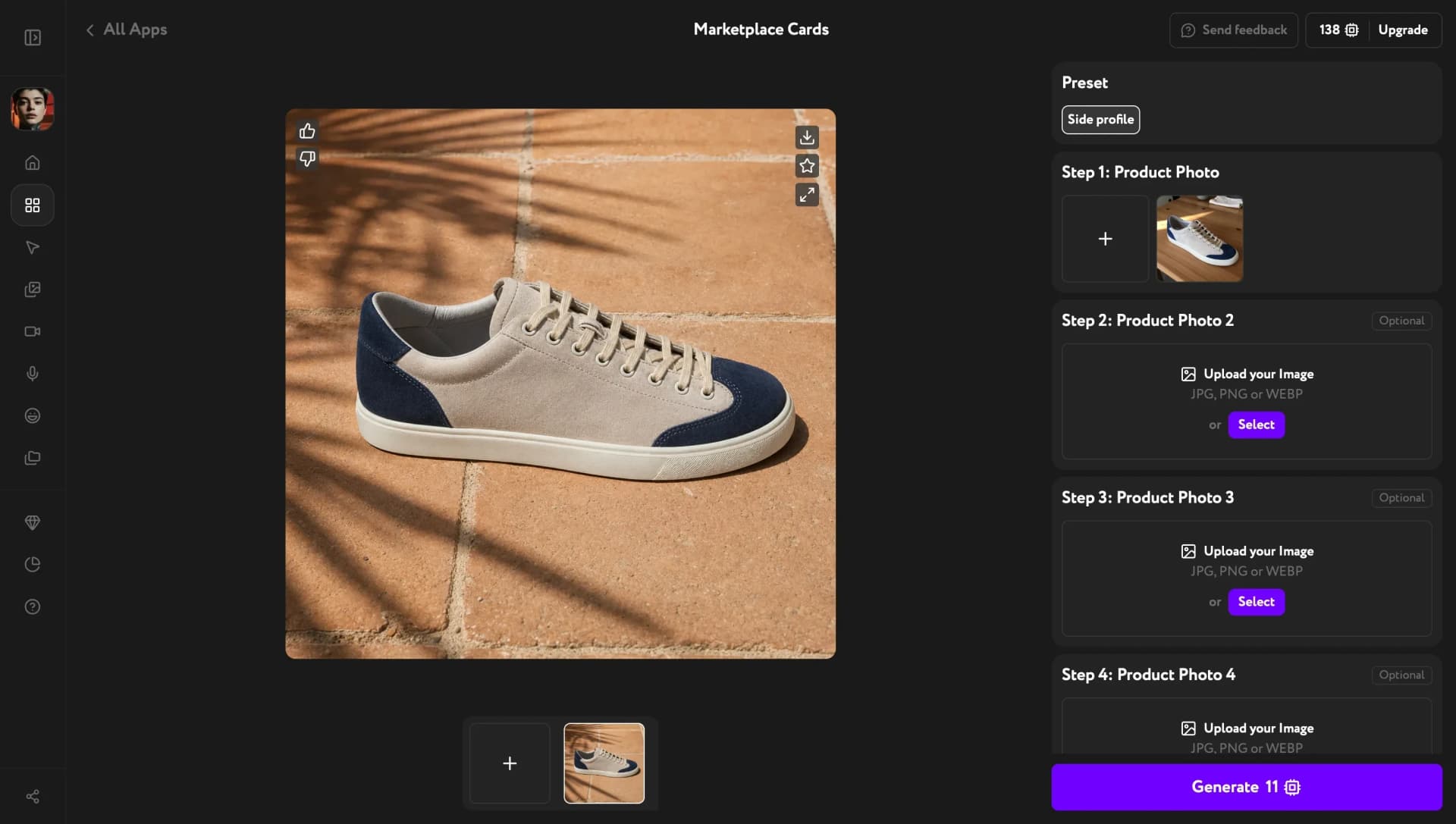
Click Generate. The result appears in the center of the screen: rate it, download it, add it to favorites or open it full size with the icons on the image.
To build the rest of the set, switch Preset to the next angle and click Generate again.
Troubleshooting
The top-down shot looks tilted
On busy custom backgrounds, the Top-down angle can come out as a high angle rather than straight overhead. Use a simpler background for this angle, or keep the default white one.
Small details or printed text look different
Check labels, logos and small print before you publish, and regenerate the shot if something is off.
The image format doesn't match my marketplace
Marketplace Cards makes square 1:1 images at 2K. Marketplaces have different image rules, so check yours before uploading.