
Every result in Image Generation has a set of actions available on hover. You can save, favorite, view full size, or send the image to Video Generation for video generation.
Hover to reveal actions
Move your cursor over any generated image to reveal the action overlay. A set of icons appears on the image, and a Create Video button shows up for models that support video output.
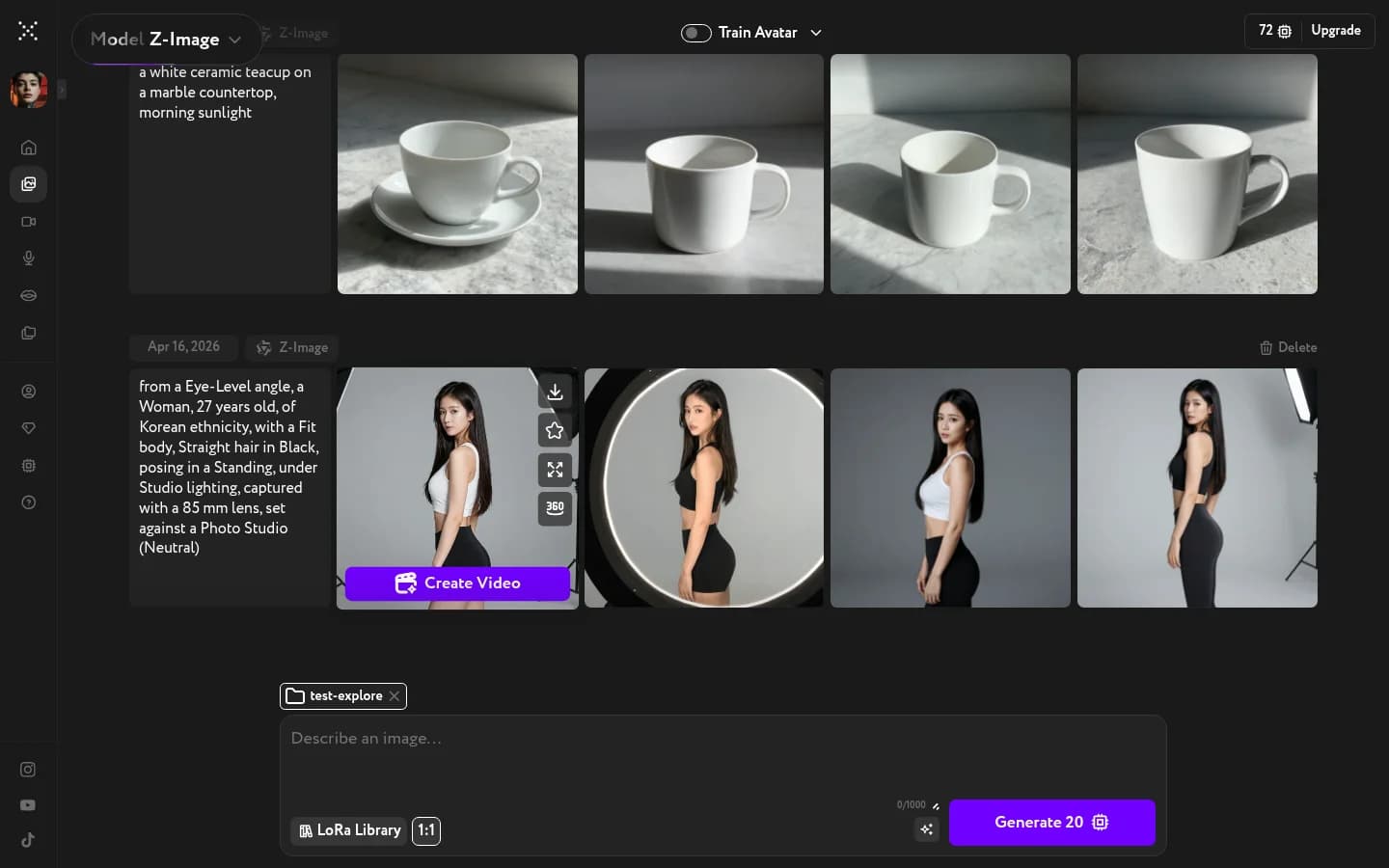
The available actions include:
- Favorite — star the image to find it quickly in the References or LoRA Library panel
- Download — save the image to your device
- Upscale — increase the resolution of the image
- Edit Camera Angle — open the image in the Camera Angle Editor to regenerate it with a different viewpoint using a visual angle widget
- Create Video — send the image to Video Generation as a starting frame
Open fullscreen view
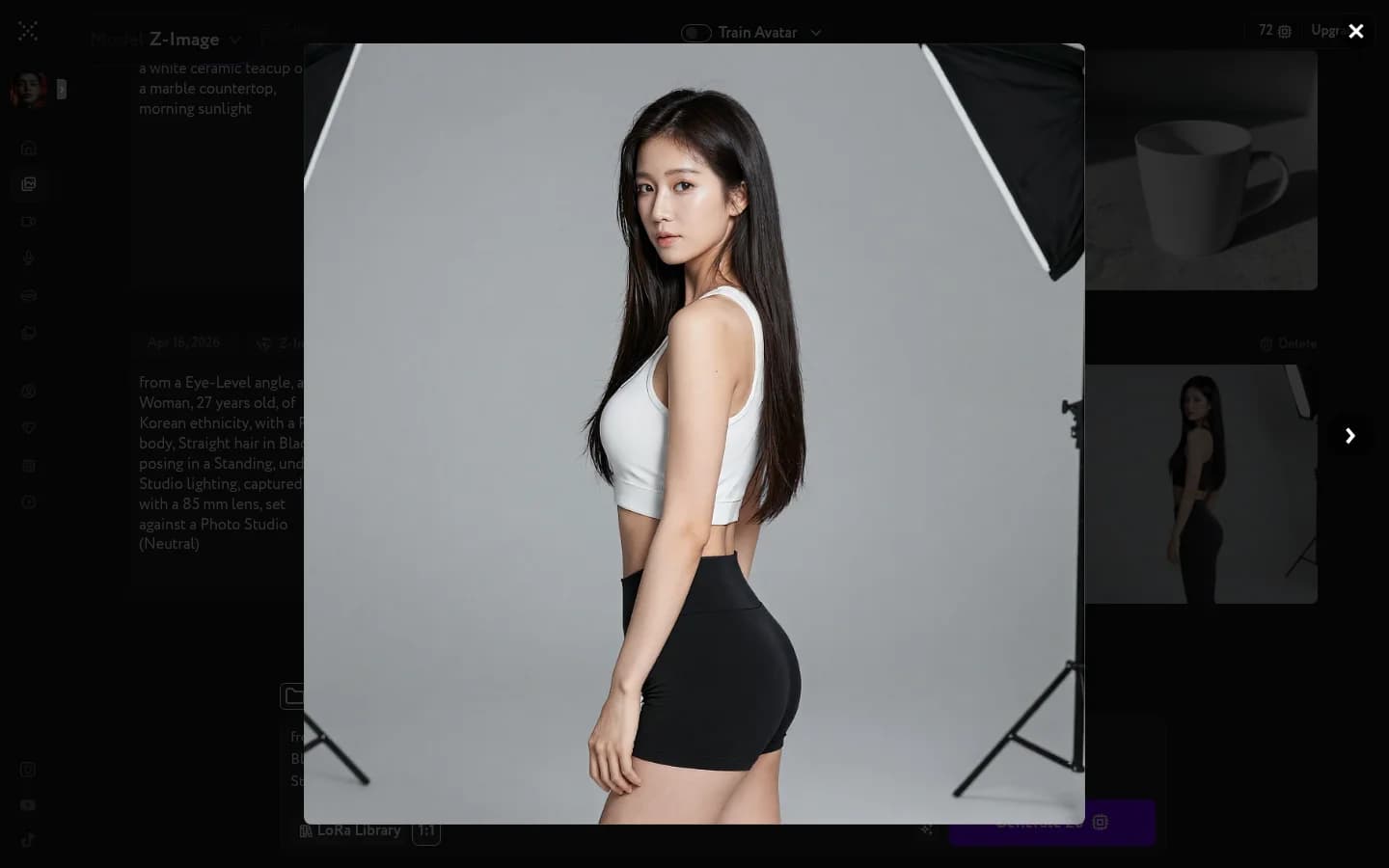
Click the image itself (not an action icon) to open it fullscreen. The fullscreen view shows the full resolution image alongside the prompt and generation details, with navigation arrows to browse other results from the same generation.
Favorited images appear in the Favorites tab across all panels — References, LoRA Library, and asset pickers.
To organize your images into folders, see Image folders.
Need a full set of consistent angles and expressions instead of a single edit? See Build a character card.
Need the subject on its own, with no background behind it? See Remove image backgrounds.