Sound Design is Workroom's AI app for scoring a video automatically. Upload any MP4 up to 30 seconds — filmed, downloaded, or made with another tool. Sound Design analyzes the scene and adds the audio it needs, with no prompt or manual sync required.
That means an ambient soundtrack for a calm, actionless moment, or matching sound effects when something on screen should make noise.
Open Sound Design
Open Apps from the sidebar and click Sound Design.
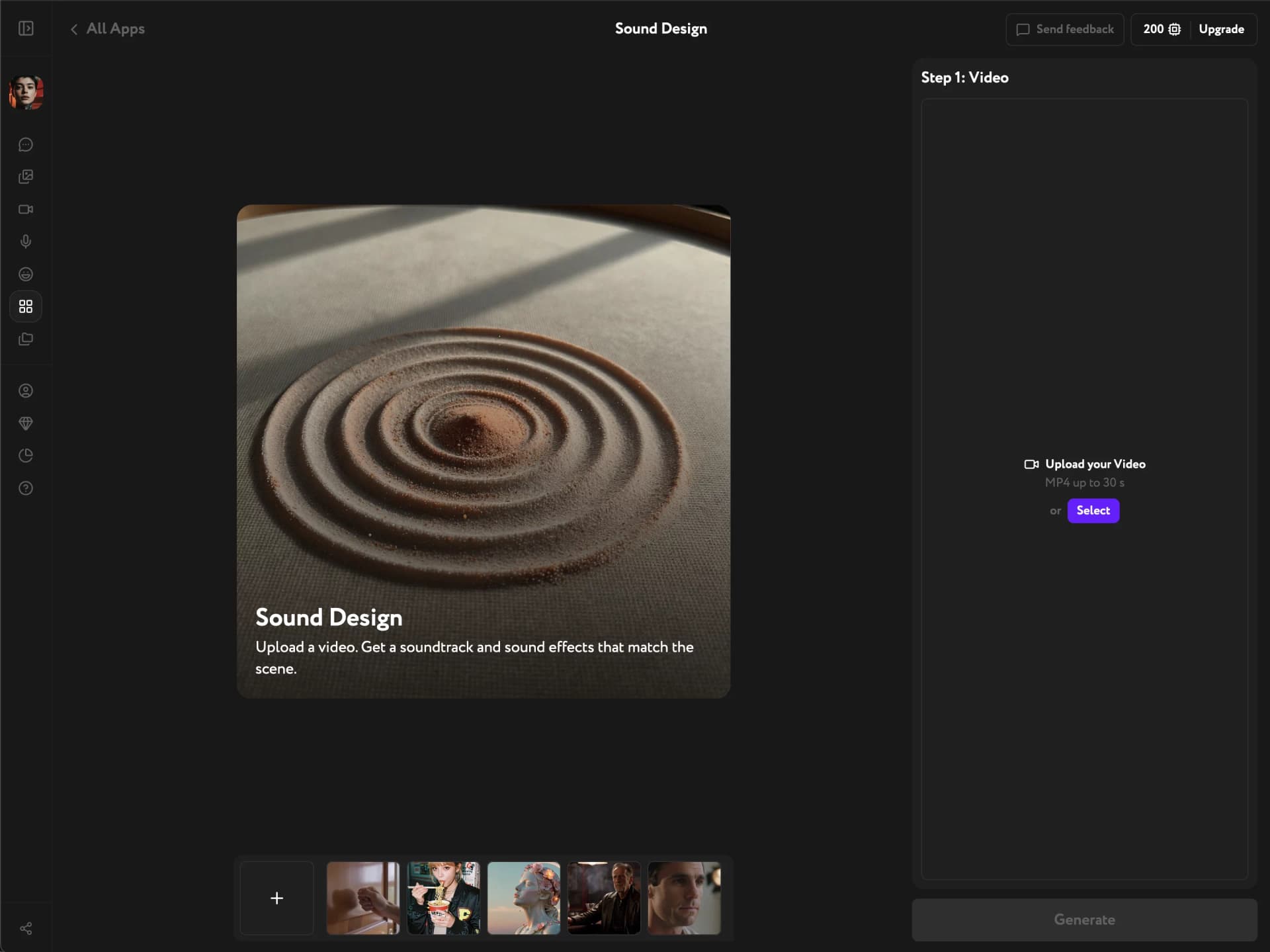
Upload your video
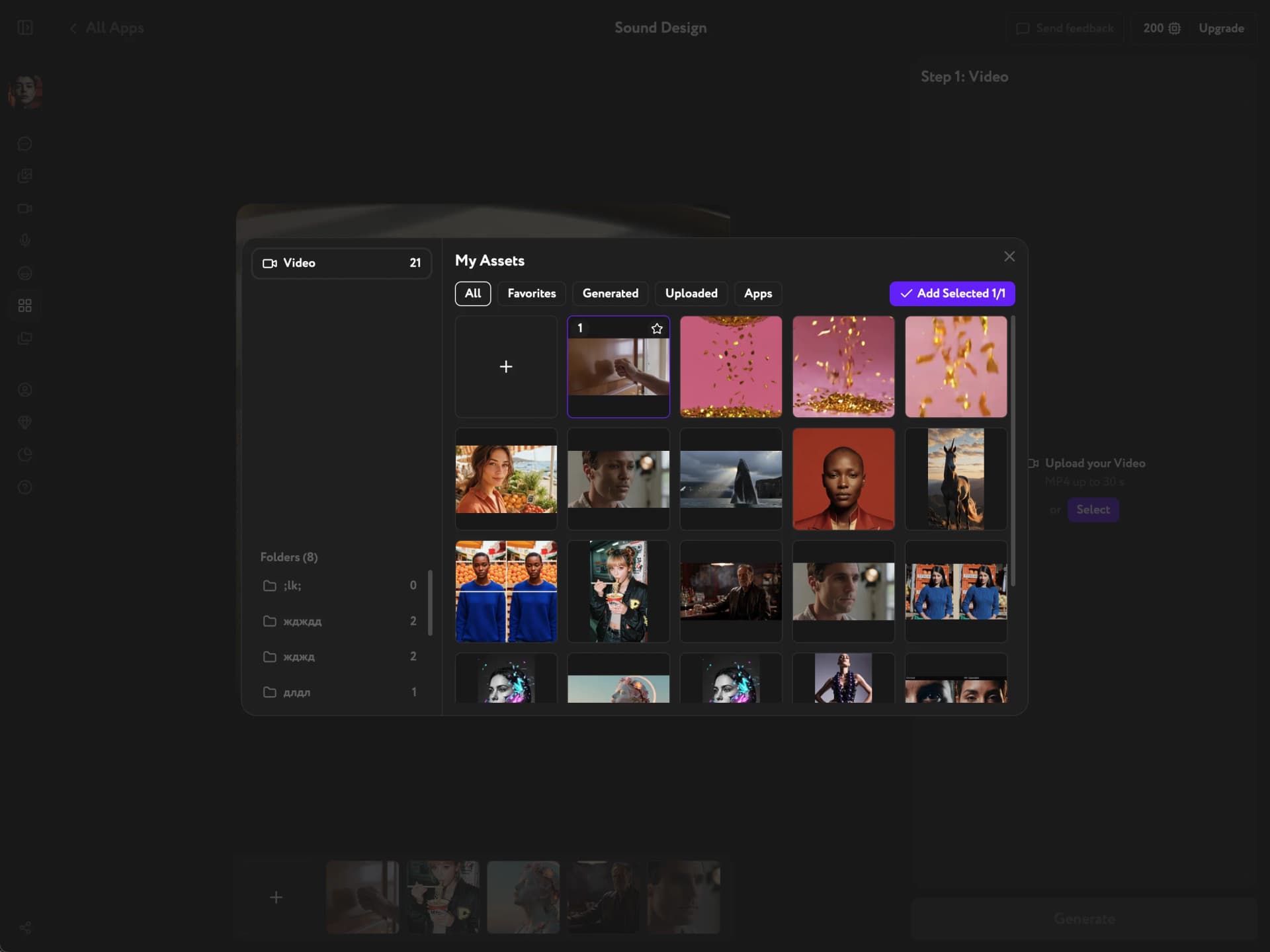
Click Select to upload an MP4 from your device. You can also open Assets to pick a video from your Workroom library — Generated, Uploaded, Favorites, or an Apps folder. Videos must be 30 seconds or under.
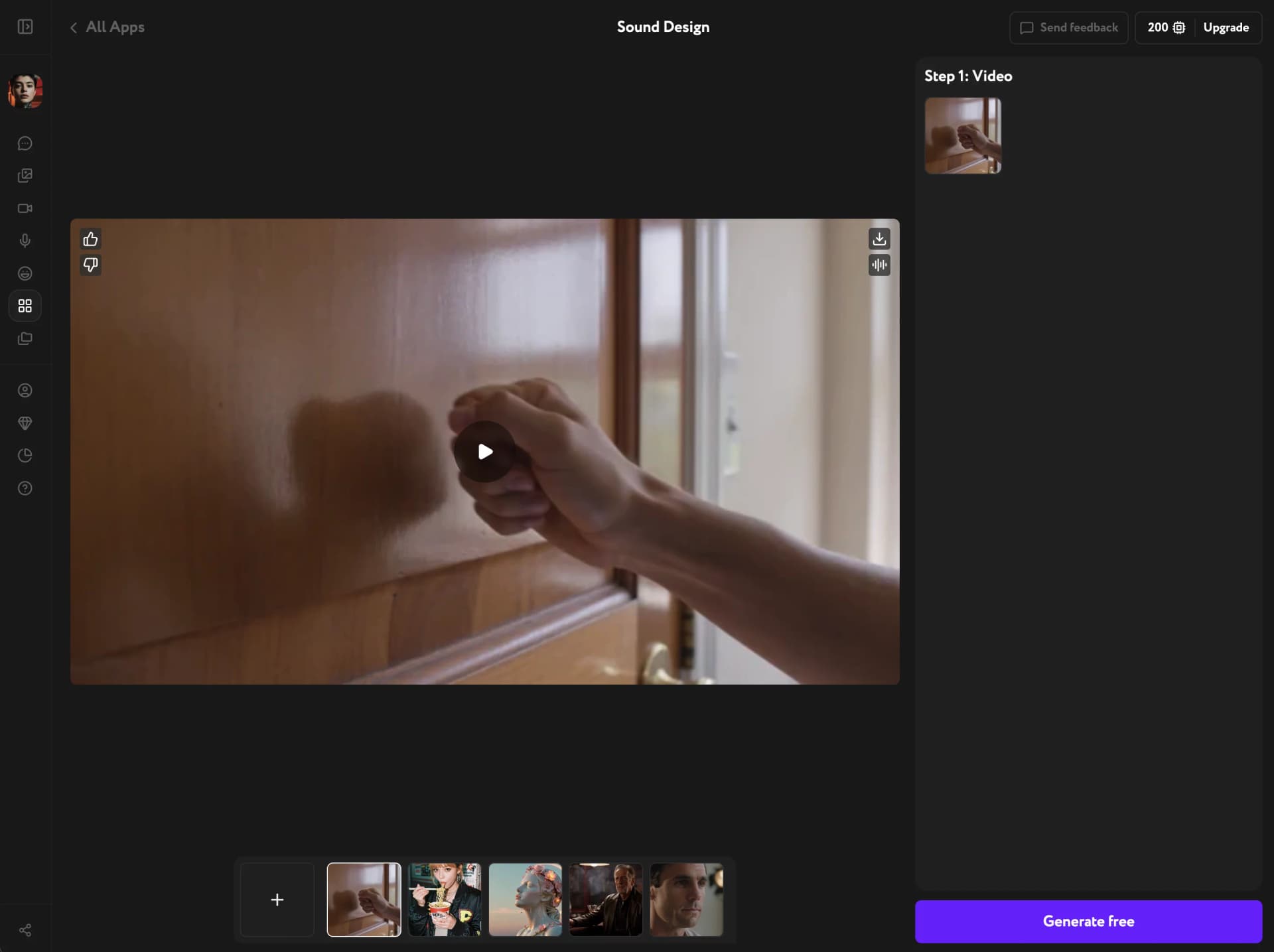
Generate and download the result
Click Generate. Sound Design analyzes the video and adds the matching audio automatically — there's nothing to configure. When it's done, rate the result with a thumbs up or thumbs down. Then use the download button to save it or keep working with it elsewhere in Workroom.
Troubleshooting
My video won't upload
Make sure the file is an MP4 and 30 seconds or under — that's the current limit for Sound Design. Trim longer videos before uploading and try again.
I got music but expected sound effects, or the other way around
Sound Design picks automatically based on what's happening in the video. A static shot or a quiet moment gets an ambient soundtrack. A video with clear action — footsteps, impacts, movement — gets matching sound effects instead. This choice isn't manual.