
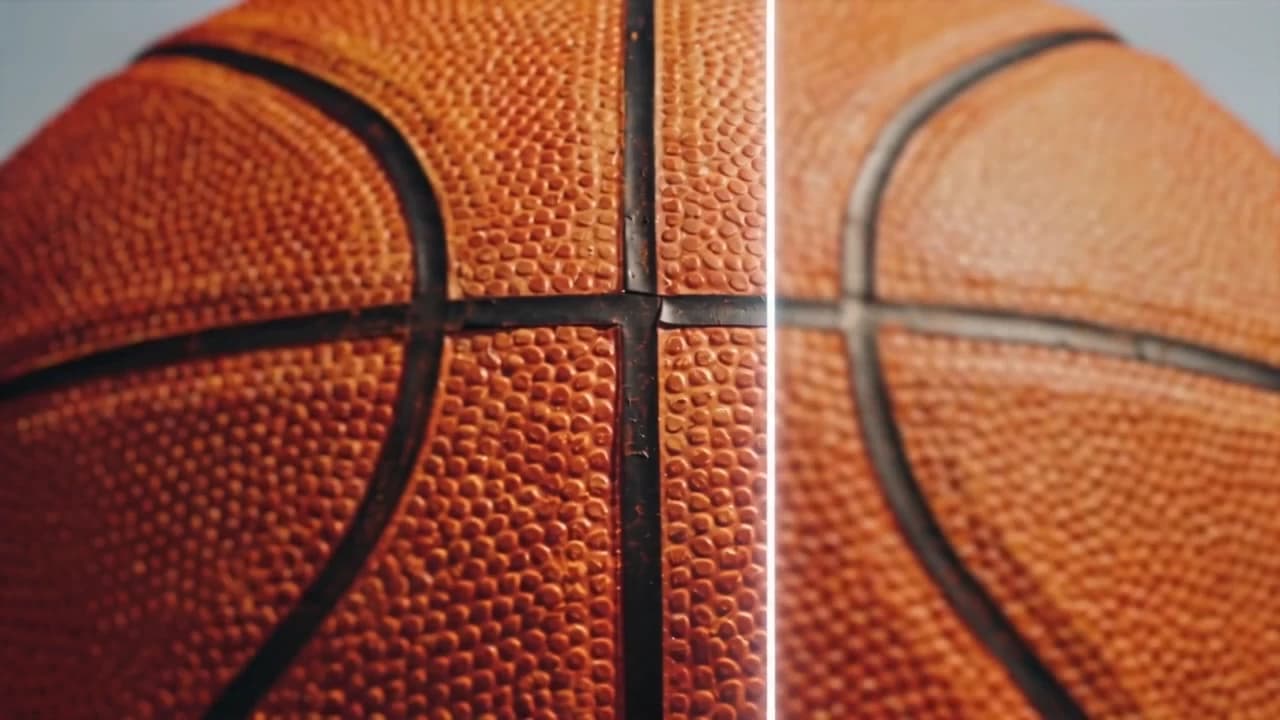
AI Image Upscaler
Enhance Resolution and Detail
Increase resolution and remove the plastic look AI generation leaves behind — over-smooth skin, doll faces, unnatural textures. One click, no settings.
Sharper, more natural, ready to use
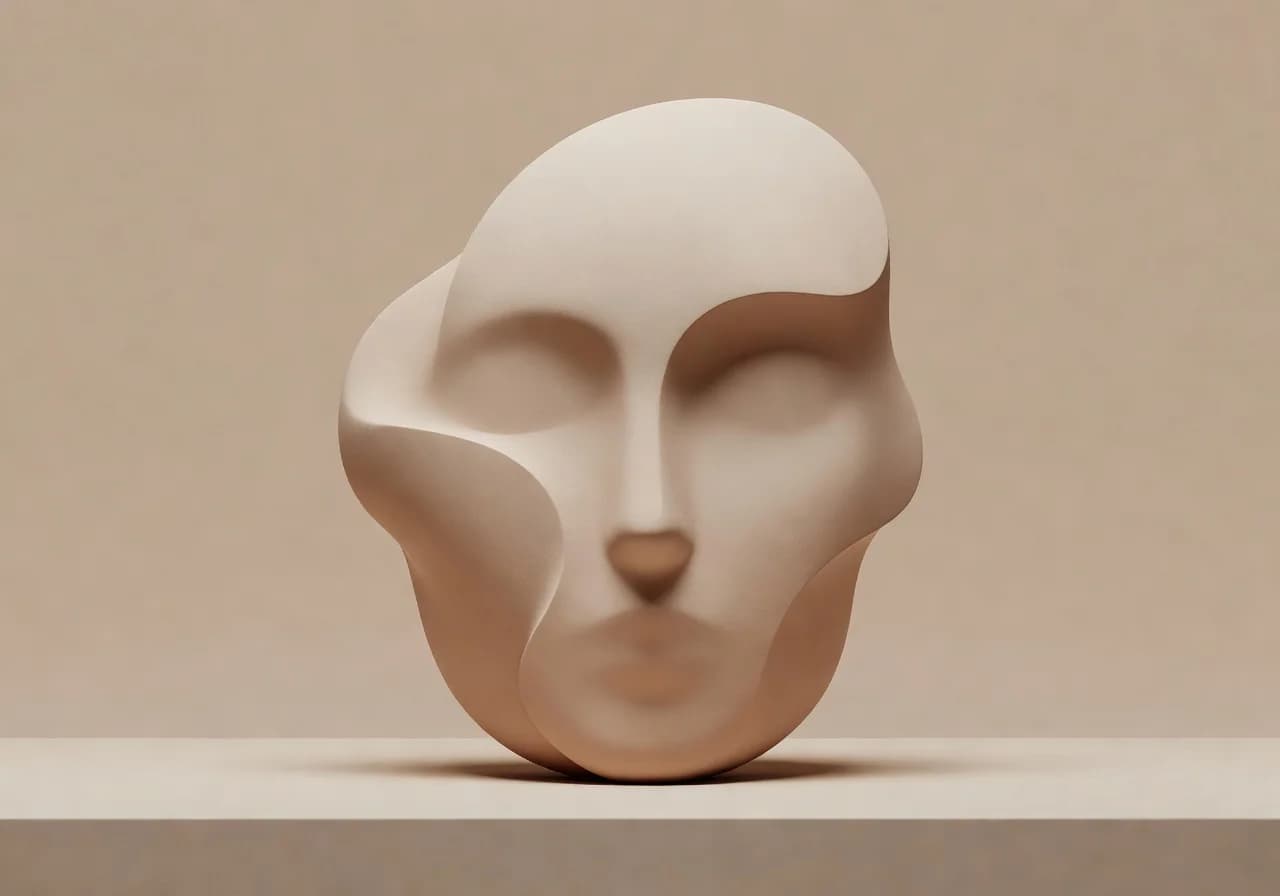
Kills the plastic look
AI-generated faces tend to look synthetic — over-smooth skin, glassy eyes, that uncanny doll quality. Upscale brings back natural texture: pores, micro-detail, the small imperfections that make skin look real.
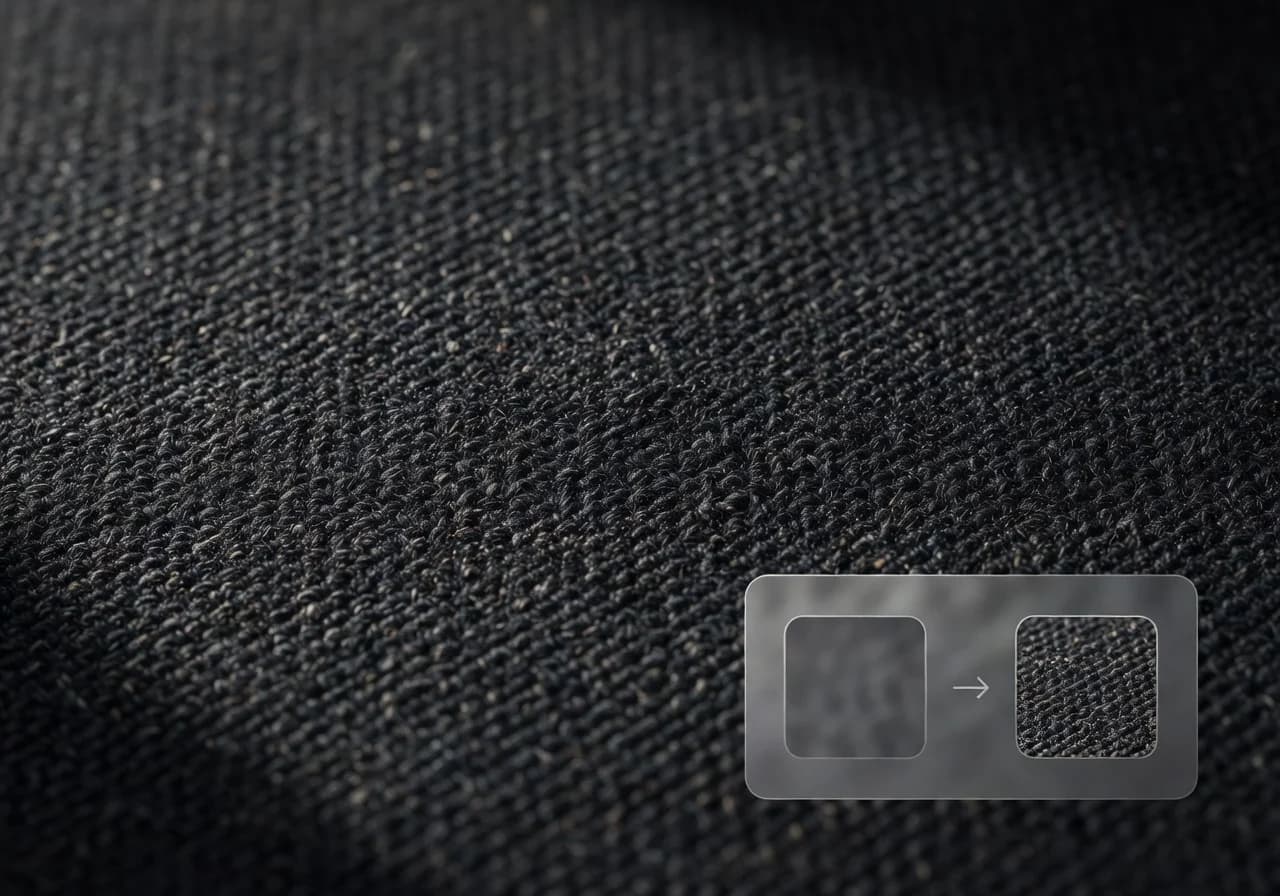
Fixes what the model left behind
Over-smoothed edges, washed-out texture, unnatural gradients — artifacts that are invisible at first glance but obvious in print or at full size. Upscale corrects them without touching the rest of the image.
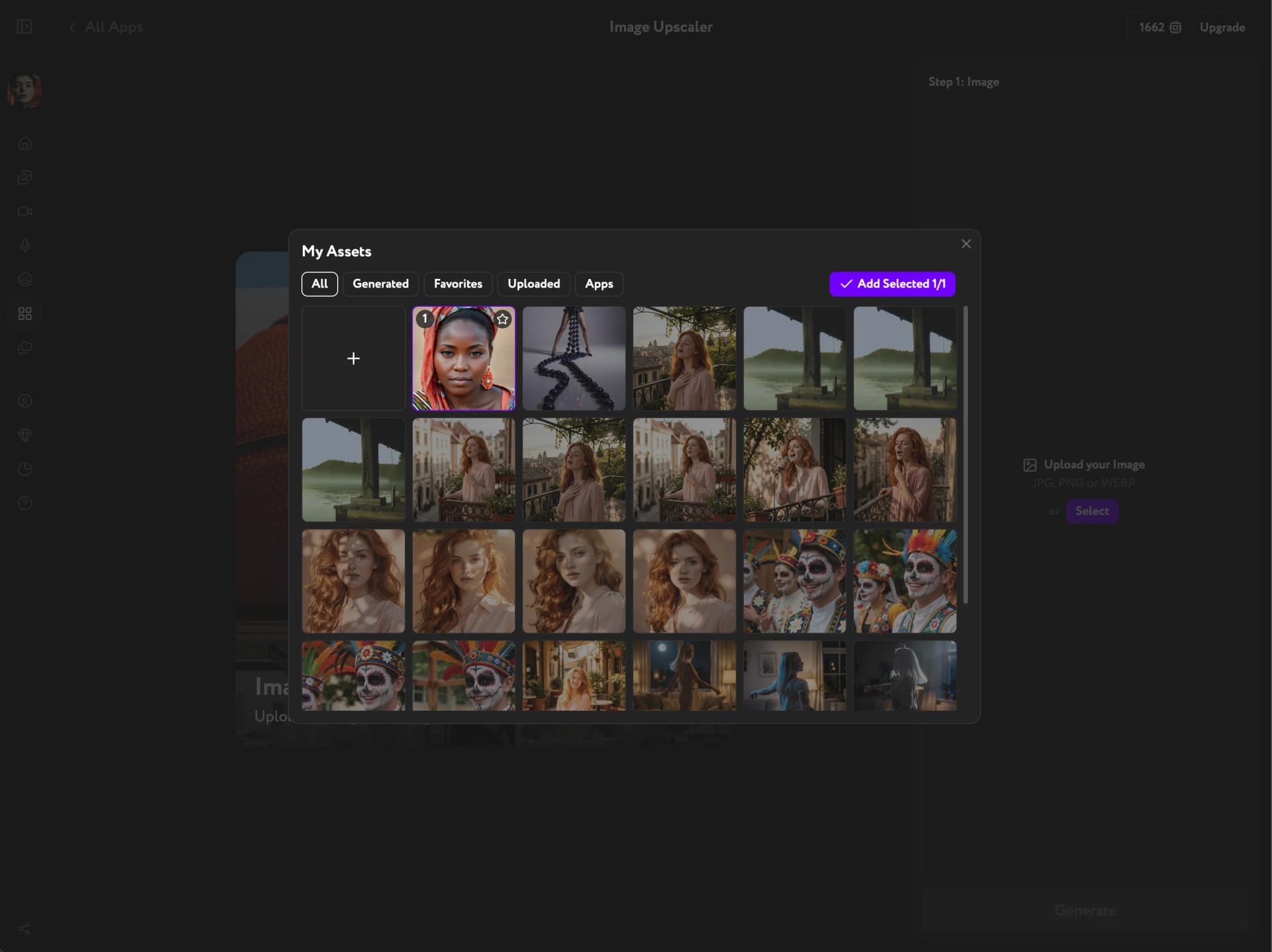
One click inside your existing workflow
No separate app, no file export. Generate in Image Generation, upscale right there — the image is ready to animate, lipsync, or publish without leaving Workroom.
Key Features
Natural skin detail, artifact correction, print-ready resolution
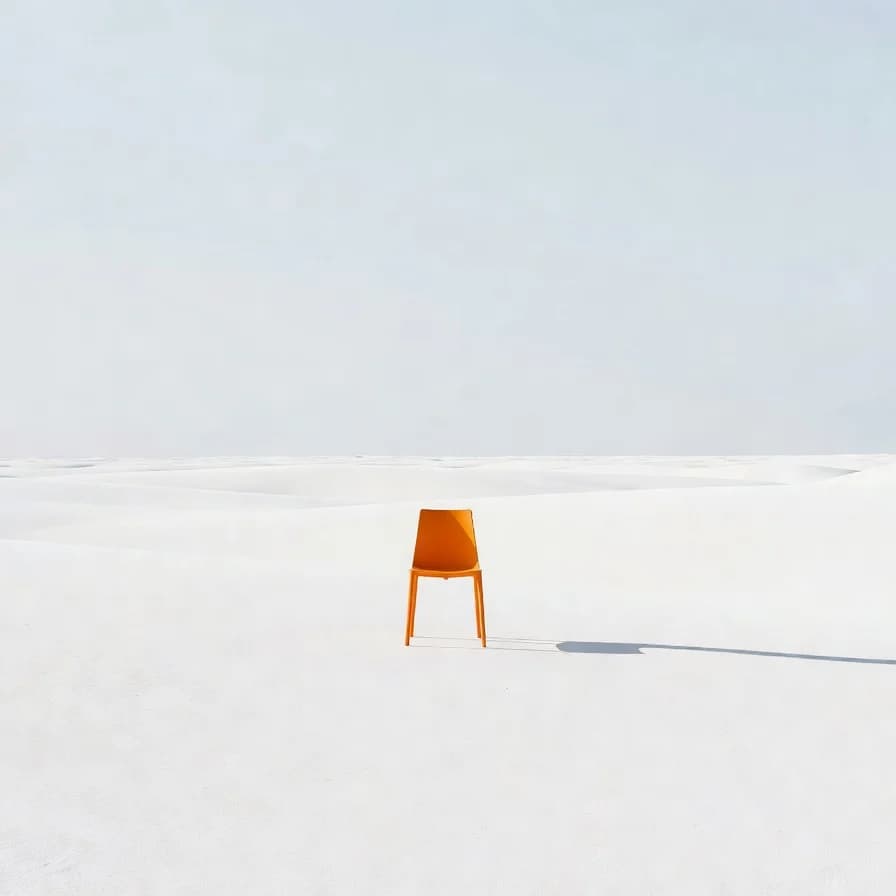
Natural skin texture, restored
Pores, micro-imperfections, subtle shadows — the details that make a face look like a face and not a render. The model adds what AI generation smoothed away.
Removes AI artifacts at the source
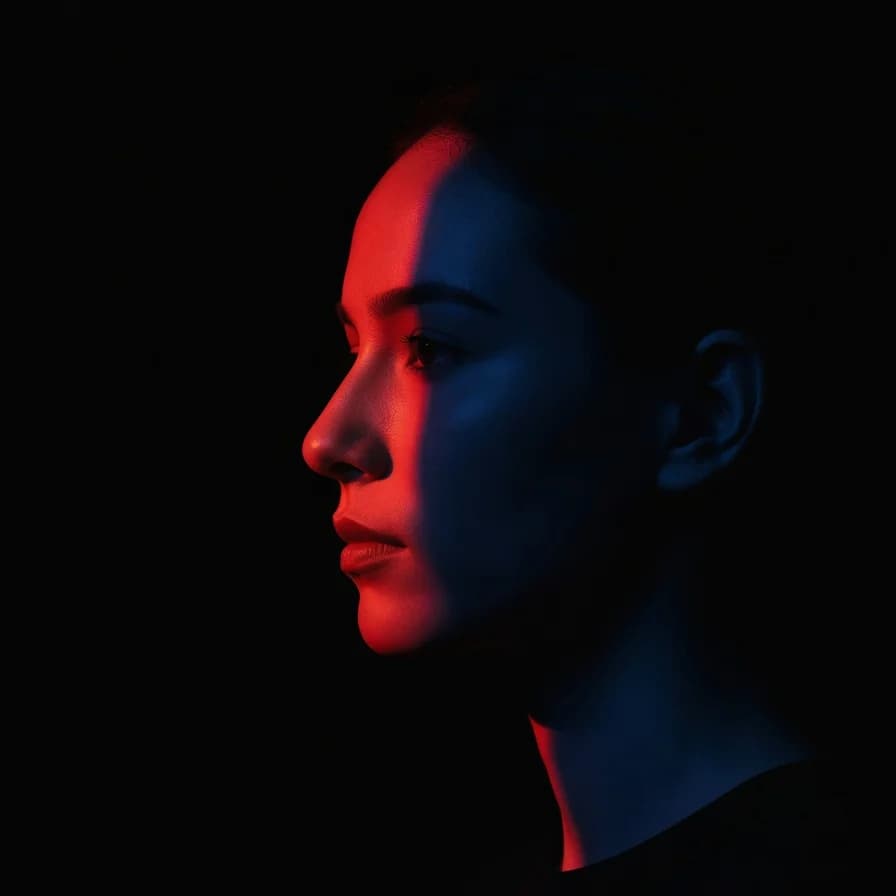
Over-smooth gradients, waxy surfaces, unnatural edge blending — Upscale identifies and corrects generation artifacts so the final image holds up at any size.
Higher resolution, ready to use
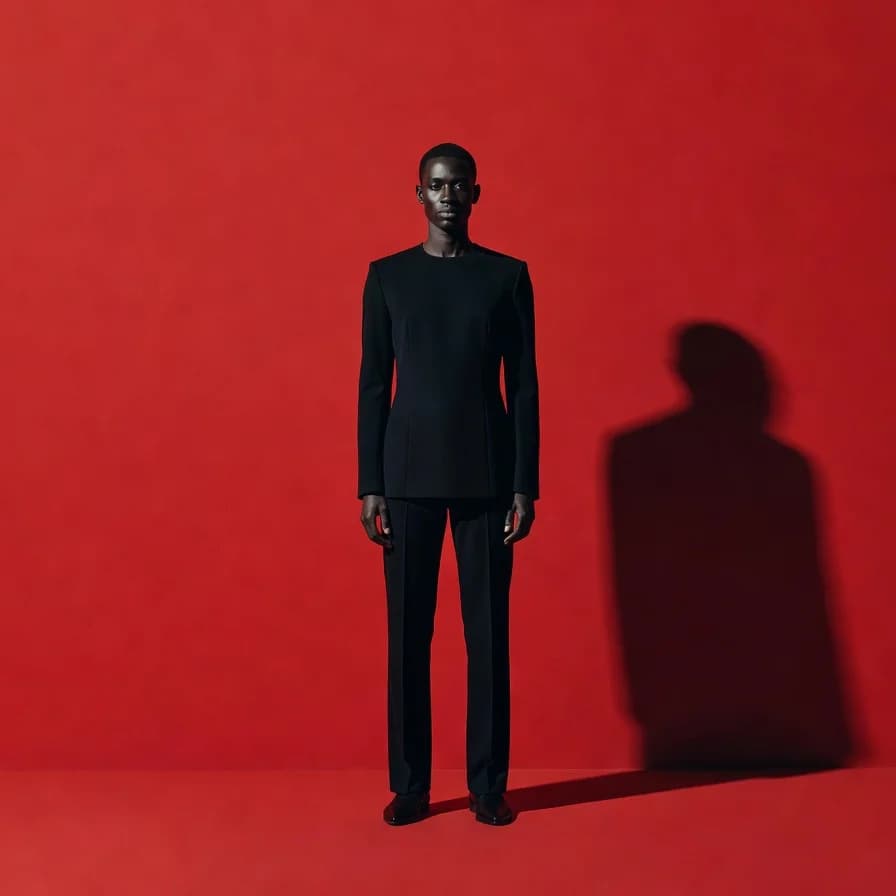
The output is larger and sharper — ready for print, large-format display, or any format that needs more pixels than the original. Works on photos, AI-generated images, and product shots alike.
How it works
Make every image ready for any size
Upscale once. Use anywhere — web, social, print, broadcast.
Try other apps
More tools to speed up your creative workflow.