
Style training in Image Generation creates a LoRA that captures the visual aesthetic of a set of reference images. It can capture a specific illustration style, color treatment, or artistic technique. Once trained, apply it from the LoRA Library to any AI image generation.
Enable Style training
Click the Train Avatar toggle at the top of Image Generation. Select Style from the dropdown.
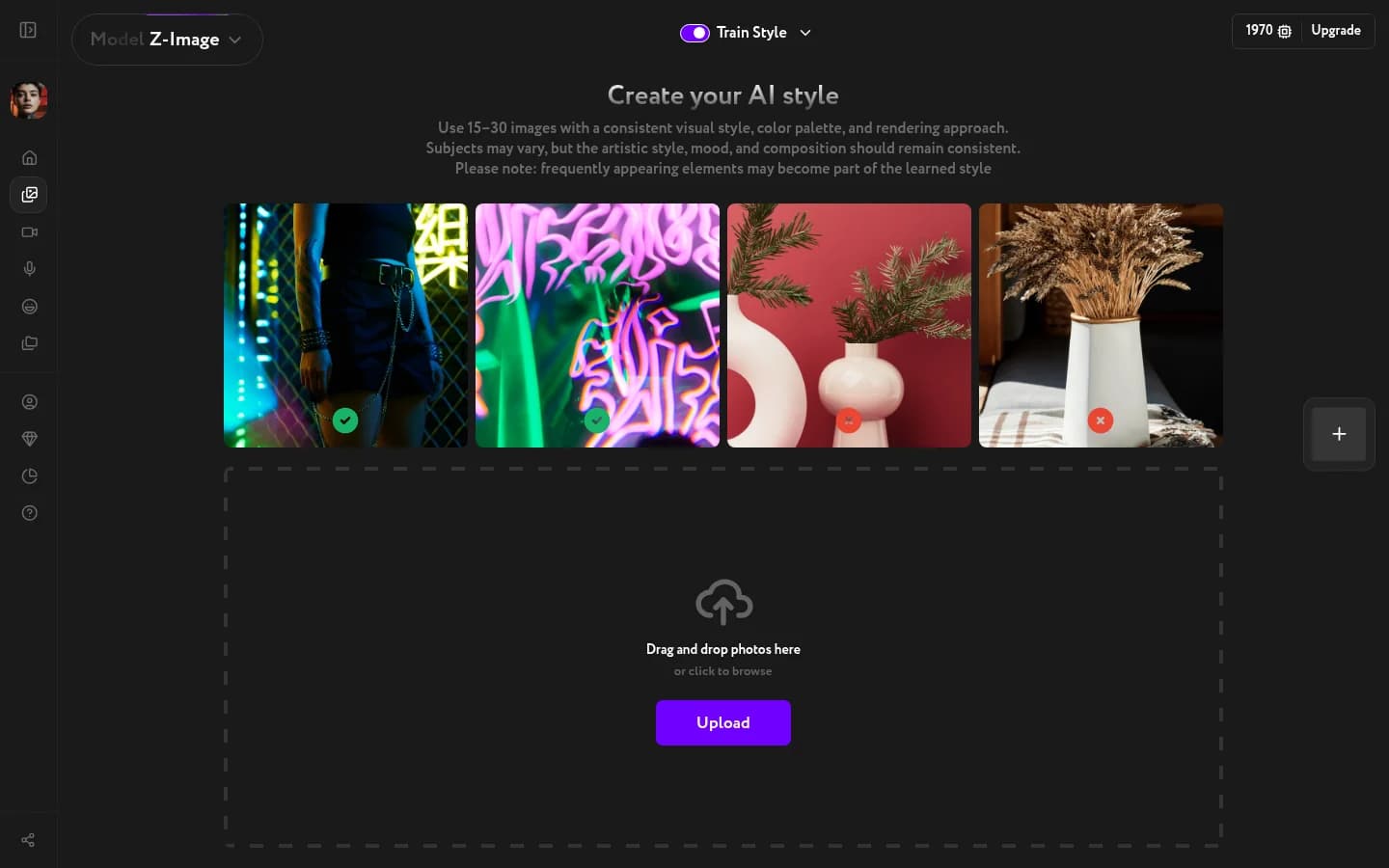
Upload your reference images
Upload 15–30 images that share the style you want to capture. The more consistent the aesthetic across your uploads, the more precisely the LoRA will reproduce it.
What works:
- A set of illustrations or artworks by the same artist
- Photos with a consistent color grade or lighting treatment
- 3D images in the same visual style
What to avoid:
- Mixed styles or genres in the same training set
- Low-resolution or heavily compressed images
- Photos with people if the goal is to capture environment or texture, not faces
Start training
Once your images are uploaded, confirm and start training. Training takes 20–50 minutes and runs in the background. When it's done, you'll receive an email notification and your style LoRA will be ready.