
Acacia Sunset Silhouette
Editor's note
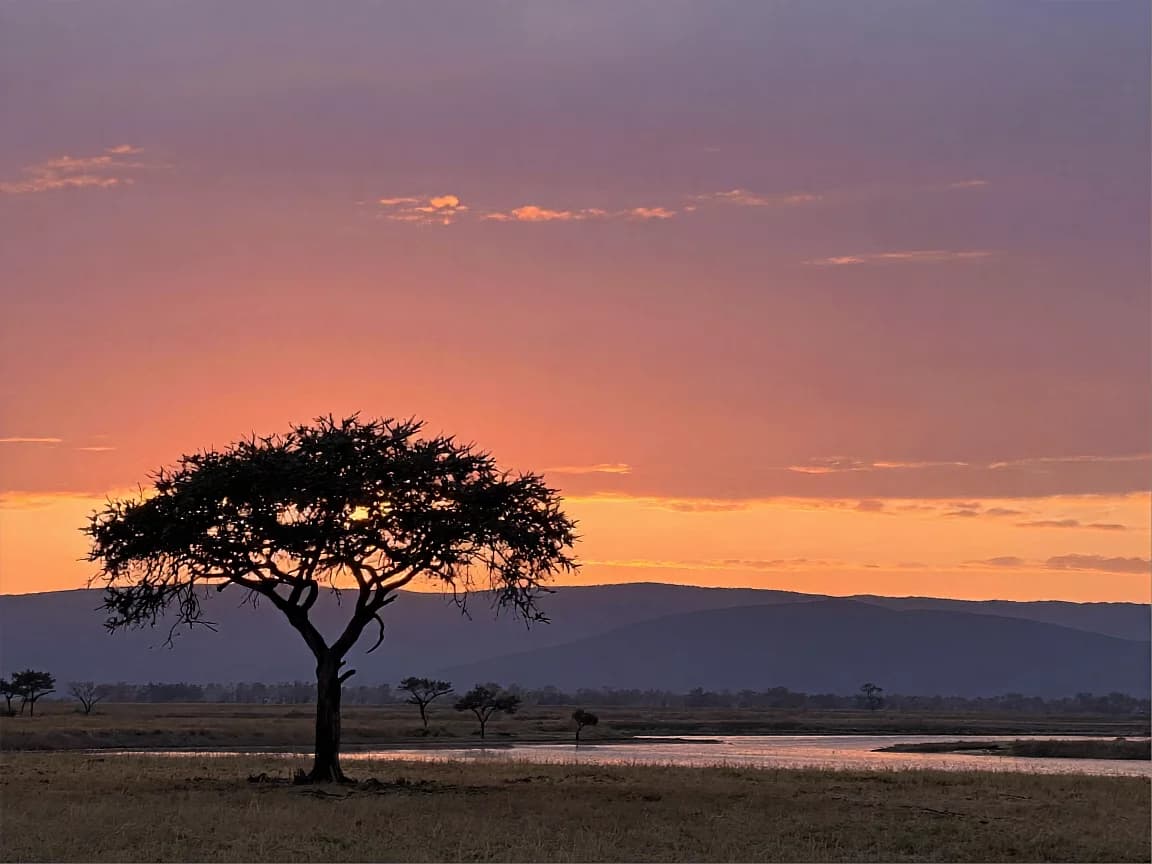
Describing the sky as horizontal bands from orange to plum lets a free model build a clean sunset, with the tree as a backlit silhouette.
A single flat-topped acacia stands on a rounded grassy hill in the left third of the frame, a dark olive-black silhouette against the sky. The sky is laid out in wide horizontal bands: burnt orange at the horizon, coral pink above it, then violet deepening to plum purple at the top, with a few thin cloud streaks lit orange from below. Far behind the hill a long ridge of distant mountains sits in pale lilac haze, smooth simple shapes without detail. Below the hill a thin river winds through the valley and carries a soft orange reflection of the sky. The light source is the low sun on the horizon behind the tree, so the tree is backlit and the hilltop grass has only a faint orange glow along its edges. Wide shot from a low angle, the whole scene in focus, sky filling the upper two thirds of the frame. Still, quiet evening. No people, no animals, no text, no logos, no watermark.
How to Use This Prompt
- 1Copy the prompt above — the full text, not a trimmed version.
- 2Open Workroom and pick Z-Image as the model, then paste the prompt in.
- 3Hit Generate, then change one detail and run it again — the fastest way to make it yours.
Every prompt in the library works the same way — copy, paste into the model, generate.
Explore More Image Prompts More from Z-Image
All Image Models


Every prompt here was actually run.
Workroom is one account for every image and video model — pick any prompt above, or start from scratch.