
Blood Orange Arrow Recolor
Editor's note
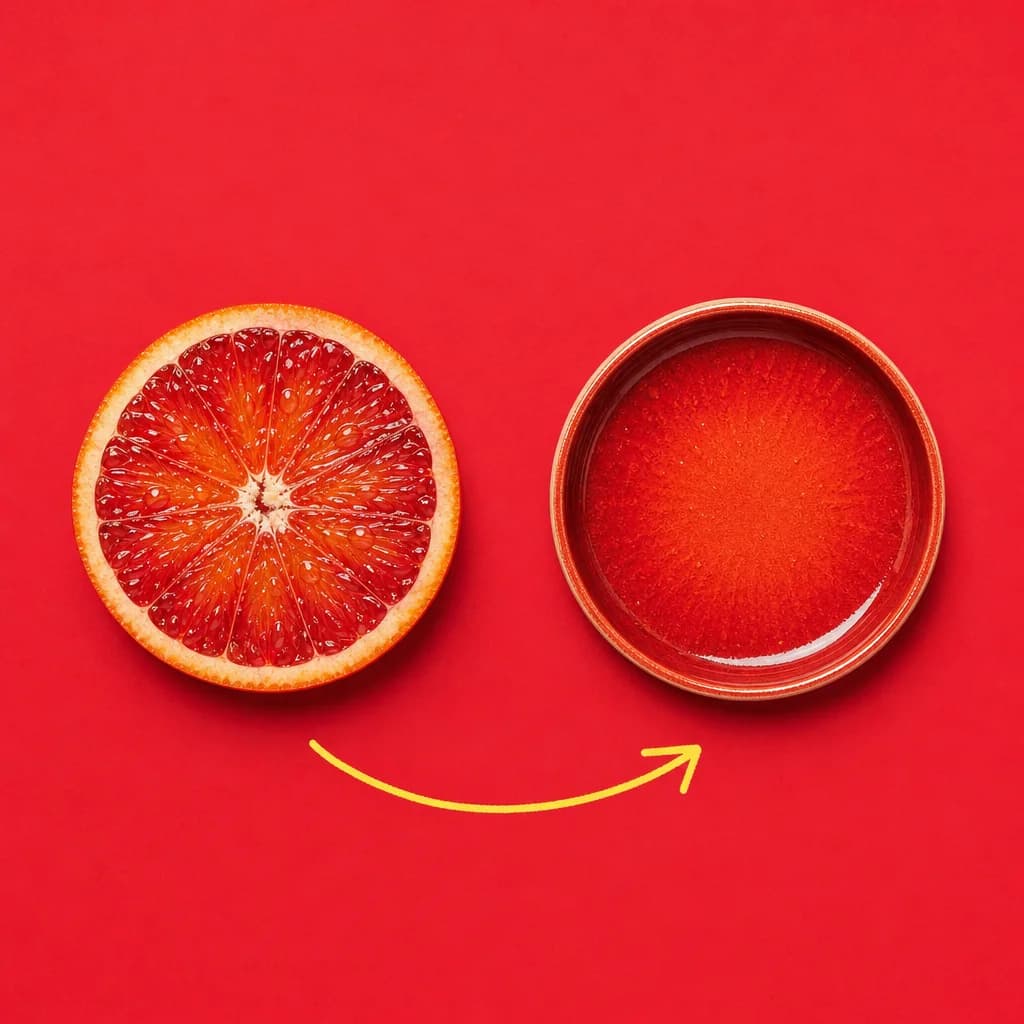
A blood orange schools a plain ceramic dish in its own color, arrow spelling out the transfer. Clean proof shot for palette-match prompts.
Overhead flat lay, slightly angled. Surface: crimson #DC143C smooth matte paper, edge to edge. Left side: a ripe sliced blood orange, juicy pulp facing up, vivid red-orange flesh, water droplets, sharp focus. Right side: an identical-shaped object — a ceramic dish — but recolored to match the orange, glazed in deep crimson-and-orange tones picking up the fruit's exact hues, as if the palette jumped across. Thin curved hand-drawn butter-yellow #FFE34F marker arrow sweeps from the orange to the dish, slightly imperfect, organic felt-tip line. Both objects cast clean 3mm shadows. Palette: crimson #DC143C surface dominant, butter yellow #FFE34F arrow accent, cream #FAF7F0 droplet highlights. Lighting: flat even softbox from directly above, no gradients, no shadows beyond short contact ones. Camera: top-down, f/8, everything sharp.
How to Use This Prompt
- 1Copy the prompt above — the full text, not a trimmed version.
- 2Open Workroom and pick GPT Image 2 as the model, then paste the prompt in.
- 3Hit Generate, then change one detail and run it again — the fastest way to make it yours.
Every prompt in the library works the same way — copy, paste into the model, generate.
Explore More Image Prompts More from GPT Image 2
All Image Models





Every prompt here was actually run.
Workroom is one account for every image and video model — pick any prompt above, or start from scratch.