
 More from Nano Banana Pro
Golden Mermaid Pearl Shell
120
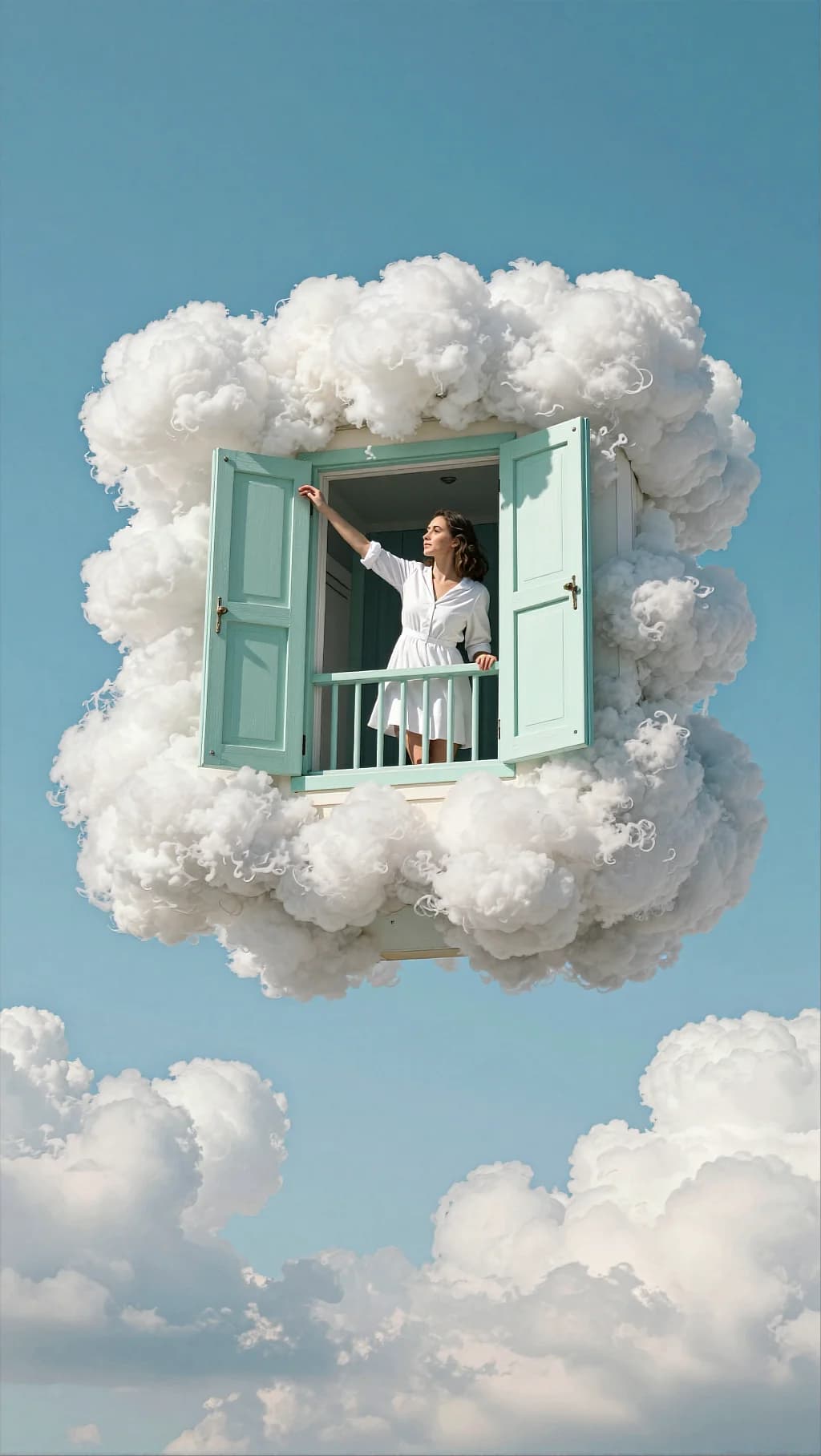
A window module torn out of a house and packed in cumulus. Mint shutters and flat blue sky keep it cheerful rather than eerie.
Surreal cinematic scene in a clear blue sky. A floating window/balcony module (like a small section of a house façade) hangs in mid-air, surrounded by dense fluffy white clouds. The structure has mint/seafoam green shutters opened outward on both sides, a small balcony rail/panel below, and pale wood/painted trim. The clouds wrap around the edges of the window frame like foam, creating the illusion that the window is embedded inside a cloud. A woman in a white dress or white shirt dress leans out of the open window, upper body visible. She reaches one arm outward as if feeling the air or touching the clouds, looking to the side with a thoughtful expression. The scene is bright, whimsical, and airy—no ground, no city, only sky and clouds. Lighting: strong daylight, clean sunlit highlights on clouds and shutters; soft shadows under the window ledge; crisp, high-key look. Composition & optics: vertical frame, subject centered upper-middle; lots of negative space sky; clouds at top and bottom framing the floating window; sharp details on shutters and cloud texture, background sky smooth. Color grading Overall palette: bright cyan/azure sky + clean white clouds, with a soft mint/seafoam accent on shutters. Contrast: medium contrast; keep the scene high-key but preserve cloud texture (avoid clipping whites). Saturation: moderately high—sky насыщенный, но не “неон”; mint shutters чуть пастельные. Highlights: luminous cloud highlights with gentle roll-off; optional subtle bloom for dreamy feel. Shadows: slightly cool shadows (blue tint) to keep a fresh airy look. Skin tones: natural, slightly warm-neutral to stand out against the cool sky. Finishing: minimal grain, minimal vignette; slightly softened clarity for a dreamy, whimsical mood. Palette keywords: bright azure sky, creamy white clouds, pastel mint shutters, clean daylight, airy surrealism, soft bloom.
Every prompt in the library works the same way — copy, paste into the model, generate.
Explore More Image PromptsWorkroom is one account for every image and video model — pick any prompt above, or start from scratch.




