
 More from Nano Banana Pro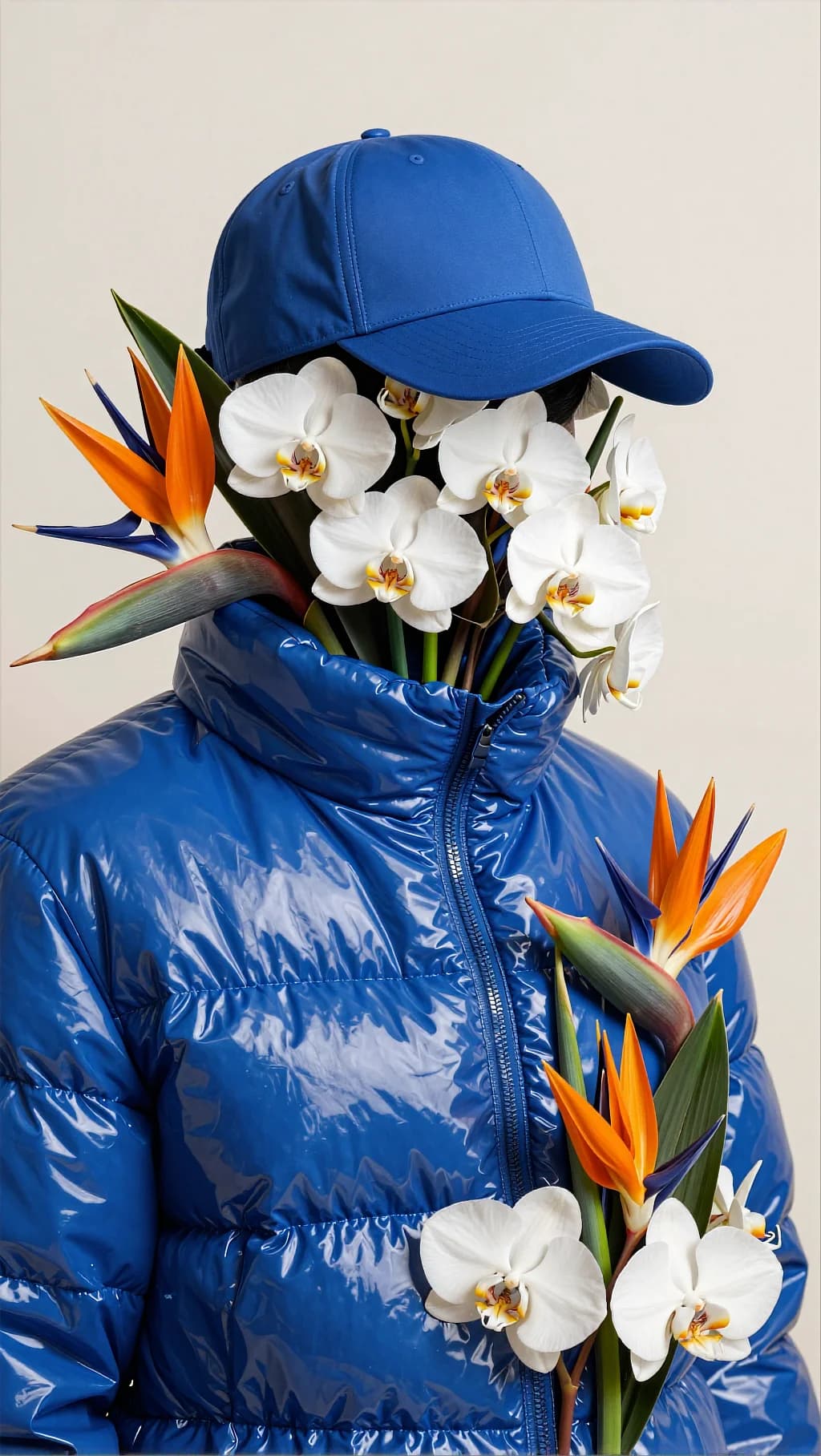
Puffer Jacket Flower Bouquet
100
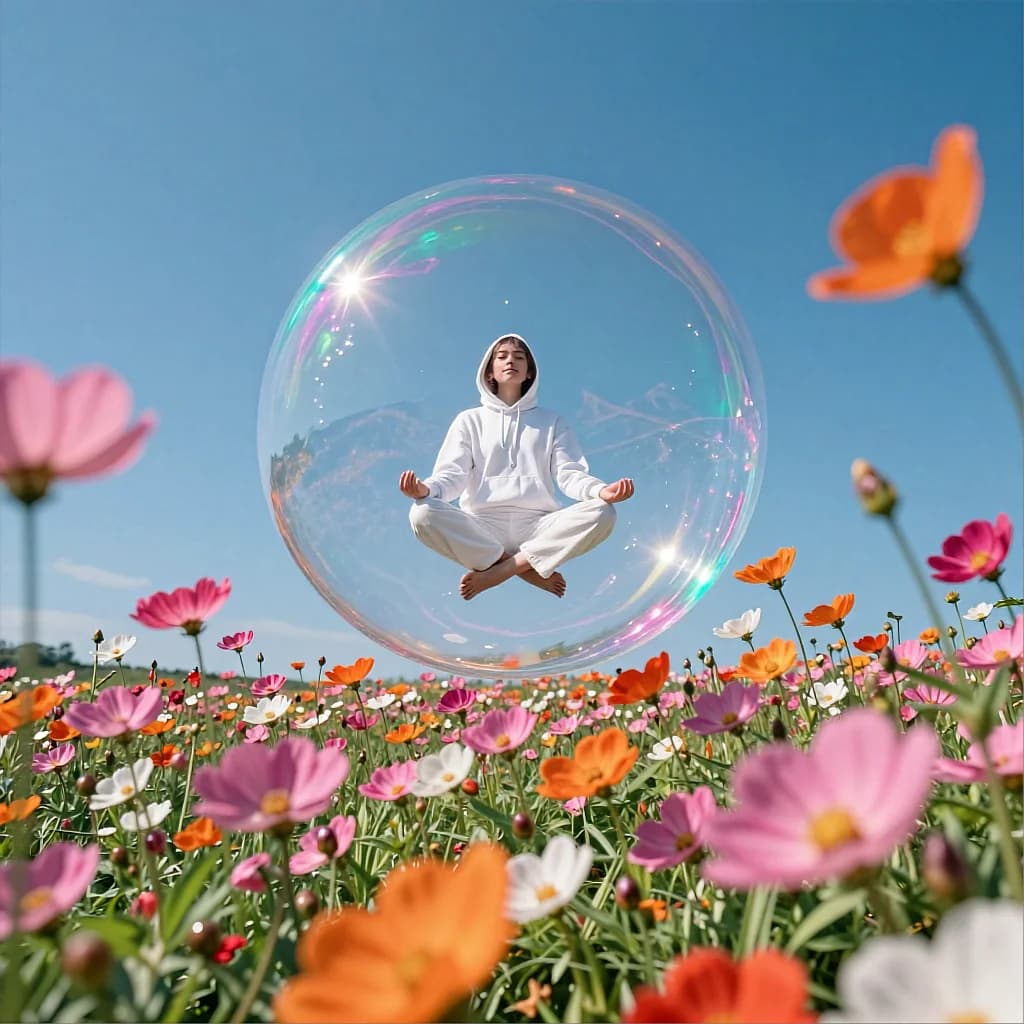
Low camera in the blossoms, a giant iridescent bubble above. Out-of-focus foreground flowers give the levitation its scale.
Surreal cinematic wide shot in a sunny wildflower field. The camera is placed very low near the flowers, with strong foreground bokeh: blurred pink and orange blossoms fill the bottom and sides of the frame. In the center, a giant transparent soap bubble floats above the field. Inside the bubble, a person in a white hoodie and loose white pants levitates in a calm lotus pose, hands resting on knees, serene expression, looking slightly upward. The bubble surface shows iridescent rainbow highlights and thin-film interference colors, with a bright sun glint on the upper rim. The sky is a clear deep blue, no clouds, bright midday light. The scene feels peaceful and magical, like meditation suspended in air. Lighting: strong natural sunlight; crisp highlights on the bubble rim; soft shadows on the floating person; flowers saturated and glowing. Composition & optics: ultra-wide / wide lens feel, shallow depth of field with creamy bokeh foreground, subject and bubble sharp; dreamy soft diffusion; vibrant color pop. Color grading Overall palette: vivid azure/sky blue background with bright pink + orange floral accents, and rainbow iridescence on the bubble. Contrast: medium contrast; keep highlights bright and clean, but preserve detail in the bubble rim and white clothing (avoid clipping). Saturation: moderately high; push blues and flower pinks/oranges for a cheerful dream-pop feel, without going neon. Highlights: strong sun glints with subtle bloom; emphasize iridescent spectrum along the bubble edge (cyan, magenta, green). Shadows: soft, neutral-to-slightly-cool shadows; keep whites clean and airy. Finishing: gentle diffusion/softness, minimal grain, slight vignette optional; keep the image bright and uplifting. Palette keywords: clear blue sky, saturated wildflowers, rainbow soap bubble, bright daylight, dreamy bokeh, clean whites.
Every prompt in the library works the same way — copy, paste into the model, generate.
Explore More Image PromptsWorkroom is one account for every image and video model — pick any prompt above, or start from scratch.




