
 More from Nano Banana 2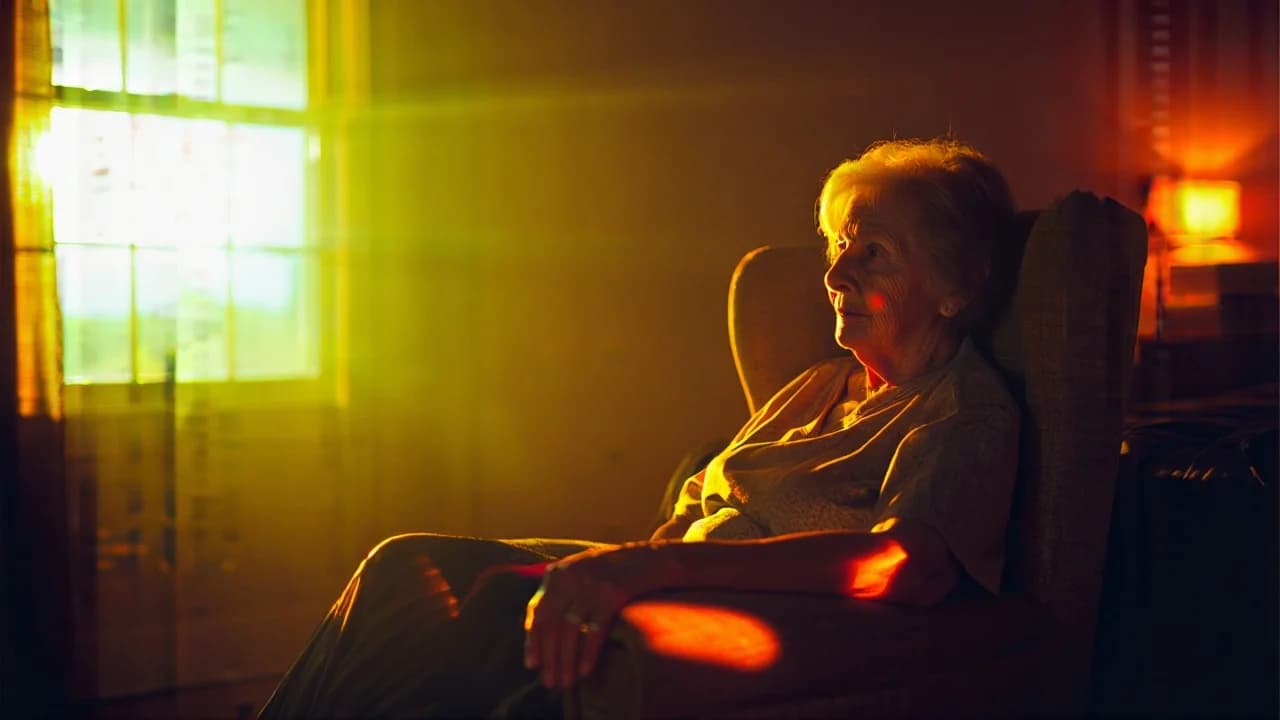
Warm Neon Noir Bedroom
100
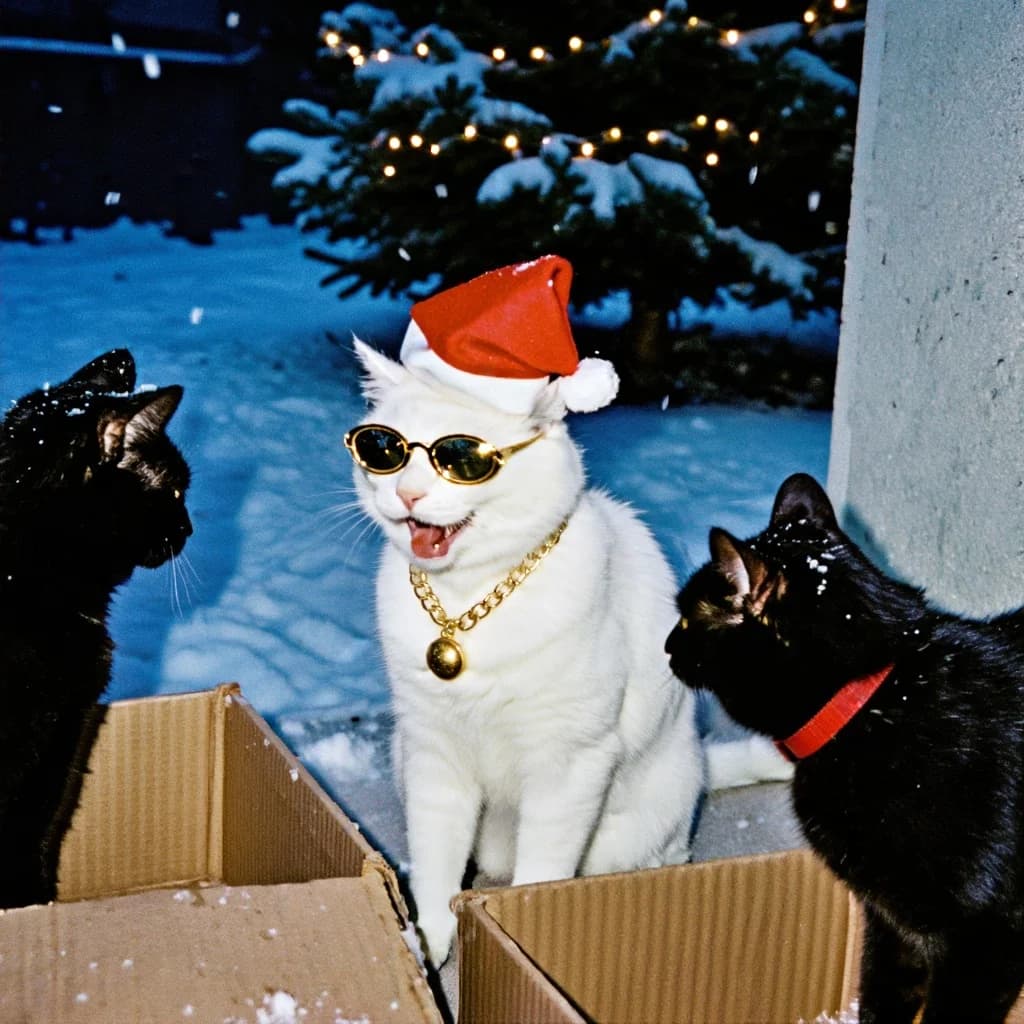
On-camera flash, blue snow, warm fairy lights behind. The snapshot look is specified on purpose, not an accident of the render.
Candid flash photo at night in a snowy outdoor setting. In the center: a white cat sitting upright, wearing a red Santa hat with a white pom-pom. The cat has small gold sunglasses (retro, oval) and a gold chain necklace with a round pendant. The cat’s mouth is open with the tongue out, as if mid-meow or laughing — funny, chaotic holiday vibe. On both sides, partially in frame, there are two black cats: one on the left in shadow, and one on the right wearing a red collar. They face inward toward the center cat. The cats are standing among cardboard boxes in the foreground. Background: snow-covered ground and a large snowy evergreen tree with tiny warm string lights glowing (bokeh dots). A wall or vertical surface appears on the right edge. Light snowfall or small particles may be visible. Lighting: strong direct on-camera flash — bright foreground, hard-ish shadows, shiny reflections on the gold sunglasses and chain; background falls off into darker blues. Composition & optics: snapshot framing, slightly wide, center subject sharp; background softly out of focus; authentic point-and-shoot / film photo feel. Color grading Overall tone: “flash film photo” / disposable camera look. White balance: cool ambient (blue night snow), but flash adds neutral-to-warm highlights on fur. Contrast: medium-high; deep shadows at edges, but keep fur detail on the white cat (avoid clipping). Saturation: moderate; let red Santa hat and gold accessories pop; keep snow cool and slightly desaturated. Highlights: bright flash highlights with a bit of specular shine on metal; slight halation around the warm tree lights. Shadows: cool navy/blue shadows; mild green shift is okay for nostalgic film vibe. Finishing: visible film grain, a little noise; subtle vignette; slight softness/low clarity like point-and-shoot lens. Palette keywords: cool blue snow + warm fairy lights, flash photography, holiday kitsch, gold accents, candid snapshot, film grain.
Every prompt in the library works the same way — copy, paste into the model, generate.
Explore More Image PromptsWorkroom is one account for every image and video model — pick any prompt above, or start from scratch.





