
Agent and Alien Gear Check
Editor's note
A secret agent and a grey alien run a locker-room gear check that ends in a pen-flash. One clip sets every beat; two stills recast the pair.
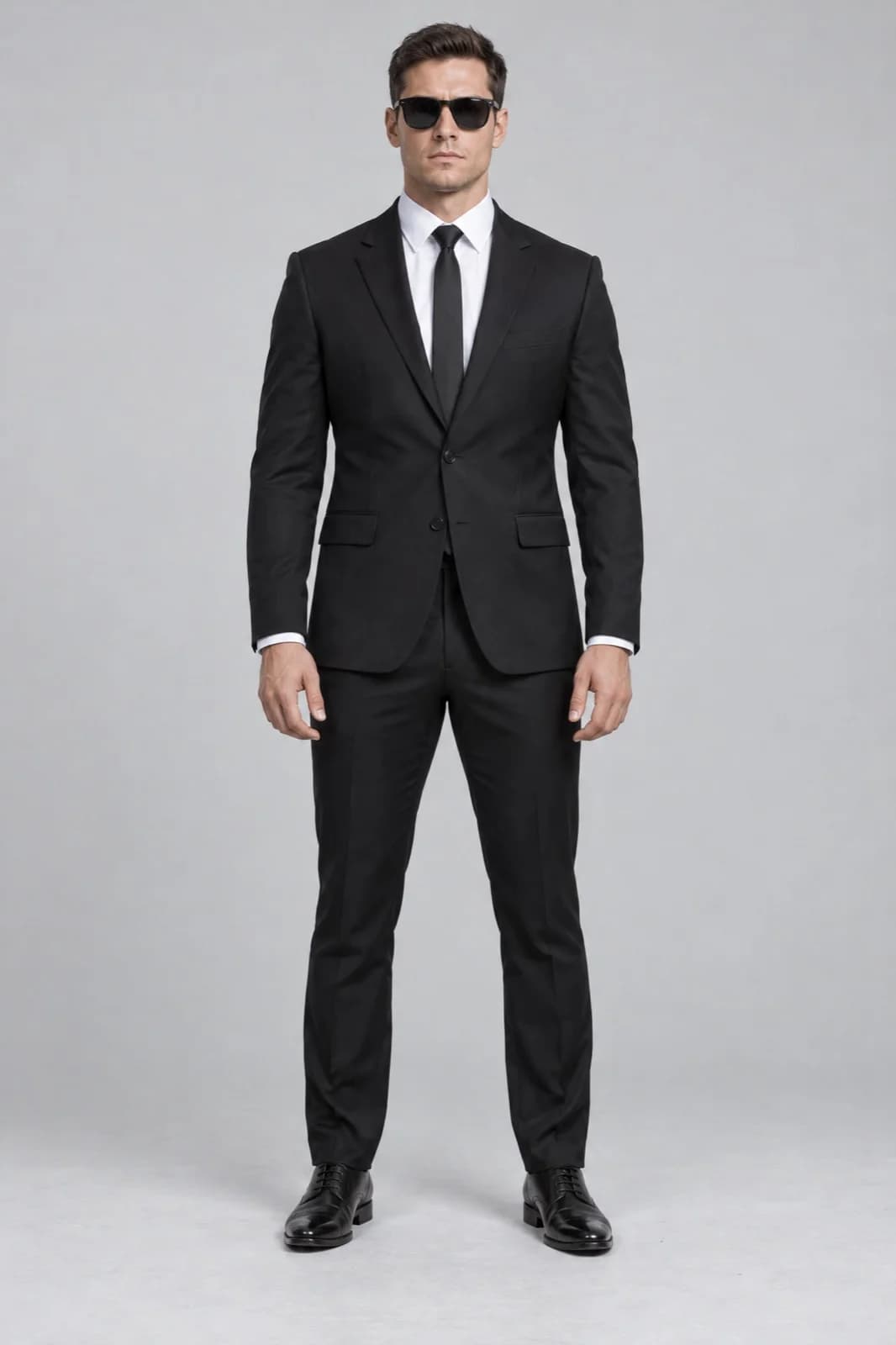
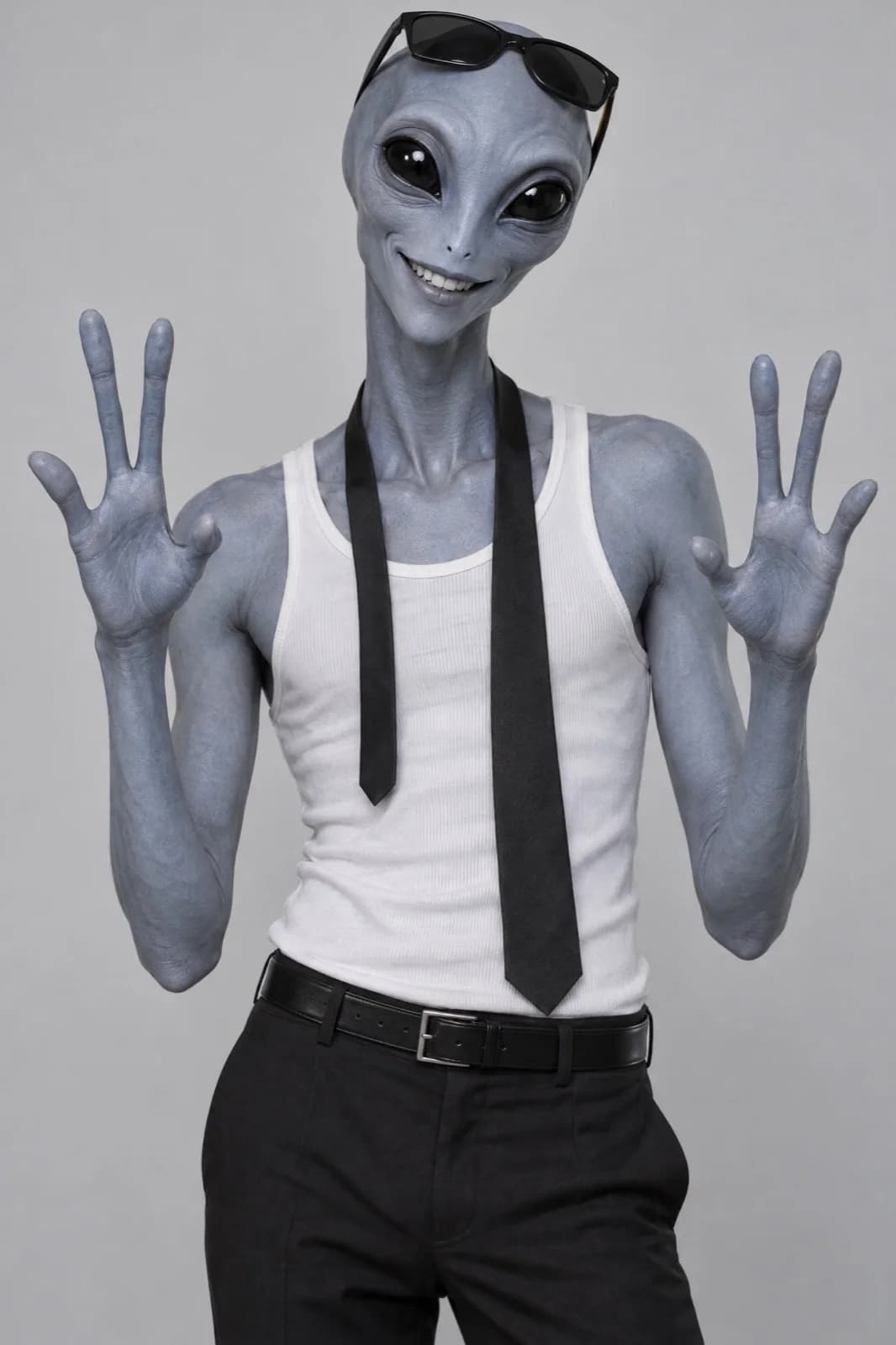
@Video1 is the exact template for camera, framing, every movement and its timing, the locker room set, lighting, sound and the props in order - follow @Video1 strictly. @Image1 is the main hero who holds the camera: appearance only, never its background. @Image2 is the partner who peeks in over his shoulder: appearance only, never its background. Keep every special feature of both, such as skin colour, eye shape and number of fingers, visible in every frame. Photorealistic live-action footage, real skin texture, natural locker-room light, real metal and fabric, hands grip each prop naturally. Handheld selfie camera on an outstretched arm, wide lens from slightly below, dark metal lockers with stickers behind. [0-1 s] the hero talks to the camera in a close selfie. [1-2 s] the partner peeks in over the hero's left shoulder. [2-4 s] the hero turns to the partner for a quick friendly moment and turns back to the camera smiling. [4-5 s] a sleek retro-futuristic silver-and-black blaster pistol held up to the camera and turned sideways. [5-6 s] the hero points a slim silver pen-shaped device at the lens and clicks it: a blinding white flash with a turquoise glint fills the whole frame, then fades back to the hero. [6-7 s] a folding knife held to the camera. [7-8 s] handcuffs raised in both hands. [8-9 s] two pistol magazines held to the camera. [9-10 s] a small black flashlight held to the camera. [10-11 s] hands reach to the camera and the shot whips away with motion blur. The hero ends standing in the locker room, frame settled. Only the people and the named props change; everything else stays as in @Video1. Avoid: subtitles, captions, any text, logos, watermark, extra people, extra fingers, studio grey background, cuts that are not in @Video1.
What You Need
The prompt points to each file by its tag, like @Video1. Download the examples or bring your own.
How to Use This Prompt
- 1Copy the prompt above — the full text, not a trimmed version.
- 2Open Workroom: Video → Seedance 2.5. Use video edit mode; in settings pick the resolution and 11 seconds.
- 3Upload the files in this order: Video 1 → Image 1 → Image 2.
- 4Paste the prompt and hit Generate. Check the first result before making more.
Every prompt in the library works the same way — copy, paste into the model, generate.
Explore More Video Prompts More from Seedance 2.5
All Video Models






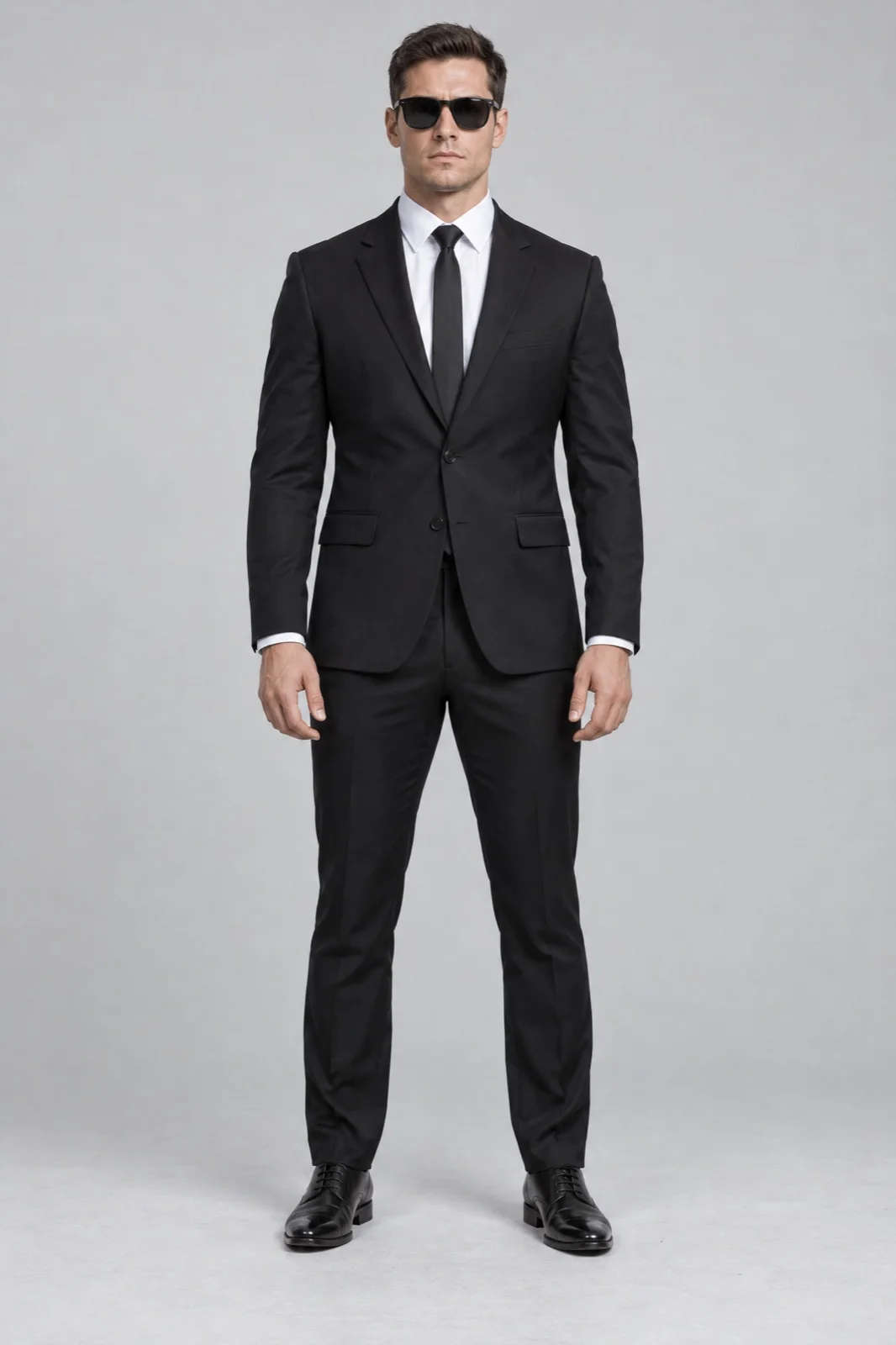
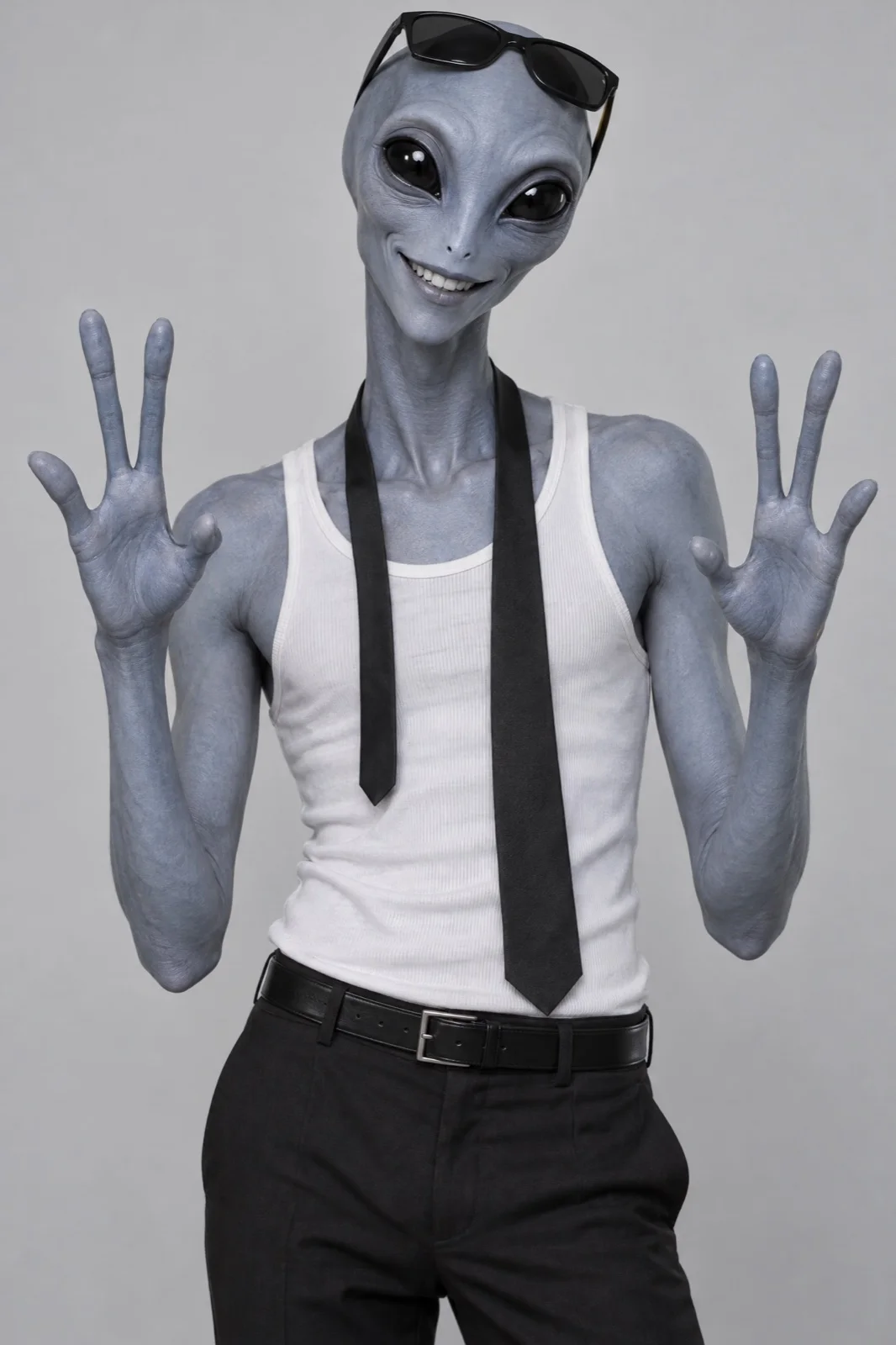
Every prompt here was actually run.
Workroom is one account for every image and video model — pick any prompt above, or start from scratch.