
 More from Nano Banana Pro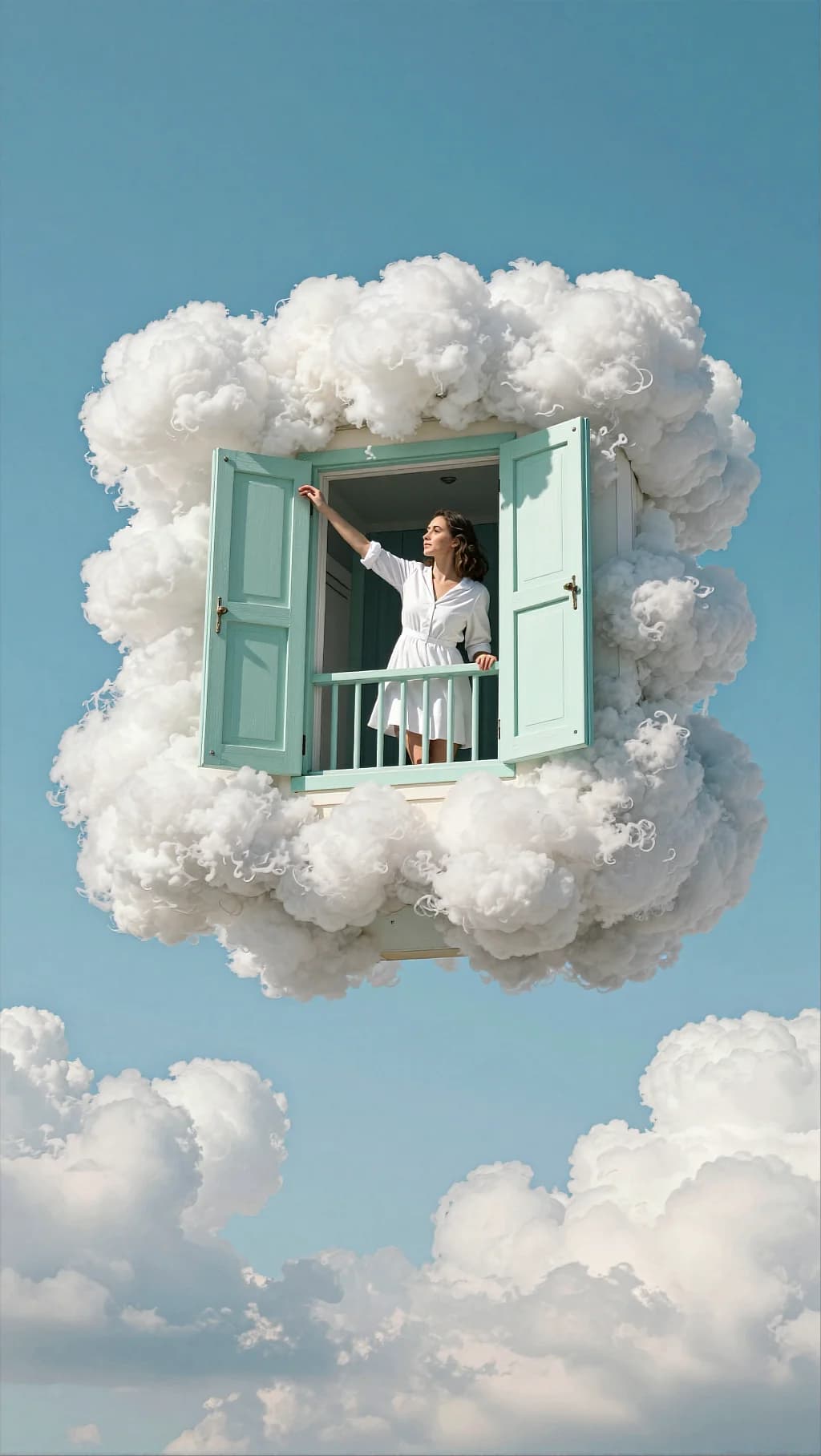
Cloud Balcony Mint Shutters
160
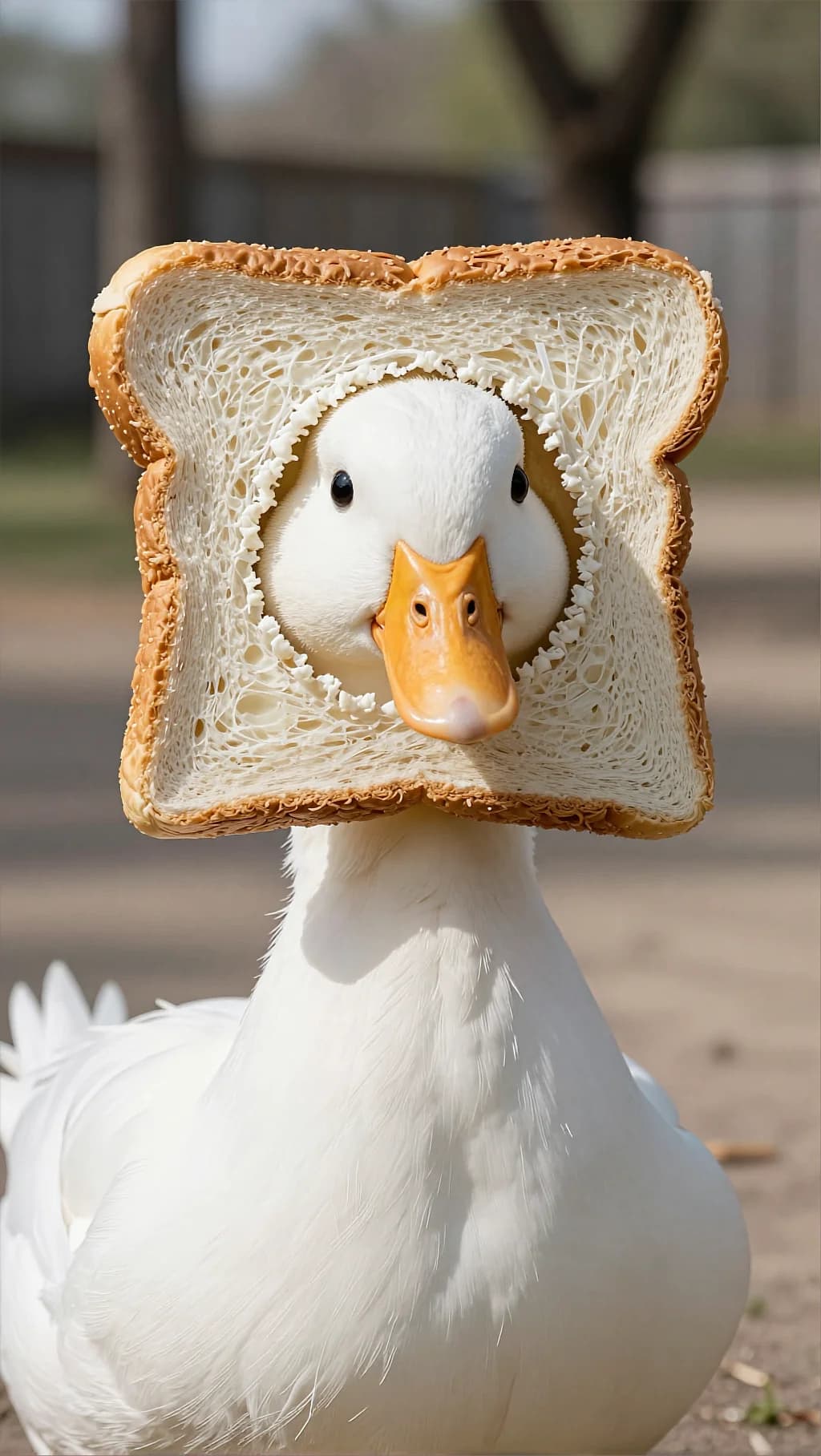
An absurd prop rendered with real crumb and crust texture in plain daylight. Straight photography is what keeps it funny.
Whimsical surreal animal portrait in bright daylight. A white duck is centered in the frame, facing the camera. Around the duck’s head there is a square slice of white sandwich bread like a mask or frame—bread crust golden-brown, soft white crumb inside. The duck’s face is visible through a rounded hole torn/cut in the middle of the bread slice; the duck’s orange beak and small dark eyes are clearly visible. The duck’s white feathers fill the lower part of the frame. Background is an outdoor yard/park setting but heavily blurred: soft bokeh of trees and a fence, neutral earthy tones. The image has a playful, clean, meme-like vibe but photographed like a crisp portrait. Lighting: direct natural sunlight, bright and clean; soft shadow from the bread on the duck’s face; crisp detail on bread texture and feathers. Composition & optics: vertical frame, centered subject, medium close-up; shallow depth of field with strong background blur; sharp focus on duck and bread. Color grading Overall tone: natural daylight, slightly warm and cheerful. Contrast: medium contrast; keep whites bright but retain feather detail (avoid clipping). Saturation: moderate; emphasize the orange beak and the warm bread crust; background stays muted and soft. Highlights: bright but controlled; gentle roll-off in whites; minimal bloom. Shadows: soft and neutral; avoid heavy color casts (keep it clean). Clarity/texture: crisp texture on bread crumb and feathers; no heavy sharpening halos. Finishing: minimal grain, minimal vignette (or none) for a clean humorous portrait look. Palette keywords: clean daylight, warm bread tones, bright whites, orange accent beak, soft bokeh background, crisp texture.
Every prompt in the library works the same way — copy, paste into the model, generate.
Explore More Image PromptsWorkroom is one account for every image and video model — pick any prompt above, or start from scratch.




