More from Nano Banana Pro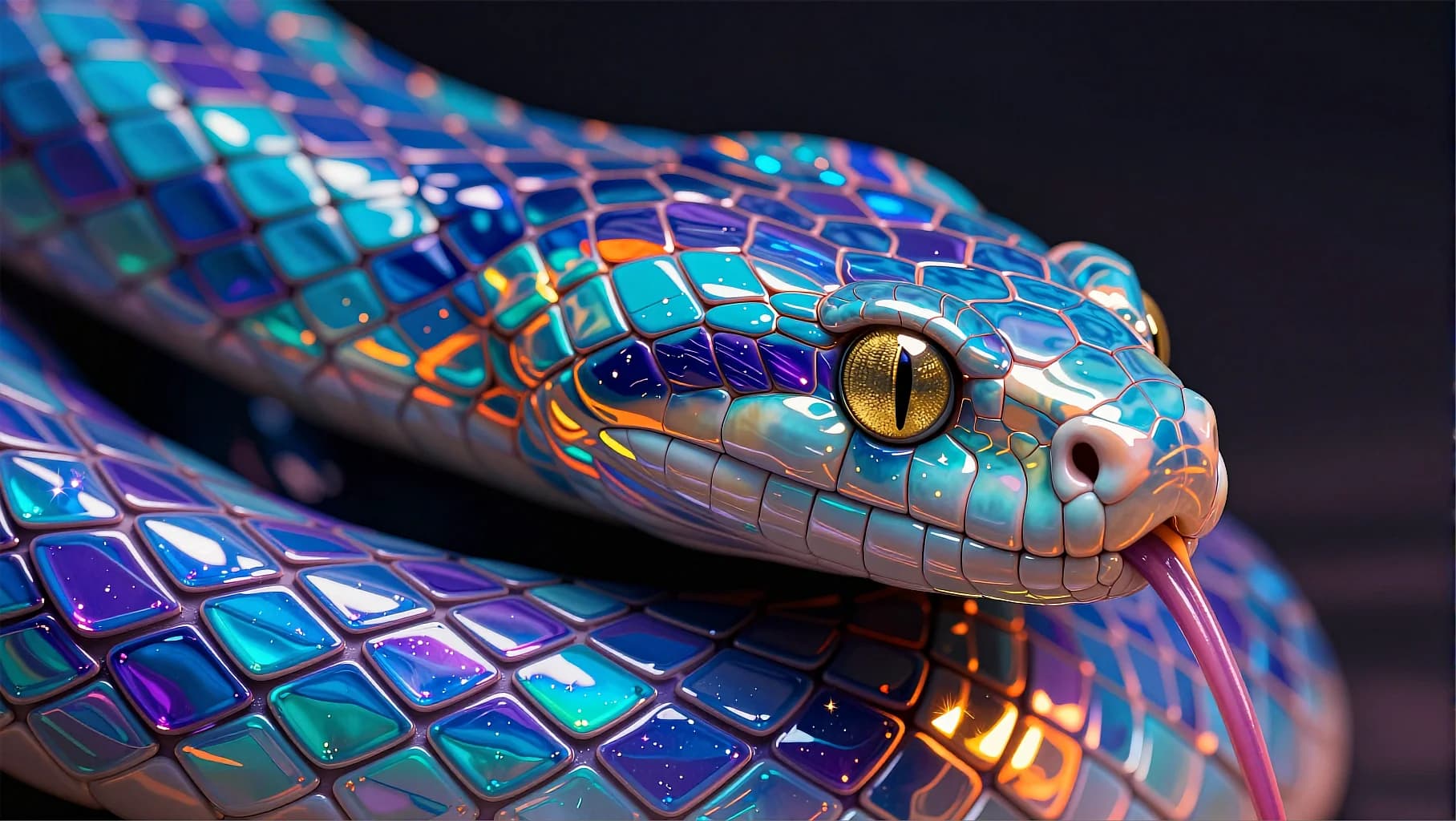
Holographic Snake Macro
150
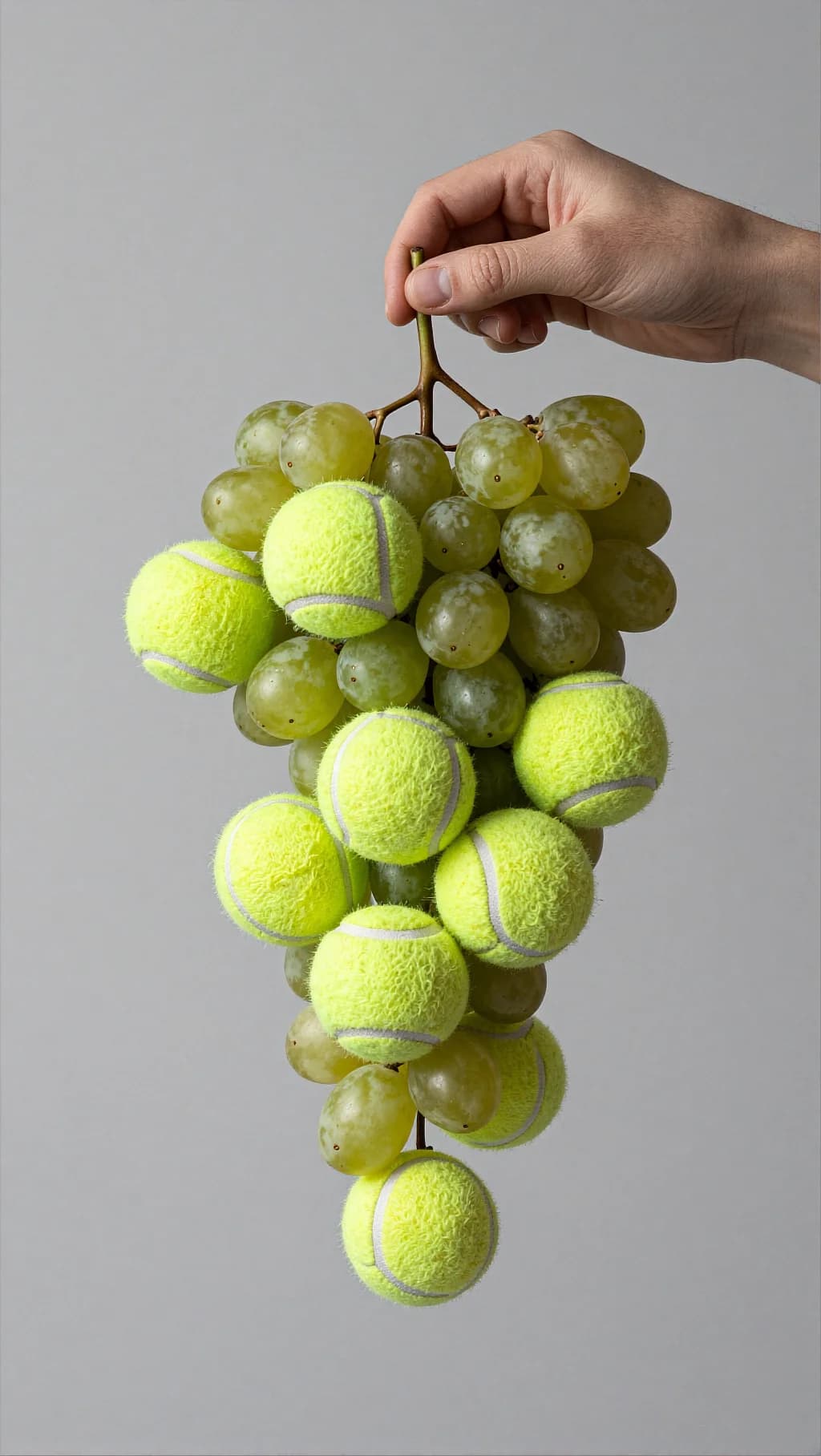
Two textures the eye refuses to merge, glossy translucent fruit and tennis-ball felt, hung on a single stem under flat studio light.
Minimalist studio still life / conceptual product photo. A human hand (fair skin) holds a grape stem, lifting a hanging cluster that mixes green grapes with multiple bright neon-yellow tennis balls. The tennis balls are integrated into the bunch like oversized grapes, with visible white curved seams; their fuzzy felt texture is clear. The real grapes are glossy, semi-translucent light green, tightly clustered around thin brown stems. The hand enters from the upper-right, fingers gently pinching the stem; nails natural and short. Background is a smooth neutral light gray wall with no texture, clean and modern. The composition is centered, vertical, with the cluster hanging down and filling most of the frame. Lighting is soft and even, with gentle shadows and subtle specular highlights on the grapes. Lighting: soft studio key light (diffused), minimal shadows, high clarity on textures. Composition & optics: medium close-up, sharp focus on the cluster, shallow-to-medium depth of field, background slightly out of focus, modern editorial still life. Color grading Overall tone: neutral, clean, slightly cool studio look (true-to-life whites/greys). Contrast: low-to-medium contrast; keep a soft roll-off in highlights, preserve detail in both felt texture and grape shine. Saturation: controlled overall; allow the tennis-ball neon yellow to be the strongest saturation point, while grapes stay natural green (not too yellow). Highlights: soft specular highlights on grapes (gloss), no harsh clipping; tennis balls remain matte with visible fuzz. Shadows: gentle and neutral (no heavy color cast), maintain a minimal “gallery” feel. Finishing: minimal grain, minimal vignette (or none), crisp but not over-sharpened. Palette keywords: neutral gray background, clean studio light, neon yellow accent, natural green grapes, soft contrast, modern editorial.
Every prompt in the library works the same way — copy, paste into the model, generate.
Explore More Image PromptsWorkroom is one account for every image and video model — pick any prompt above, or start from scratch.