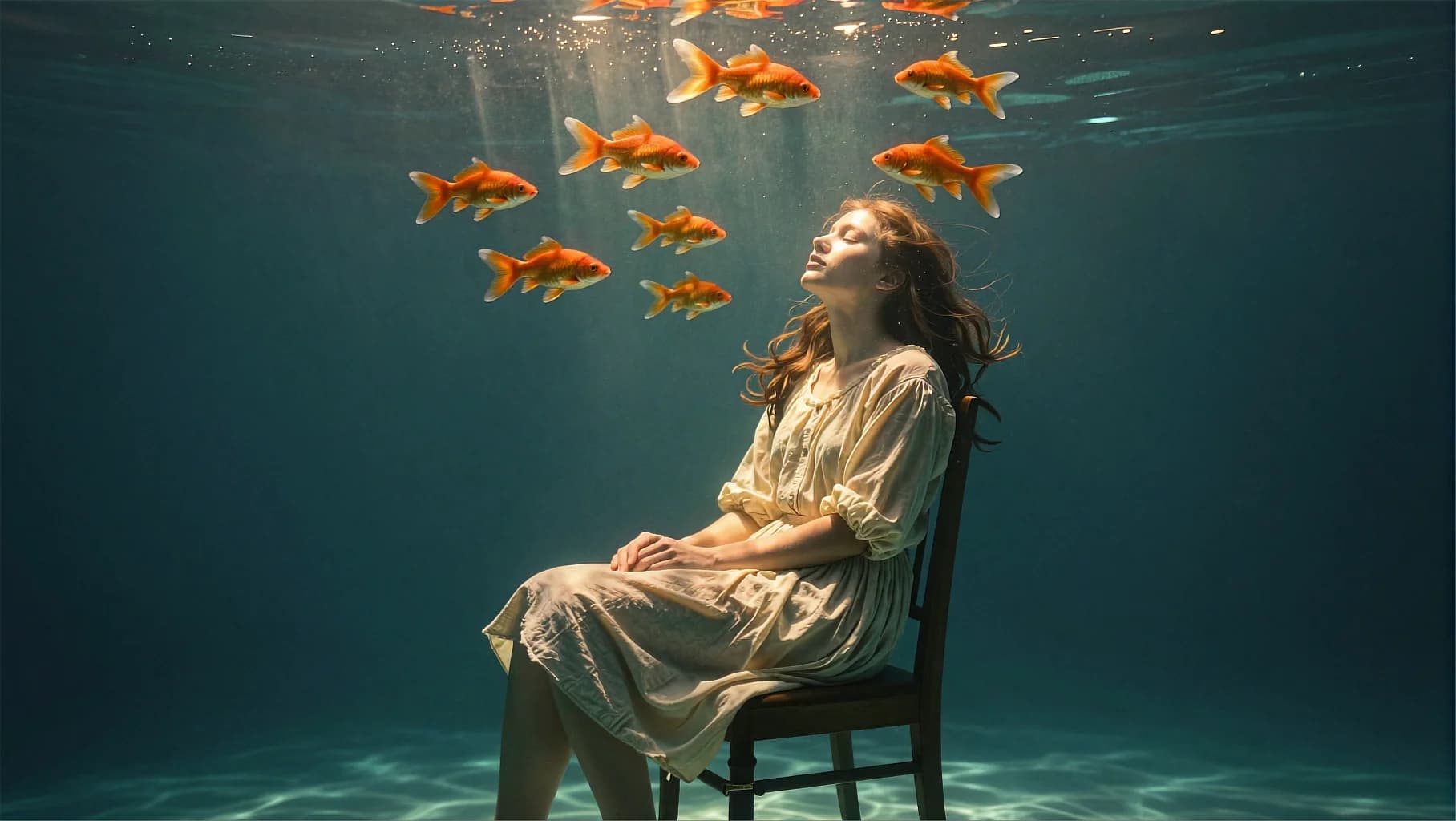
Submerged Chair Light Shafts
80
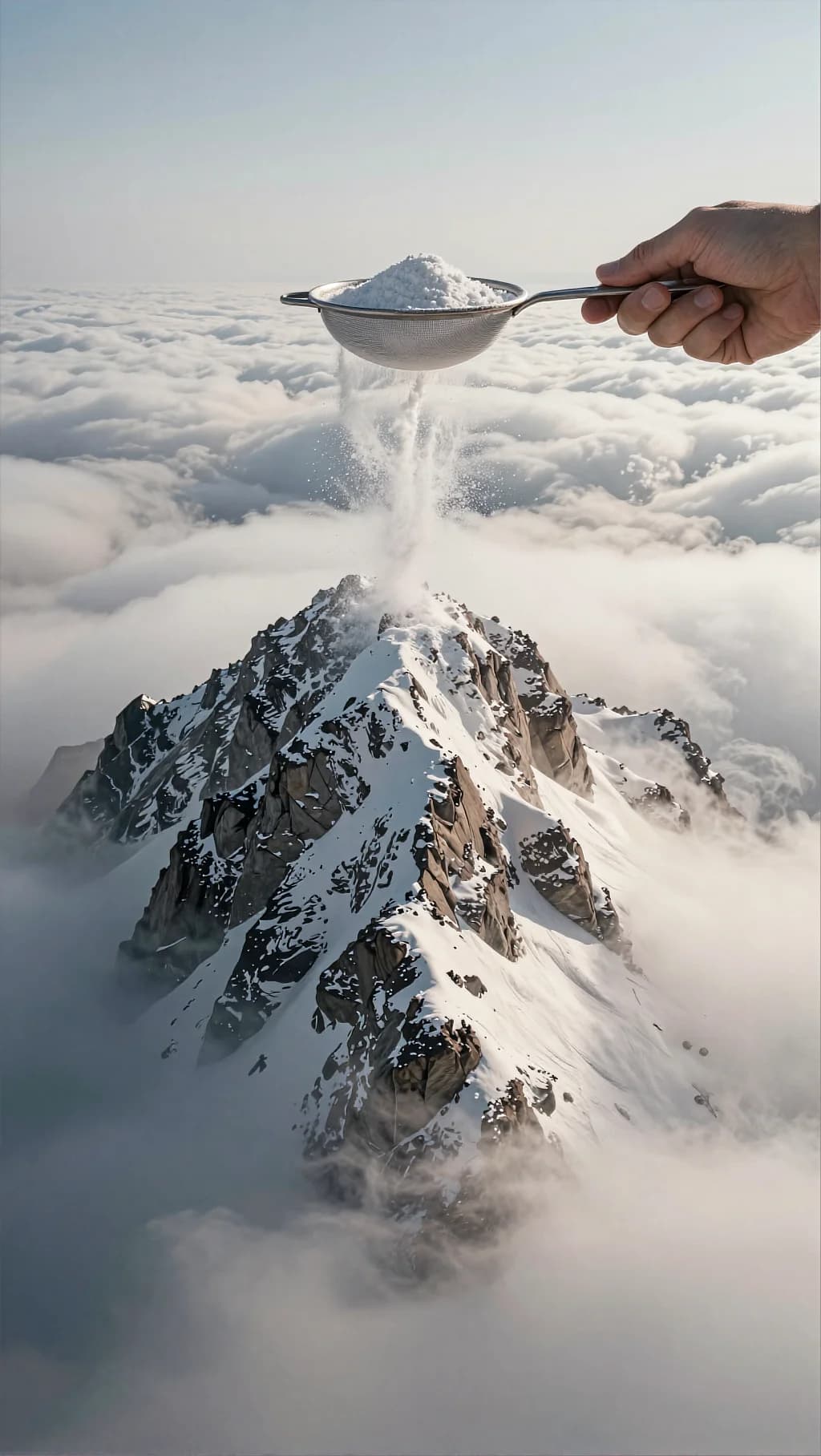
A kitchen sieve dusting a summit above the cloud deck. Matching the hand's light to the aerial haze is what makes it sit.
Surreal photorealistic composite scene. A dramatic snowy mountain peak rises above a thick sea of soft white clouds, like an aerial view from high altitude. The mountain has rocky gray-brown faces with fresh snow dusting the ridges and summit. The sky is pale and minimal, slightly hazy. In the upper-right foreground, an oversized human hand holds a small metal sieve/strainer filled with fine white powder (sugar/flour/snow). The hand tilts the sieve, and the powder falls like snowfall in a soft stream onto the mountain summit, forming a bright white dust plume and a delicate misty spray as it lands. Scale is intentionally impossible: the hand appears giant compared to the mountain, emphasizing the surreal concept. Lighting: soft daylight, diffuse, with gentle shadows on the mountain; powder particles catch light and sparkle slightly. Composition & optics: vertical frame, mountain centered, hand entering from top-right; realistic textures, sharp powder grains near the sieve, softer particles as they fall; cinematic photographic realism. Color grading Overall tone: airy, muted, dreamy daylight; “editorial surreal collage” look. Contrast: medium contrast; keep mountain texture visible while clouds stay soft and creamy (avoid hard blacks). Saturation: low-to-moderate; mostly neutral whites and cool grays with subtle warm undertones in rock. Highlights: clean whites in clouds and powder, but protect detail (no pure clipping); gentle bloom on brightest dust. Shadows: soft and neutral, slightly cool; keep depth in mountain crevices. Atmosphere: add slight haze/aerial perspective—background clouds and sky slightly desaturated and lifted. Finishing: subtle film grain; mild vignette optional; slightly reduced clarity in clouds for softness while keeping the mountain crisp. Palette keywords: airy whites, soft gray rock, high-altitude haze, dreamy surreal, gentle daylight, powder snow.
Every prompt in the library works the same way — copy, paste into the model, generate.
Explore More Image Prompts More from Nano Banana Pro
Workroom is one account for every image and video model — pick any prompt above, or start from scratch.