
 More from Nano Banana Pro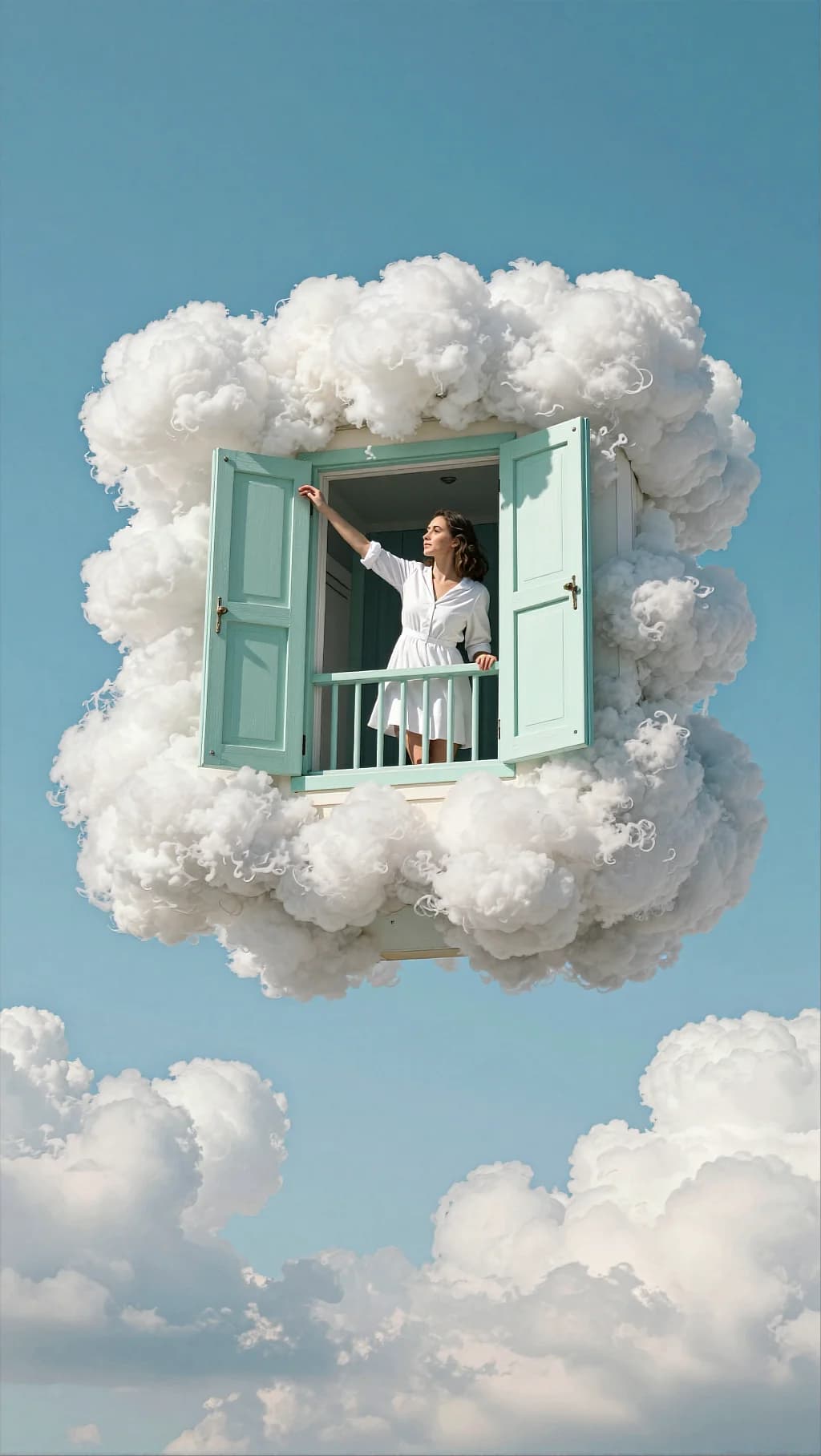
Cloud Balcony Mint Shutters
160
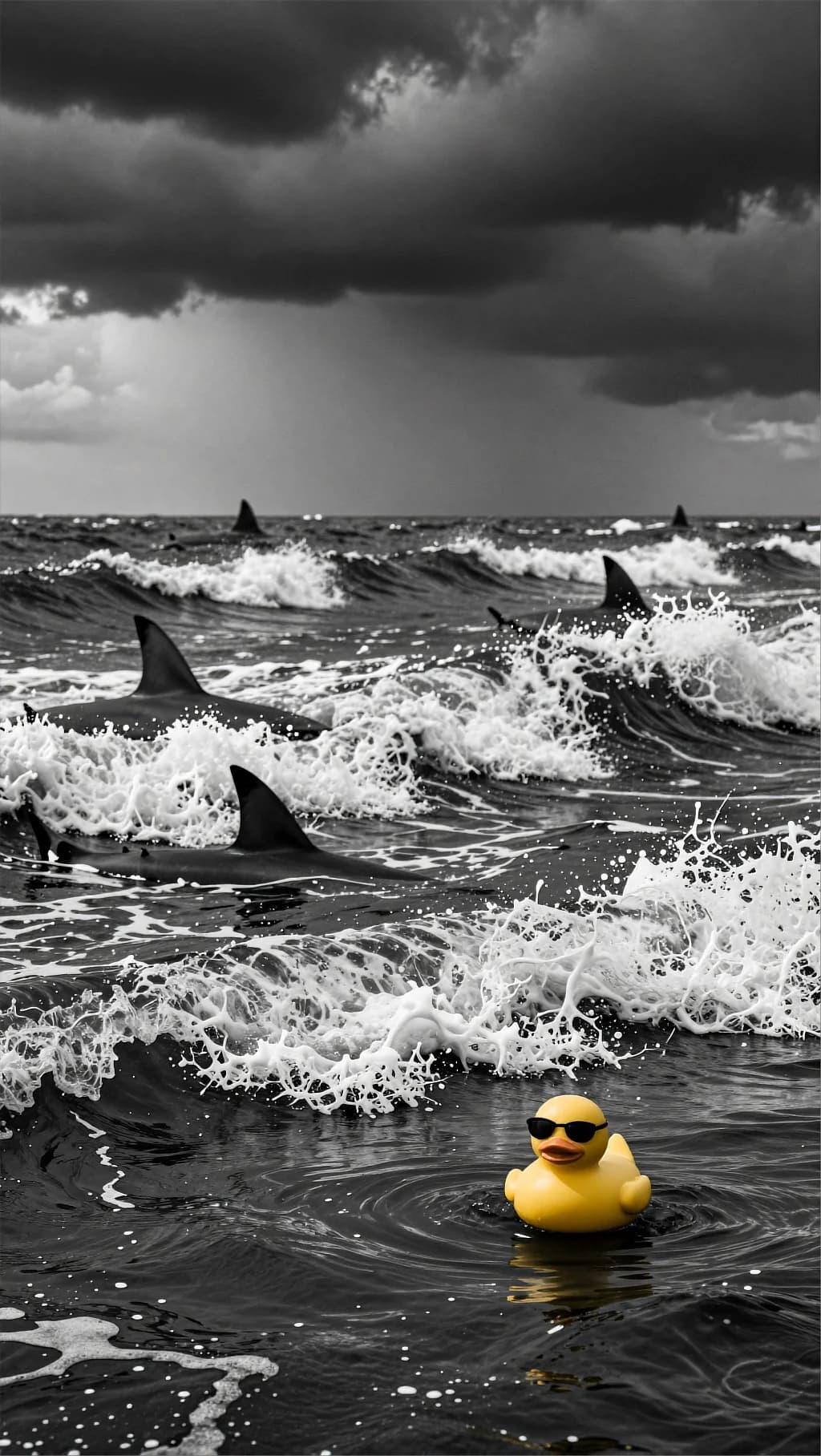
Selective color: the sea and storm go monochrome while the toy stays saturated. One color decision carries the whole joke.
Surreal cinematic scene on a stormy ocean. The frame is mostly black-and-white / desaturated, with dramatic dark clouds overhead and rough choppy waves. Several shark fins cut through the surface in the mid and far distance, implying danger. The water is textured with whitecaps, spray, and strong wind-driven ripples; the sky is heavy and ominous. In the foreground/right-bottom area floats a small yellow rubber duck wearing black sunglasses. The duck is the only saturated colored object, standing out strongly against the grayscale environment. It bobs on the waves, calm and almost funny in contrast to the threatening shark fins. Misty atmosphere, cinematic scale, strong mood. Lighting: low-key storm light, high contrast between white foam highlights and dark water; soft haze in distance. Composition & optics: vertical frame, low angle close to the water surface; shallow-to-medium depth with foreground duck sharper; background fins slightly softened by mist; dramatic cloud mass above. Color grading Overall tone: near-monochrome black & white / desaturated ocean and sky. Selective color: keep only the rubber duck in saturated warm yellow, sunglasses deep black. Contrast: medium-to-high contrast; deep blacks in clouds and troughs of waves, but preserve detail in foam and mist (no harsh clipping). Highlights: cold highlights on water foam (slightly silvery/steel); subtle bloom on the brightest spray. Shadows: cool, inky shadows (charcoal/steel gray), cinematic storm mood. Atmosphere: add haze and slight grain for a gritty film look; subtle vignette to pull attention to the duck. Finishing: mild film grain, reduced clarity in distant background for depth; keep duck edges crisp. Palette keywords: monochrome storm, steel gray ocean, high contrast, selective color pop, yellow duck accent, cinematic danger.
Every prompt in the library works the same way — copy, paste into the model, generate.
Explore More Image PromptsWorkroom is one account for every image and video model — pick any prompt above, or start from scratch.




