
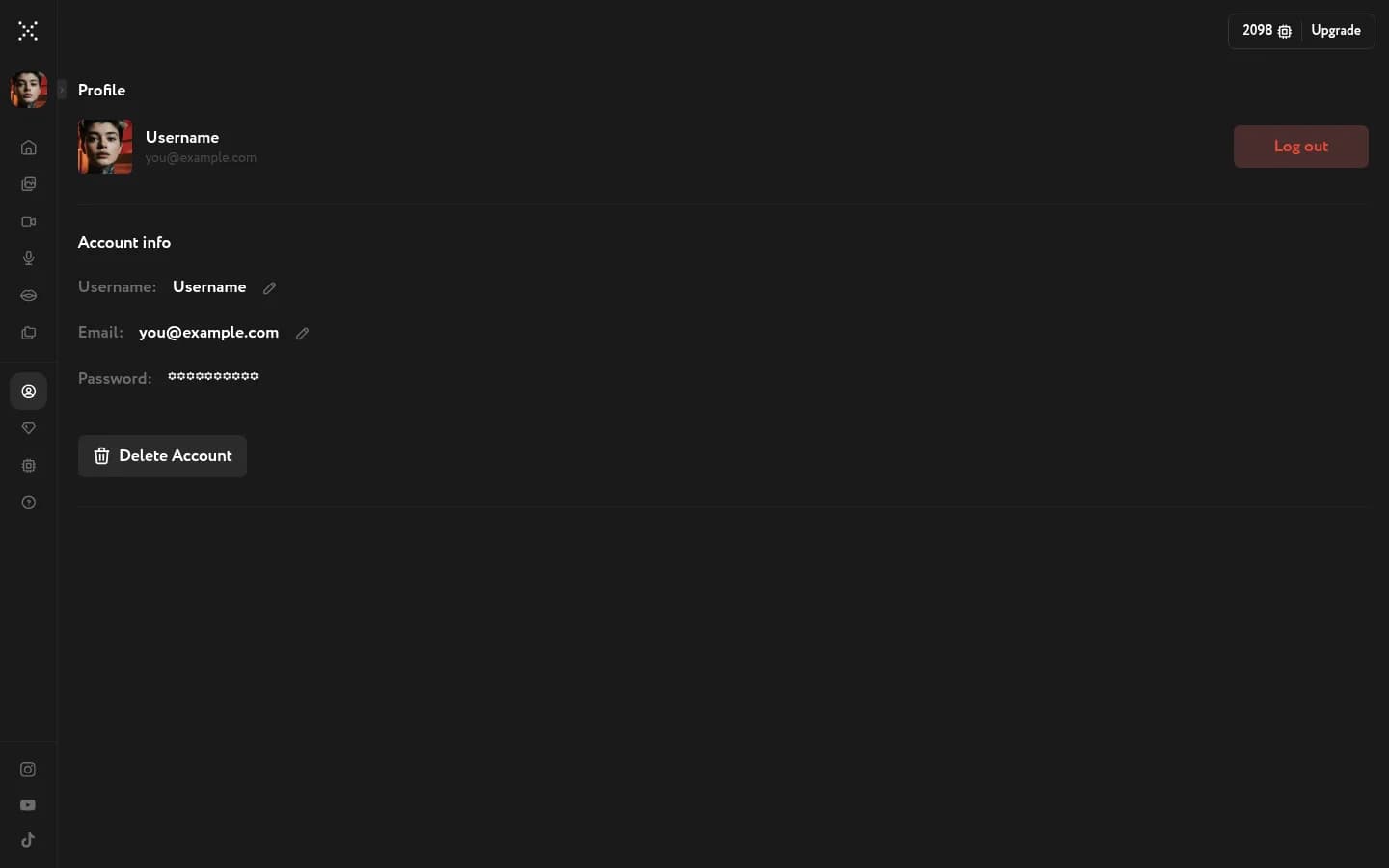
The Profile page is your Workroom account settings hub — update your email address, change your username, or permanently delete your account.
Change your email
Click the pencil icon next to your email address. The Change of email dialog opens. Enter your new address in the New email field and click Send confirmation. Workroom sends a verification link to the new address — click it to apply the change.
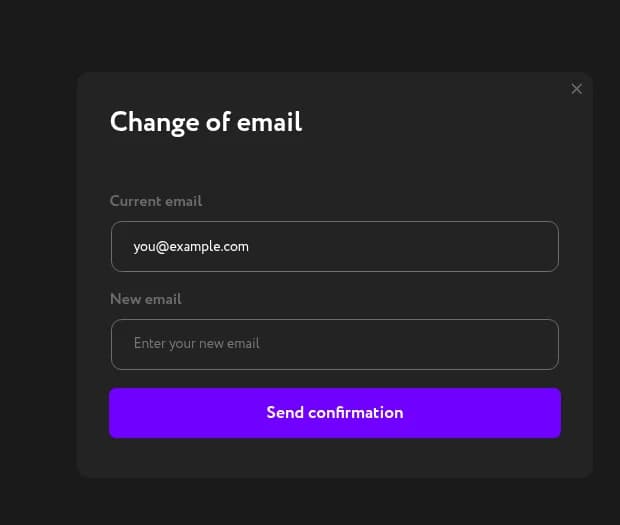
Your email is also your login. The old address stays active until you confirm the new one via the verification link.
Change your username
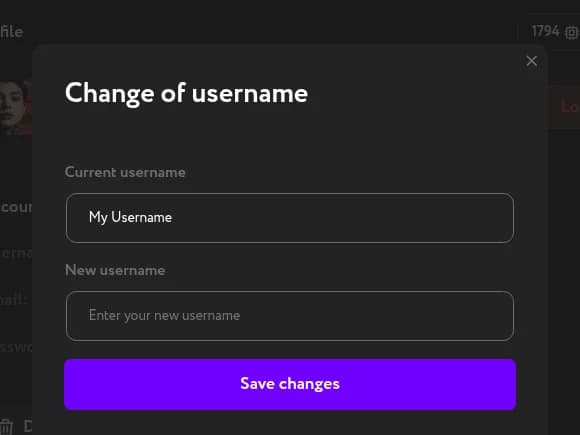
Click the pencil icon next to your username. In the Change of username dialog, type the new name in the New username field and click Save changes. The update takes effect immediately.
Delete your account
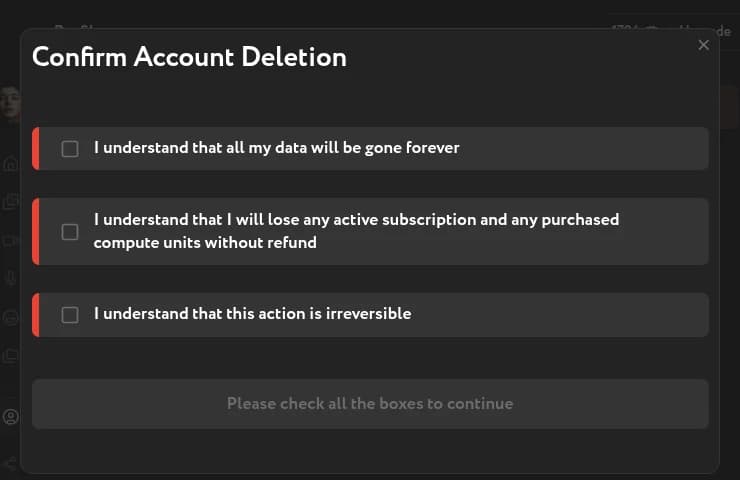
Deletion is permanent and cannot be undone. All generated assets, history, settings, and remaining credits will be removed. This includes any credits from your Free plan or active paid subscription — unused credits are not refunded.
Go to the Profile page and click Delete Account. In the confirmation dialog, acknowledge the conditions and click to proceed.
If you want to check your remaining balance before deleting, open how credits and billing work first.