
Signing up for Workroom — an AI workspace for video, image, and voice generation — takes about three minutes. No credit card needed — you will land in the editor with 200 free credits.
Create your account
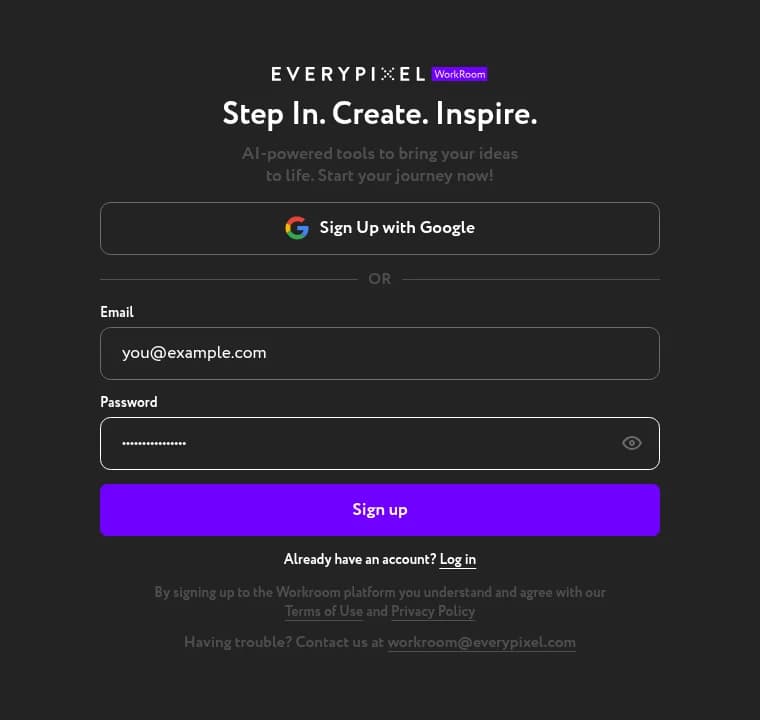
Head to the Workroom app and click Sign up. Enter your email and a password, then press Sign up.
Verify your email
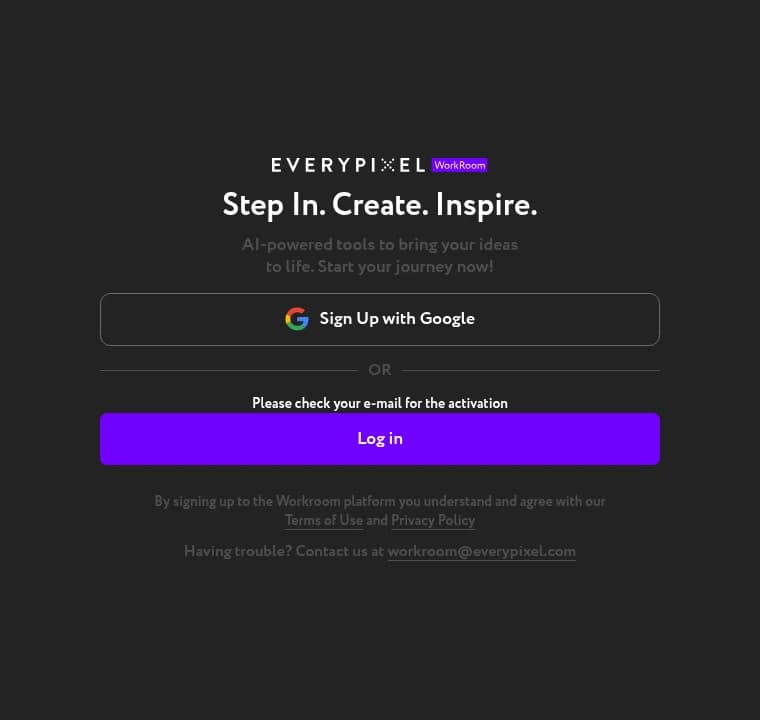
Open the email from Workroom and click the activation link. You will see a confirmation screen — your account is now active.
Log in to Workroom
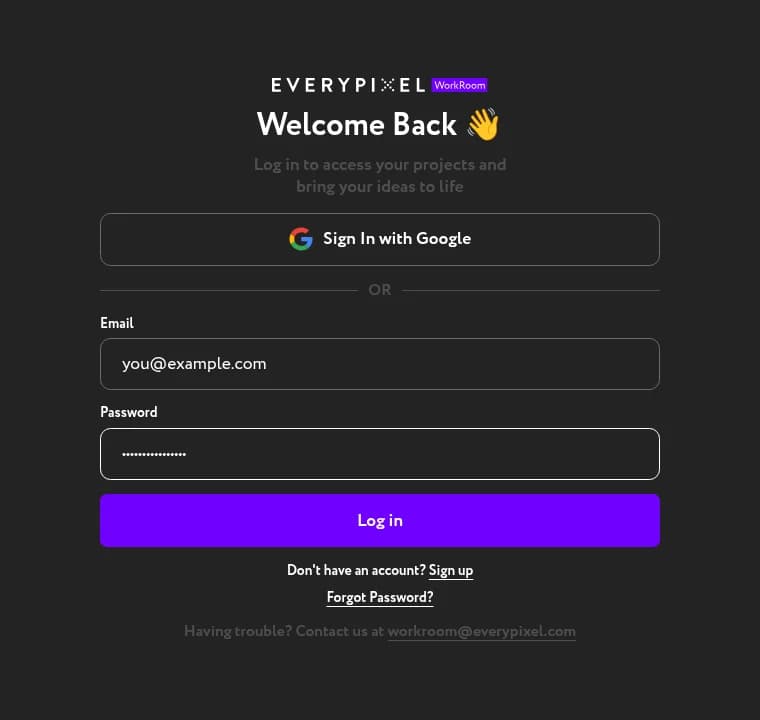
The activation screen does not log you in automatically. Click Log in on the same page, enter your email and password, and press Log in again.
Meet your workspace
You will land on the Home page — a gallery of ready-made prompts across every Workroom model. Your 200 credits are in the top-right corner, ready to use on the core Workroom tools.

From here, pick any preset that catches your eye and hit Recreate — or jump straight into Video, Image, Voice, or Lip Sync from the sidebar.