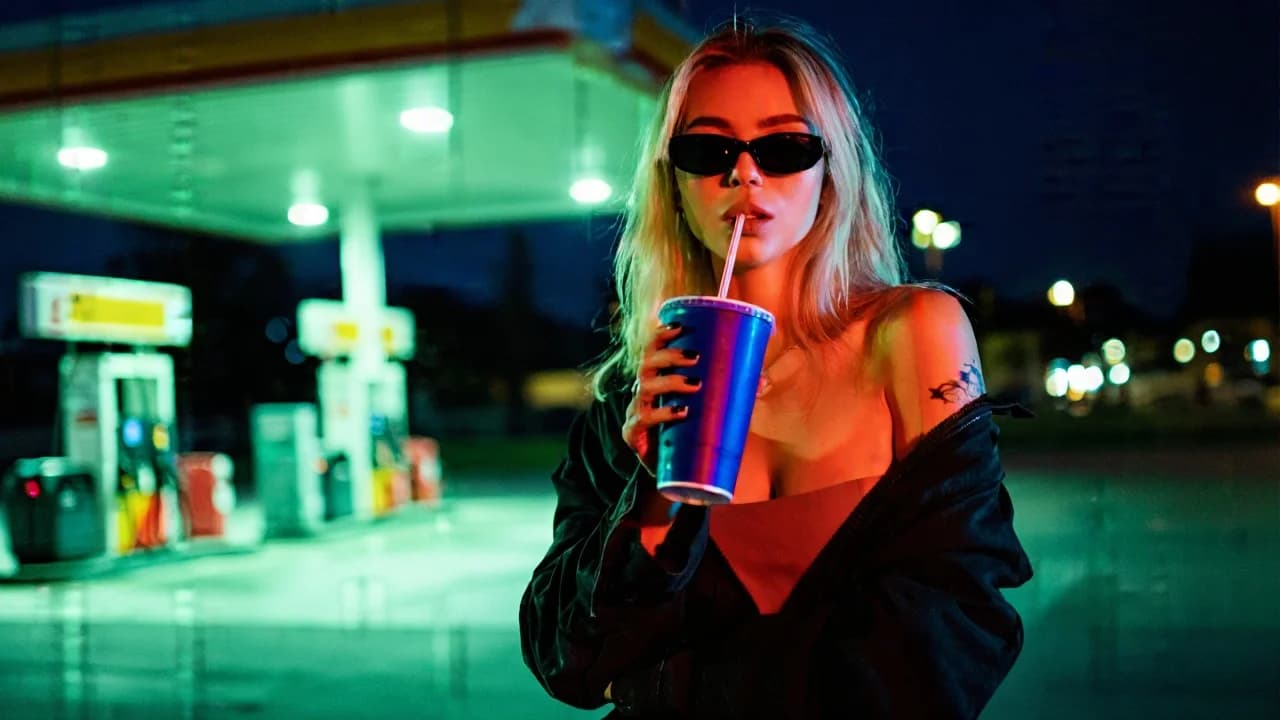
Gas Station Night Pose
130
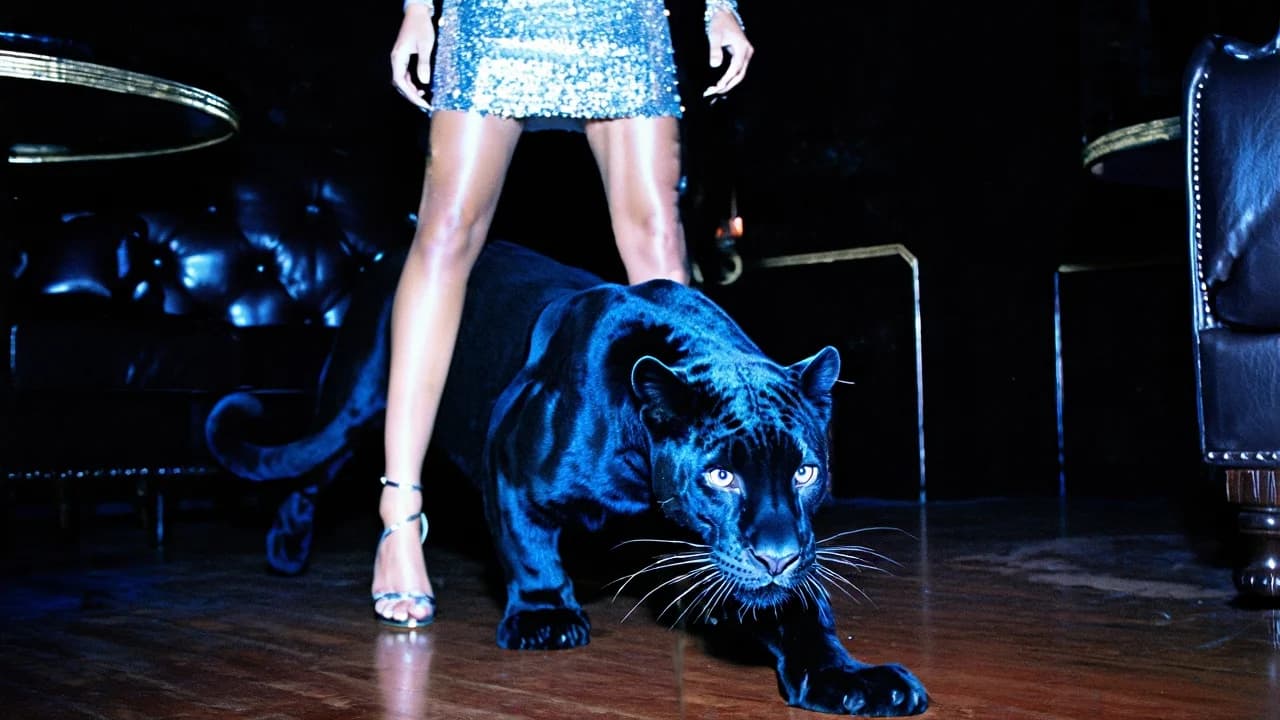
Flash-lit panther in front, sequin hem and heels behind it. The floor-level angle makes the animal read as the model's escort.
A dramatic low-angle shot inside a dark, luxurious interior with polished wooden floors and leather furniture. In the foreground, a sleek black panther walks directly toward the camera, powerful and controlled, one paw extended mid-step. Its muscular body is glossy and defined, catching sharp electric-blue highlights along the contours of its fur. The panther’s eyes are piercing and luminous, staring intensely into the lens. Behind the panther, slightly out of focus, stands a glamorous woman visible from mid-thigh down. She wears a sparkling silver sequin mini dress and delicate strappy high heels. Her legs are softly illuminated by flash lighting, creating a glossy editorial sheen. The setting feels like an upscale private club or vintage luxury lounge. Style Cinematic nightlife noir with high-fashion editorial energy. Low-angle perspective for dominance and drama. On-camera flash aesthetic combined with dark ambient interior lighting. Luxury-meets-danger mood. Raw, slightly grainy, paparazzi-style luxury flash photography. Early-2000s nightlife glamour with dark fantasy undertones. Lighting & Color Grading High-contrast, flash-dominant lighting. Strong direct flash creates bright specular highlights on sequins, fur, and skin. Deep shadows in the background with minimal fill light. Color palette built around: Cool electric blue rim highlights on the panther Deep black shadows Silver metallic sparkle Warm brown tones from polished wooden floor Slight desaturated skin tones with cool tint Teal-blue highlight bias with dark crushed background tones. Subtle film grain and slight noise texture. Medium-to-high contrast with lifted highlights and reflective glare. Cool-toned overall grade with flash-burn glow on reflective surfaces. Atmosphere: dangerous glamour, nocturnal luxury, dominant presence, editorial noir fantasy.
Every prompt in the library works the same way — copy, paste into the model, generate.
Explore More Image Prompts More from Qwen Image 2.0
Workroom is one account for every image and video model — pick any prompt above, or start from scratch.