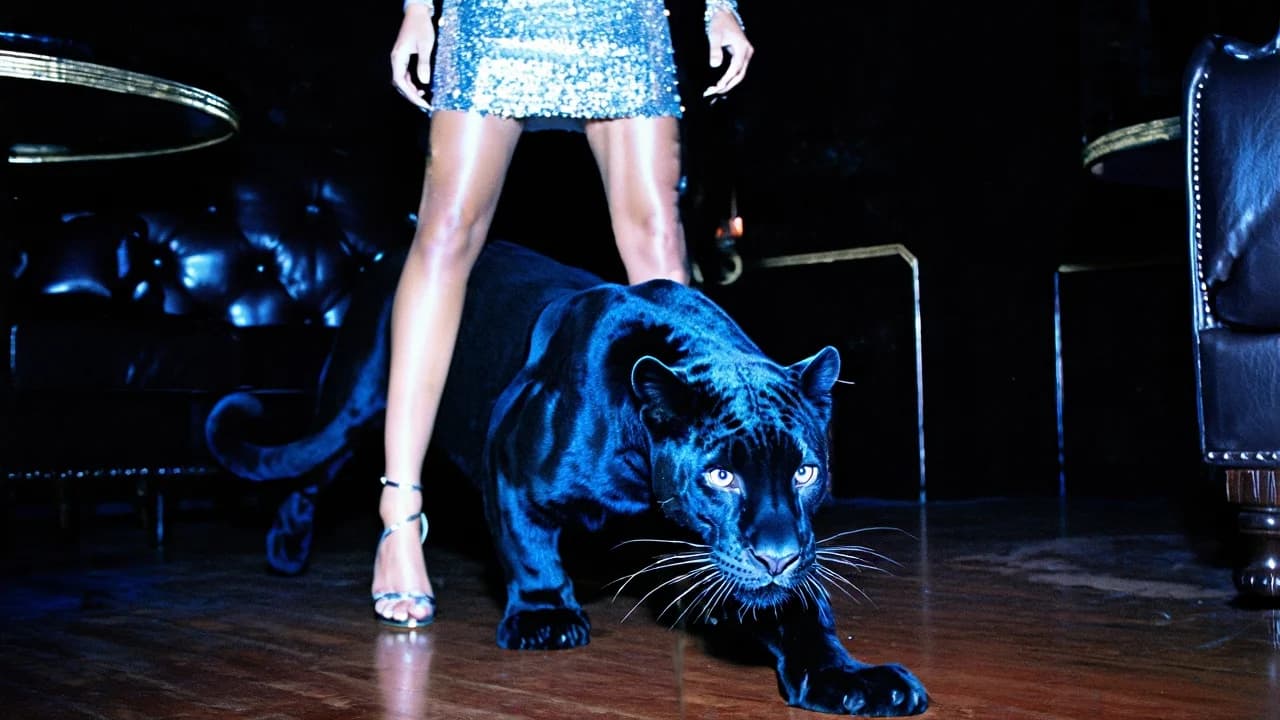
Black Panther Lounge Walk
90
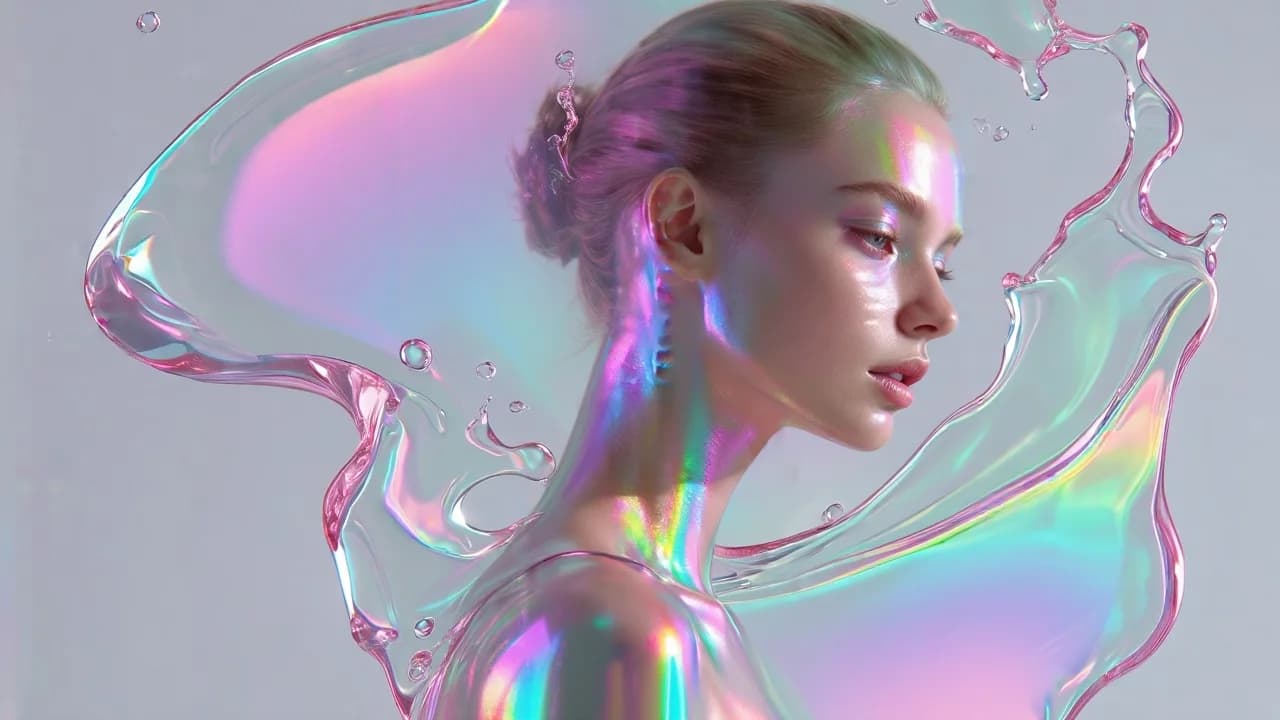
Prismatic skin against clean gray, with a sheet of water held mid-air. The refraction is the styling, not a layer added on top.
A hyper-realistic, high-fashion portrait of a young woman shown in elegant side profile against a clean, minimal light-gray background. Her hair is softly pulled back into a neat low bun, revealing delicate facial features and a smooth neckline. Her expression is calm, introspective, slightly distant. Her skin is illuminated by vibrant iridescent light reflections — shifting hues of cyan, magenta, violet, and neon green that dance across her cheekbones, eyelids, forehead, neck, and shoulders. The reflections resemble holographic oil-slick highlights or prism light refractions. Surrounding her head and upper torso is a large, translucent splash of liquid, frozen mid-motion. The liquid forms an organic, curved halo-like shape wrapping around her profile. It appears glossy and glass-like, with soft pink undertones and subtle transparency. Small droplets float nearby, suspended in air. The liquid surface refracts and reflects rainbow light, creating smooth gradients of pastel pink, lavender, aqua, and pearlescent tones. Specular highlights are sharp yet softened by subtle bloom, giving the scene a luminous, futuristic feel. Lighting is bright and studio-clean, high-key with soft shadows and controlled contrast. Skin texture is smooth and porcelain-like, softly glowing. The overall color palette is light, iridescent, pastel neon with holographic accents. Mood: futuristic beauty editorial, ethereal, clean, glossy, sci-fi elegance. Style: ultra-detailed fashion photography, 3D-rendered hyperrealism, holographic aesthetic, liquid sculpture effect, minimal background, luminous iridescence.
Every prompt in the library works the same way — copy, paste into the model, generate.
Explore More Image Prompts More from Qwen Image 2.0
Workroom is one account for every image and video model — pick any prompt above, or start from scratch.