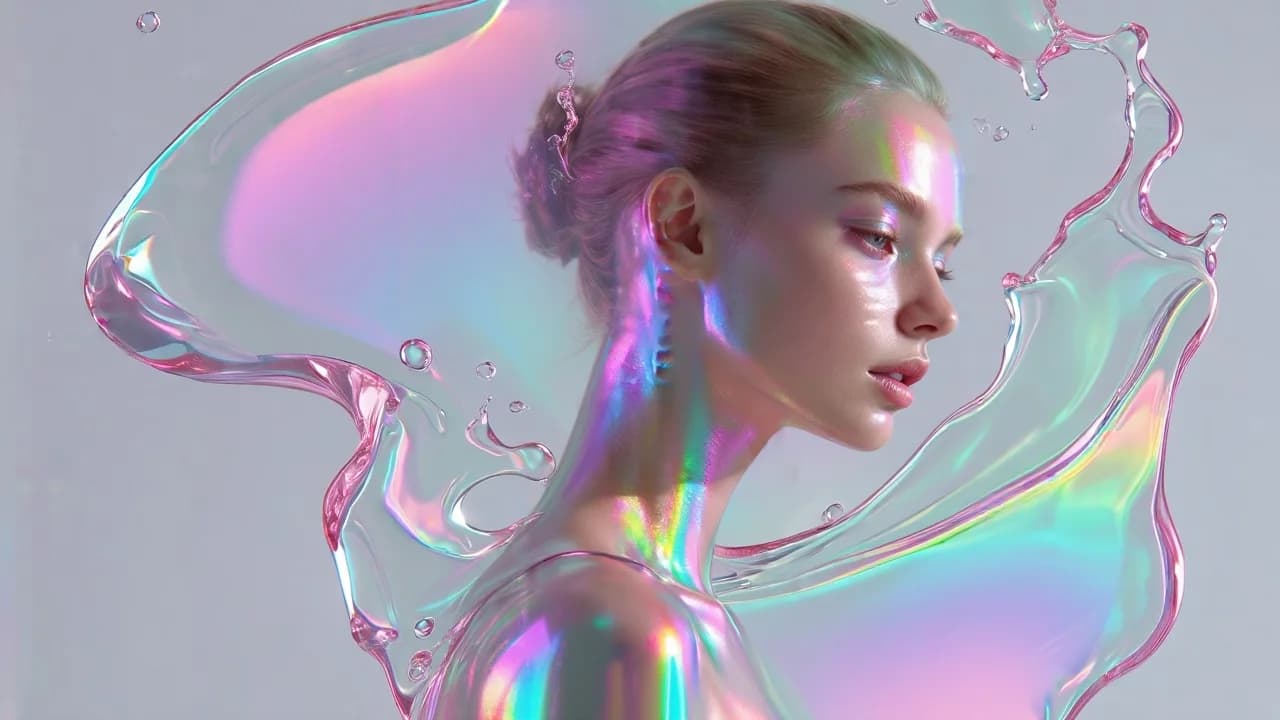
Iridescent Water Ribbon
220
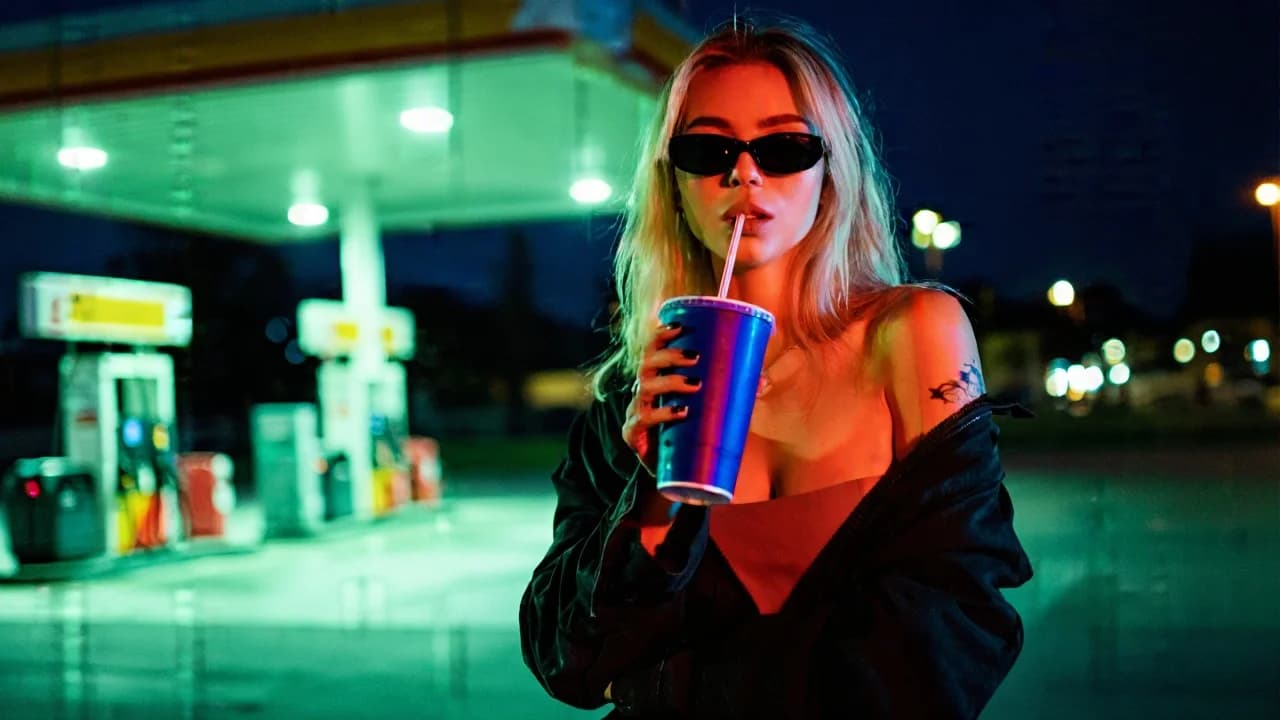
Canopy light overhead, sunglasses at night, a cup as the only prop. The low angle turns a forecourt into a campaign set.
A cinematic night portrait of a young blonde woman standing at a gas station. The camera angle is slightly low, creating a confident, dominant perspective. She wears black sunglasses at night, an off-shoulder black jacket loosely hanging, and a minimal top underneath. A small tattoo is visible on her upper arm. Her nails are painted dark. She holds a large blue soda cup with a straw close to the camera, creating a strong foreground element. The cup is sharp and prominent, enhancing depth and realism. She sips casually, expression calm, detached, and slightly rebellious. Background shows a gas station canopy with bright overhead lights, blurred fuel pumps, and urban night environment. The depth of field is shallow — background lights melt into soft circular bokeh. Style Modern cinematic urban portrait. Neo-noir street aesthetic. Editorial fashion photography meets indie film still. Slightly gritty, raw, contemporary mood. Low-angle framing for empowered attitude. Lighting & Color Grading Strong dual-tone neon lighting: Dominant green/teal ambient lighting from gas station canopy. Contrasting red/orange key light hitting one side of her face. Classic teal — red cyberpunk contrast. Shadows are deep but not fully crushed — texture remains visible in jacket and skin. Skin tones are warm but tinted by colored lighting. Highlights bloom slightly around practical light sources. Color saturation is medium-high. Contrast is strong but cinematic — not overly harsh. Blacks lean toward cool green tones. Midtones contain subtle warmth from red lighting. Overall color mood: Urban neon realism, moody gas station glow, modern film color science, subtle grain, cinematic night atmosphere with bold color contrast. Atmosphere: cool, rebellious, stylish, nocturnal city energy.
Every prompt in the library works the same way — copy, paste into the model, generate.
Explore More Image Prompts More from Qwen Image 2.0
Workroom is one account for every image and video model — pick any prompt above, or start from scratch.