
Sifting Snow Onto A Peak
Editor's note
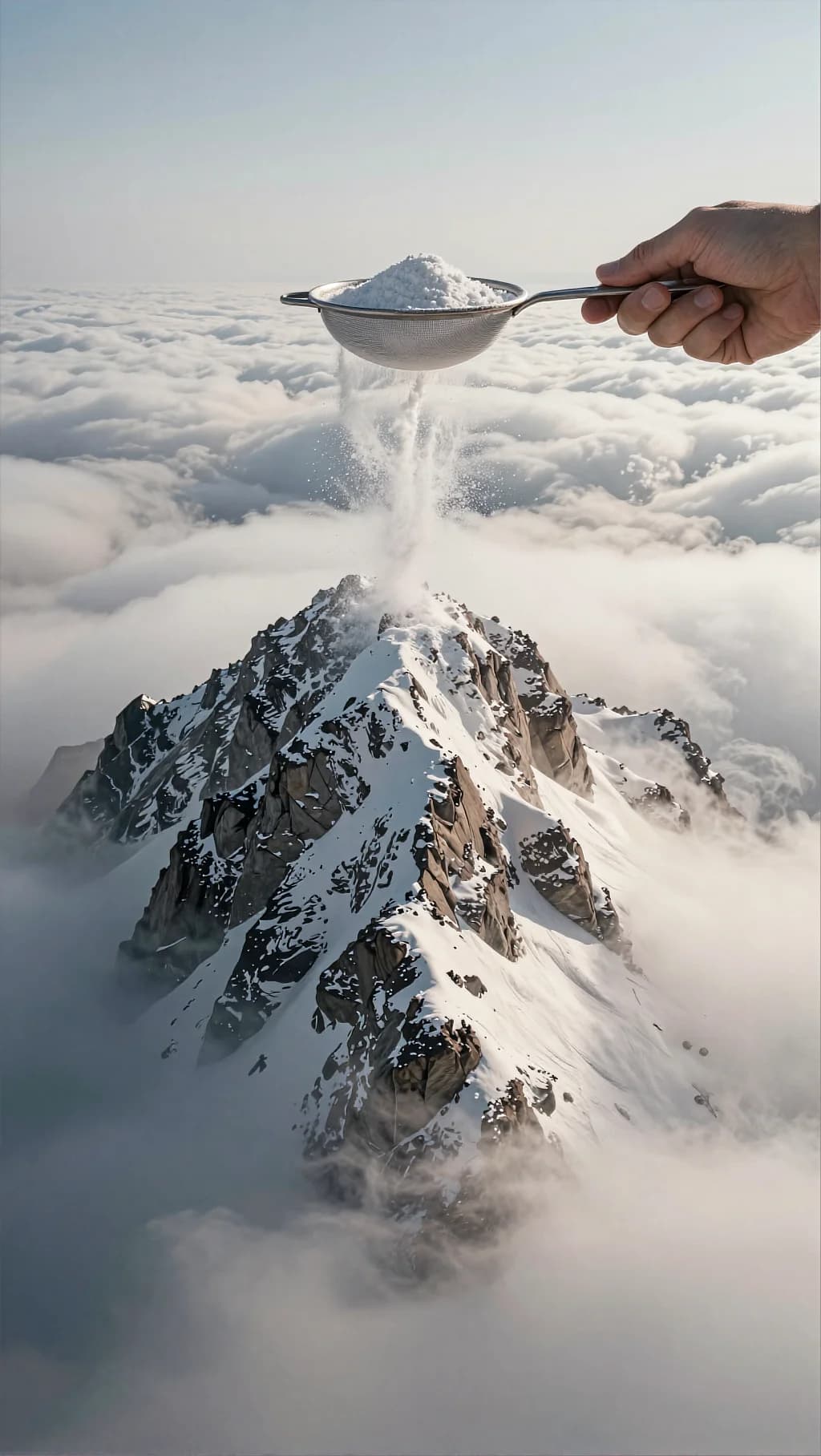
A hand shakes a sieve and the mountain below gradually whitens. Written as a seamless loop, with no camera movement anywhere in it.
Static camera, surreal cinematic wide shot above the clouds. In the foreground (top-right), a realistic human hand holds a metal mesh sieve/strainer filled with fine white snow. The hand gently shakes the sieve with small natural tremors; snow falls in a soft continuous stream like powdered sugar, drifting slightly in the air and landing on the mountain peak below, gradually whitening the ridges and rocks. The mountain is a sharp rocky summit rising through a dense sea of clouds. Clouds move slowly and smoothly (subtle rolling motion), with soft sunlight from the upper left creating calm highlights and long, delicate shadows on the mountain. Ultra-real textures: snow particles sparkling, fine dust motes, crisp mountain detail, soft atmospheric haze. No camera movement, no zoom. 5–7 seconds, seamless loop. Color / look (grading keywords): cool neutral daylight, soft contrast, airy whites, gentle bloom on highlights, slightly desaturated blues/greys in clouds, subtle film grain, cinematic realism.
How to Use This Prompt
- 1Copy the prompt above — the full text, not a trimmed version.
- 2Open Workroom and pick Kling 2.6 Pro as the model, then paste the prompt in.
- 3Add a reference photo if the prompt calls for one, then hit Generate.
Every prompt in the library works the same way — copy, paste into the model, generate.
Explore More Video Prompts More from Kling 2.6 Pro
All Video Models






Every prompt here was actually run.
Workroom is one account for every image and video model — pick any prompt above, or start from scratch.