
Projected Wings And A Turn
Editor's note
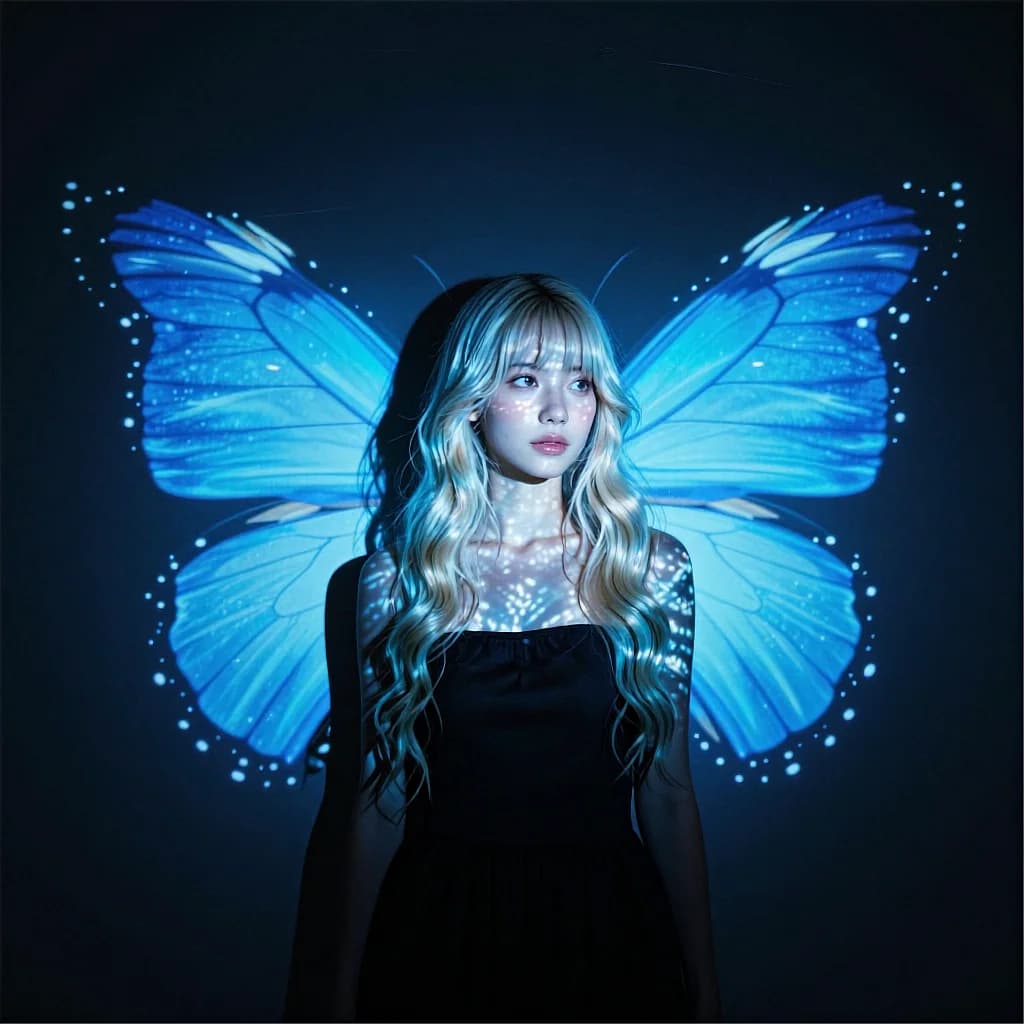
Projected light is the special effect, so the prompt keeps her simple: look away, rotate to lens, small smile. Nothing else moves.
Low-key studio, projection-mapped electric cyan butterfly wings behind the subject, blue light patterns on her skin. She starts looking off-camera, then slowly rotates her head to face the lens and smiles slightly. Projector shimmer: tiny speckles and caustic-like highlights drift subtly across her collarbones and cheeks. Slow truck-right camera move over 5–6 seconds, constant speed, stabilized, 50mm look, shallow DOF, soft bloom/halation on the brightest cyan, filmic motion blur, 4K, 24fps.
How to Use This Prompt
- 1Copy the prompt above — the full text, not a trimmed version.
- 2Open Workroom and pick Kling 2.6 Pro as the model, then paste the prompt in.
- 3Add a reference photo if the prompt calls for one, then hit Generate.
Every prompt in the library works the same way — copy, paste into the model, generate.
Explore More Video Prompts More from Kling 2.6 Pro
All Video Models






Every prompt here was actually run.
Workroom is one account for every image and video model — pick any prompt above, or start from scratch.