
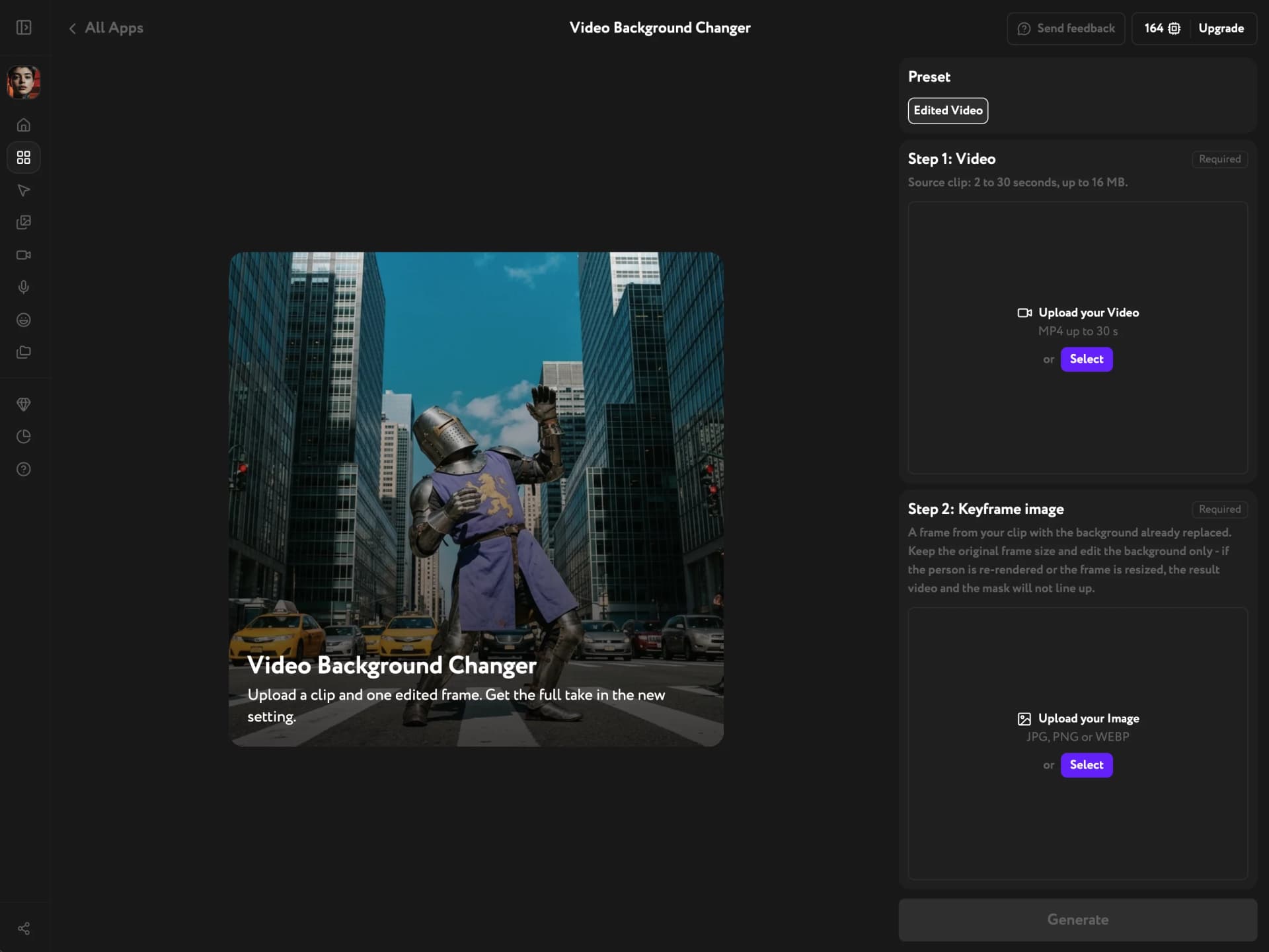
Video Background Changer moves a video into a new scene without a green screen or a reshoot. You replace the background in one frame, and the app carries that scene through the whole clip. The person keeps the same pose and movement as in your original footage. Open Apps from the sidebar and click Video Background Changer to start.
The app has two presets:
- Edited Video — your clip plus one edited frame give you the same video in a new scene.
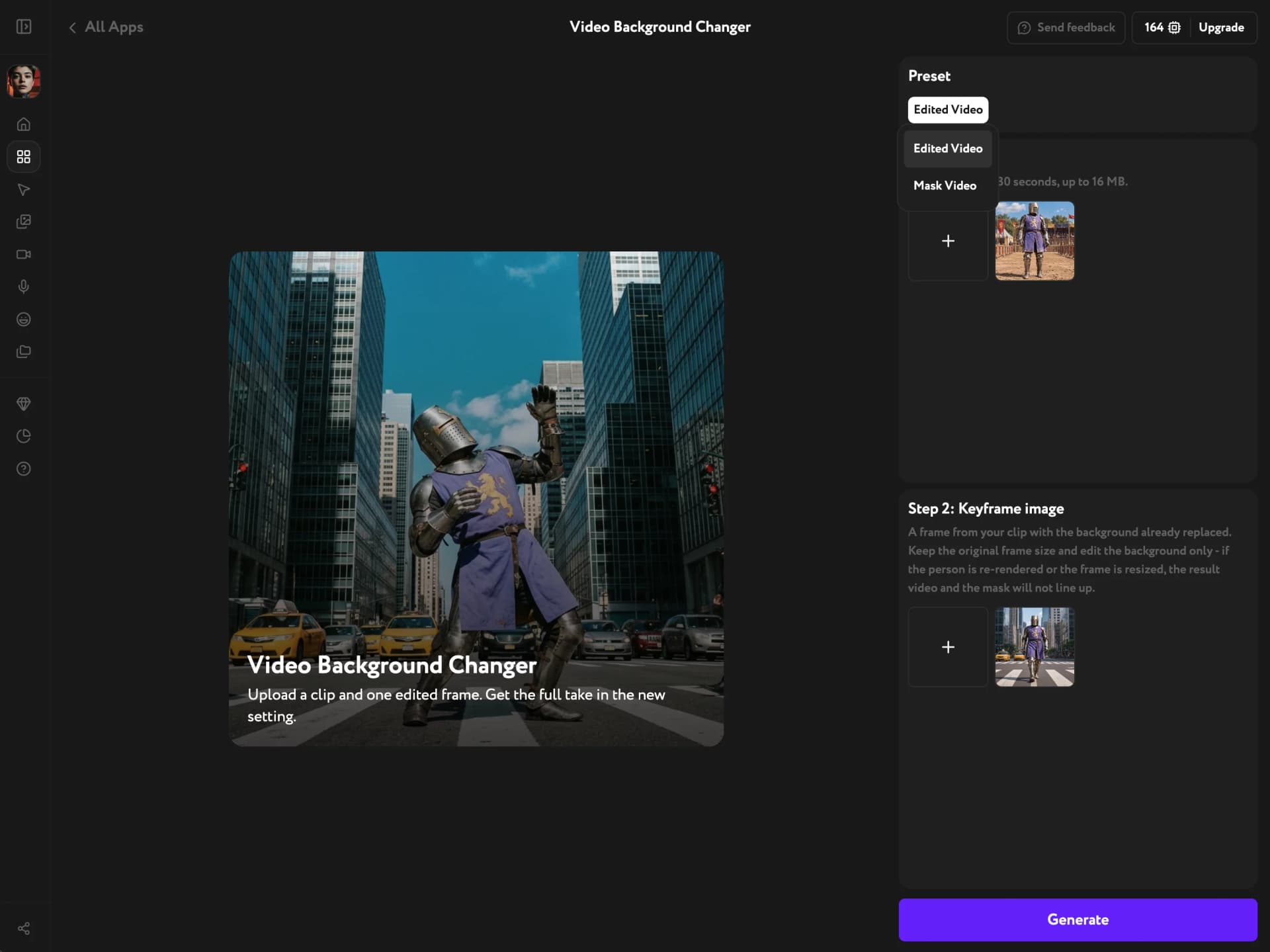
- Mask Video — your clip alone gives you a black-and-white mask of the person for your own composite.
Prepare the frame
Edited Video takes its new scene from a single image, so get that image ready first.
- Take the first frame of your clip.
- Replace only the background in any image editor.
- Keep the original frame size and leave the person as they are.
The app has no text prompt. The new scene comes only from the frame you upload.
Upload the video and the frame
Edited Video is the default preset.
- Step 1: Video — click Select and add your clip. MP4, 2 to 30 seconds, up to 16 MB.
- Step 2: Keyframe image — click Select and add the edited frame. JPG, PNG or WEBP.
Generate and download
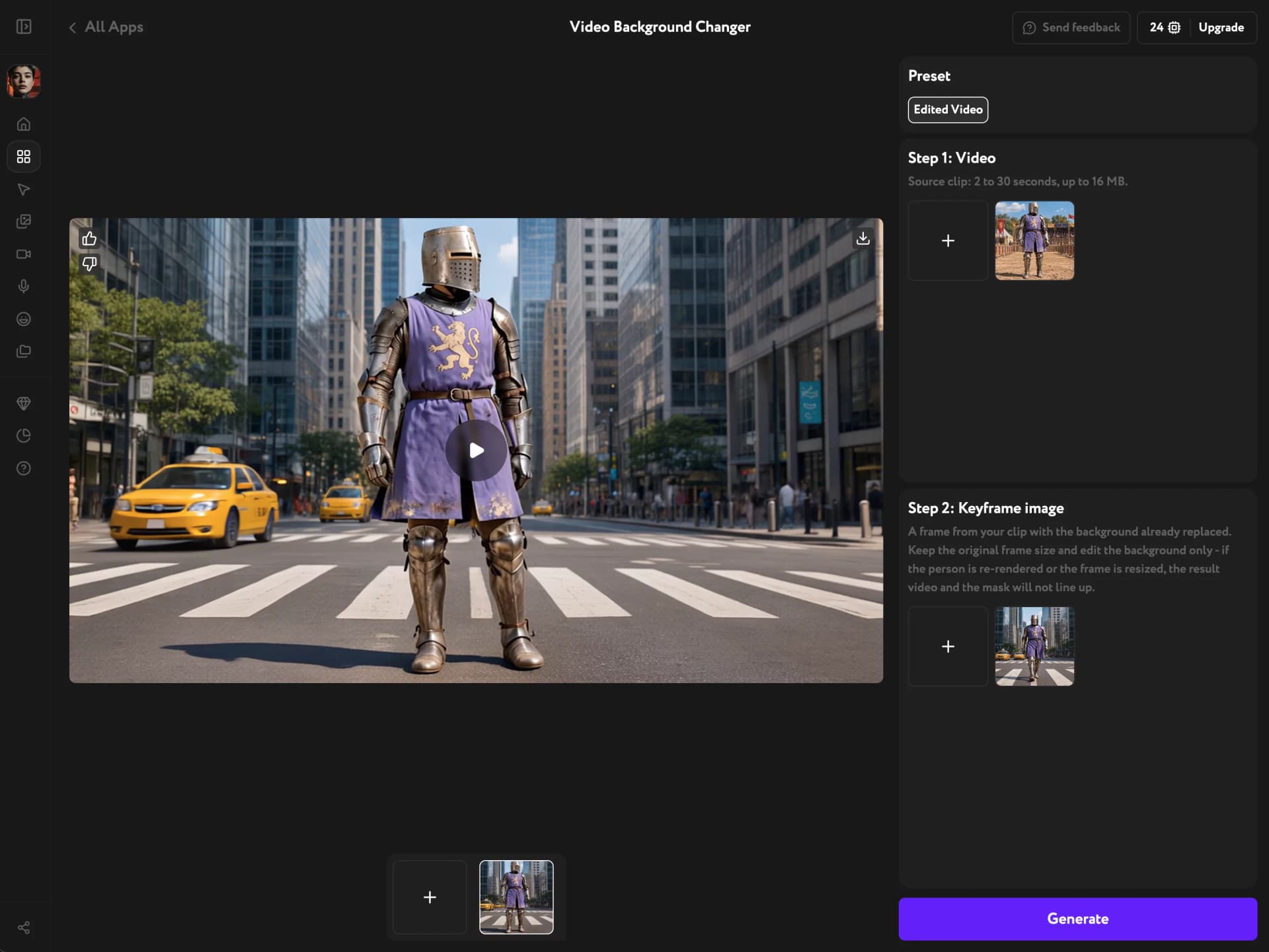
Click Generate. When the result is ready, it plays in the workspace. Click the download icon in the top-right corner to save it.
Get a mask of the person
Need to composite the shot yourself? Open Preset and switch to Mask Video. Upload only the clip and click Generate.
You get a black-and-white mask of the person across the whole clip, at the clip's original resolution, without an audio track.
The edited video comes out smaller than the mask, but the framing matches. To use both together, scale one to the other in your editor.
Troubleshooting
The result doesn't line up with my footage. Check the edited frame. It must be a frame from the same clip, at the same size, with the person untouched. Fix the frame and run the app again.
My video won't upload. The app takes MP4 clips of 2 to 30 seconds, up to 16 MB. Trim or compress the clip and try again.
The mask doesn't include something other than a person. Mask Video covers people only.